April 2025 (version 1.100)
Agent mode: available to all users and supports MCP
April 7th, 2025 by Isidor Nikolic
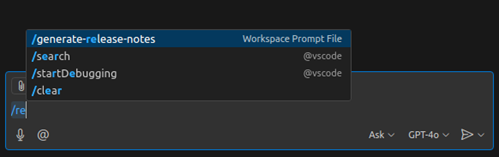
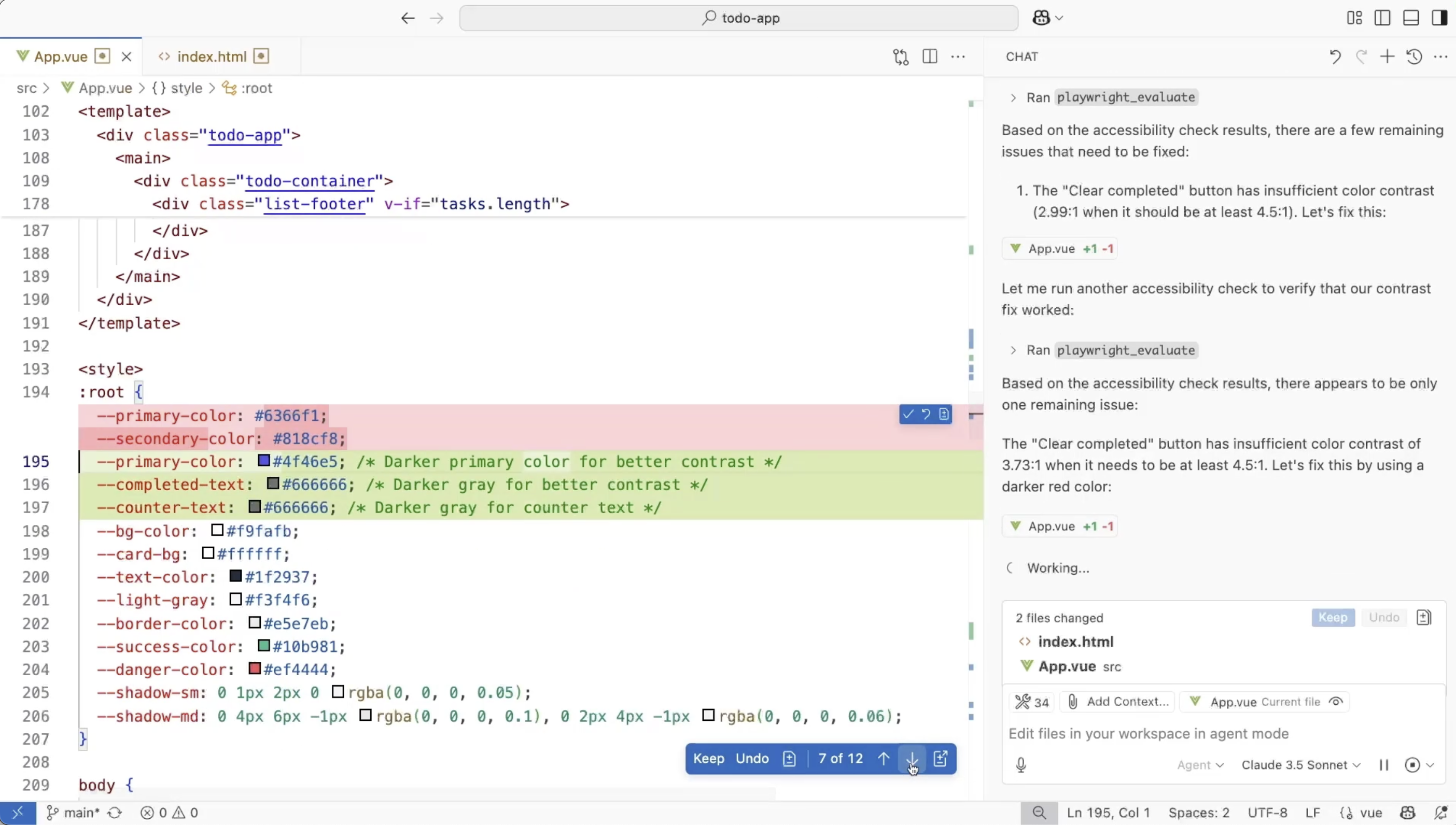
Agent mode is rolling out to all VS Code users! The agent acts as an autonomous pair programmer that performs multi-step coding tasks at your command, such as analyzing your codebase, proposing file edits, and running terminal commands. It responds to compile and lint errors, monitors terminal output, and auto-corrects in a loop until the task is completed. The agent can also use contributed tools, allowing it to interact with external MCP servers or VS Code
March 2025 (version 1.99)
Downloads: Windows: x64 Arm64 | Mac: Universal Intel silicon | Linux: deb rpm tarball Arm snap
Welcome to the March 2025 release of Visual Studio Code. There are many updates in this version that we hope you'll like, some of the key highlights include:
Agent mode
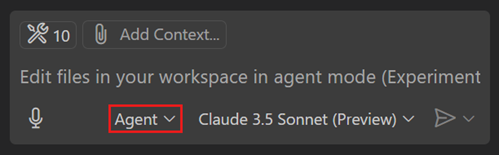
- Agent mode is available in VS Code Stable. Enable it by setting chat.agent.enabled ( more... ).
- Extend agent mode with Model Context Protocol (MCP) server tools
Context is all you need: Better AI results with custom instructions
March 26, 2025 by Rob Conery, @robconery.com , Burke Holland, @burkeholland
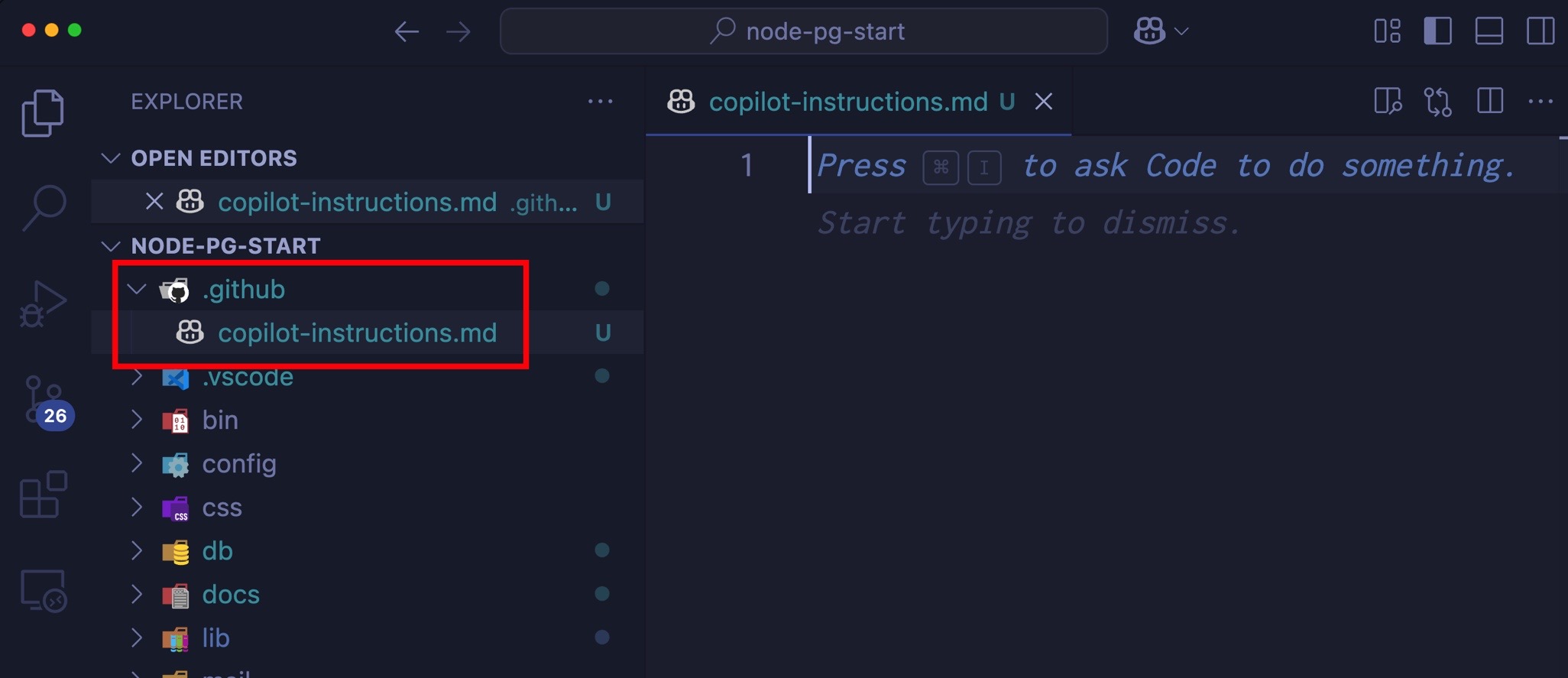
Earlier this month, we announced the general availability of custom instructions in Visual Studio Code . Custom instructions are how you give Copilot specific context about your team's workflow, your particular style preferences, libraries the model may not know about, etc.
In this post we'll dive into what custom instructions are, how you can use them today to drastically improve your results with GitHub Copilot, and even
February 2025 (version 1.98)
Downloads: Windows: x64 Arm64 | Mac: Universal Intel silicon | Linux: deb rpm tarball Arm snap
Welcome to the February 2025 release of Visual Studio Code. There are many updates in this version that we hope you'll like, some of the key highlights include:
- Next Edit Suggestions (preview) - Copilot predicts the next edit you are likely to make.
- Agent mode (preview) - Copilot autonomously completes tasks.
- Copilot Edits for notebooks - Iterate quickly on edits for
Copilot Next Edit Suggestions (preview)
February 12, 2025 by Brigit Murtaugh , Burke Holland
We're excited to announce not one, not two, but three previews for GitHub Copilot in this release of Visual Studio Code:
- Next Edit Suggestions
- Agent Mode for Copilot Edits
- Vision
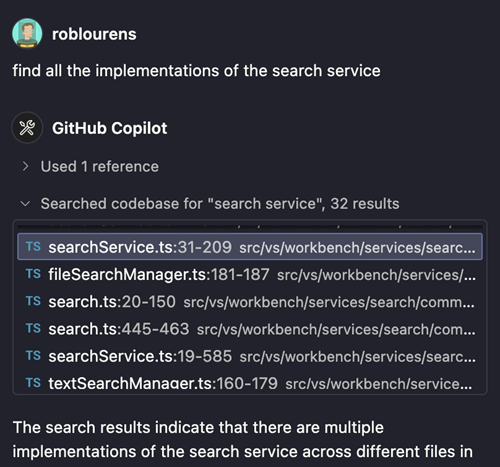
In this post, we're going to dive into Next Edit Suggestions and take a look at the next evolution of AI-powered code completions in your editor.
Next Edit Suggestions (NES)
GitHub Copilot code completions - which are also called ghost text - are

January 2025 (version 1.97)
Downloads: Windows: x64 Arm64 | Mac: Universal Intel silicon | Linux: deb rpm tarball Arm snap
Welcome to the January 2025 release of Visual Studio Code. There are many updates in this version that we hope you'll like, some of the key highlights include:
- Next Edit Suggestions (preview) - Copilot predicts the next edit you are likely to make.
- Reposition Command Palette - Drag the Command Palette and Quick Inputs to a new position.
- Auto accept edits - Automatically

Announcing a free GitHub Copilot for VS Code
We're excited to announce an all new free plan for GitHub Copilot , available for everyone today in VS Code. All you need is a GitHub account. No trial. No subscription. No credit card required.
You can click on the link above or just enable GitHub Copilot right from within VS Code like so...
With GitHub Copilot Free you get 2000 code completions/month . That's about 80 per working day - which is a lot. You also

Visual Studio Code November 2024
Downloads: Windows: x64 Arm64 | Mac: Universal Intel silicon | Linux: deb rpm tarball Arm snap
Welcome to the November 2024 release of Visual Studio Code. There are many updates in this version that we hope you'll like, some of the key highlights include:
- Overtype mode - Switch between overwrite or insert mode in the editor
- Add imports on paste - Automatically add missing TS/JS imports when pasting code
- Test coverage - Quickly filter which code is covered by a specific
Introducing GitHub Copilot for Azure
November 15, 2024 by Chris Harris, Product Manager
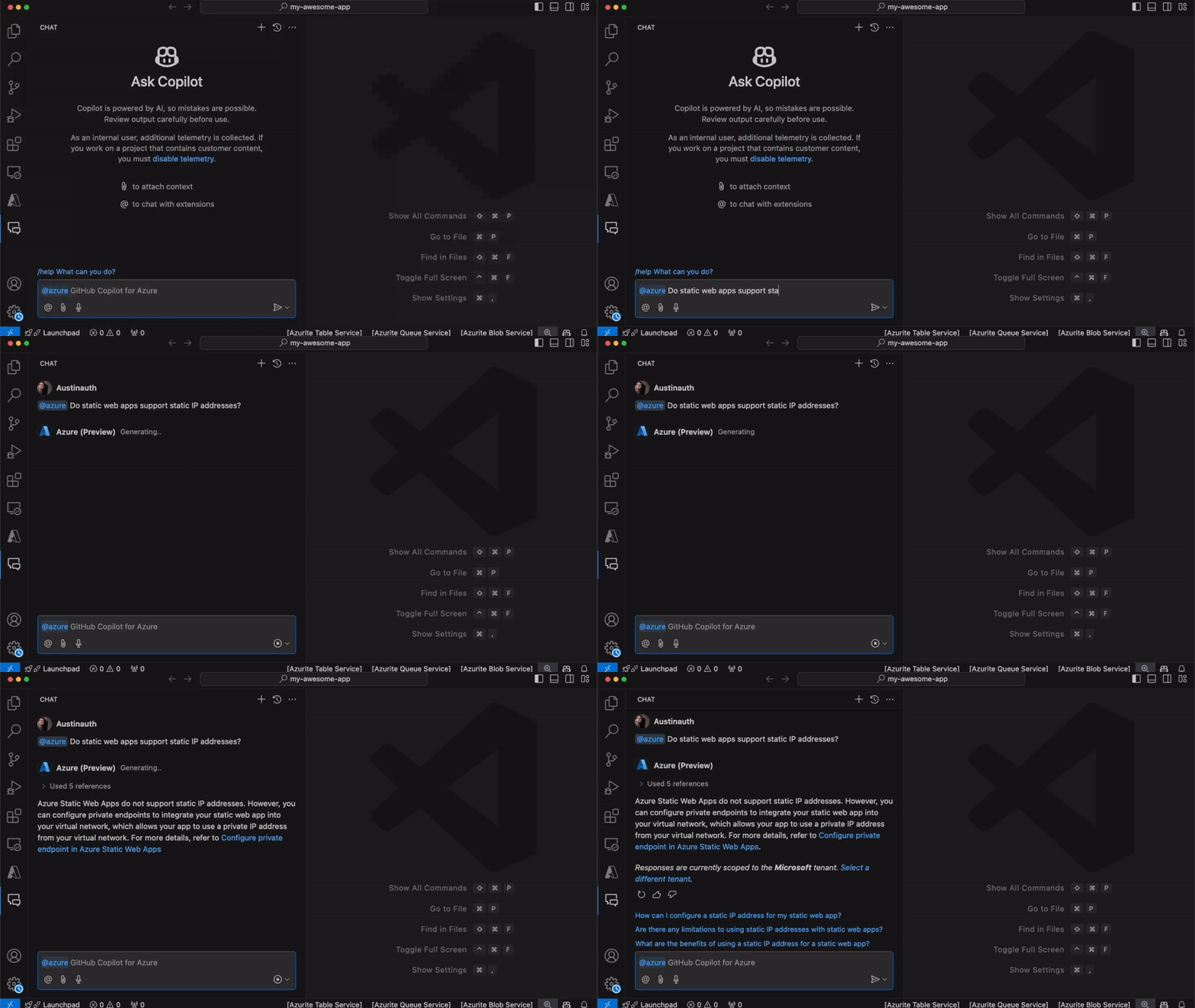
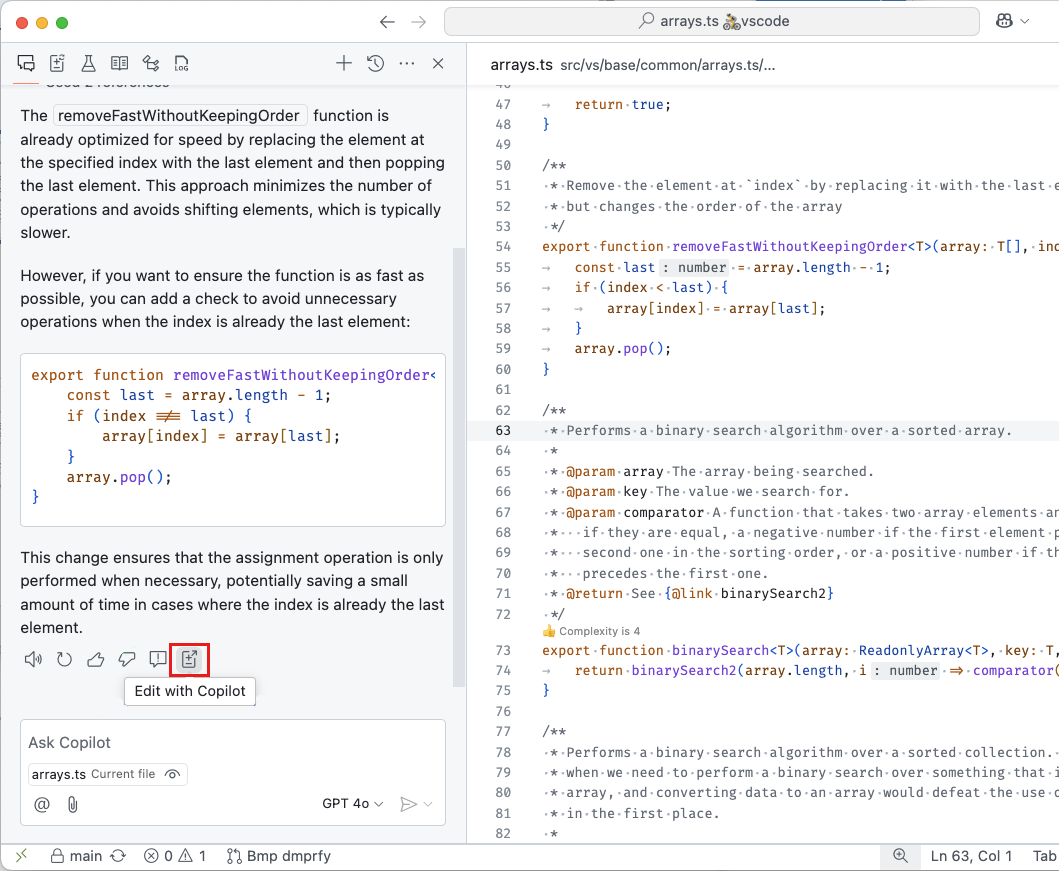
I'm thrilled to introduce the public preview of GitHub Copilot for Azure - a new tool that integrates effortlessly with GitHub Copilot Chat in VS Code. Imagine it as your personal guide for navigating the Azure cloud. No more toggling between your IDE and the Azure portal to manage infrastructure or look up commands and arguments. Now, you can concentrate on your core task - coding. Whether you're setting up services or deploying applications, simply prompt