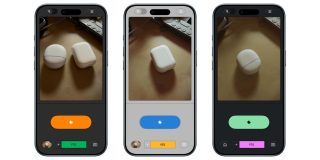
After , Snapseed for iOS is now officially rolling out its new camera that makes the app more than just an image editor.
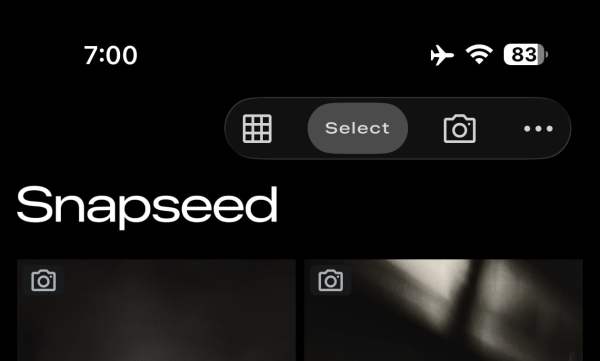
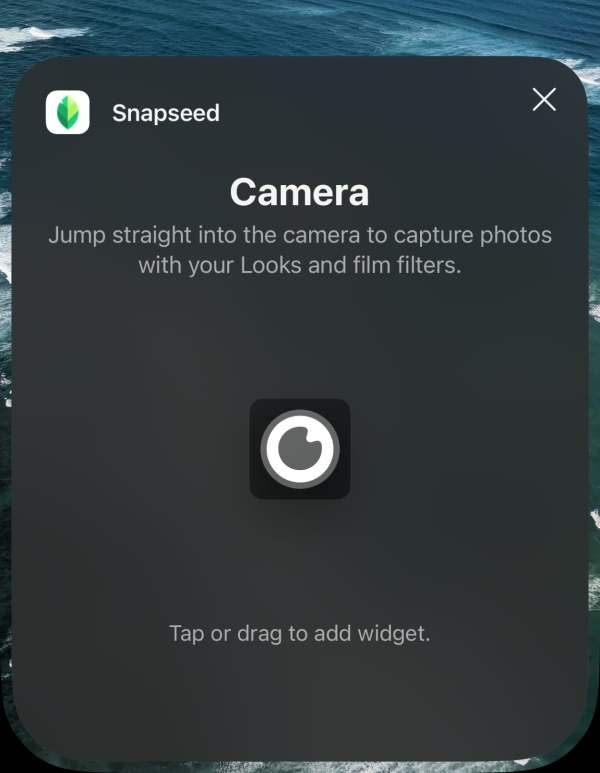
Previously, the “Snapseed camera” could only be launched from a Lock Screen widget, Control Center, or Camera Control. There’s now a camera icon in the top-right corner of the app.
Since last year, Snapseed has added “manual adjustments for exposure and focus.” You can enable “PRO” from the new top-left toggle. This adds three buttons to the bottom of the viewfinder: ISO, Shutter Speed, and Focus. You also get a skeuomorphic dial to adjust from Auto.
Flash has been moved to the bottom-left, with zoom on the opposite side.
Besides using your custom saved looks, Snapseed camera offers real-time “film emulation” in the following styles:
- KP1: Inspired by Kodak Portra 400
- KP2: Inspired by Kodak Portra 160
- KG1: Inspired by Kodak Gold 200
- KE1: Inspired by Kodak E200
- FS1: Inspired by Fuji Superia 200
- FS2: Inspired by Fuji Superia 800
- FP1: Inspired by Fuji Pro 400h
- AG1: Inspired by Agfa Optima 200
- AS1: Inspired by Agfa Scala 200
- PD1: Inspired by Polaroid 600
- TC1: Inspired by Technicolor
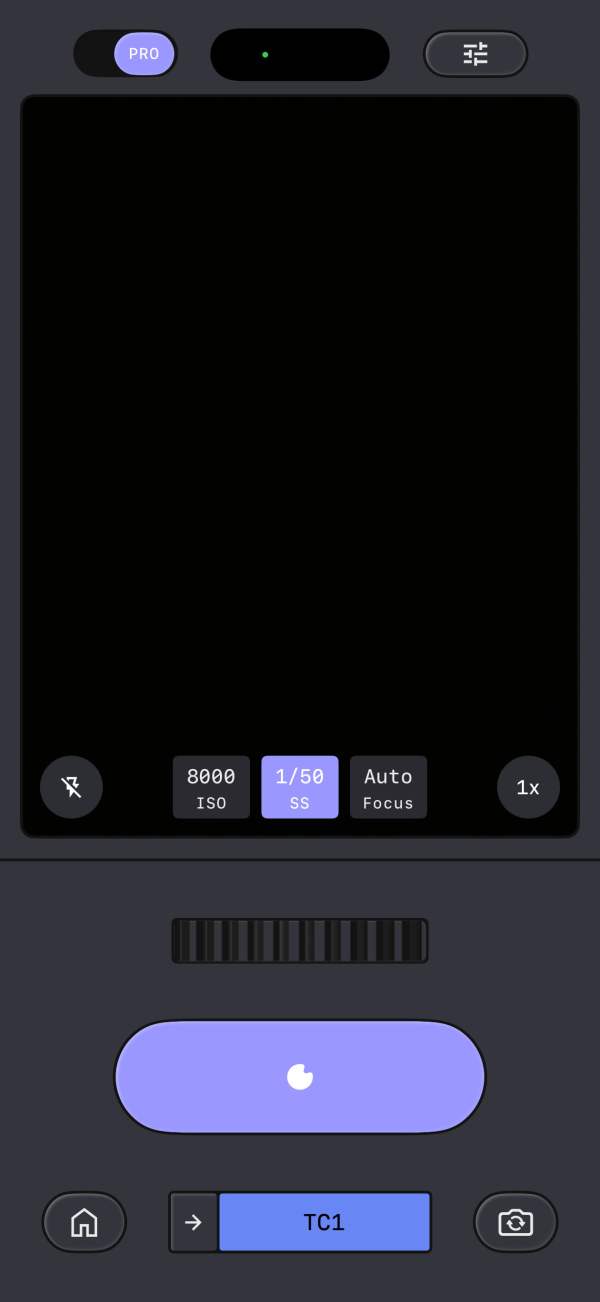
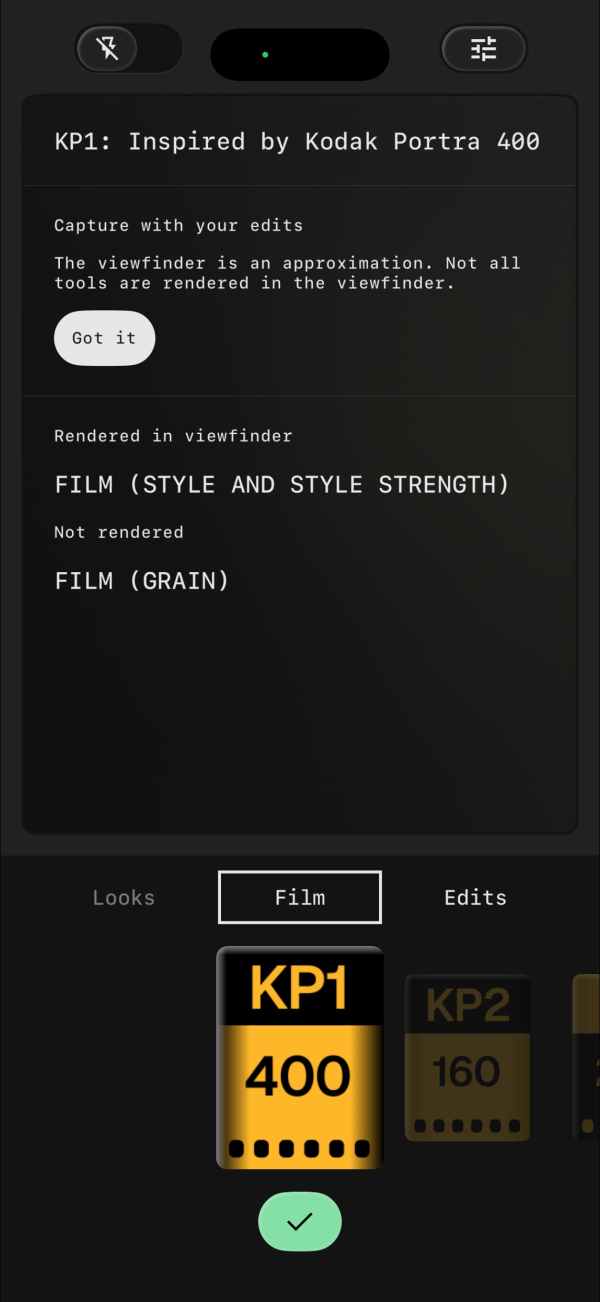
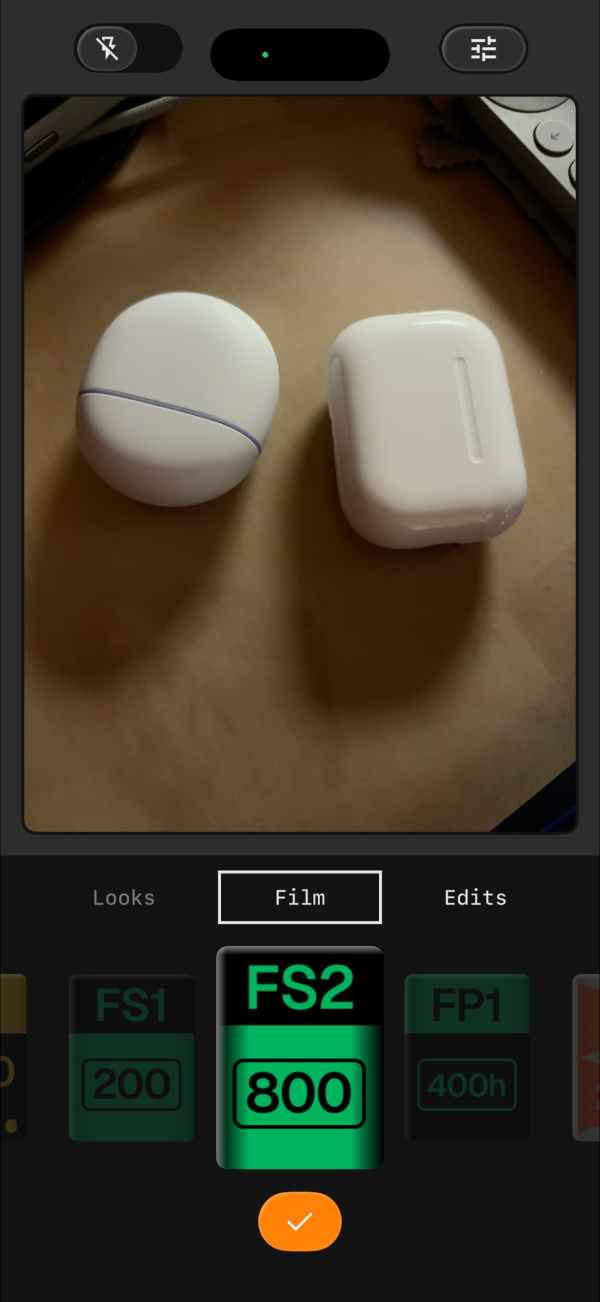
The skeuomorphism continues with the rewind button animation when you switch films. Google explains how “every photo you take includes a full editing stack.”
This means you can change, fine-tune, or revert any part of the look even after the photo is saved to your gallery.
Other settings let you set a different Color Theme for the viewfinder: Editor, Dusk, Negative, Steel, Haze, and Depth.
Snapseed 3.15.0 is available today and is completely free. Google is working on updating the with the redesigned editor that debuted for iPhone and iPad last year.
FTC: We use income earning auto affiliate links. More.