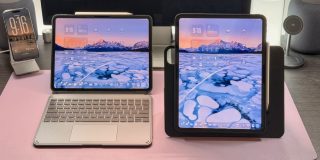
Accessories maker ESR recently launched a new lineup of iPad accessories that aim to expand the usefulness of iPad for casual users. They are focusing on users who frequently switch between the many modes of iPad: typing, drawing or writing, and regular tablet usage, such as playing games or watching videos.
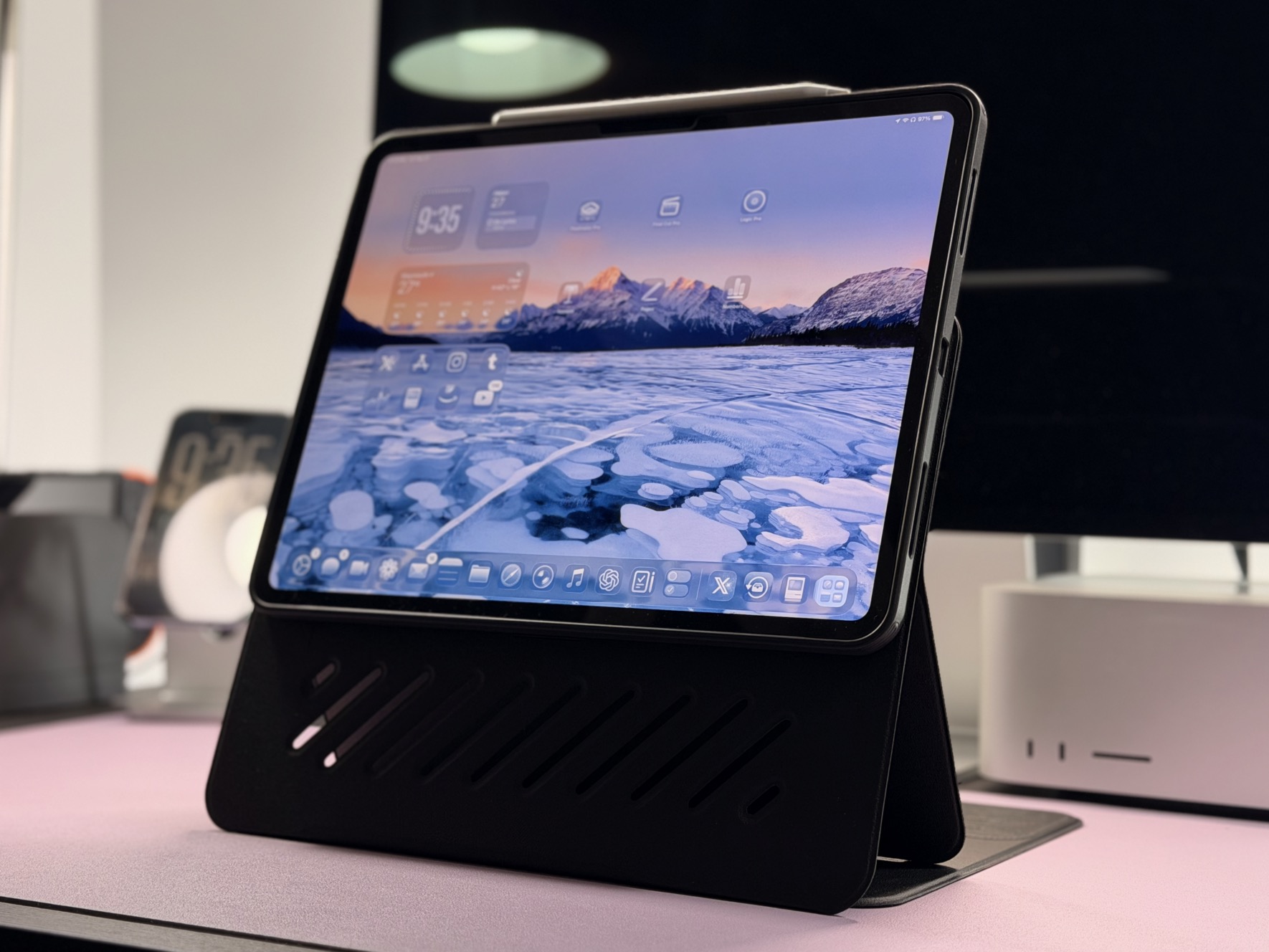
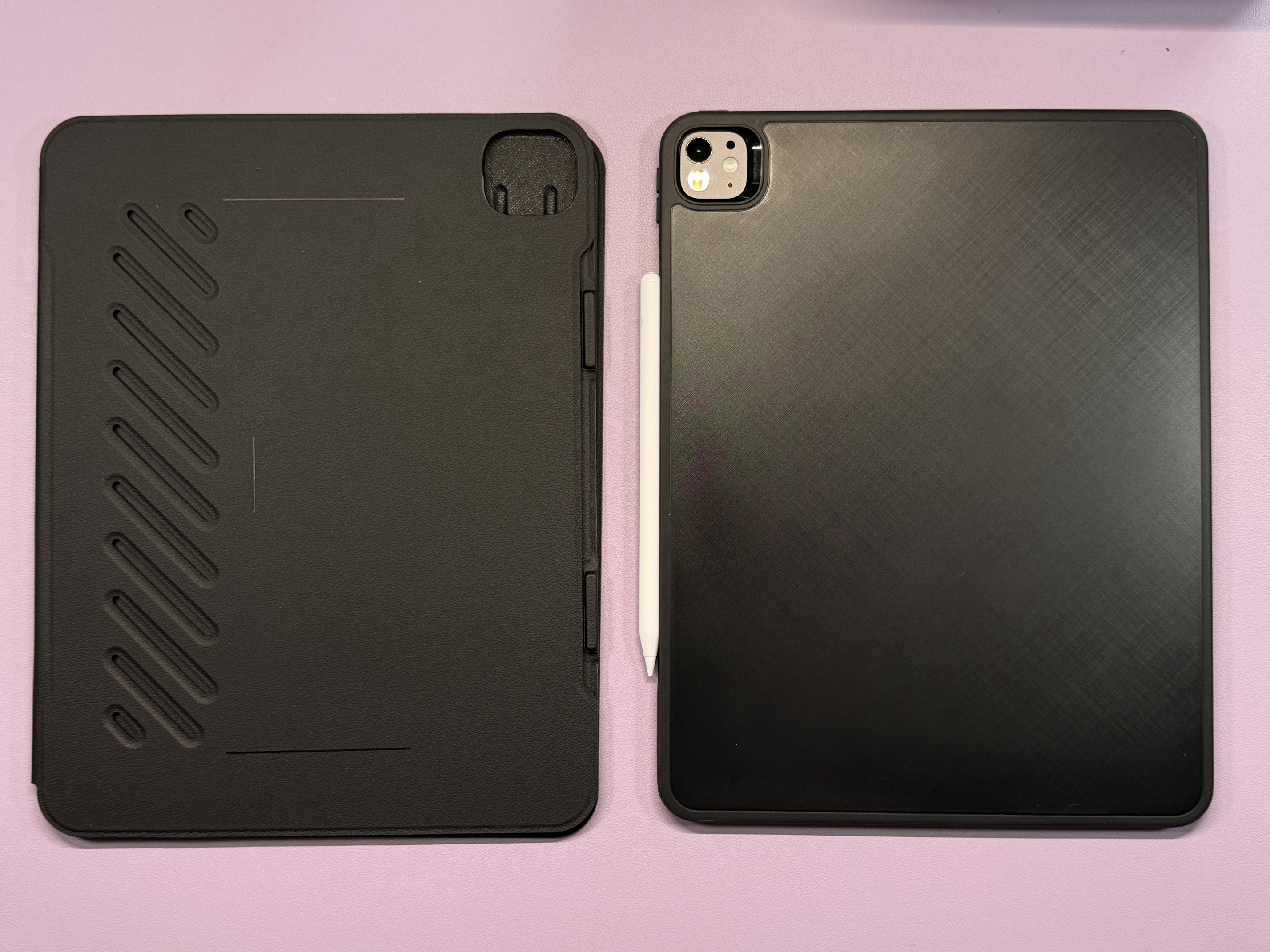
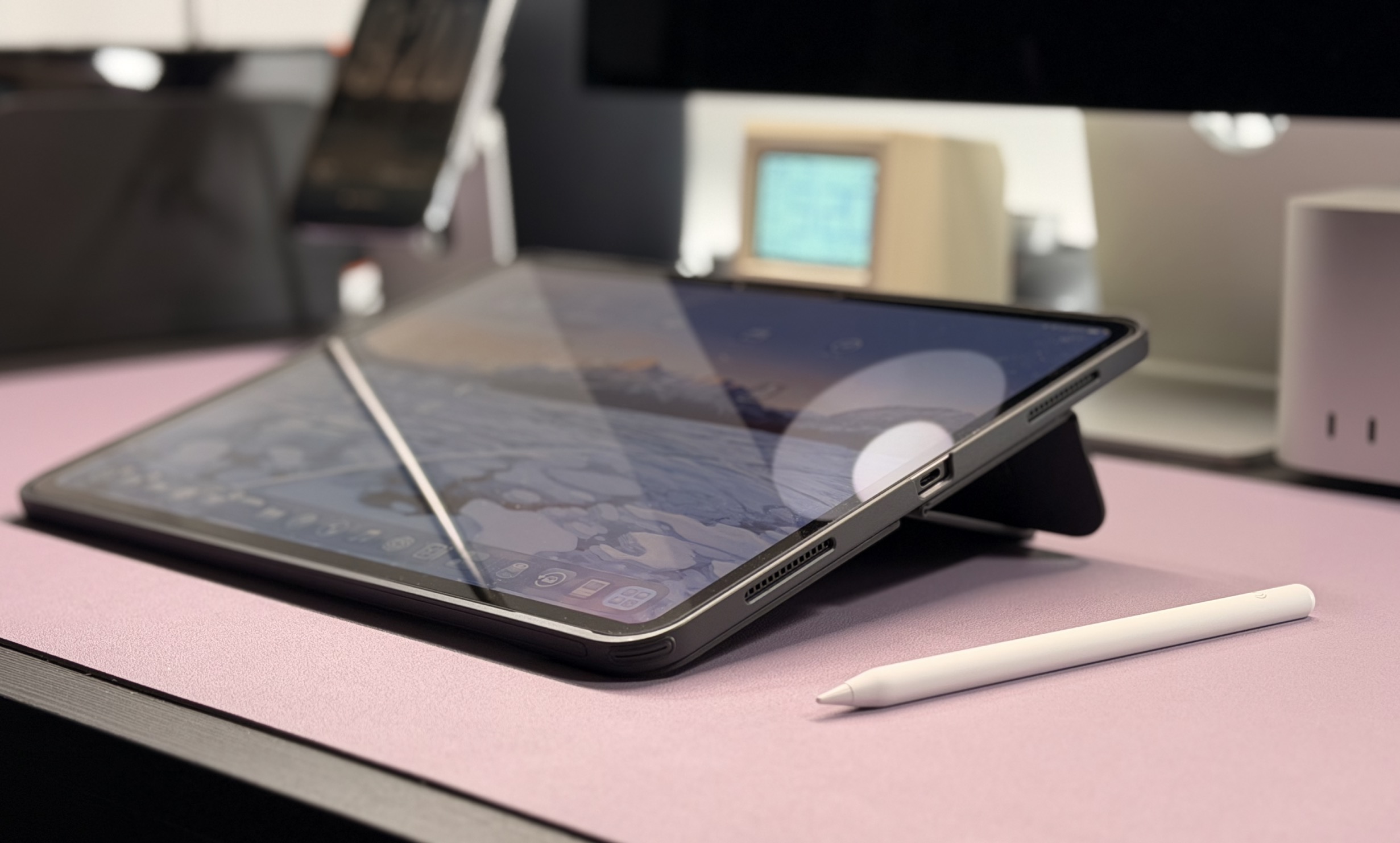
First up is a new take on the traditional folio-style iPad case. As the name implies, the is highly adaptable. It starts with a standard shell case that can protect your iPad all the time. Then you can add the folio portion, which has multiple upright and lay-down angles to choose from. My favorite feature is that the magnetic placement of the folio is flexible too: you can use the iPad in landscape or portrait. When in landscape, you can also place the iPad higher up, which I found great for watching videos.
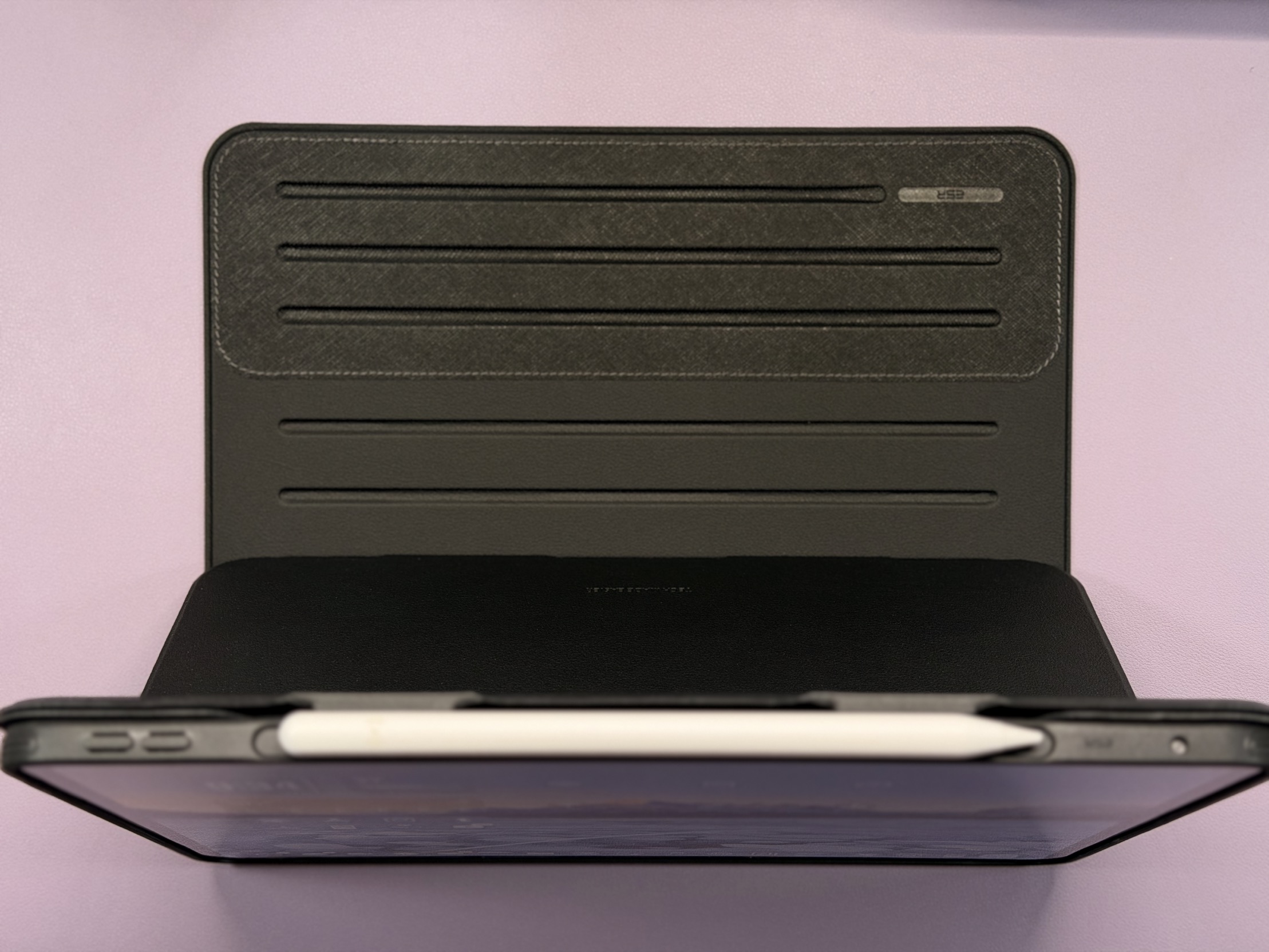
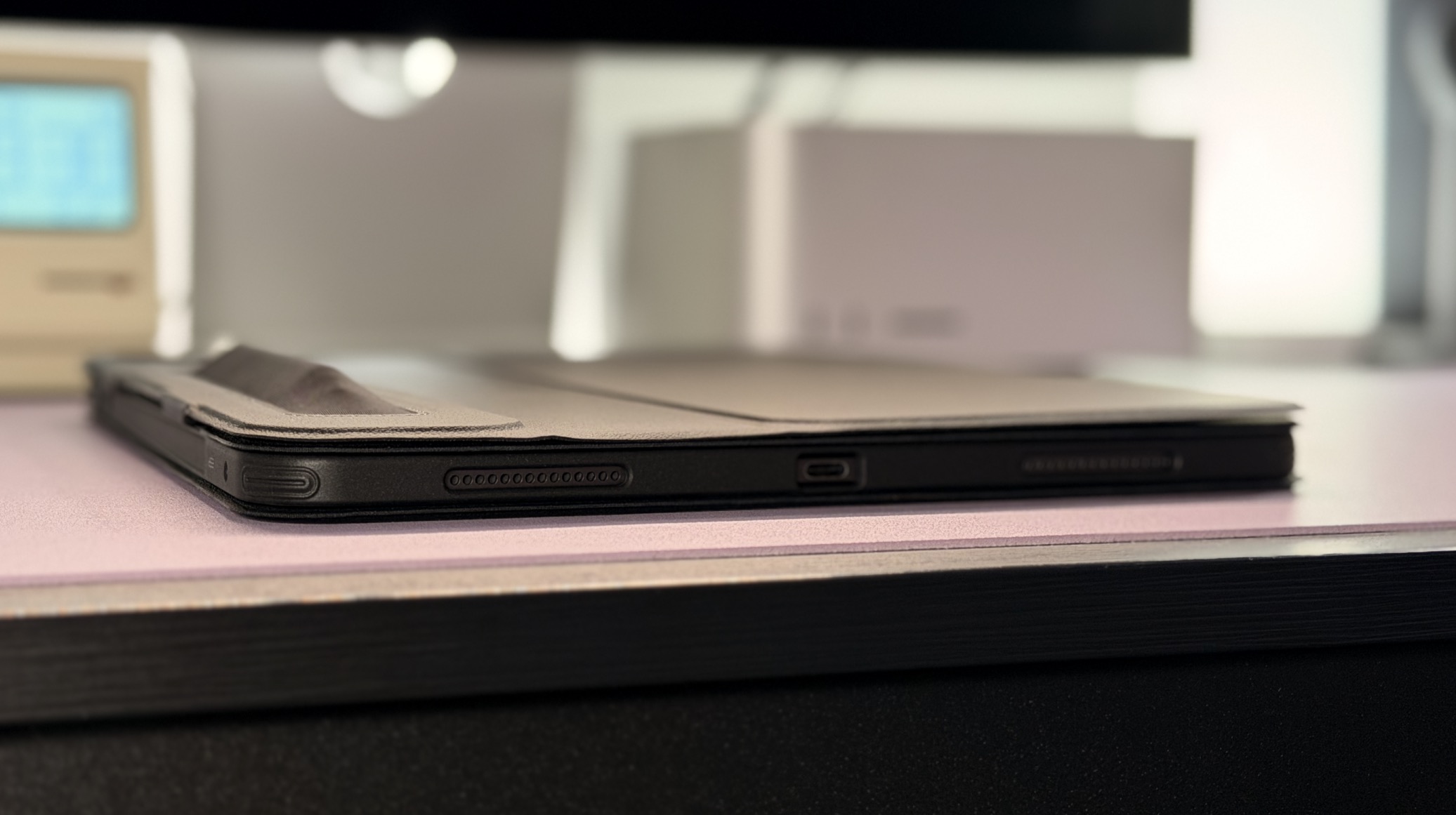
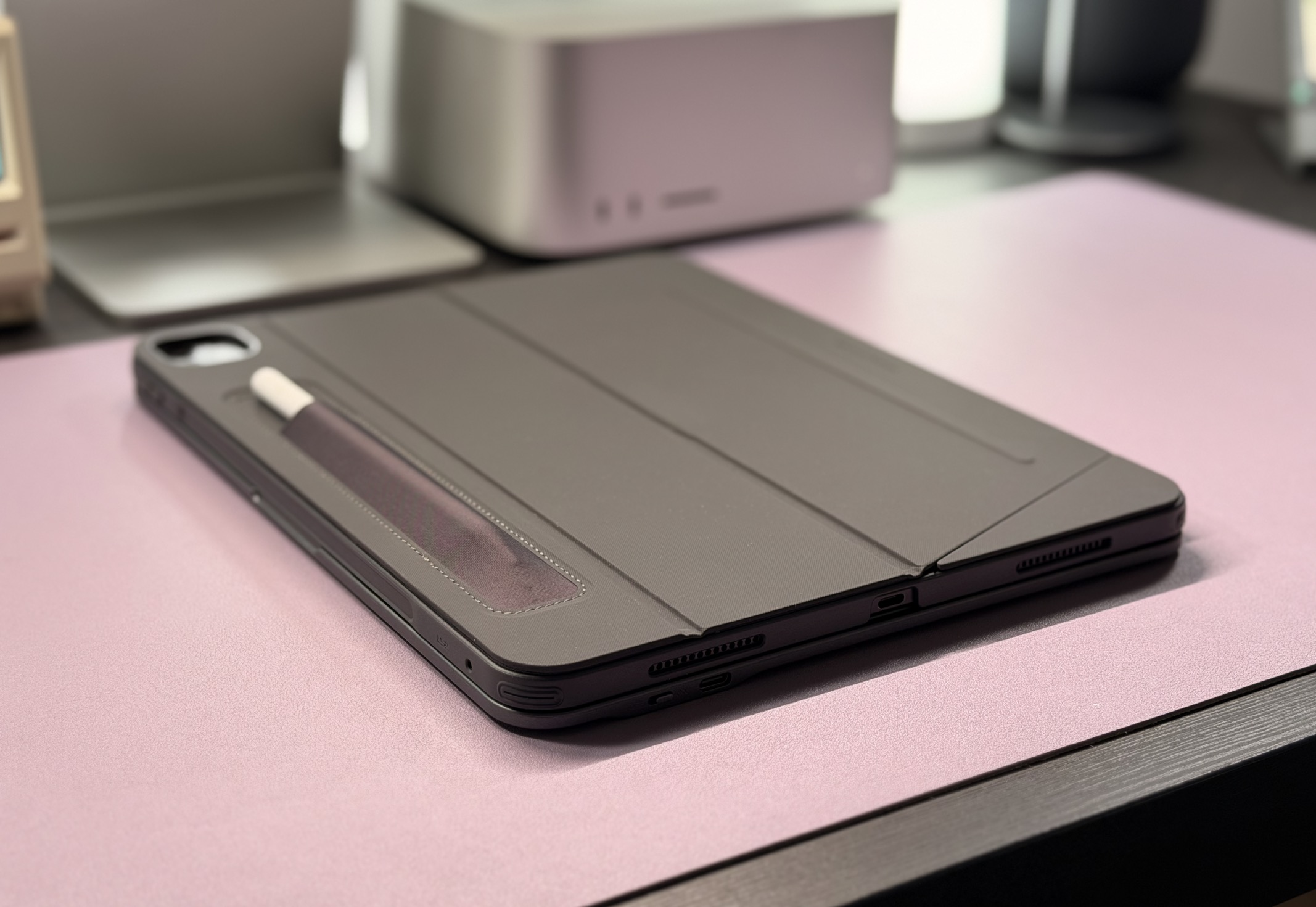
The case is made out of a rubbery material, which I prefer to the silicone of Apple’s offerings. It also feels more durable. One other nice feature is that, while there is an inset portion on the edge of the iPad case for , there is also a pocket on the back. This is great if, like me, you dislike cases that have a large holder on the side of the case. The only downside to the case is that it is fairly heavy and thick with all parts attached, so that’s something to keep in mind.
The is available for all recent models of iPad except iPad mini. This includes the latest iPad Pro ( / ), iPad Air ( / ), , and the previous iPad Pro design ( / ). It also comes in numerous colors: black, dark blue, light blue, brown, purple, pink, red, and silver. Prices range from about $45 to $60, depending on your iPad model. You can view all of the options .
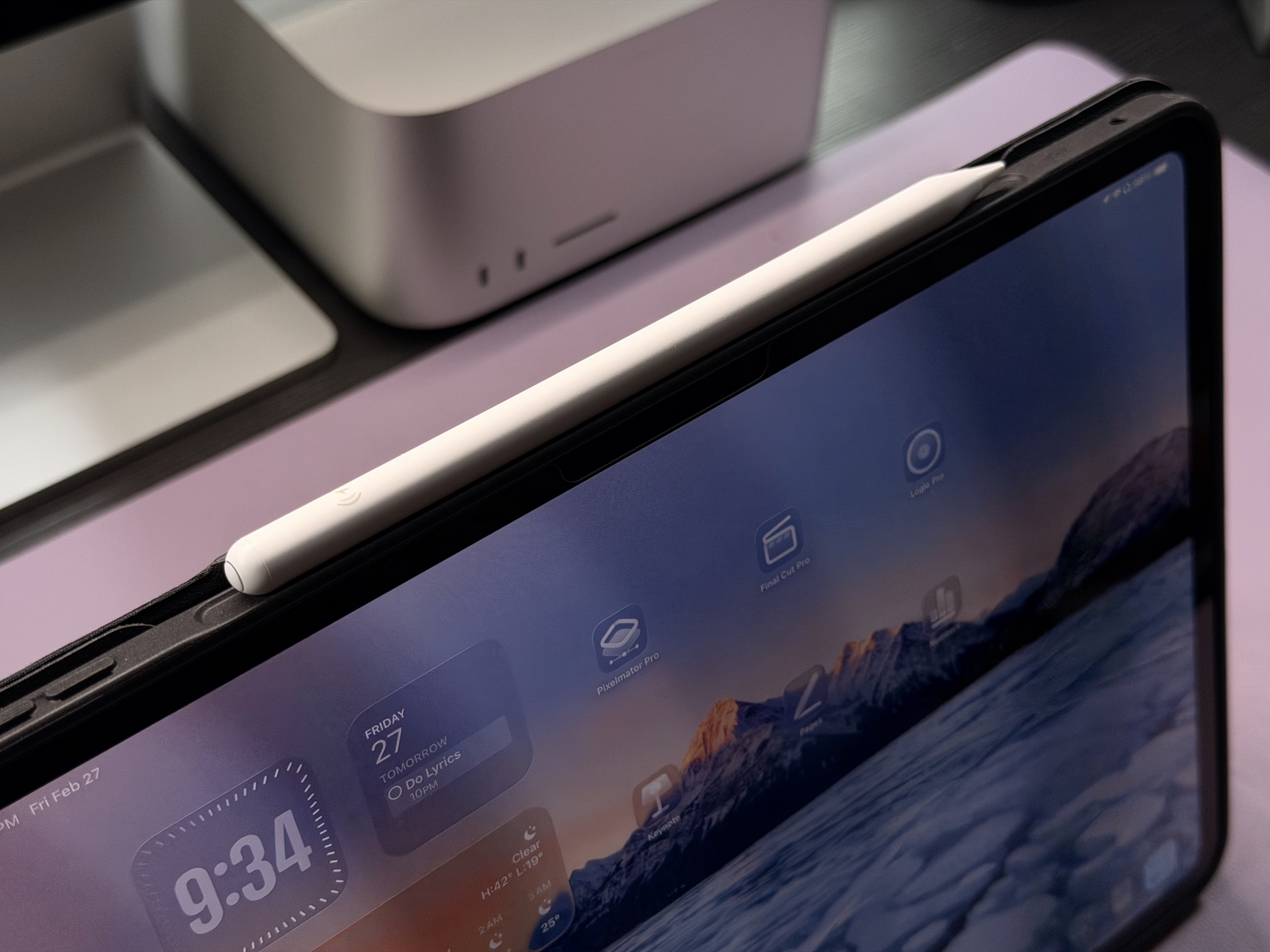
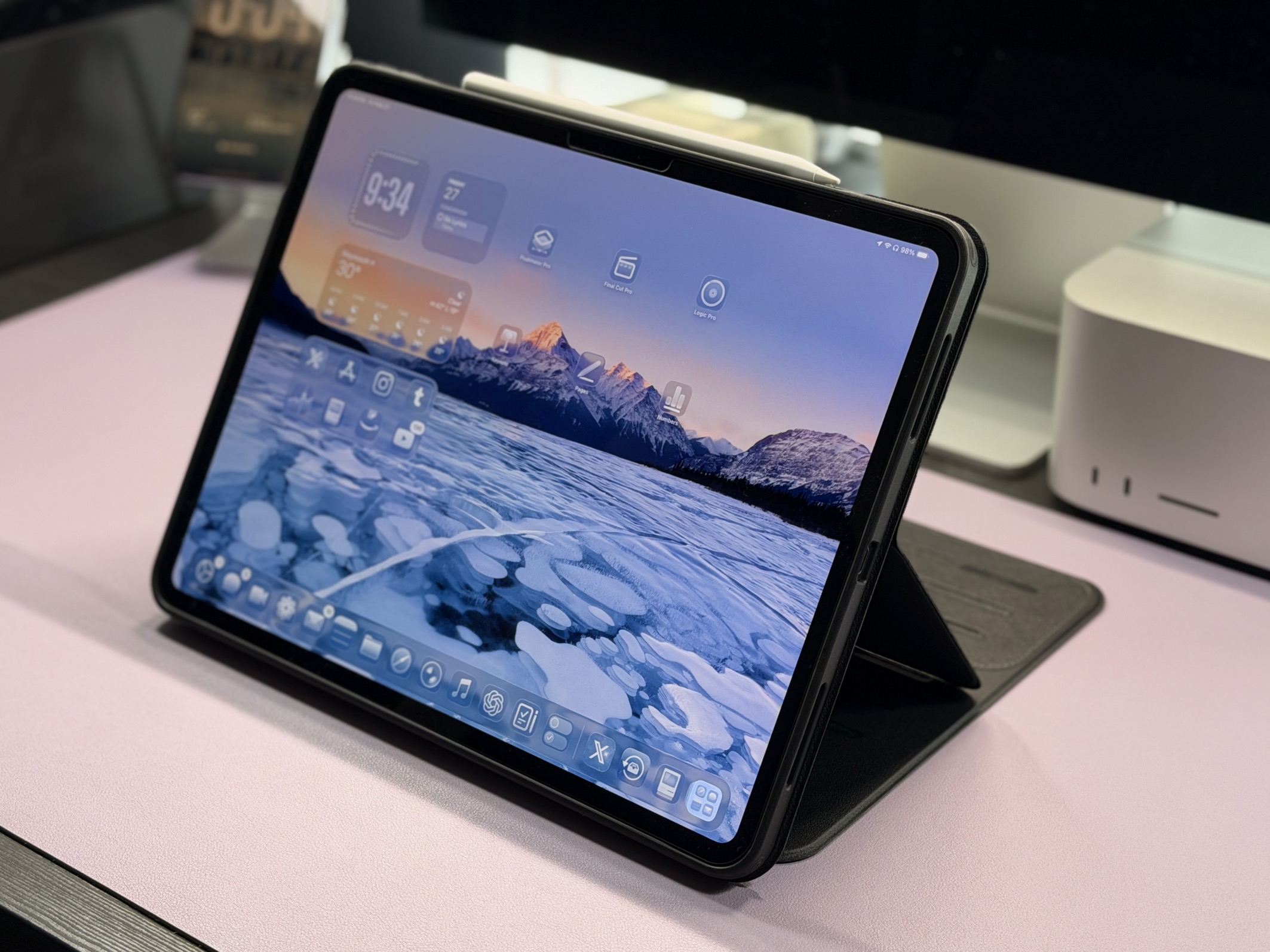
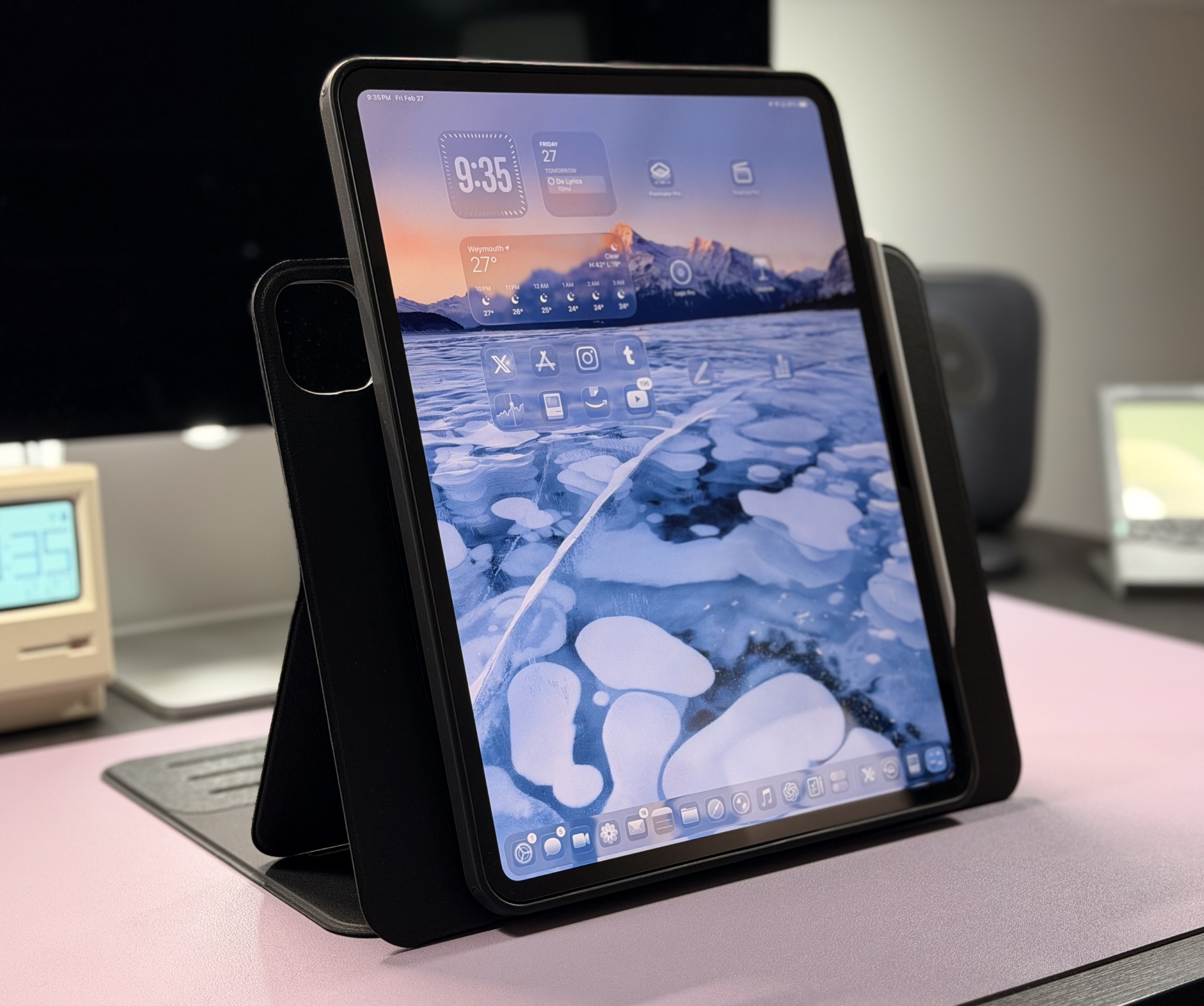
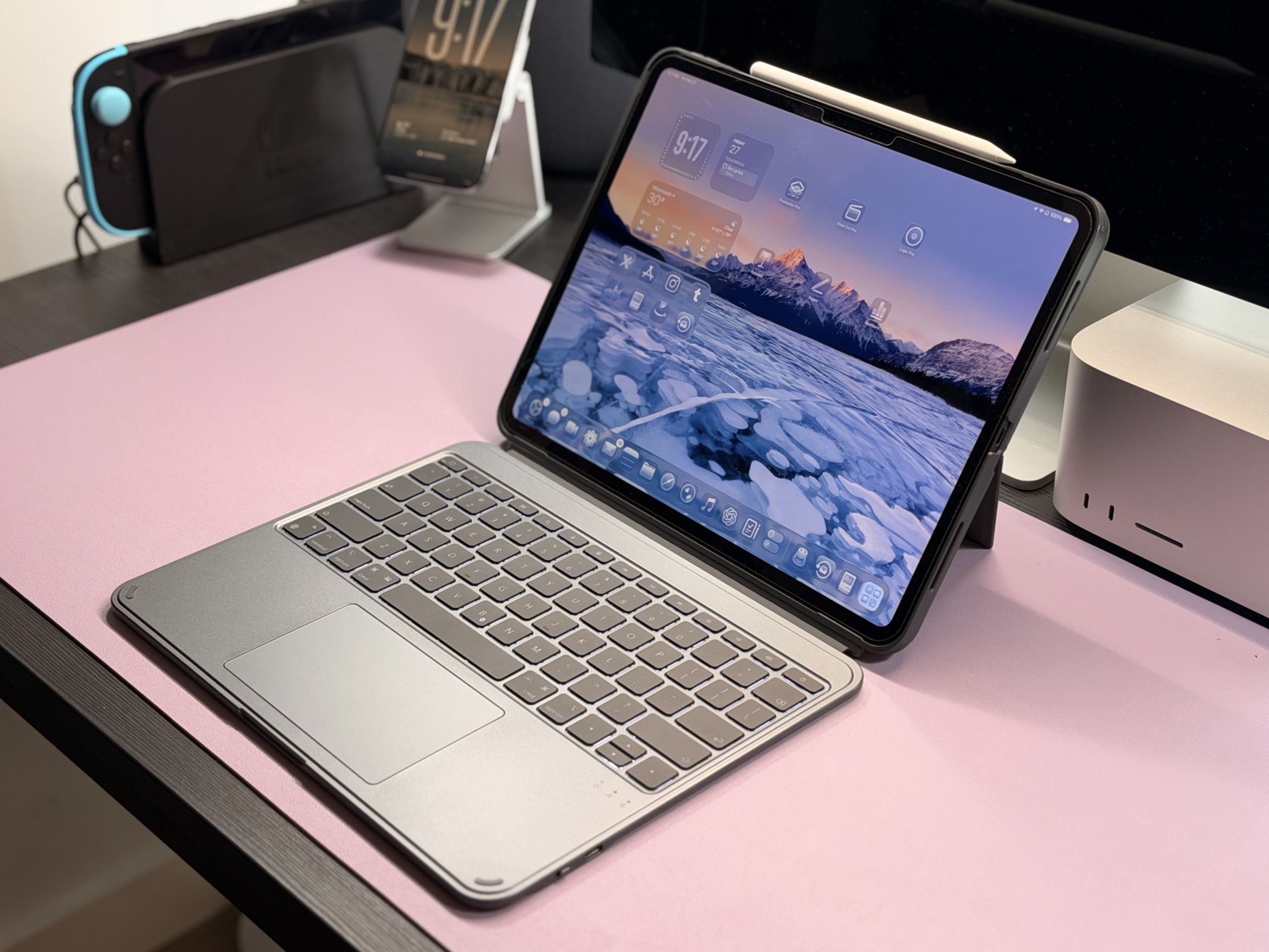
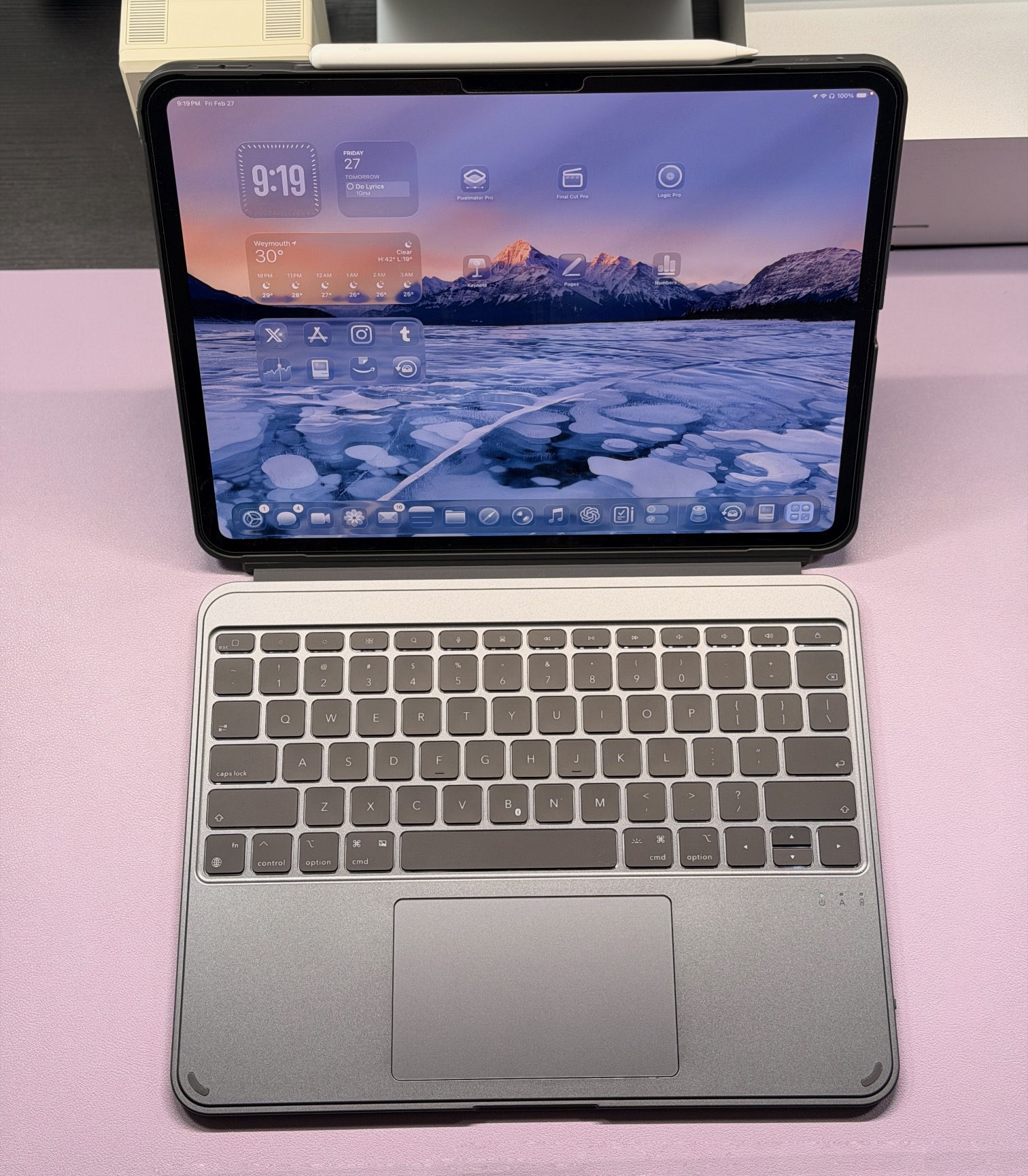
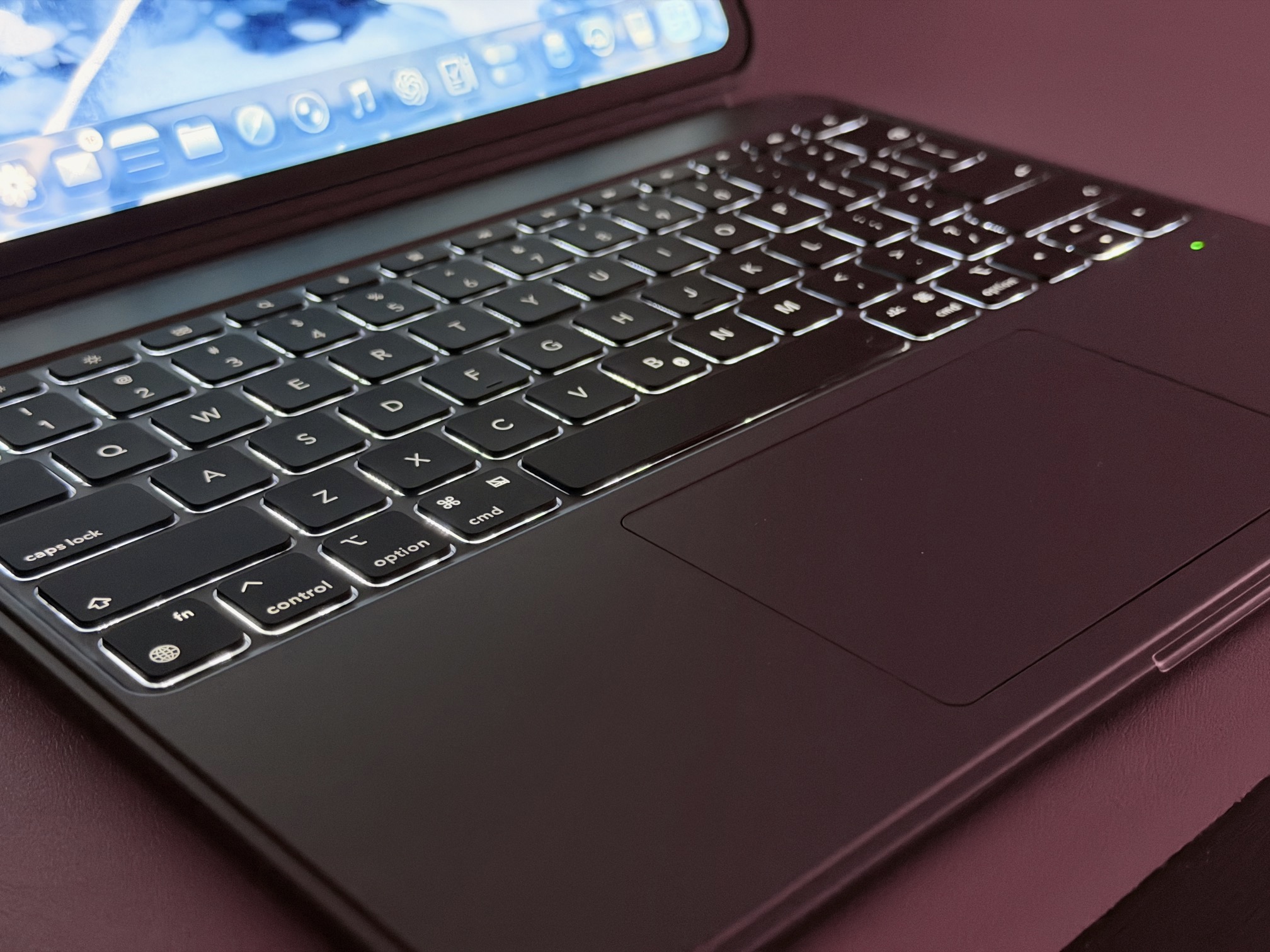
Similar to the magnetic case I talked about above, the is offers a mix of productivity and flexibility. Of course, the primary feature here is the keyboard, which offers the full experience for iPadOS: function row, backlit keys, and a large trackpad with gestures.
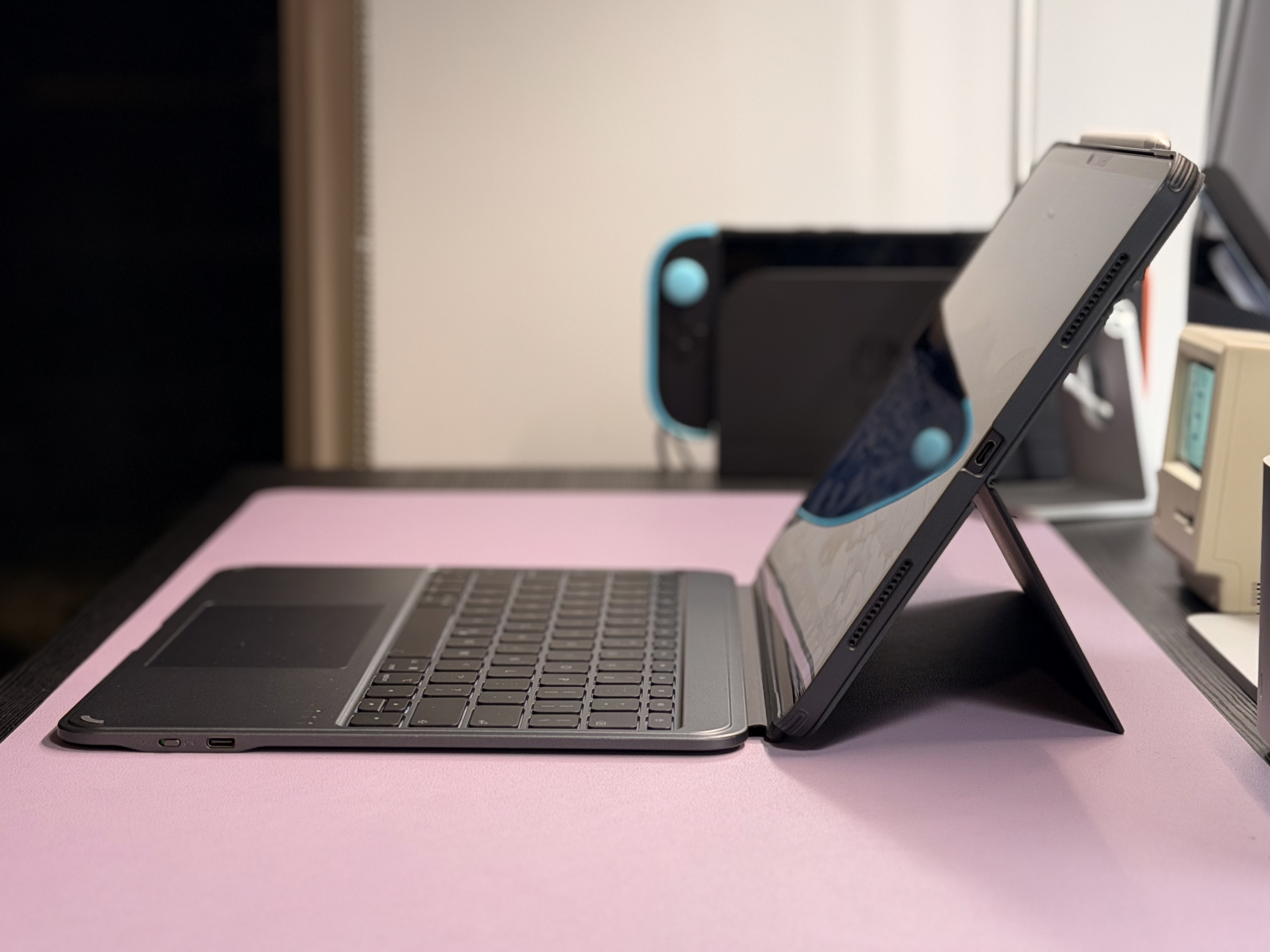
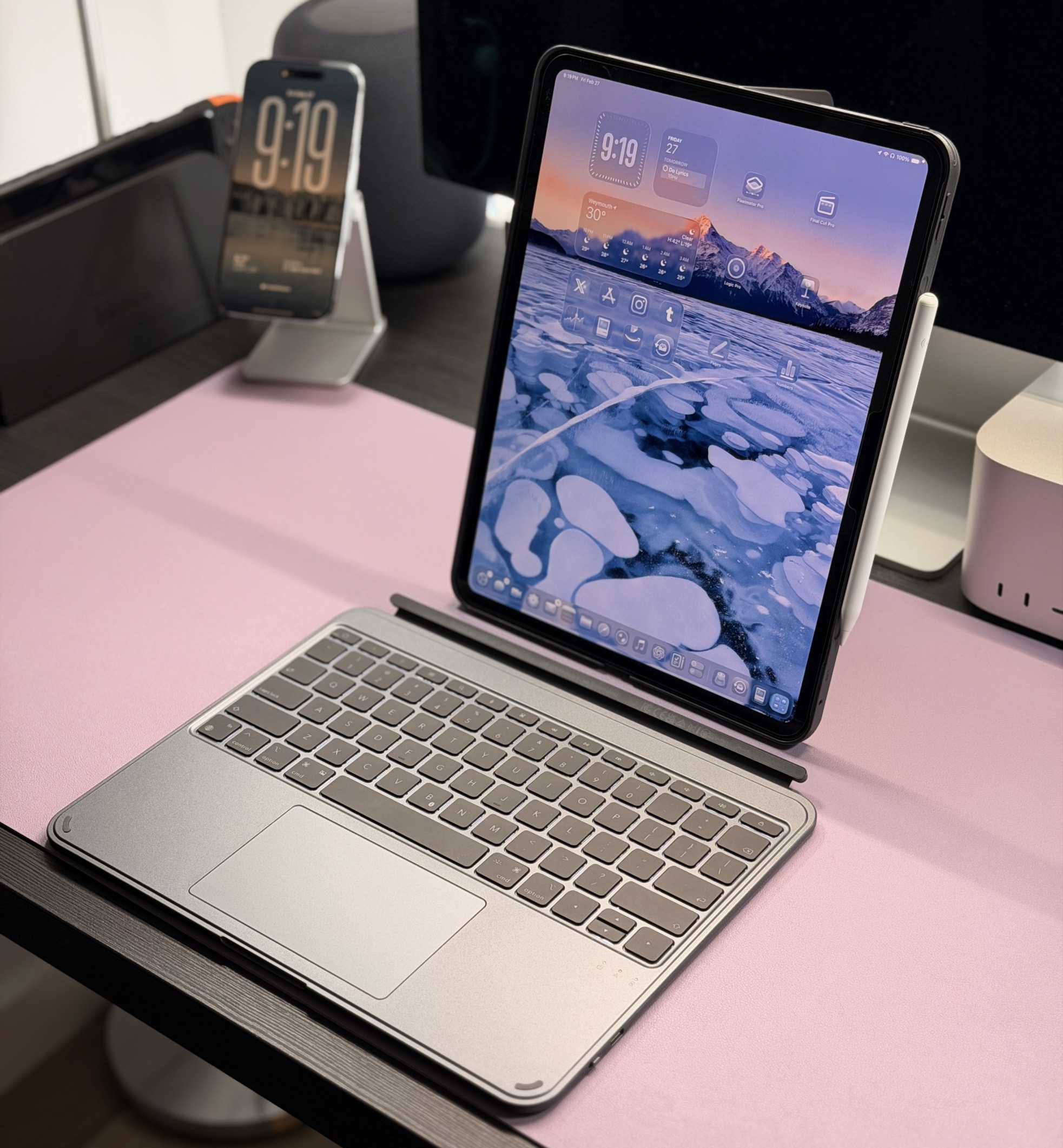
Keyboard The keyboard and case are highly flexible. Because it pairs via Bluetooth, you can detach it and keep using it, or just put it away while keeping your iPad protected. This is great for typing while placing your iPad somewhere else, such as a laptop riser. You can also stand the iPad up in portrait orientation and type that way, which is nice for long writing sessions. While the keys aren’t quite as nice as my , they do feel good, are backlit, and are full-size (at least, on my 13-inch model). My only gripe is that the trackpad feels kinda cheap. I appreciate that the actual “clicking” part of it is in the center, meaning you can click anywhere (as opposed to the traditional “diving board” design), but it results in a cheap feel.
Case The actual case design builds upon the conventional kickstand design, incorporating some additional features. Firstly, as I mentioned before, the iPad can stand up vertically. This is great for watching vertical content and FaceTime calls. The other extra feature is a smaller flap at the top of the case that attaches to the kickstand to offer a low-angle position that’s great for drawing or writing. Finally, like the Shift magnetic case, it features both an inset area as well as a pocket for . When everything is put together, the case is only a little thicker than Apple’s , and weighs about the same.
ESR’s is available for all recent models of , , and for about $90 (depending on iPad model). It comes in a black/gray color. You can view all of the options .
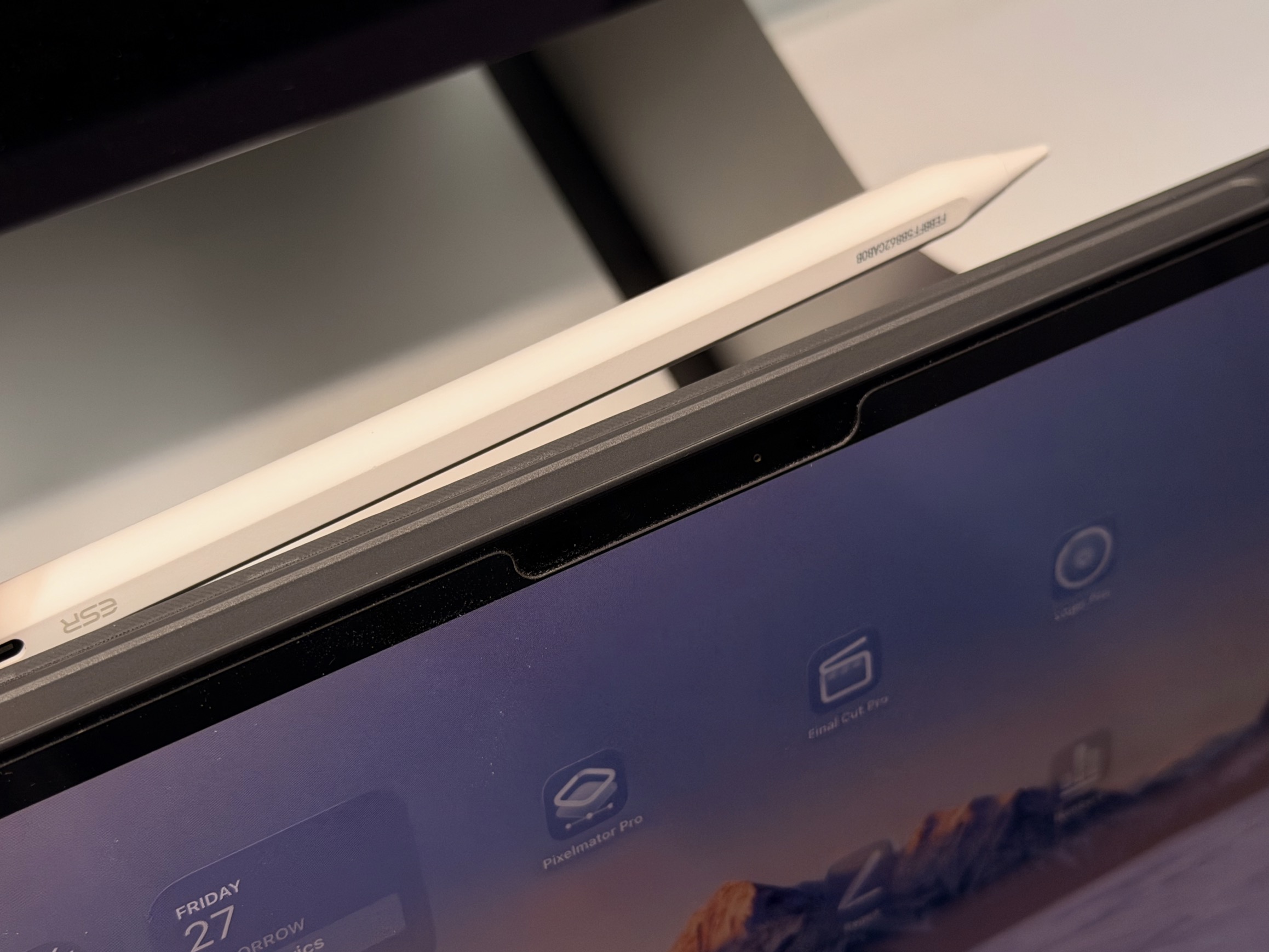
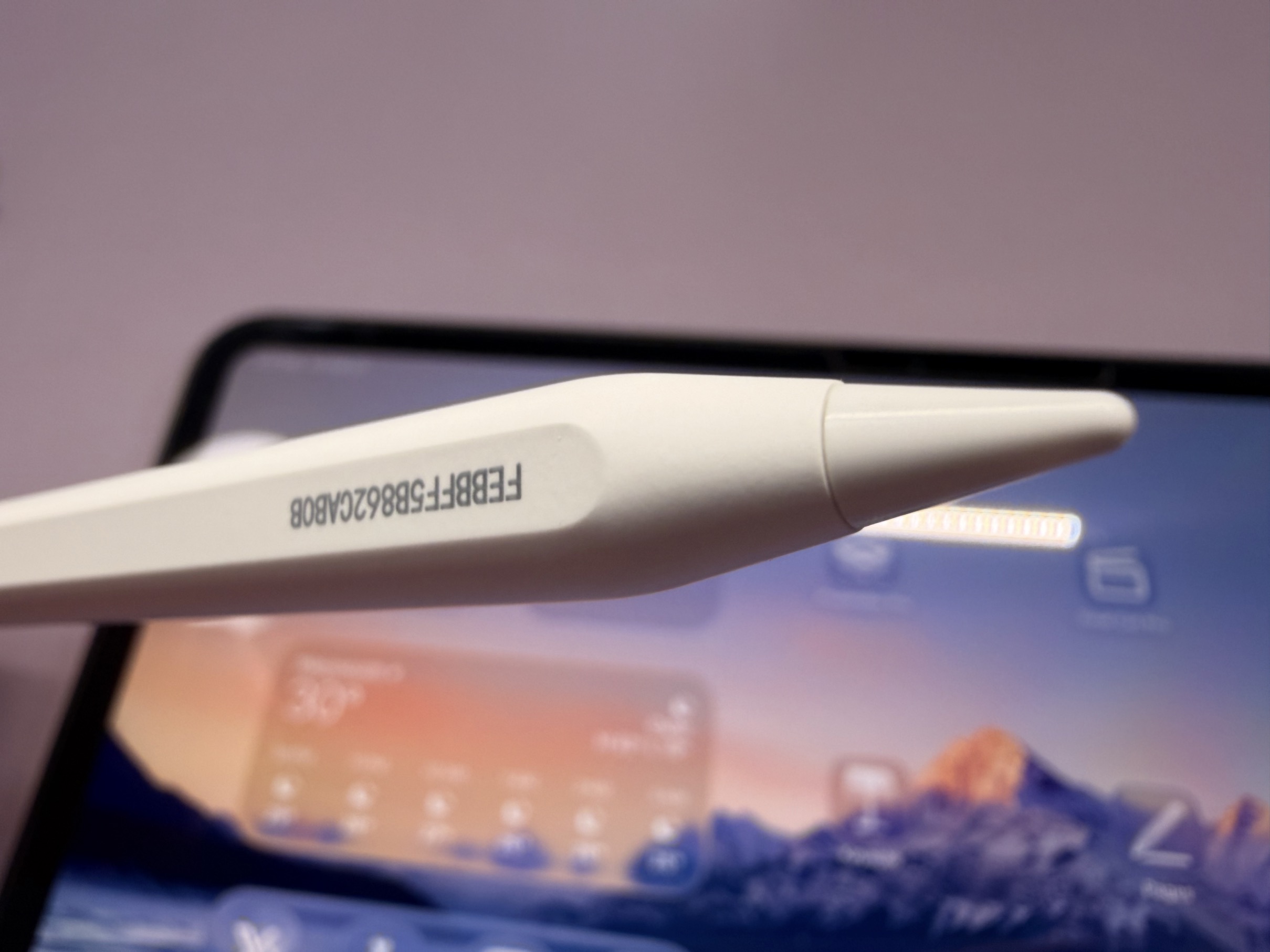
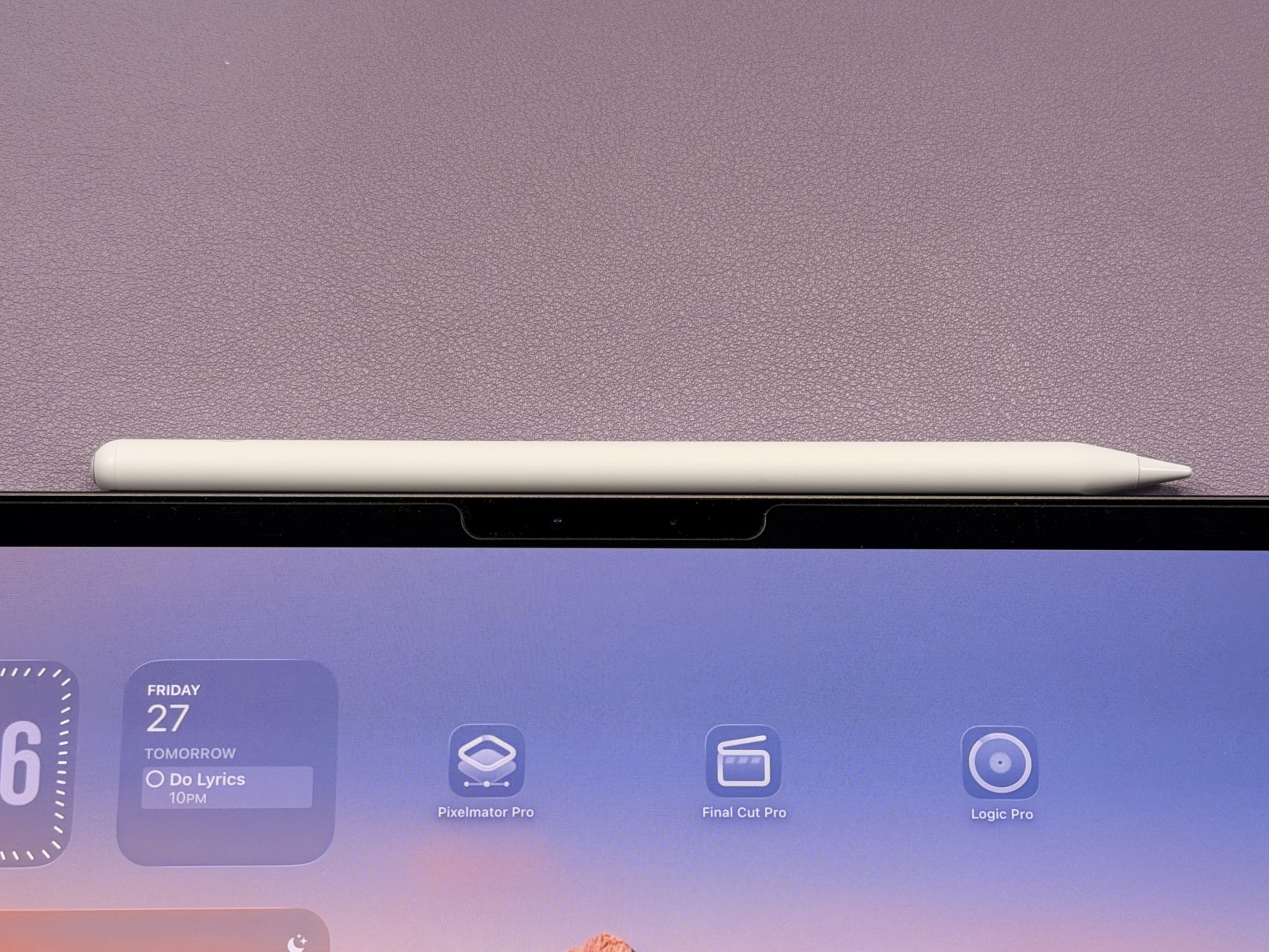
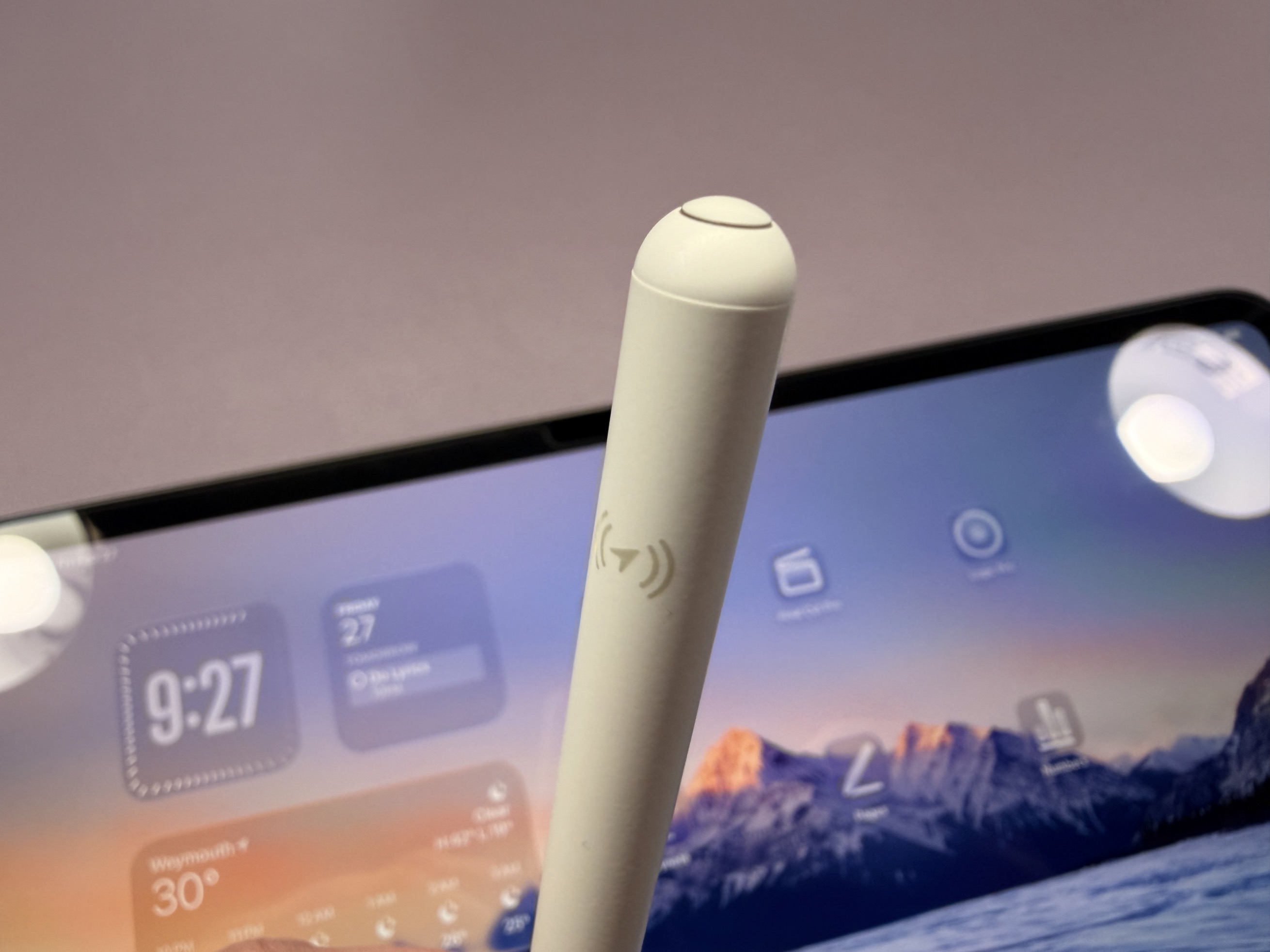
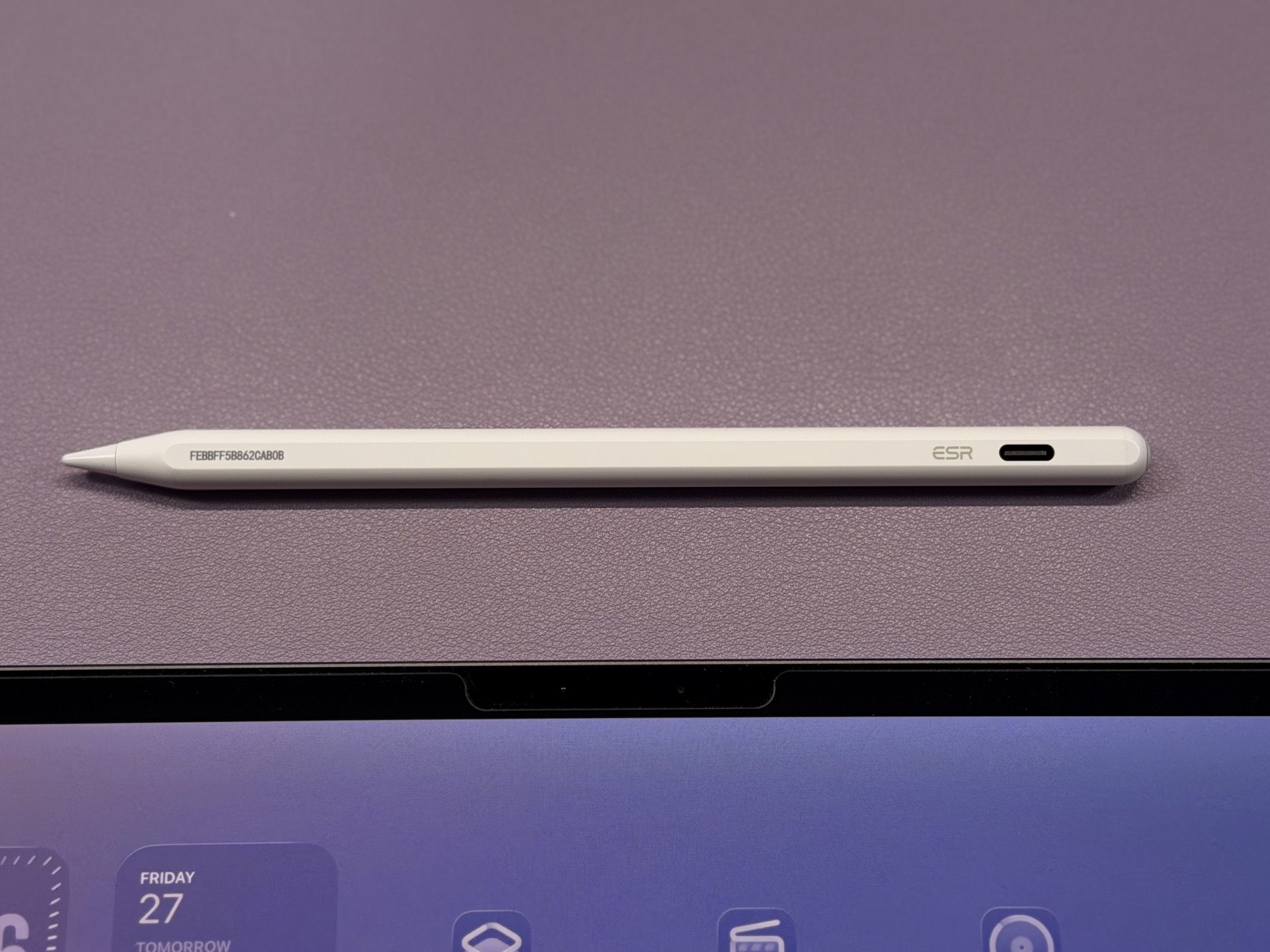
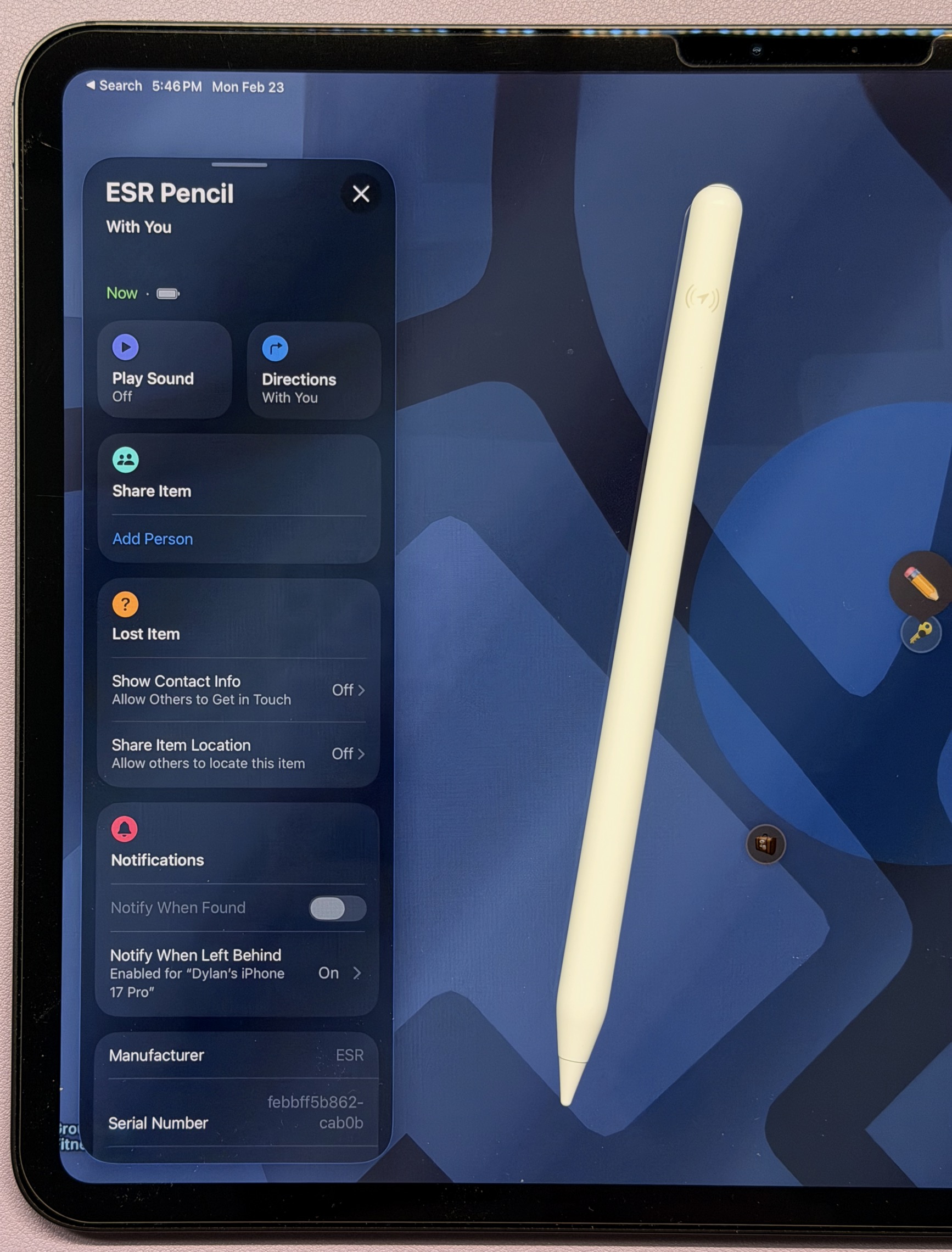
Of all the new accessories, this one is my favorite. At , this pencil matches the general features of the , and even has some features no has. The features full Find My support, meaning it can be found by any device on your account, you can enable Lost Mode and show your contact info for anyone who finds it, and it has a speaker to play a sound when looking for it. This is in contrast to , which can only be found via Bluetooth proximity using the paired iPad.
In terms of drawing and writing, this pencil is almost on par with the That means it has the same low latency, tilt sensitivity, and magnetic attachment features. The only feature it is missing is Apple Pencil hover, which based on the name, I don’t think any third-party pencil will have. And, for the sake of comparison, does have more features: wireless charging, pressure sensitivity, barrel roll, hover, double-tap, squeeze, and haptic feedback. However, when the Geo Digital is just $37, I really can’t complain! As for materials, the plastic feels about the same as an , and it’s a little lighter in weight.
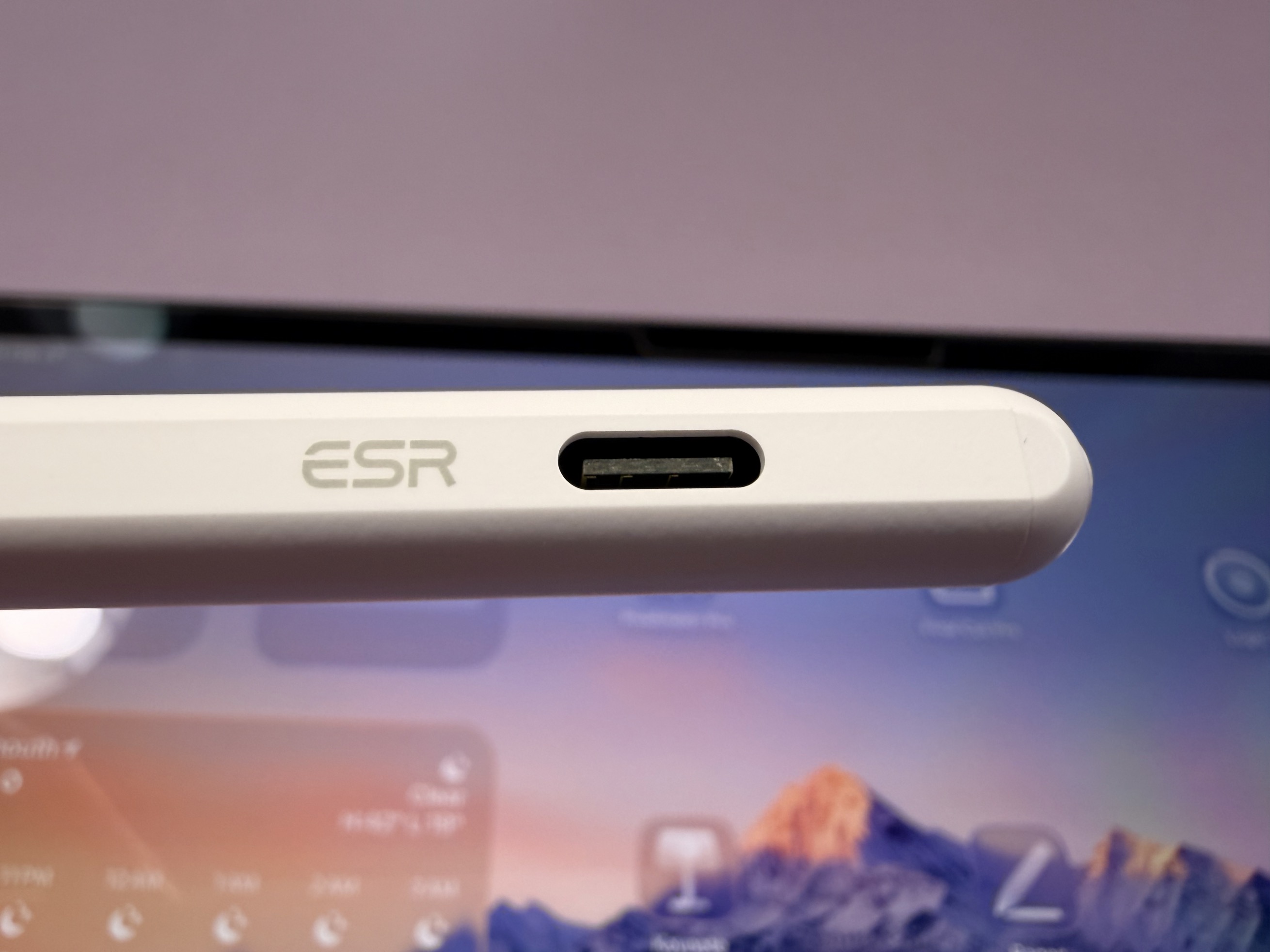
The is available and comes in white, black, blue, pink, and purple. Included in the box is a small USB-C charging cable and an extra pencil tip.
Last but certainly not least are the . These aren’t really new, and I’ve been using ESR’s screen protectors for many years with great success. However, they do now have a matte “paper-feel” option! This is great for anyone who primarily uses their iPad for writing or drawing.
One of the best things about these screen protectors is that they have an alignment tray, making installation so much easier. These are common on phone screen protectors but I rarely see them for tablets, and it is a welcome addition.
The screen protectors are available in a , and a 2-pack of the (depends on iPad model). Both styles are available for all recent models of iPad Pro, iPad Air, iPad mini, and iPad.
My favorite Apple accessories:
FTC: We use income earning auto affiliate links. More.