Apple unveiled two Mac displays today: a new Studio Display and a Studio Display XDR . Here’s everything that’s different (and the same) between the two models.
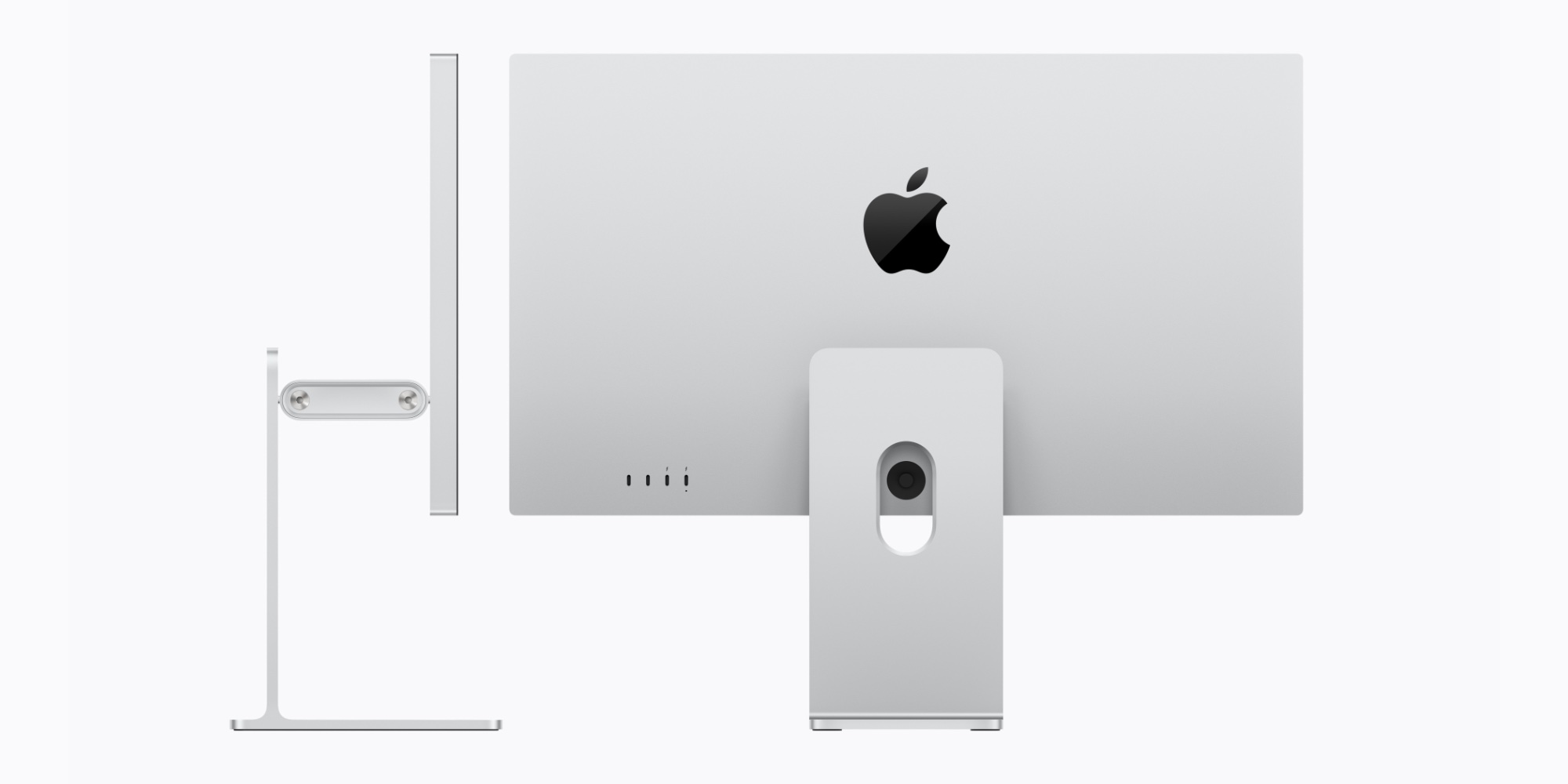
It’s not often that Apple launches a new Mac display, but today we got two of them.
There’s a new Studio Display , which starts at $1,599, and the Studio Display XDR that starts at $3,299.
The latter product serves as a replacement of sorts for the Pro Display XDR, which was discontinued today . The former, meanwhile, offers the next generation of the standard Studio Display that first launched in 2022.
Both displays have a variety of features in common. For example:
- both are 27 inches, with 5K resolution (5120-by-2880) and 218 pixels per inch
- both have a 12MP Center Stage camera with improved image quality and support for Desk View
- both feature “studio‑quality’ three‑mic arrays and six-speaker sound systems with Spatial Audio
- both support Thunderbolt 5 connectivity
- both come with optional nano-texture glass
So what’s actually different between the two? Besides the massive pricing disparity, of course.
It mostly has to do with display technology.
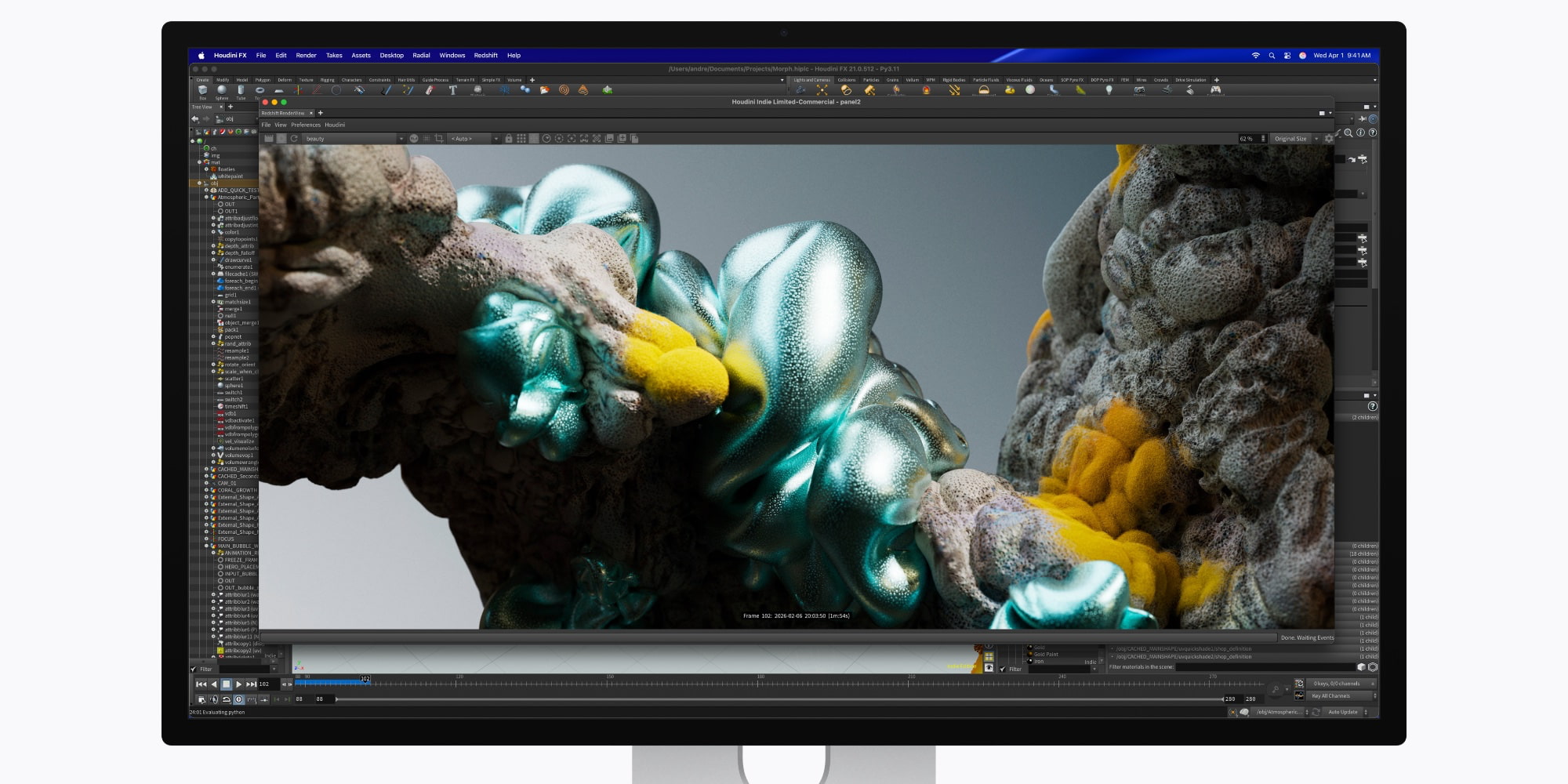
With so many shared features between the two displays, why does Apple charge more than double for the Studio Display XDR?
It all has to do with display technology. Here’s a breakdown of the differences:
| New Studio Display | Studio Display XDR | |
| Backlight | LED | mini-LED w/ 2304 dimming zones |
| Refresh Rate | 60Hz | 120Hz w/ Adaptive Sync |
| Brightness | 600 nits | Up to 1000 nits SDR, 2000 nits HDR |
| Color | P3 | P3 + Adobe RGB |
Apple recommends the Studio Display for “a range of professional workflows — from photo and video editing to coding, music production, and everyday tasks.”
Apple says the Studio Display XDR is “designed for workflows like HDR video editing, 3D rendering, and diagnostic radiology.” It supports new DICOM medical imaging presets in addition to other .

Outside of the display technology, there are some other smaller differences between each Studio Display.
Though each model includes two Thunderbolt 5 and two USB-C ports, the Studio Display XDR has a more powerful charging port.
Its upstream Thunderbolt 5 port offers 140W host charging, while the Studio Display’s only goes to 96W.
Additionally, Studio Display XDR comes with a tilt- and height-adjustable stand by default.
The Studio Display, meanwhile, starts with only a tilt-adjustable stand, with a $400 up-charge for the height-adjustable feature.
Finally, there are some differences in dimensions.
The Studio Display and Studio Display XDR have the same height and width, but differ in depth and weight.
The new Studio Display is 6.6 inches deep with the default stand, and 8.1 inches with the height-adjustable option. The Studio Display XDR is slightly deeper, at 8.4 inches.
If you opt for the VESA model, the Studio Display is 1.2 inches deep vs 1.3 inches for the Studio Display XDR.
Finally, Studio Display XDR is also heavier. It weighs 18.7 pounds vs the 16.8 pounds of the Studio Display with comparable stand.
Overall, if you’re on the fence about choosing the new Studio Display or the Studio Display XDR, the more affordable model is likely your best bet.
As tempting as mini-LED and 120Hz support is, you’re going to pay a significant premium to get it. With the Studio Display starting at $1,599, the jump to $3,299 is a big one.
Then again, if you want the best possible display that Apple sells, there’s a lot to love about the Studio Display XDR.
Are you planning to buy a new Studio Display or Studio Display XDR? Which model are you leaning toward? Let us know in the comments.
FTC: We use income earning auto affiliate links. More.