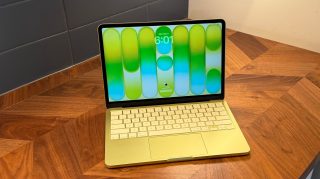
macOS 26.4 is now available with a handful of new features , including one that might help your MacBook charge faster: a new ‘Slow Charger’ indicator.
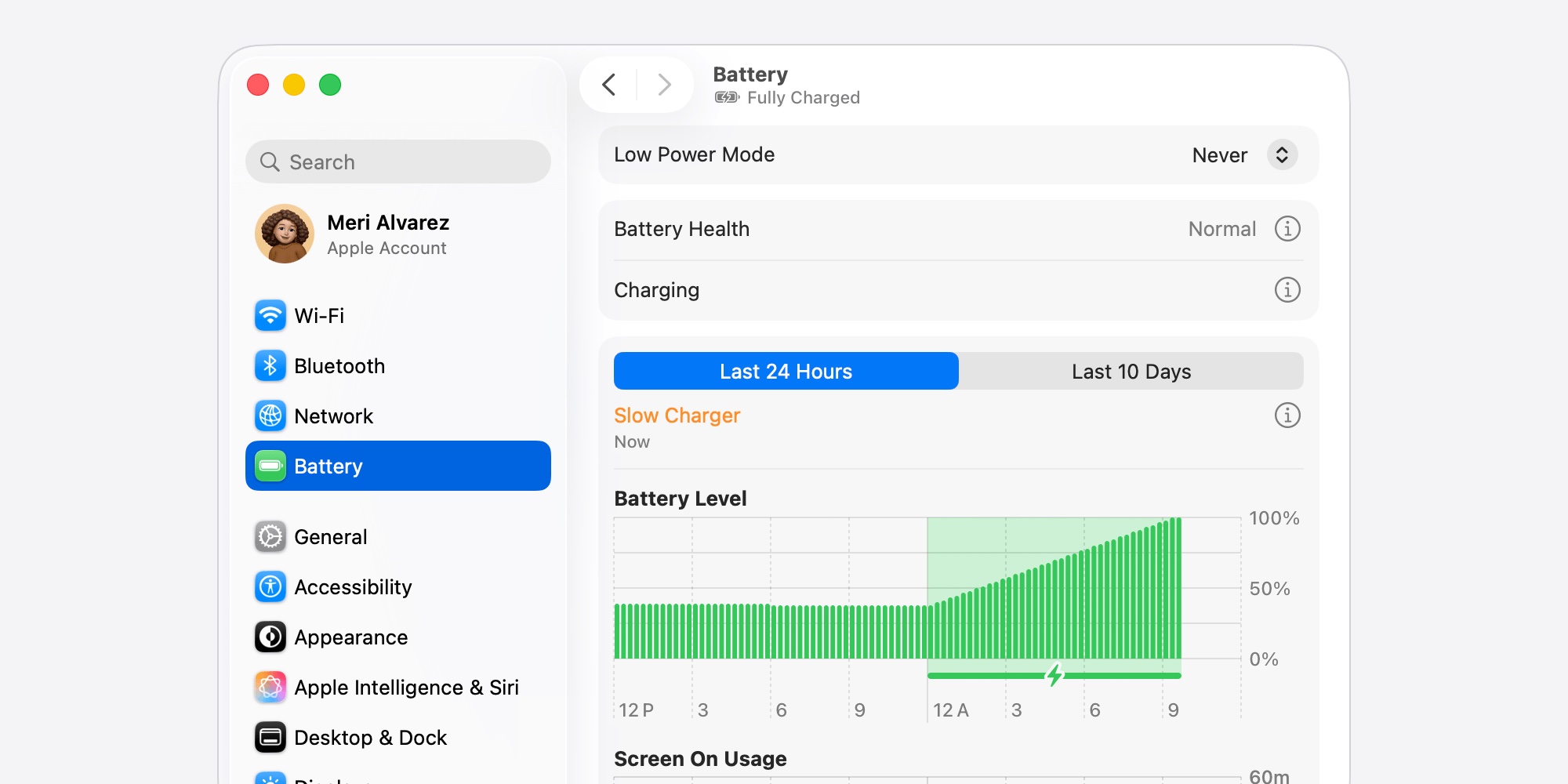
If you ever feel like your MacBook isn’t charging fast enough, macOS 26.4 might be able to help confirm that for you—leading to a solution.
That’s because the latest Mac software update includes a new feature inside the Battery section of System Settings.
System Settings will now display a ‘Slow Charger’ indicator if you’re using a charger that isn’t delivering Apple’s minimum recommended wattage.
:
When using macOS Tahoe 26.4 or later, your Mac can report that it’s charging slowly: “Slow Charger” appears in the battery status menu and above the Battery Level graph in Battery settings.
To charge more quickly, use a charging solution that provides more power, measured in watts (W). For the best charging experience, the power adapter and charge cable should deliver at least the minimum wattage recommended for your Mac model.
You can find full information on the recommended minimum wattage for each Mac .
Here are some of the recommendations for more recent Macs:
- MacBook Neo : 20W USB-C Power Adapter and USB-C Charge Cable
- MacBook Air : Apple 30W USB-C Power Adapter (13-inch only), 35W Dual USB-C Port Power Adapter, 67W USB-C Power Adapter, or 70W USB-C Power Adapter and USB-C to MagSafe 3 Cable
- 14-inch MacBook Pro : Apple 67W, 70W, or 96W USB-C Power Adapter and USB-C to MagSafe 3 Cable
- 16-inch MacBook Pro : Apple 140W USB-C Power Adapter and USB-C to MagSafe 3 Cable
If you see the ‘Slow Charger’ indicator in the Battery menu of System Settings, it’s time to buy a new charger so your MacBook can start charging faster.
For a fast charger that isn’t as pricey as Apple’s offerings, I recommend .
Does your MacBook show that the charger is too slow? Which model and charger are you using? Let us know in the comments.
FTC: We use income earning auto affiliate links. More.