Last year, Qualcomm introduced its Snapdragon X2 Elite SoCs . These SoCs promised some big uplifts over the competition and the first-generation X Elite chips. With the first laptops rolling out in the market now, we decided to reach out to Qualcomm and ASUS to send us a 14" design to see if the laptop holds up to those claims.
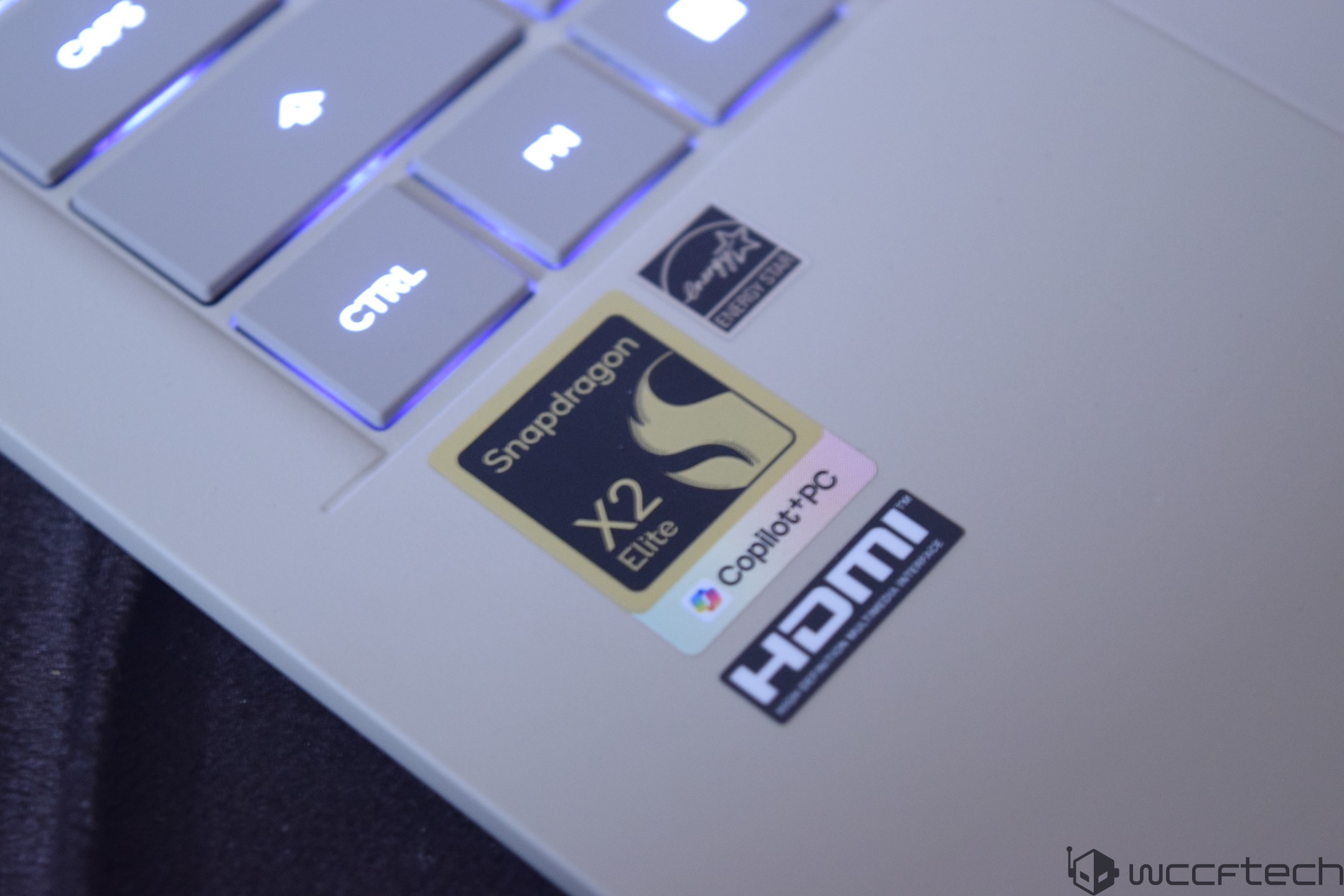
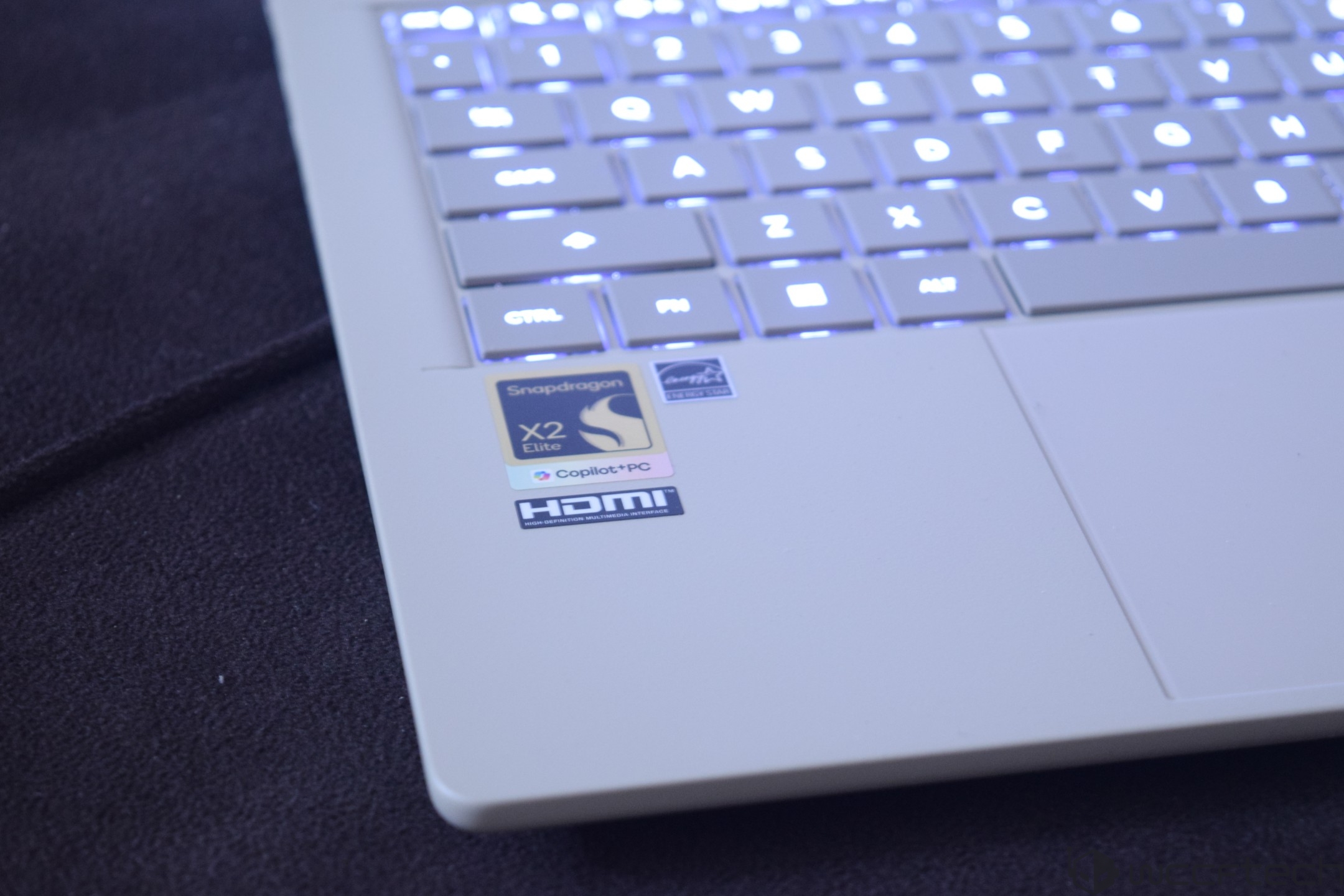
In terms of specifications, the ASUS Zenbook A14 is equipped with the Qualcomm Snapdragon X2 Elite Extreme SoC. This is the flagship processor within the Snapdragon X2 lineup, which is designed to offer strong performance features, faster NPU/GPU capabilities, and a better Arm experience on Windows OS. The latest chip is made on TSMC's N3 process node and features over 31 billion transistors in a chip that measures roughly 220mm2.
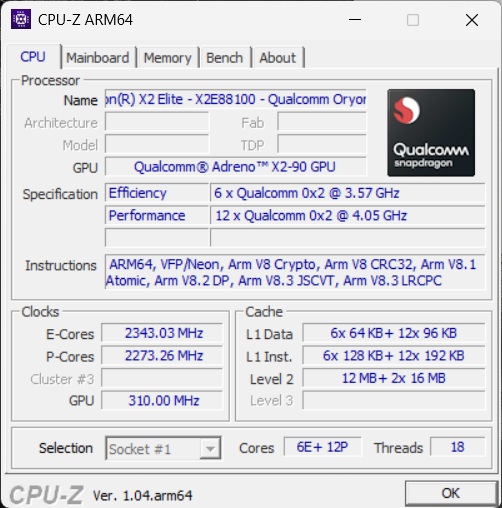
The laptop was configured with the Snapdragon X2 Elite Extreme "X2E88100", which features 18 cores & 18 threads. There are 12 performance-optimized cores, with six of them arranged in two clusters and one E-Core cluster comprising six cores. A single P-Core can boost up to 4.70 GHz, and the maximum boost has been listed at 4.05 GHz for the Prime Cores and 3.57 GHz for the Performance cores.
The chip features a total of 44 MB of L2 cache arranged in 32 MB (16 MB each) for the Prime Core clusters and 12 MB for the Performance Core cluster. The total onboard cache on the chip is 53 MB.
For the iGPU, Qualcomm is using its latest Adreno X2-90 GPU, which features 2048 ALUs and clocks in at up to 1.70 GHz. The chip has access to 21 MB of on-chip memory and follows the unified memory approach, as it has access to the onboard memory for faster bandwidth. Qualcomm has done some fine-tuning on the GPU side after its first-generation outing, offering full DirectX 12.2 and OpenCL 3.0, Vulkan 1.4 support, & more.
On the NPU side, the Qualcomm Snapdragon X2 Elite series is equipped with the latest Hexagon NPU, which offers a peak TOPS of 80 and supports all the latest AI frameworks. This is the fastest NPU in terms of AI TOPS in the market right now.
| Snapdragon X2 Elite | Cores | Clocks | Cache | GPU Clock | GPU | NPU | Memory | Bandwidth |
| X2E-96-100 | 18 | Up to 5.0 GHz | 53 MB | Up to 1.85 GHz | X2-90 | 80 TOPS | LPDDR5x | Up to 228 GB/s |
| X2E-94-100 | 18 | Up to 4.7 GHz | 53 MB | Up to 1.85 GHz | X2-90 | 80 TOPS | LPDDR5x | Up to 228 GB/s |
| X2E-90-100 | 18 | Up to 5.0 GHz | 53 MB | Up to 1.70 GHz | X2-90 | 85 TOPS | LPDDR5x | Up to 152 GB/s |
| X2E-88-100 | 18 | Up to 4.7 GHz | 53 MB | Up to 1.70 GHz | X2-90 | 80 TOPS | LPDDR5x | Up to 152 GB/s |
| X2E-84-100 | 12 | Up to 4.7 GHz | 34 MB | Up to 1.70 GHz | X2-85 | 85 TOPS | LPDDR5x | Up to 152 GB/s |
| X2E-80-100 | 12 | Up to 4.7 GHz | 34 MB | Up to 1.70 GHz | X2-85 | 80 TOPS | LPDDR5x | Up to 152 GB/s |
| X2E-78-100 | 12 | Up to 4.0 GHz | 34 MB | Up to 1.35 GHz | X2-85 | 80 TOPS | LPDDR5x | Up to 152 GB/s |
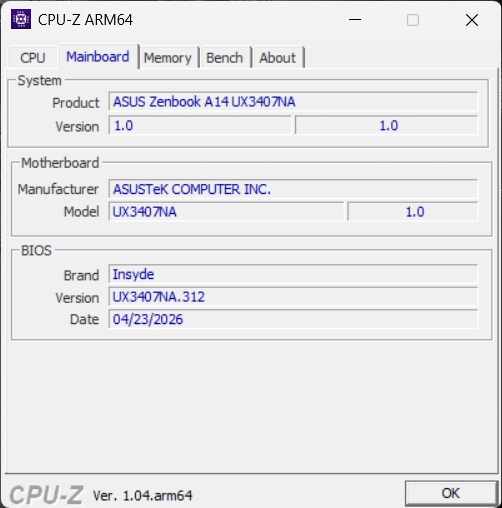
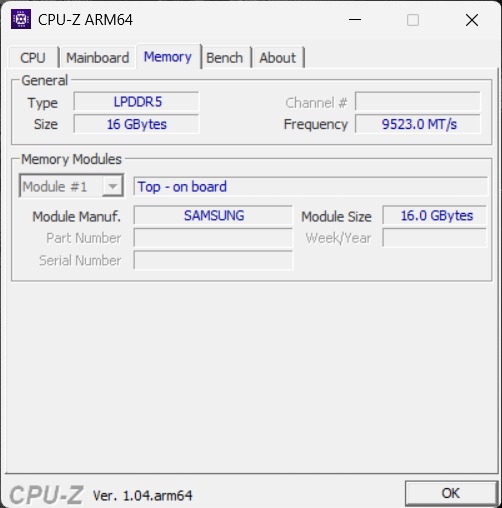
With the specs of the main SoC covered, let's talk about the rest of the specifications. First, we have the memory, which comes in the form of 16 GB of LPDDR5x. The laptop comes pre-configured and pre-soldered in 16 GB and up to 32 GB options.
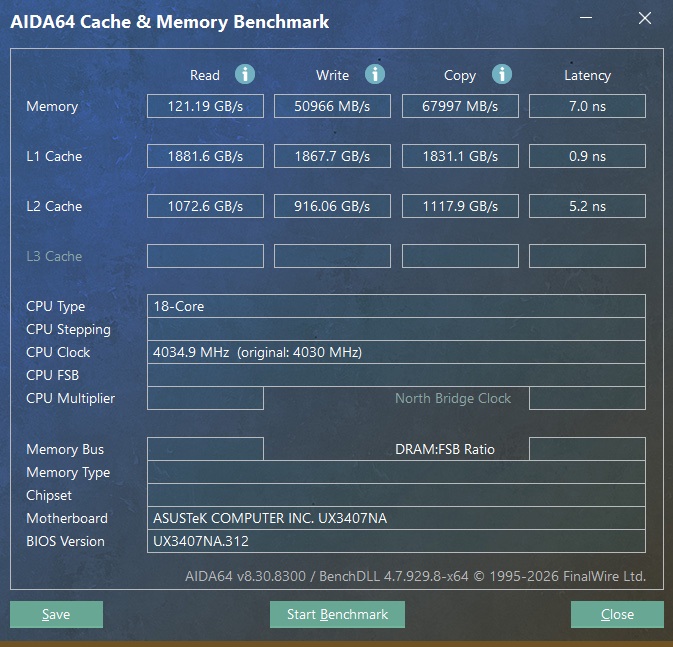
The LPDDR5x modules on the Zenbook A14 operate at 9533 MT/s across a 128-bit-wide bus interface. The higher-end configurations feature a 192-bit-wide interface. The A14 configuration supplements the system with up to 152 GB/s of bandwidth.
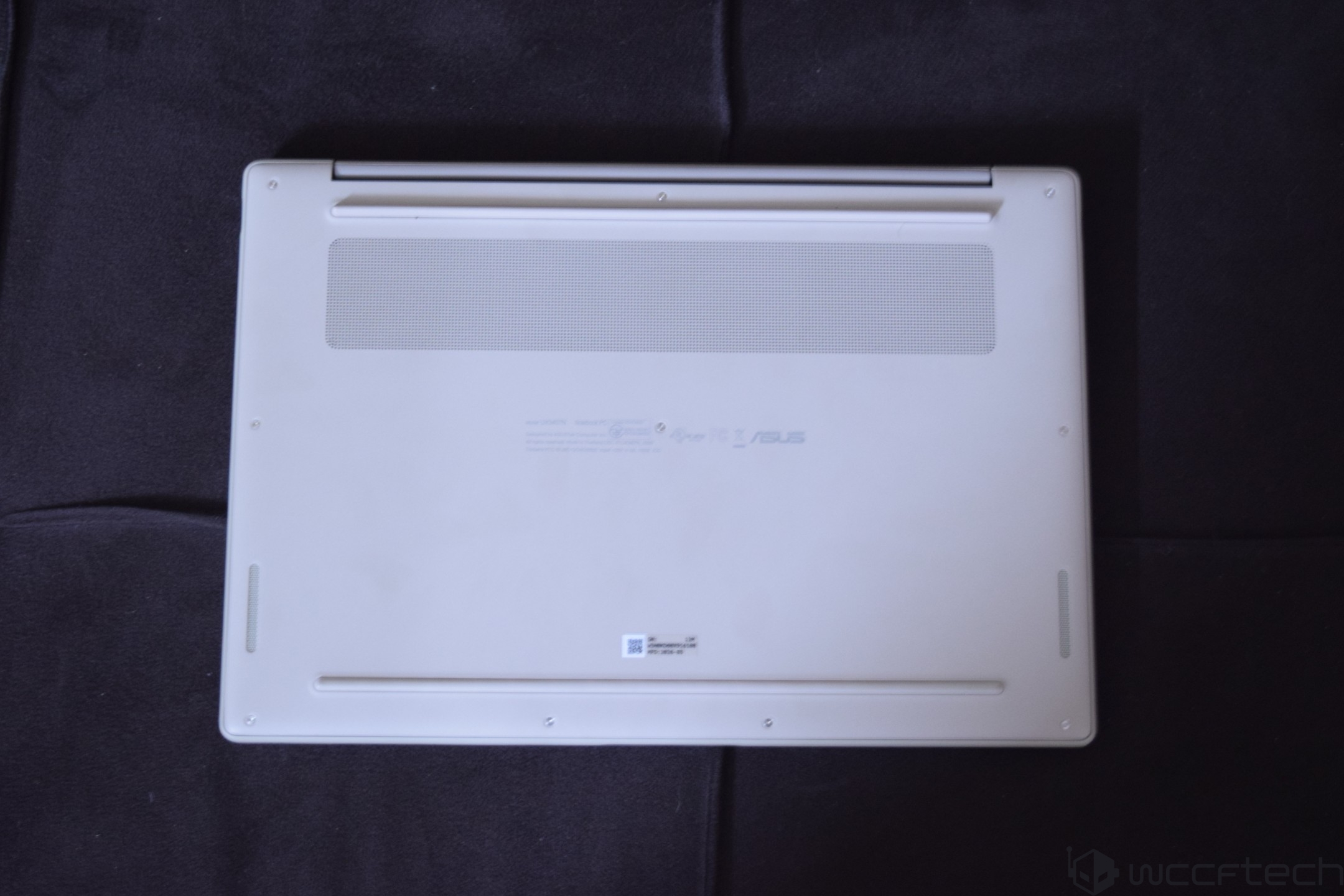
Our review unit was equipped with a 512 PCIe Gen4 SSD. The laptop comes with two NVMe 2280 M.2 slots. It can be pre-configured with 512 GB or up to 1 TB of storage.
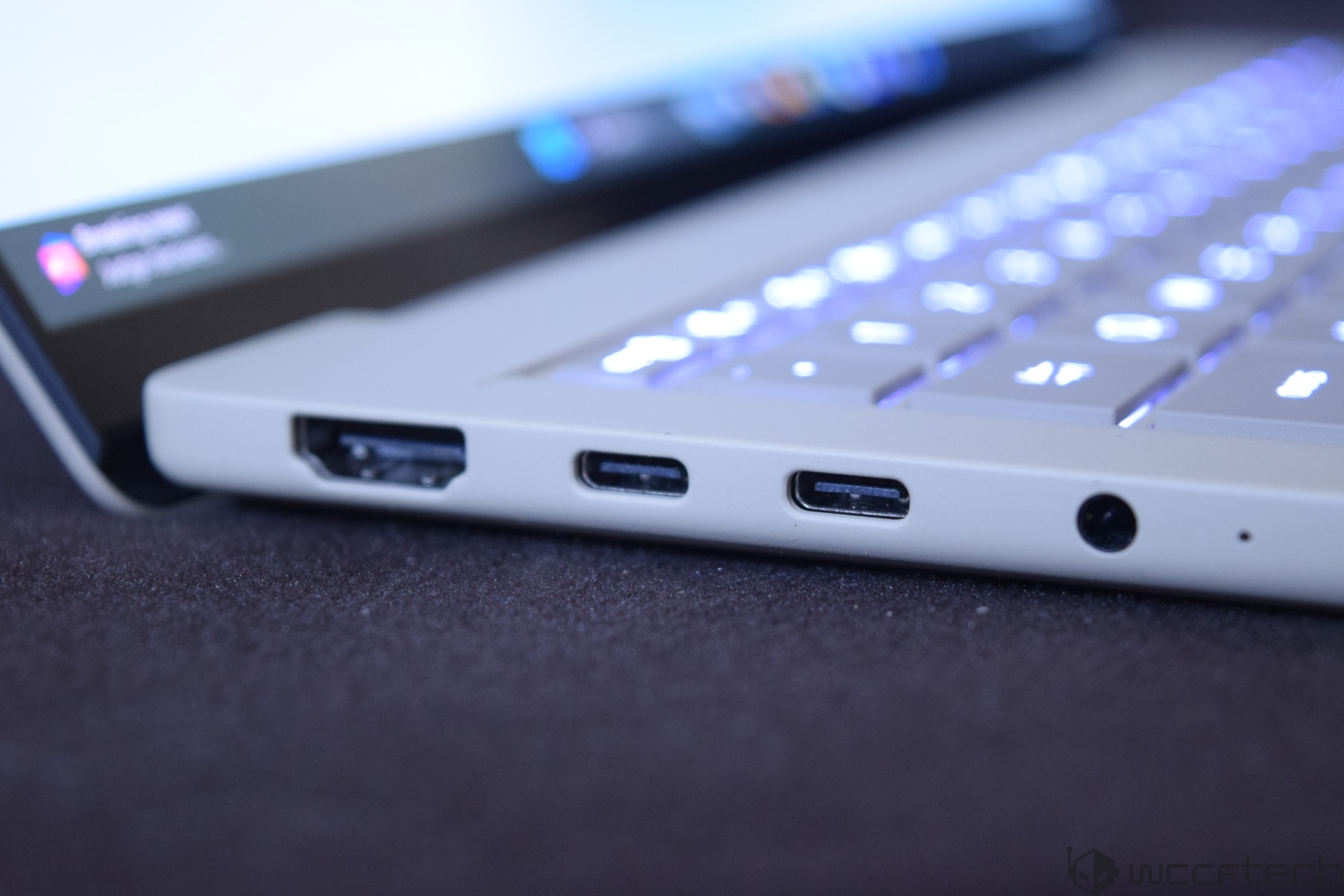
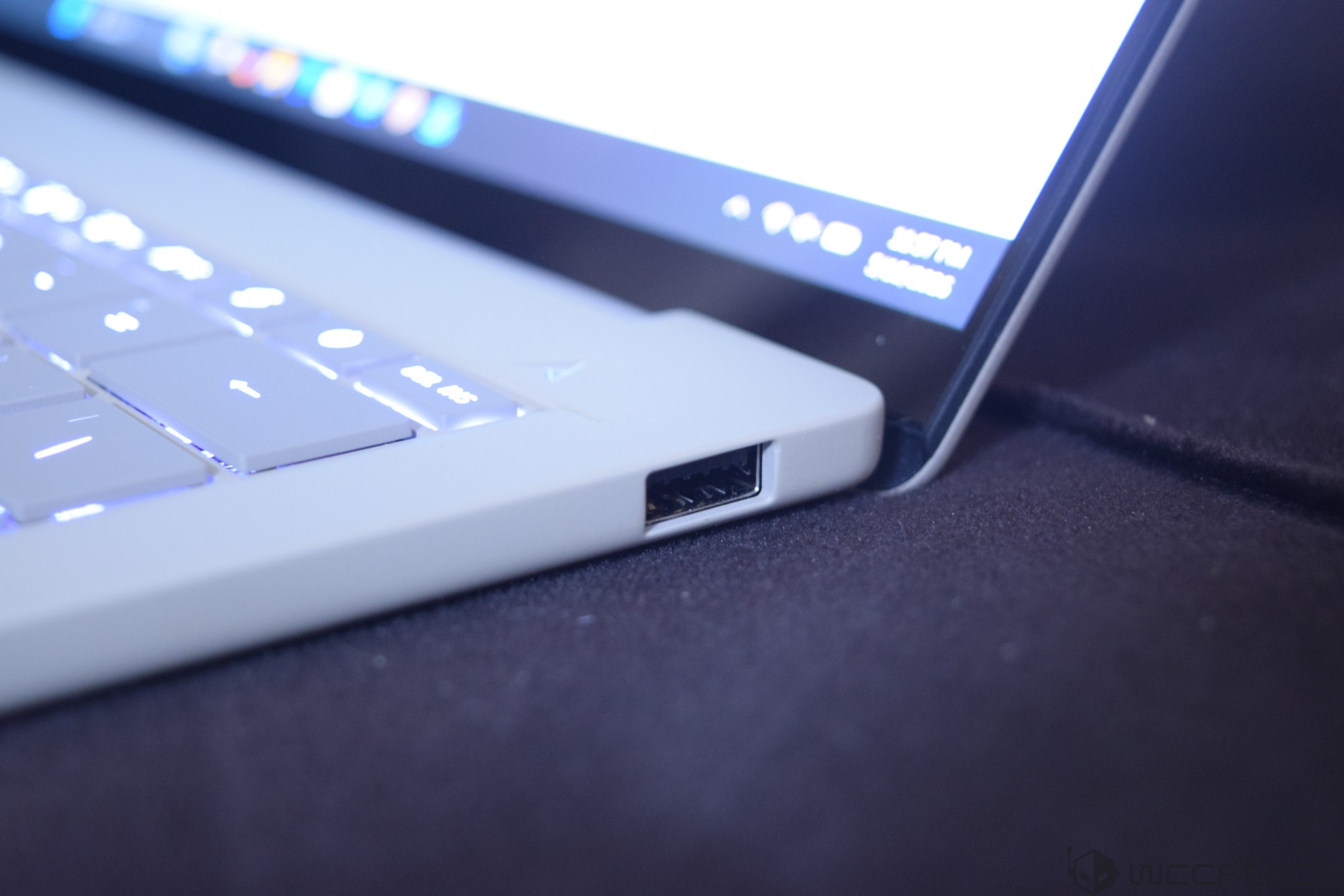
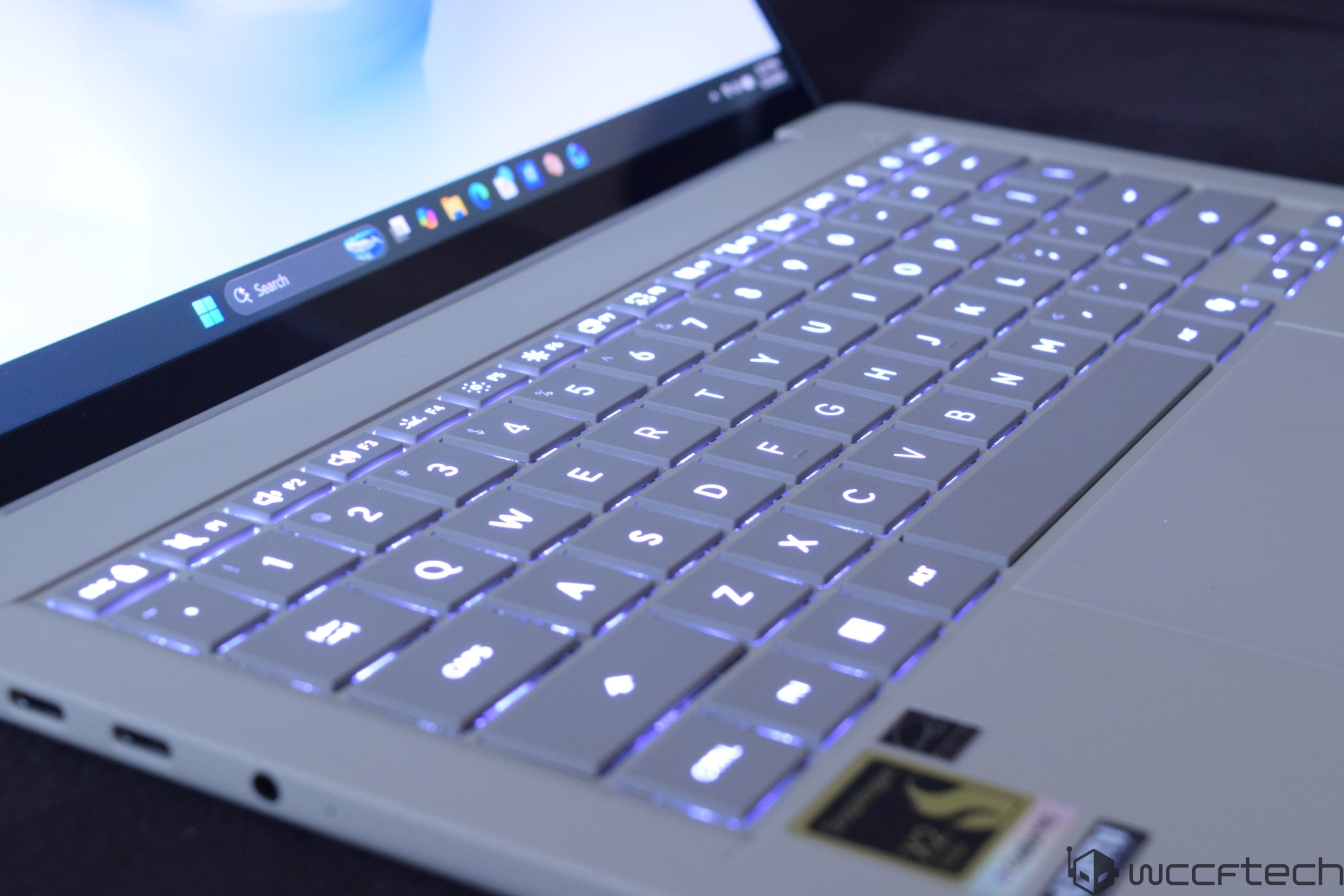
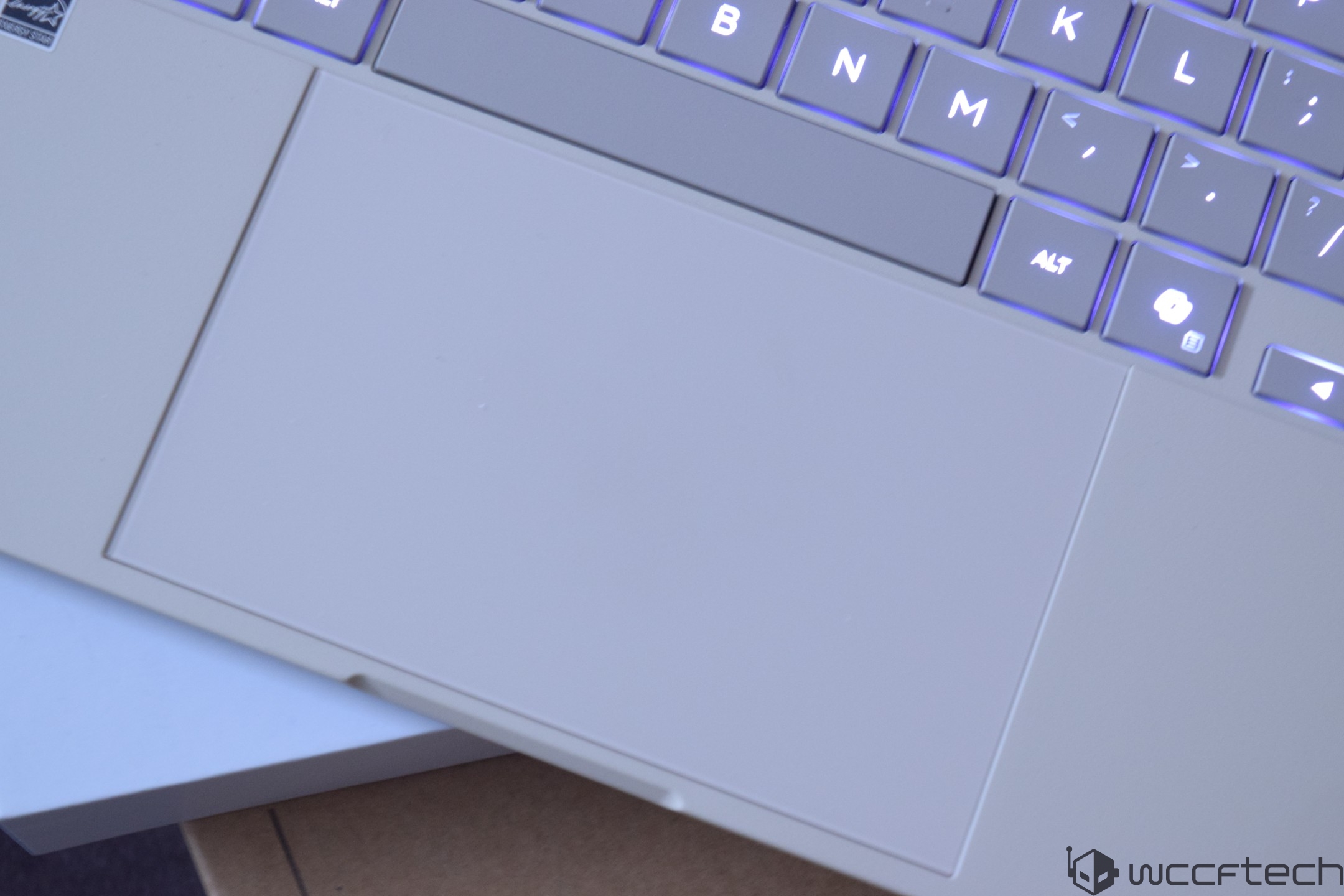
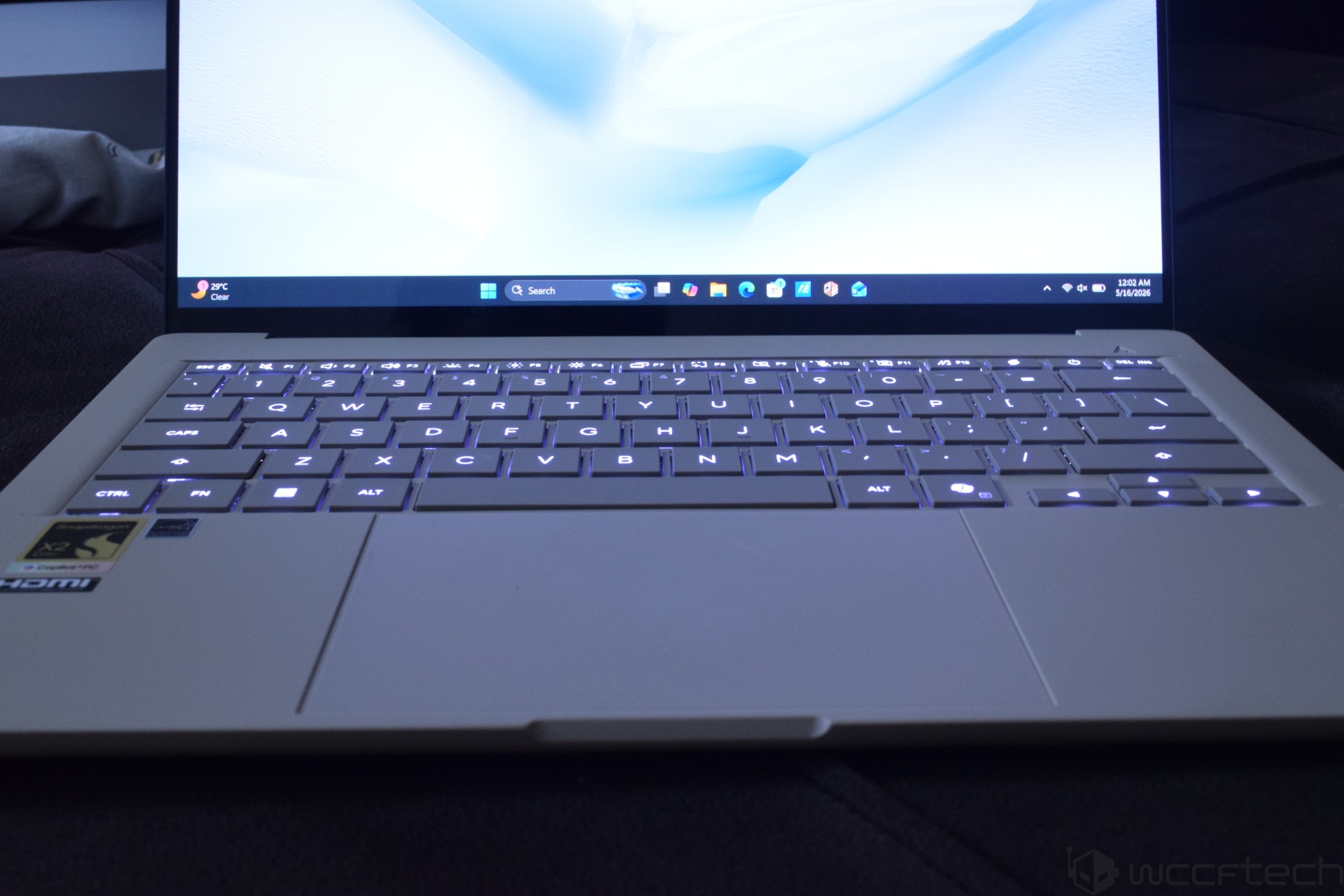
IO includes two Thunderbolt 4 USB Type-C (PD+DP2.1) ports, a USB 3.2 Gen2 Type-A port, an HDMI 2.1 output, and a headphone/mic combo port. It also comes with an FHD camera with IR functions, a backlit keyboard with chiclet design and 1.3mm key-travel, a precision touchpad with multi-gesture support, & WIFI7+BT5.4 capabilities.
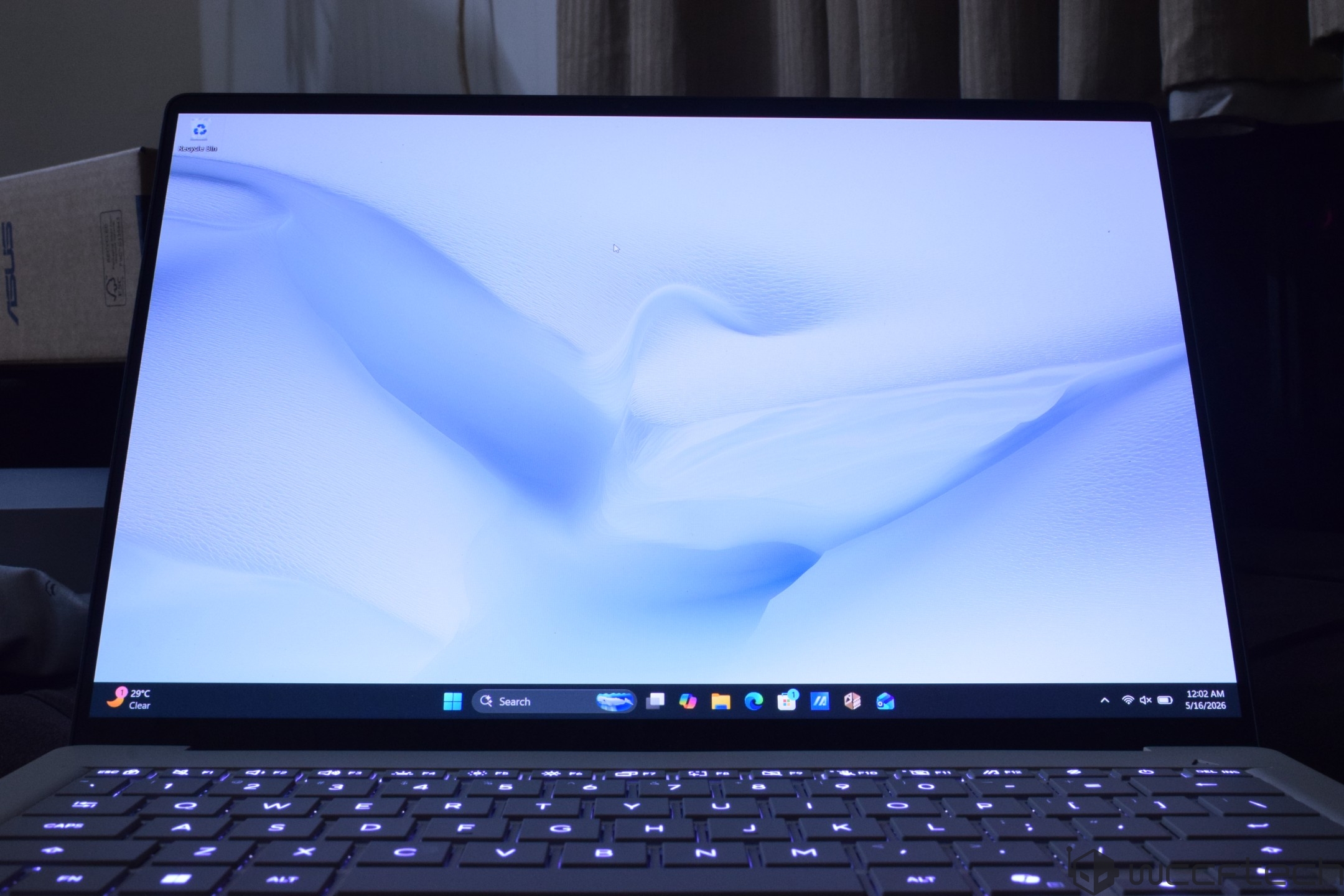
The laptop comes in two 14" screen options: a WUXGA OLED (1920x1200) panel with 400 nits of brightness (600 HDR), a 60Hz refresh rate, and a higher-end 2.8K OLED panel, 400 nits of brightness (1100 HDR), and up to a 120Hz refresh rate. Our unit was equipped with the standard WUXGA design. There's a built-in array microphone and speaker with Smart Amp technology.
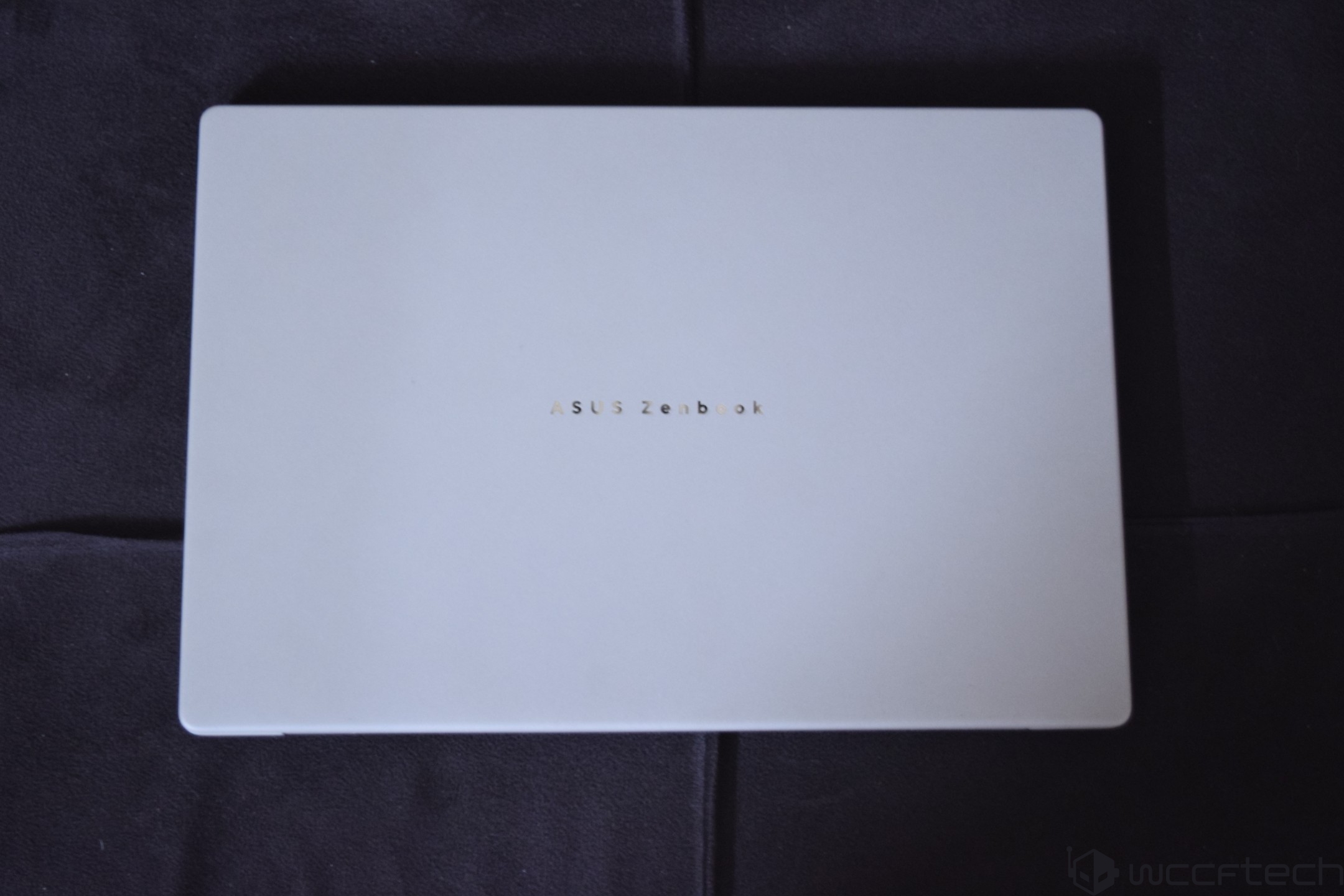
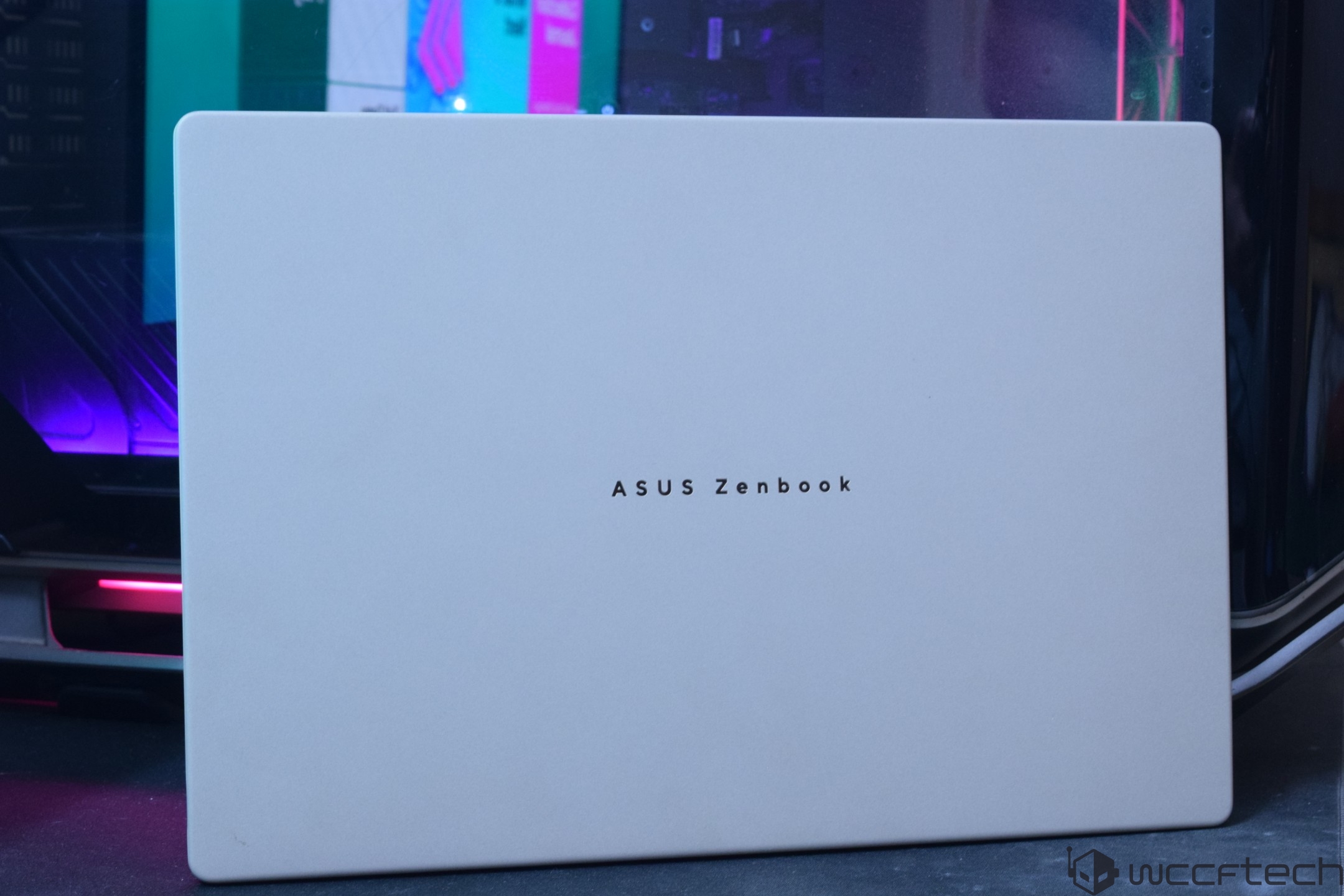
The laptop is very compact and lightweight, featuring a 1.34 cm thin design and weighing roughly 0.99 kg or 2.18lbs. The battery is a 70Whr Polymer design, which is charged by a 100W Type-C power adapter.
We start by comparing the 3DMark CPU Profile tests. The Snapdragon X2 Elite XE2-88100 sits between the Panther Lake and Arrow Lake lineup with decent multi-threading figures, but its single-core results fall significantly behind even the Lunar Lake SoCs.
0
4000
8000
12000
16000
20000
24000
10449
10242
6492
4327
2306
1207
10385
8553
7360
4403
2267
1148
9201
8794
5343
3102
1671
862
8396
8478
6576
4236
2140
1061
6348
6149
5276
3664
2202
1157
5751
5736
5756
3708
2085
1139
While the read memory bandwidth of Snapdragon X2 Elite is on par with others in the 14" camp, the Write and Copy bandwidth is less than half of that. This could be due to the 128-bit LP5X interface vs Snapdragon's full 192-bit interface on the higher-end SoCs.
0
35250
70500
105750
141000
176250
211500
For Blender, the Snapdragon X2 Elite is over 30% faster than Intel's Panther Lake in the same 14" form factor.
In CPU-Z, the Snapdragon X2 Elite offers the fastest single and multi-core performance, which is very impressive.
0
4000
8000
12000
16000
20000
24000
For Cinebench, we once again see the fastest single-core and multi-core performance on Qualcomm's Snapdragon platform. The chip is 15% faster than Panther Lake and over 30% faster than AMD's Zen 5 architectures in single-core. The multi-core lead extends to 10% versus Intel's latest Panther Lake CPUs.
0
400
800
1200
1600
2000
2400
In Geekbench 6, the Snapdragon X2 Elite offers an 11-12% uplift versus AMD's and Intel's top SoCs in multi-core tests. And it's even better in single-core with a 25% lead over Intel and a 31% lead over the AMD SoCs.
0
4000
8000
12000
16000
20000
24000
In Procyon Office, the Zenbook A14 is right there with the Zenbook Duo with Intel's Core Ultra X9 388H SoC.
0
2000
4000
6000
8000
10000
12000
WinRAR's compression tests see the Snapdragon X2 Elite on the A14 sitting between the Intel 285H and the Intel 258V.
0
5000
10000
15000
20000
25000
30000
Next up, we have our AI benchmarks for the latest Intel, AMD, and Qualcomm CPUs. First up, we have the Geekbench AI benchmarks, where the Snapdragon X2 Elite takes the last spot in the single-precision tests in the ONNX API, but the lead picks up in half-precision and quantized scores. The same is the case in the QNN workloads, but here, the Half-Precision and Quantized scores exceed today's top-tier SoCs, demonstrating Qualcomm's Hexagon NPU's true capabilities.
0
2000
4000
6000
8000
10000
12000
0
15000
30000
45000
60000
75000
90000
For UL Procyon, we see the performance matching Intel's Lunar Lake chips, which are rated at around 48 TOPS.
0
500
1000
1500
2000
2500
3000
Now we are going to look at the GPU performance, and before we present to you the gaming numbers, we first have to see how the performance fares in synthetic benchmarks. For this purpose, we first want to outline the synthetic performance.

In 3DMark Speed Way, a purely raytracing benchmark, we see the Adreno X2-90 GPU last in the list.
0
400
800
1200
1600
2000
2400

For 3DMark Steel Nomad, the X2-90 ends up faster than Intel's Xe2-based iGPUs, but the new Xe3 chips are significantly faster.
0
400
800
1200
1600
2000
2400

In 3DMark Port Royal, the chip is on par with AMD's Radeon 880M.
0
1000
2000
3000
4000
5000
6000

In 3DMark Time Spy, the iGPU is only faster than the Radeon 880M, but the newer SoCs from AMD & Intel are much ahead.
0
4000
8000
12000
16000
20000
24000

For Fire Strike, Qualcomm Snapdragon X2 Elite is faster than Intel's Xe2 iGPUs but much slower than the new Xe3 iGPUs.
0
7000
14000
21000
28000
35000
42000

Lastly, we have 3DMark Night Raid, where the iGPU was ahead of Xe2 and RDNA 3.5 iGPUs on the mainstream SoCs. The CPU score is quite good here.
0
16667
33334
50001
66668
83335
100002
With the synthetic performance out of the way, we can start taking a look at pure gaming numbers, and we start off our testing spree with Cyberpunk 2077 running at Medium Preset at 1200P. We used FSR 3.1 upscaling and Frame-Gen, and the performance was decent enough to get us in the 50-80 FPS range.


In Forza Horizon 5, we ran the game using Quality Upscaling at the Medium Preset at 1200P, and the Adreno X2-90 delivered 37 FPS on average. The experience wasn't the smoothest, and we did experience many artifacts and stutters.

In Horizon Zero Dawn at the "Favor Quality" preset, we used the FSR 2 upscaling set to Balanced. Here, the Adreno X2-90 GPU matched the Radeon 880M.

The Radeon 8060S and the Arc B390 are the only integrated SoC solutions that can deliver a 60 FPS range in Metro Exodus with RT enabled, as the other iGPUs are stuck in the 20-30 FPS range.

Lastly, we have The Callisto Protocol, where the Adreno X2-90 was on par with the Radeon 880M once again.
A major factor of today's laptops is their power consumption, and in that regard, the ASUS Zenbook A14's Snapdragon X2 Elite chip has a default TDP of 30-35W, which goes up to 65W when plugged in.
While the peak power of both laptops was seen over 80W, the gaming power was slightly different. The X2 Elite laptop was close to 38-45W when plugged in while gaming. As for application power, this rose to 50W and casually jumped to 65W. Only certain bursts took power over 80W.
4.83
3.11
2.88
3.19
7.1
2.28
The Zenbook A14 is a compact and lightweight machine. That means it's going to get a little bit toastier than its 16-inch sibling. We saw the temperatures climb up to 90C when running heavier applications, but in lighter workloads, the temperatures were around 45-55C. Gaming saw the temps in the 60-70C range. The good thing is that the laptop was very silent even under full load, making it a truly potent machine for those who don't want intrusive machines to work on.
The A14 comes with a 70Whr battery, but still manages to deliver some nice battery times.
0
400
800
1200
1600
2000
2400
This was my first taste of the Qualcomm Snapdragon X2 Elite, and well, there are more good things to say about this SoC lineup, and products such as the ASUS Zenbook A14.
First and foremost, the design. This is one of the lightest 14" laptops I have ever used. The Zenbook S14 series was super light, featuring Intel's Lunar Lake SoCs. The A14 brings a whole new level of performance to this form factor with the X2 Elite series. The champagne gold color choice gives it a premium look, and the overall material choices are great, which is a given due to this laptop being part of the Zenbook segment. The backlit keyboard and the large touchpad were phenomenal, and the speakers do pack a punch even on this compact design.
Having no touch pad, and the standard 1920x1200 screen at 60Hz takes away some of the premium feel that the other laptops in our list have, but those also cost more. You can get a nicer OLED version with a higher refresh rate by paying extra, but I think the touch screen is something you can live without. This is also a super thin laptop. ASUS gives you dual USB4 ports, a USB Type-C port, and HDMI, more than what competitors provide on a similar form factor.
Now for performance. The CPU is shockingly fast, like I was expecting 18 cores to be rock solid, but Arm on Windows with performance exceeding the Panther Lake and Strix Halo chips took me by surprise. The CPU also runs efficiently; sure, it runs hotter given the limited cooling space the laptop has to work with, but the perf/w is definitely good, and both multi/single core numbers see a decent bump over the rivals.
The GPU is decent. Qualcomm has done some homework and made sure more games run and offer a very optimized experience. With performance matching the Radeon 880M and Intel Xe2 architectures, it looks like Qualcomm is on the right track, but they have to work really hard if they want to keep up with the integrated graphics performance that their competitors are offering on the latest chips. Lastly, we've the NPU performance. We saw the NPU doing some good work, but there are still a lot of applications that would force the GPU over the Hexagon NPU for AI tasks.
The battery on the A14 was another positive thing to see. We've already seen Arm SoCs doing well in offering longer battery times than x86 offerings, but the x86 crowd is now accelerating things rapidly. Most users can expect 20-24 hours out of this laptop for everyday use cases. You'll even be left with 10-20% battery by the end of the day, and the drainage time is very low. You can charge the laptop to 100%, leave it for a few days in standby mode, and still have over 90% battery.
The 16 GB Memory and 512 GB SSD configuration is currently being sold at $1099 US, which is a reasonable price given the capabilities this laptop packs. I found the A14 to be a strong laptop for everyday users who want a thin, light, and efficient machine, offering a longer battery life, premium looks and feels, and most importantly, a CPU that is super fast. We look forward to seeing more optimizations made for the GPU and NPU in the future.

You can find additional information about our hardware review process and ethics policy here.
Follow Wccftech on Google to get more of our news coverage in your feeds.