Besides the Pi 5 being approximately 2.5x faster for general compute, the addition of other blocks of the Arm architecture in the Pi 5's upgrade to A76 cores promises to speed up other tasks, too.
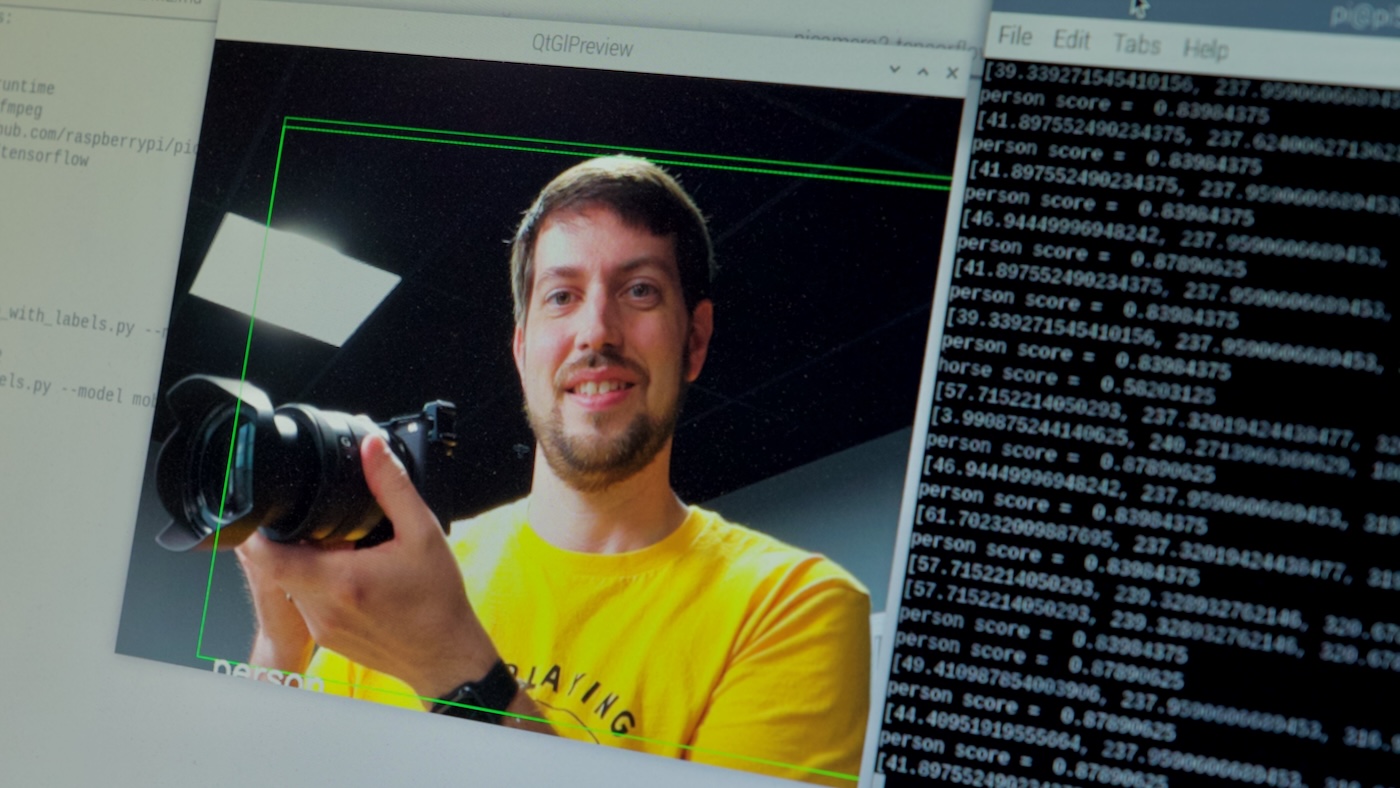
On the Pi 4, popular image processing models for object detection, pose detection, etc. would top out at 2-5 fps using the built-in CPU. Accessories like the Google Coral TPU speed things up considerably (and are eminently useful in builds like my Frigate NVR ), but a Coral adds on $60 to the cost of your Pi project.
With the Pi 5, if I can double or triple inference speedâeven at the expense of maxing out CPU usageâit could be worth it for some things .
To benchmark it, I wanted something I could easily replicate across my Pi 4 and Pi 5, and luckily, the
picamera2
library has examples that I can deploy to any of my Pis easily.
Using TensorFlow Lite, I can feed in the example YOLOv5 or MobileNetV2 models, and see how performance compares between various Pi models.
Installing dependencies
You need to have
picamera2
and a few other dependencies installed for the examples to run. Some of them are pre-installed, but check the documentation at the top of the example file for a full listing.
# Install OpenCV and Pip.
sudo apt install build-essential libatlas-base-dev python3-opencv python3-pip

# Install the TensorFlow Lite runtime.
pip3 install tflite-runtime

# Clone the picamera2 project locally.
git clone https://github.com/raspberrypi/picamera2
Running the models

To use the
picamera2
examples, you should have a Pi camera plugged into one of the CSI/DSI ports on your Pi 5 (or the camera connector on the Pi 4 or older). I'm using the Pi Camera V3 for my testing.
Then go into the tensorflow examples directory in the
picamera2
project you cloned earlier:
cd picamera2/examples/tensorflow
Run the real-time YOLOv5 model with labels:
python3 yolo_v5_real_time_with_labels.py --model yolov5s-fp16.tflite --label coco_labels_yolov5.txt
Run the real-time MobileNetV2 model with labels:
python3 real_time_with_labels.py --model mobilenet_v2.tflite --label coco_labels.txt
I would like to find an easy way to calculate FPS for these models, so I can compare raw numbers directly, instead of just looking at a recording and estimating how many FPS I'm getting for the raw TensorFlow processing.
Watching
htop
, the CPU certainly gets a workout!
Using
rpicam-apps
instead
It seems like
rpicam-apps
has some more advanced image processing options, using the
--post-process-file
option.
For example,
object_classify_tf.json
contains and example with MobileNetV1, which relies on the
mobilenet_v1_1.0_224_quant.tflite
and
labels.txt
file being present in a
models
directory in your home folder.
Or for an extremely basic example, the
negate.json
stage just inverts the pixel feed, giving a negative view of the camera feed:

I haven't experimented as much with this, but it might be easier to introduce image processing this way than using Python, especially for demo/comparison purposes!