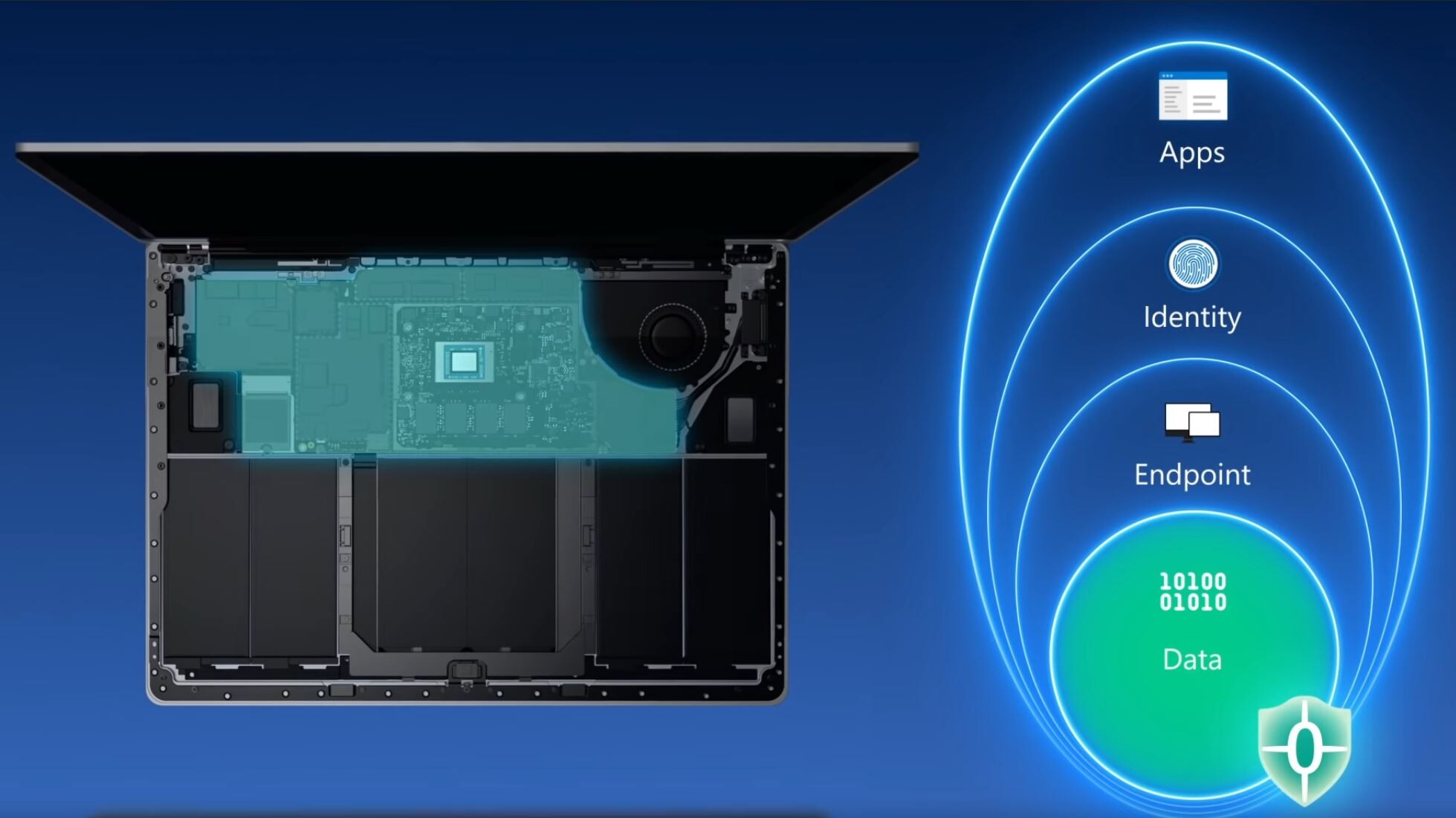
Microsoft released a fairly detailed run-down of the under-the-hood changes it made to Windows 11 over its predecessor. The operating system is optimized for a zero-trust work environment. This explains making a hardware TPM 2.0 device a minimum system requirement. The company may even penalize PCs running unsupported hardware with no access to security updates. The company also described fine-grained application performance prioritization, which automatically prevents "trivial" apps from taking up too many system resources.
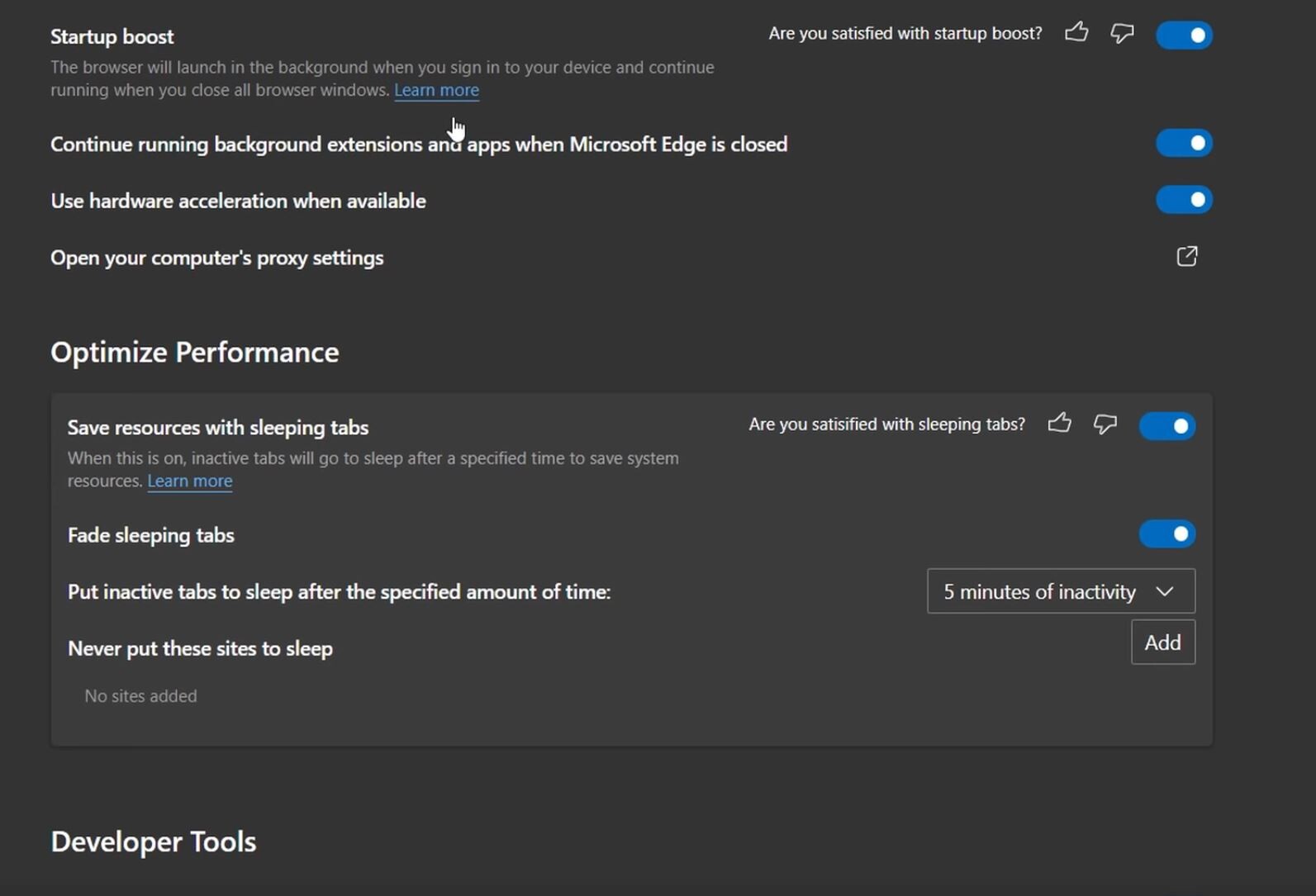
Apps running in the foreground also automatically get a higher app priority. This is particularly useful when your CPU is bogged down with a heavy workload, and you're trying to open a new app. The OS automatically rations resources to ensure the app you just launched is prioritized, making the experience snappy. This technology carries forward even to the Edge web-browser, where the tab that's active has more priority, and tabs that haven't been accessed in a while are put to "sleep" (i.e. their memory is completely paged, and they're given least system resources). Microsoft calls this "Sleeping Tabs." Microsoft claims that the feature can reduce memory savings by around 30%, which could be handy for your foreground tasks. With the feature enabled, the OS (or Edge) handle prioritization automatically.