Gaming laptops give users the flexibility to switch between “Eco” mode to exclusively run the machine on the integrated GPU to get better battery life, with the option to switch to “Hybrid” or “Dedicated” modes for gaming purposes. However, one user noticed that in his quest to run on Eco mode entirely on his new ASUS ROG Zephyrus G14, Windows ended up uninstalling the dGPU driver on its own without informing the user, leaving “Microsoft Basic Display Adapter” in its place.
Due to the drivers being unused, Redditor “Ok-Horse-3169” noticed that Windows treats the dGPU drivers as a USB stick that has been unplugged when not in use. He says that a maintenance job called “pnpclean.dll” removes a driver package after a certain time limit, with the default timeout set to 30 days. For the ROG Zephyrus G14 user, it was far less at 15 days.
While some may argue that there’s no need to run a gaming laptop in Eco mode because it just defeats the purpose of the purchase, others want to get the most out of their machine in terms of battery life. Since some programs can trigger the NVIDIA or AMD dGPU to become active when running in Hybrid or Dedicated mode, this reduces runtime like there’s no tomorrow.
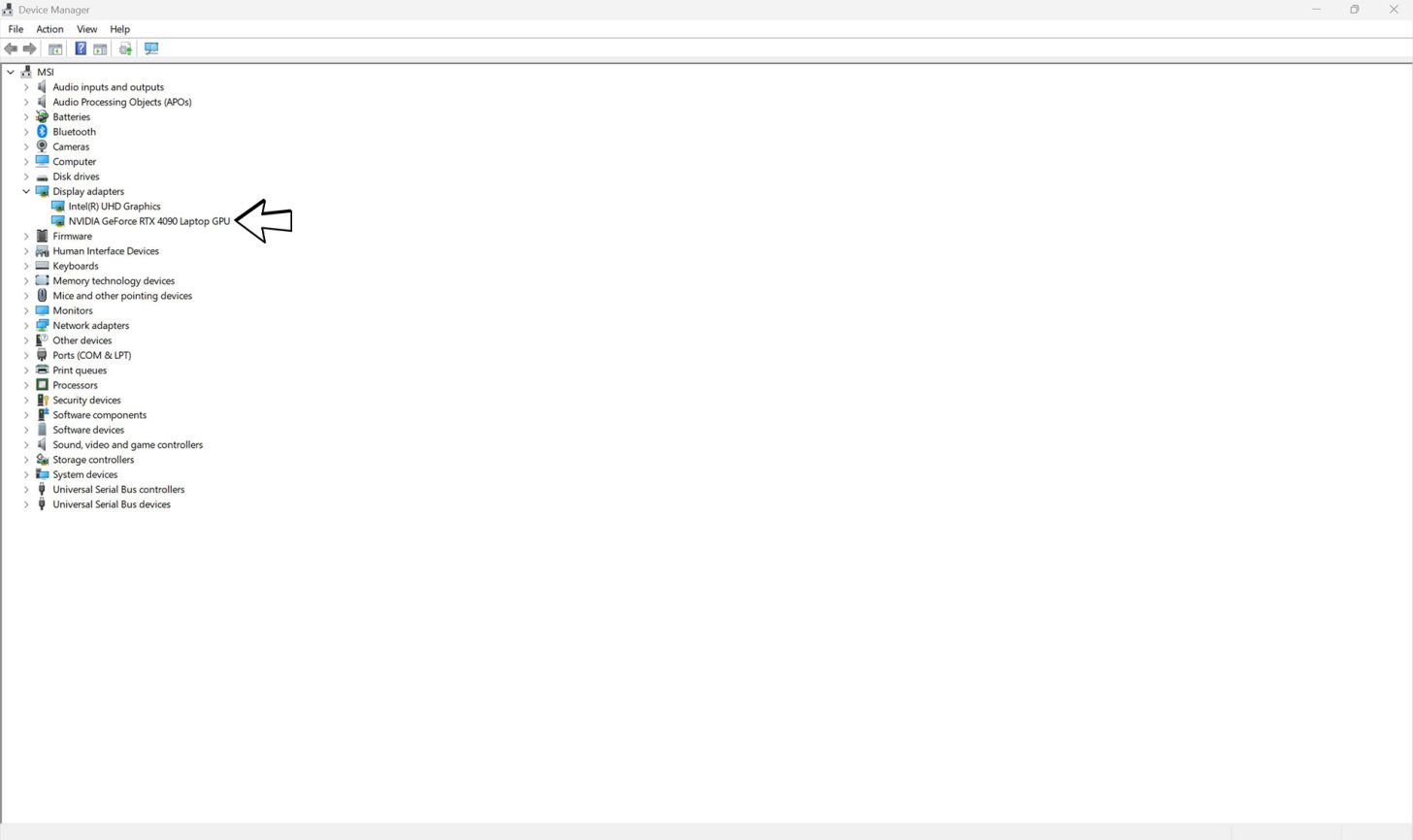
The Redditor reveals a simple way to check whether Windows uninstalled the GPU drivers; open PowerShell and run it to find the logs below.
Select-String -Path C:\Windows\INF\setupapi.dev*.log -Pattern "(VEN_10DE|VEN_1002).*(was removed|timeout period)"
The NVIDIA GPU is recognized by the designation “VEN_10DE” while the AMD one features “VEN_1002.” If you notice the “was removed” command, then Windows has uninstalled the GPU driver without your permission. Fortunately, Ok-Horse-3169 has provided a quick fix on how to prevent Windows from acting on its own accord, and that’s by heading into the Windows Registry (type “regedit” in search and Run As Administrator).
HKLM\SOFTWARE\Microsoft\Windows\CurrentVersion\Explorer\VolumeCaches\Device Driver Packages
Autorun (DWORD) = 0

The other alternative would be to manually switch from Eco mode to Hybrid or Dedicated occasionally, but that might be too cumbersome for several users. As usual, Windows 11 has presented yet another reason to pull our hair out, but at least there’s a solution for it.
News Source: Reddit
Follow Wccftech on Google to get more of our news coverage in your feeds.