MSI's gaming monitor lineup has seen various additions in the past couple of years, with designs that cater to all kinds of gamers. These monitors come in four different tiers, from the high-end MEG series to the gaming-minded MPG series, the entry-level MAG series & the budget G-Series.
The company has a vast array of options in 24, 25, 27, 32, 34, 40, and 49" sizes and a total of 17 models within its OLED lineup, which range from 27, 32, 34, & 49" options. MSI recently refreshed its QD-OLED lineup with new options that come with improved panels, upgraded displays, & flat-panel designs, in addition to its curved portfolio. Today, we will test one of MSI's most premium 32" QD-OLED options, the MPG 322UR QD-OLED X24 .
This is an improved version of the MPG 322URX 240Hz QD-OLED , which we tested last year, and carries the same OLED Care 3.0 technology that we tested on the MPG 271QD X50 QD-OLED . MSI and others are finally adding the latest and greatest technologies to 4K panels after a round of massive improvements to curved UWQHD panels with 5th Gen Tandem QD-OLED. We tested this on MSI's MPG 341CQR X36 QD-OLED gaming monitor earlier this year.
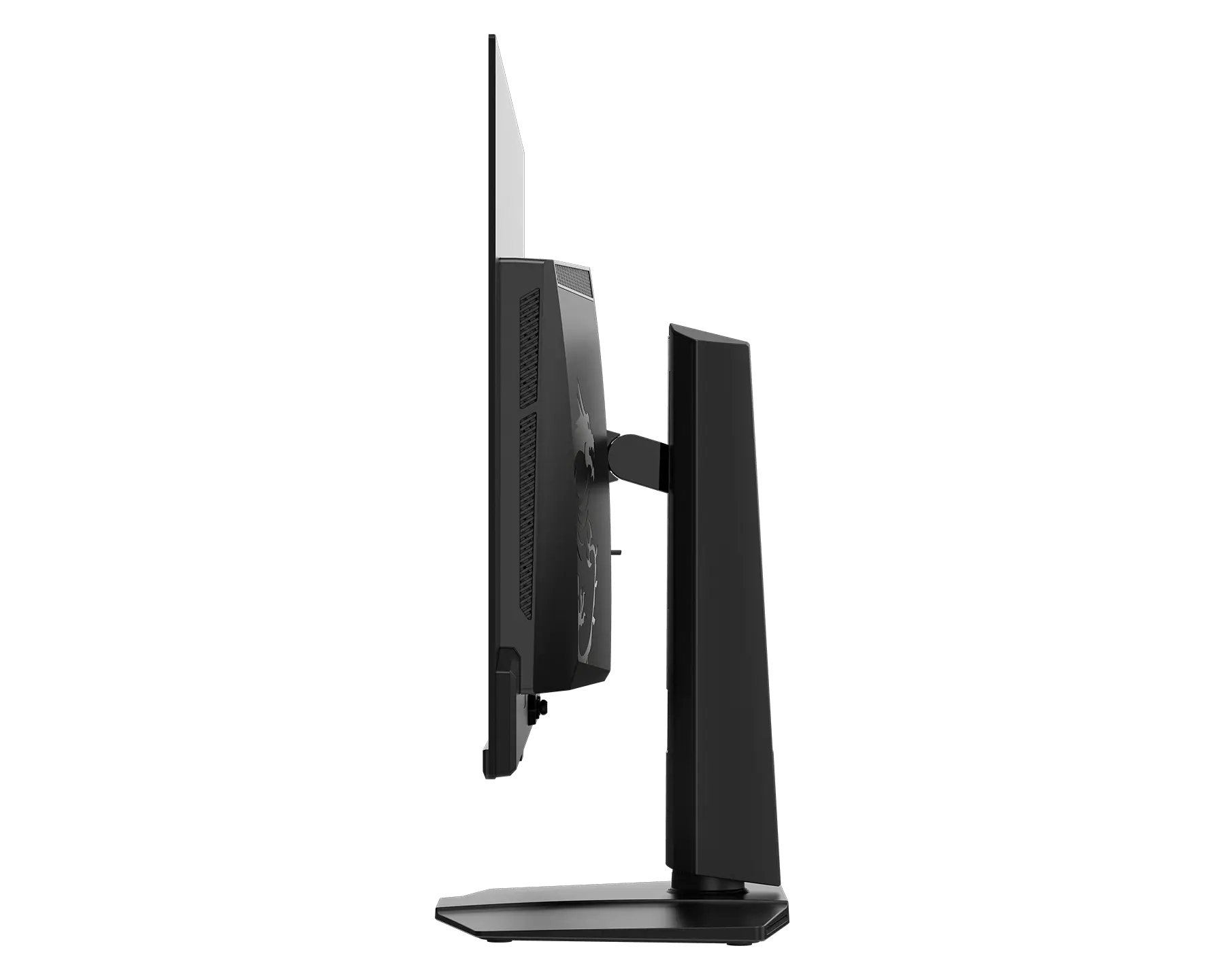
In terms of specifications, the MSI MPG 322UR QD-OLED X24 is a 4K QD-OLED monitor with a screen size of 31.5" accommodated in a 32" shell. The monitor comes in a flat panel design, which is great for those who have been looking for such designs in an era where curved panels are oversaturating the market. The screen itself comes in a glossy finish & the latest DarkArmor Film and Uniform Luminance technologies. The total display viewing real estate measures 699.48 (H) x 394.73 (V).
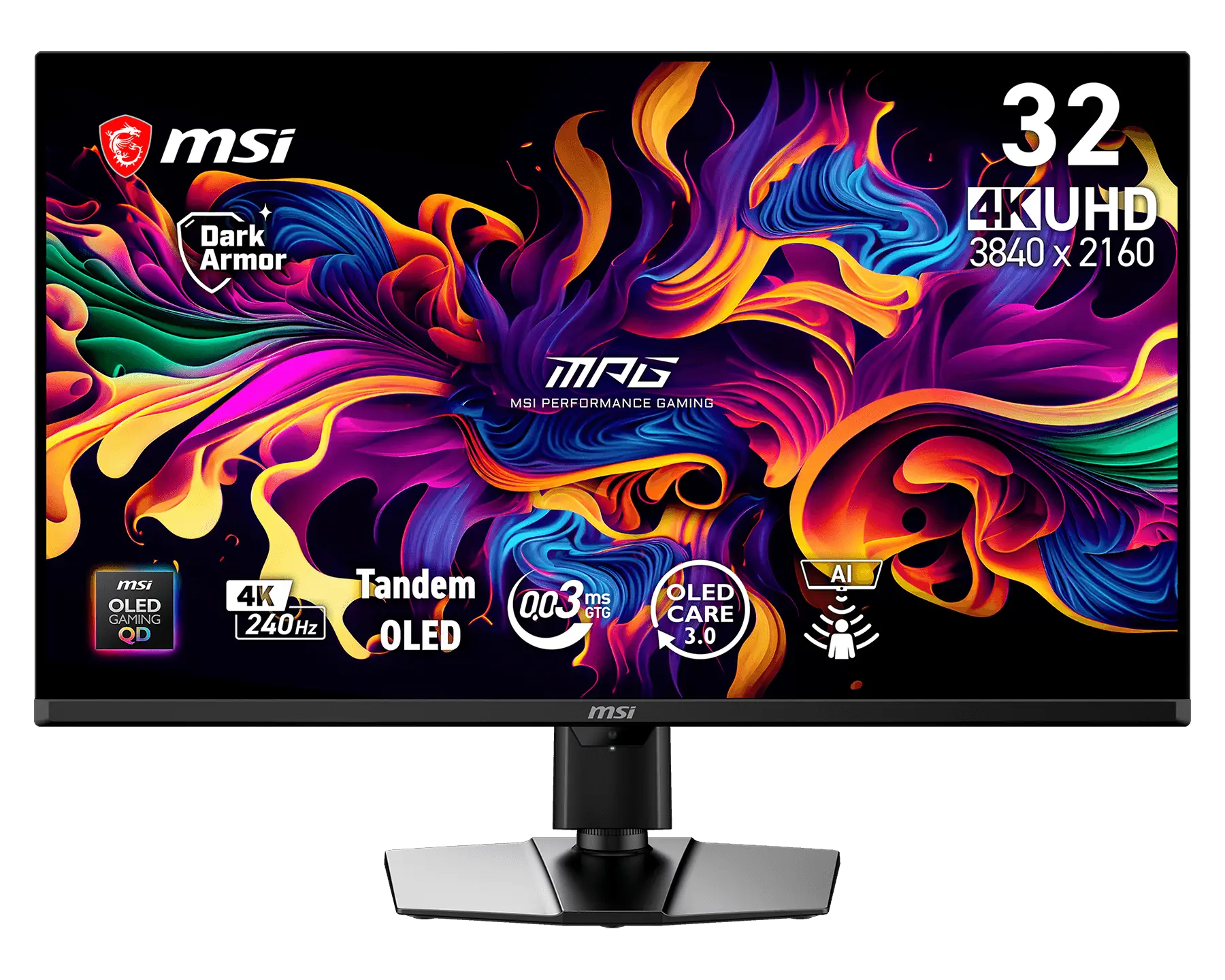
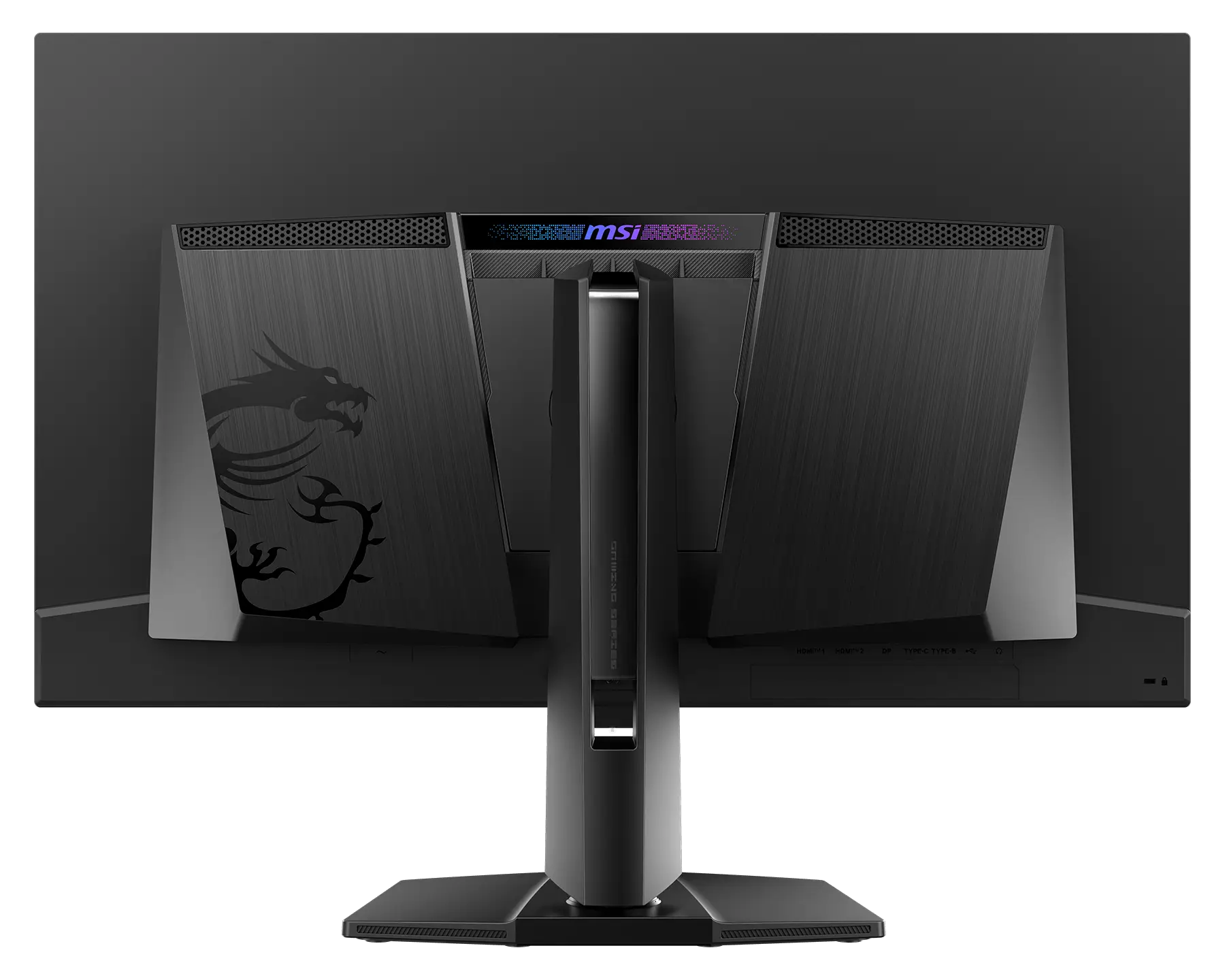
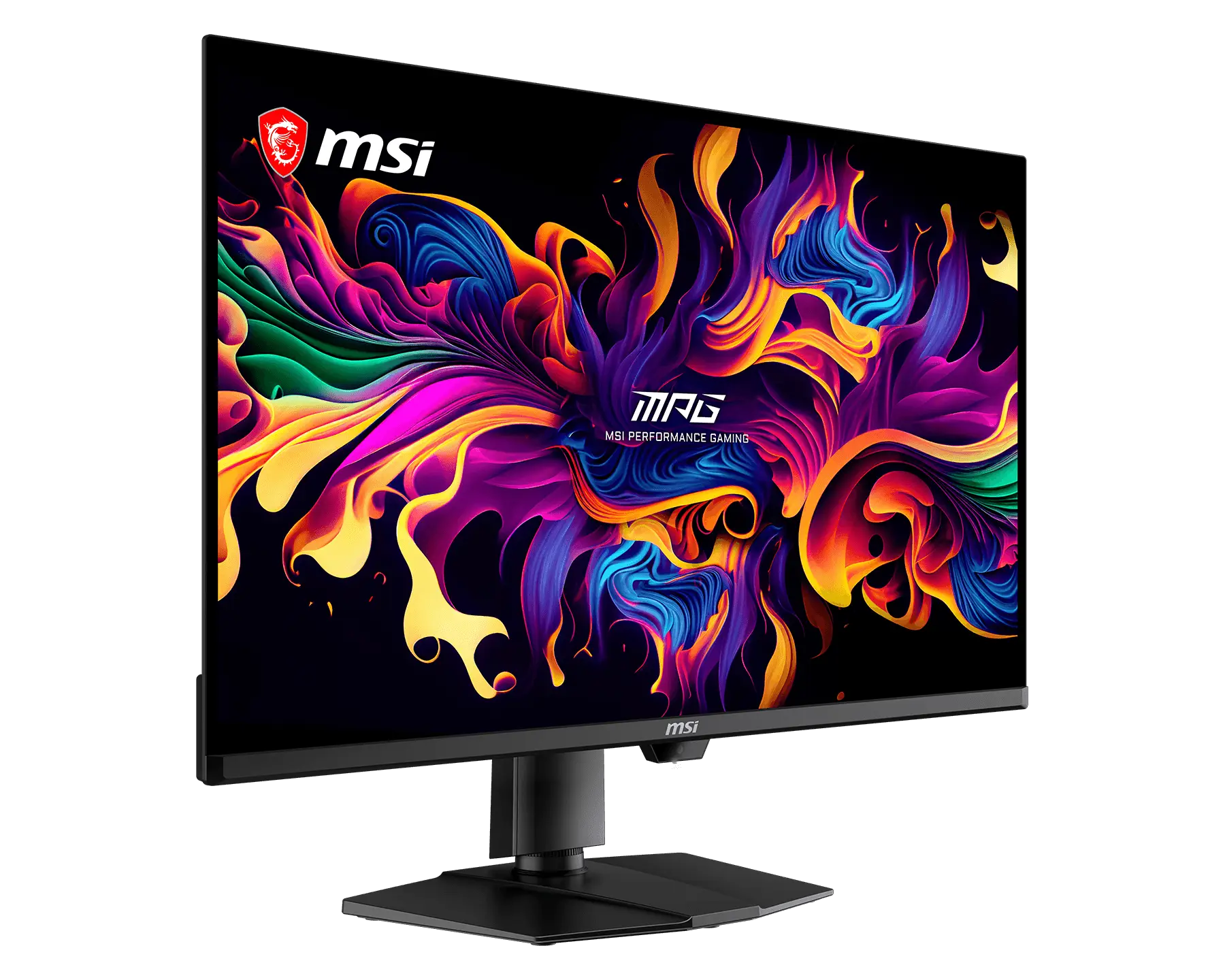
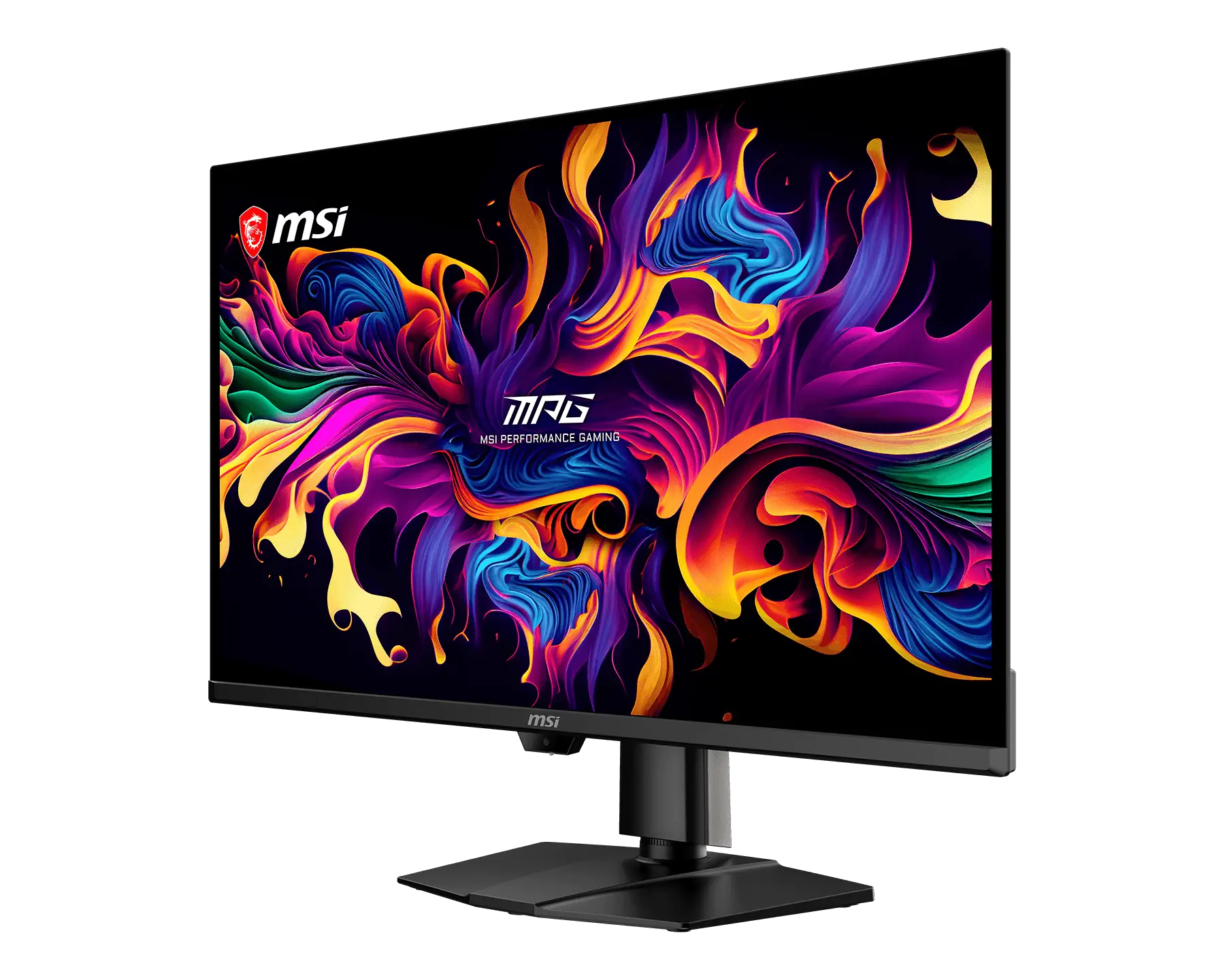
Diving deeper into the operation specifications, the MSI MPG 322UR QD-OLED X24 features a max resolution support of 3840 x 2160 (UHD), commonly referred to as 4K. The Pixel Pitch is 0.1814 x 0.1814mm and the contrast ratio is 1.5M:1, with a maximum brightness of 300 cd/m2 (SDR) and HDR brightness of up to 1000 nits, with 500 nits with its True Black 500 capability. The monitor is rated to provide 10-bit (1.07B) colors and has a VESA certification of ClearColor 13000.
The four key features that need to be talked about for this monitor are: 4th Gen Tandem QD-OLED (EL Gen3) panel technology, DarkArmor Film, Uniform Luminance, and OLED Care 3.0.
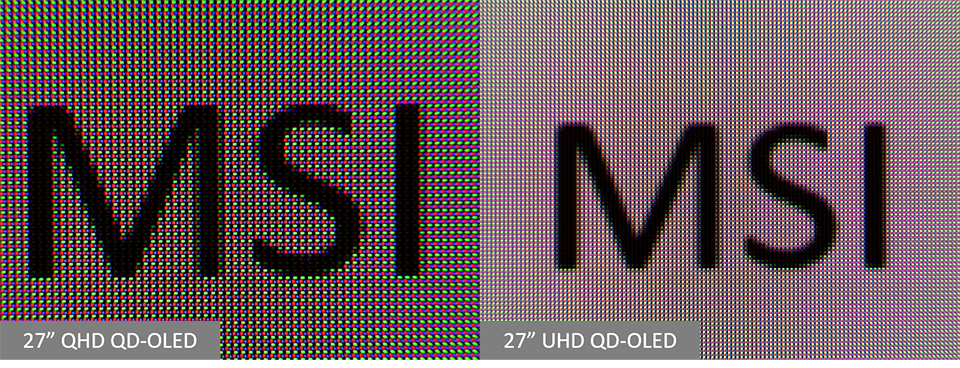
The 4th Gen Tandem OLED tech comes with a 5-layer Tandem OLED architecture with EL Gen 3 technology, offering some of the best luminous efficiency and longevity on the market. Higher pixel density is also a highlight of the new panel, offering sharper text clarity. The new panel offers 30% higher light efficiency and comes with:
- Higher Luminous Efficiency: Delivers up to a 30% or greater increase in light extraction and photon efficiency compared to prior 4-layer or standard generations.
- Maximized Luminance: Reaches extreme peak HDR brightness levels (often exceeding 1,300 nits) suitable for brightly lit environments.
- Extended Panel Lifespan: Lowers thermal and electrical stress per individual organic layer, doubling or tripling typical operational longevity
DarkArmor Film: This specialized film technology is designed to enhance light absorption and eliminate the distracting purple or reddish tints often visible on standard QD-OLEDs under ambient light. It boosts pure black levels by up to 40%, significantly improving contrast and delivering superior image performance. Furthermore, it upgrades the screen surface hardness from 2H to 3H, offering 2.5x better scratch resistance to effectively withstand daily wear and tear.
Uniform Luminance: To address the jarring brightness shifts often found in standard HDR, this feature allows users to customize the HDR brightness curve. By correlating specific brightness levels to different display window sizes, it ensures a stable and smooth brightness experience across various usage scenarios.
Lastly, we have to talk about the response time and the refresh rate. Being a DP2.1 (UHBR20) design, the monitor is rated at up to 240Hz at its 4K resolution and has a response time of 0.03ms (Gray-To-Gray). The monitor comes with support for AMD FreeSync Premium Pro and NVIDIA G-Sync technologies.
On paper, the specifications for the MPG 322UR QD-OLED X24 are as follows:
- Resolution: 3840x2160
- HDR Support: DisplayHDR True Black 500
- Panel Size: 31.5"
- Panel Treatment: DarkArmor Film
- Panel type: QD-OLED
- Panel Backlight: OLED
- Response time: 0.03ms (GtG)
- Refresh rate: 240Hz
- Viewing angle:178°(H) / 178°(V)
- Brightness: SDR: 300
- HDR: 500 (Typ.) (True Black 500 with 10% APL)
- 1000 (Typ.) (Peak 1000 with 3% APL)
- Color depth: 1.07B, 10 bits
- Native contrast: 1500000:1 (Typ.)
- Height Adjustment: 0 ~ 110 mm
- Tilt: -5° ~ 15°
- Swivel: -30° ~ 30°
- Pivot: -10° ~ 10°
- Power input: 100~240V, 50/60Hz
The IO ports on the monitor include:
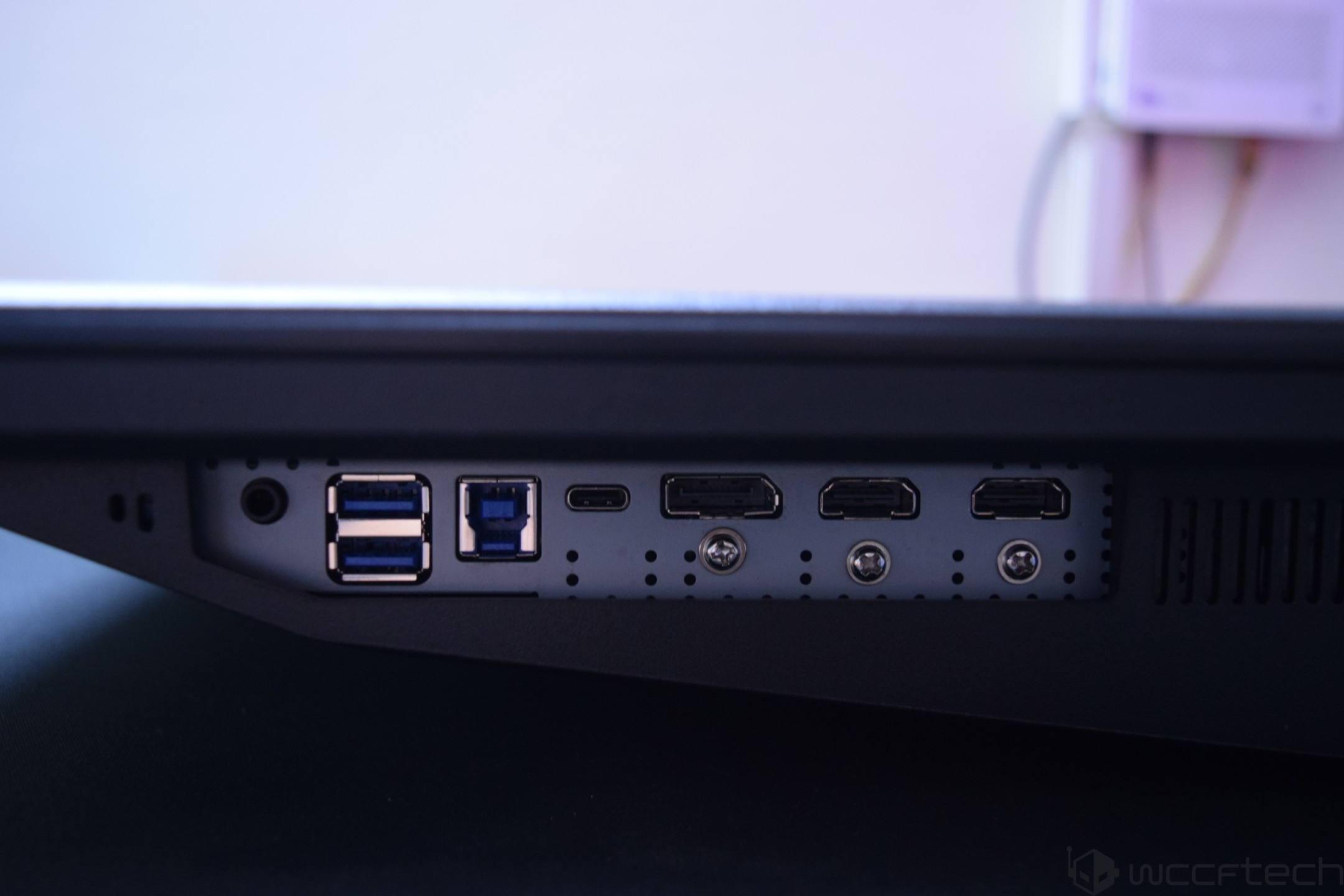
- 2x HDMI 2.1 (UHD@240Hz)
- 1x DisplayPort 2.1a (UHBR20)
- 1x Type-C (DP alt.) w/ 98W PD
- 2x USB 5Gbps Type-A
- 1x USB 5Gbps Type-B
- 1 x Headphone-out
Other features of the MPG 322UR QD-OLED X24 include a user-friendly Gaming Intelligence App with support for KVM and more. The monitor comes with an internal power board, which means that you don't have to worry about any adapter or power brick to get it booted up. All you need is to connect the power cord to the power outlet, and you're all set.
Since this is quite a hefty panel, we should also mention the exact dimensions so gamers & users who plan on buying it can ensure that they have proper room on their desks to accommodate the MPG 322UR X24. The gaming monitor measures 717.3 x 71.8 x 434.8 mm & weighs 9.4kg.
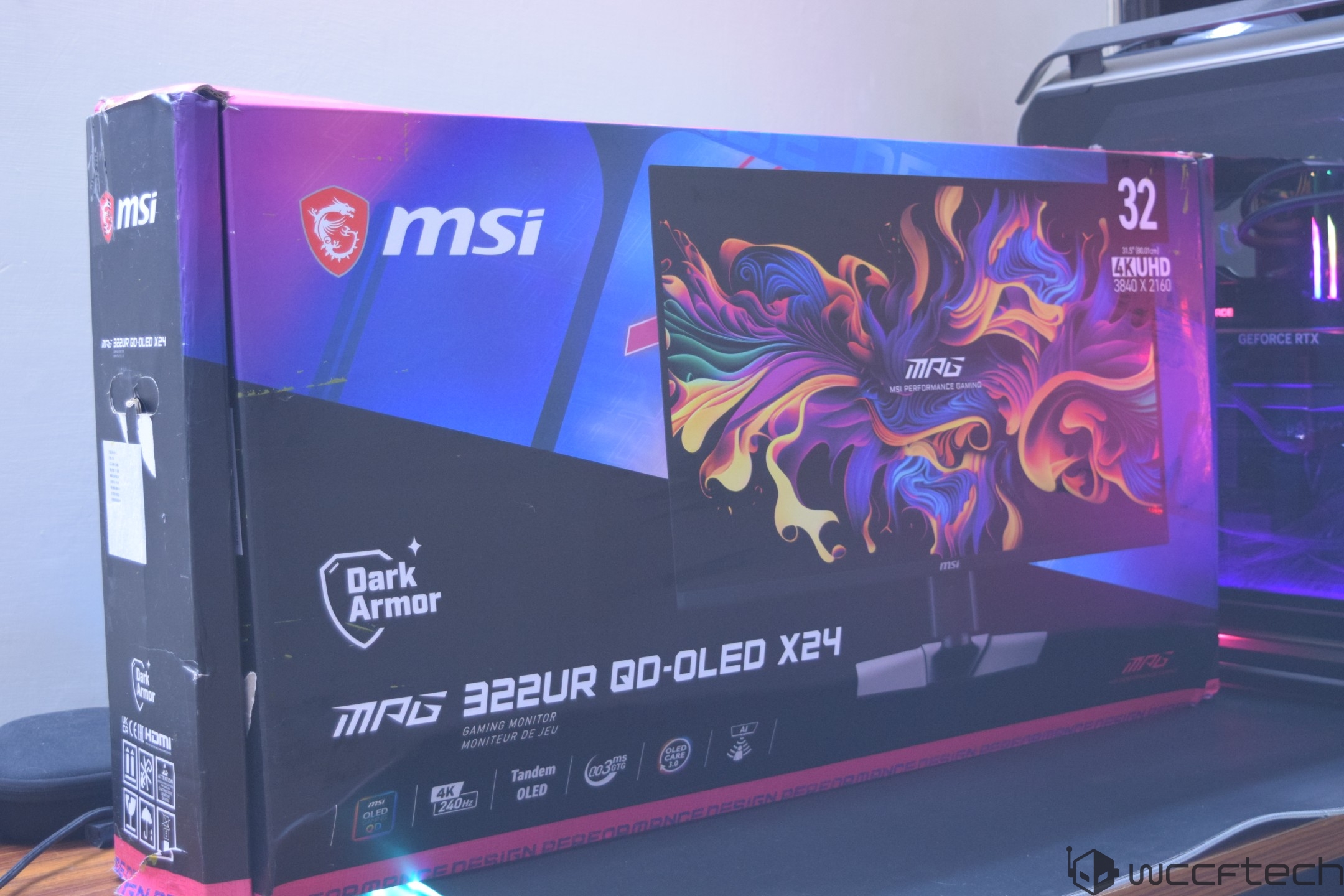
The MSI MPG 322UR QD-OLED X24 comes in a large package, which is to be expected since this is a 32" gaming monitor. The front side has a picture of the monitor itself along with its model number, its size, and its maximum resolution.
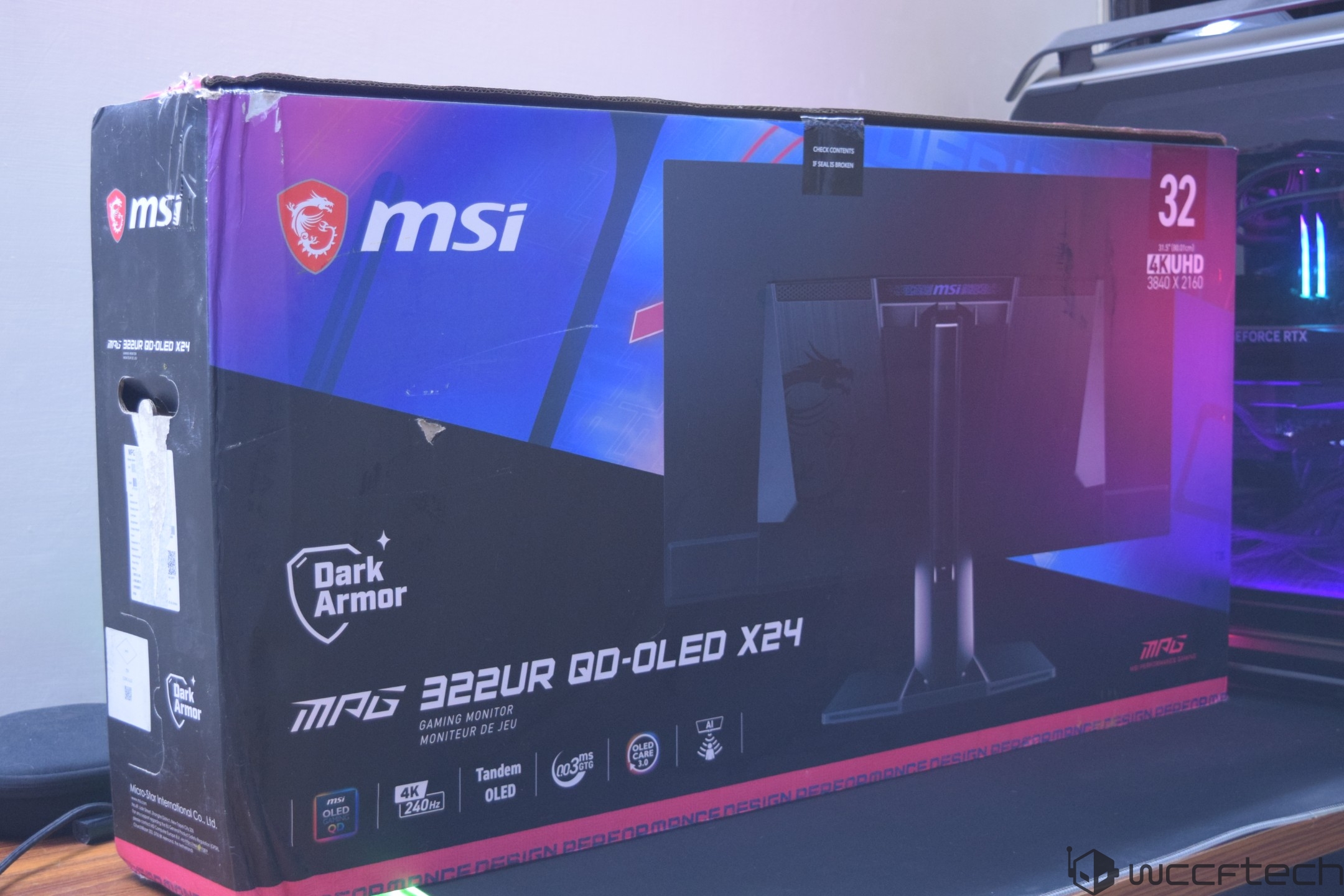
The back of the package has a picture of the backside of the monitor, with the sides listing the new features and specs that you can expect from this flagship offering.
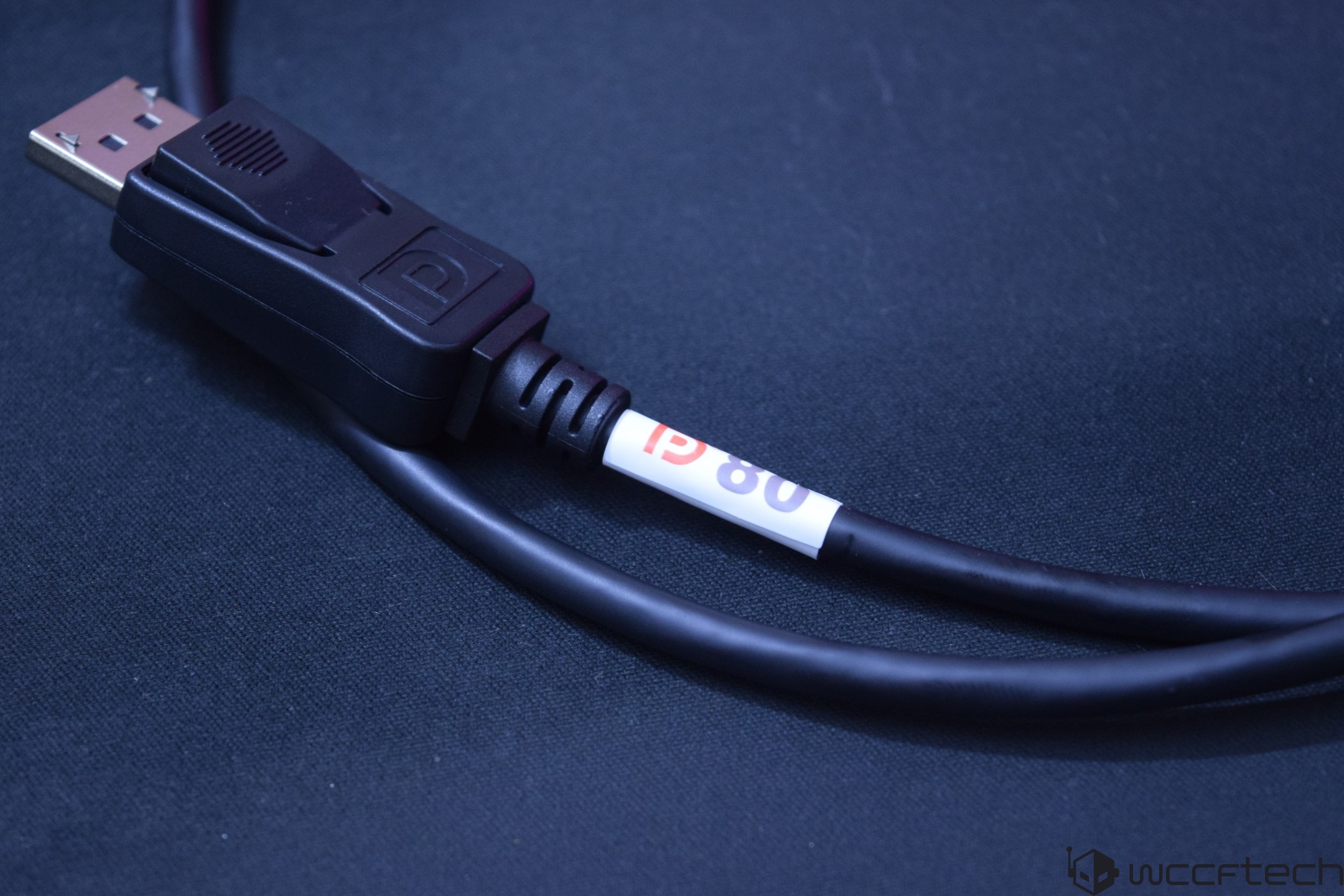
Opening the package, you are first met with the accessories, which include the feet, the power cord (C13), and a set of HDMI and DP cables that are packed within a nice carry case. The DP2.1 cable in the package supports the full 80 Gbps (VESA DP80) bandwidth that this gaming monitor is advertised to offer.
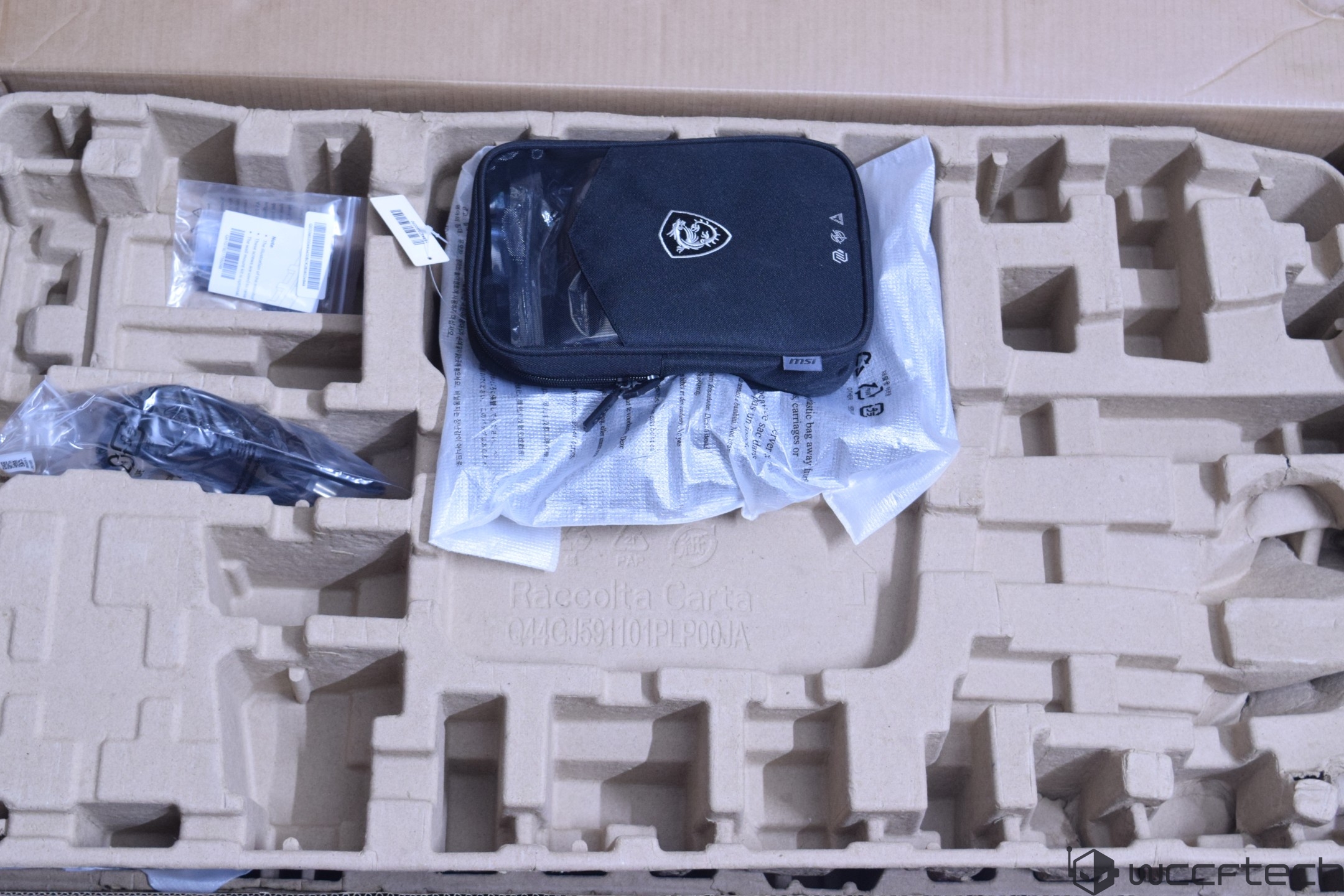
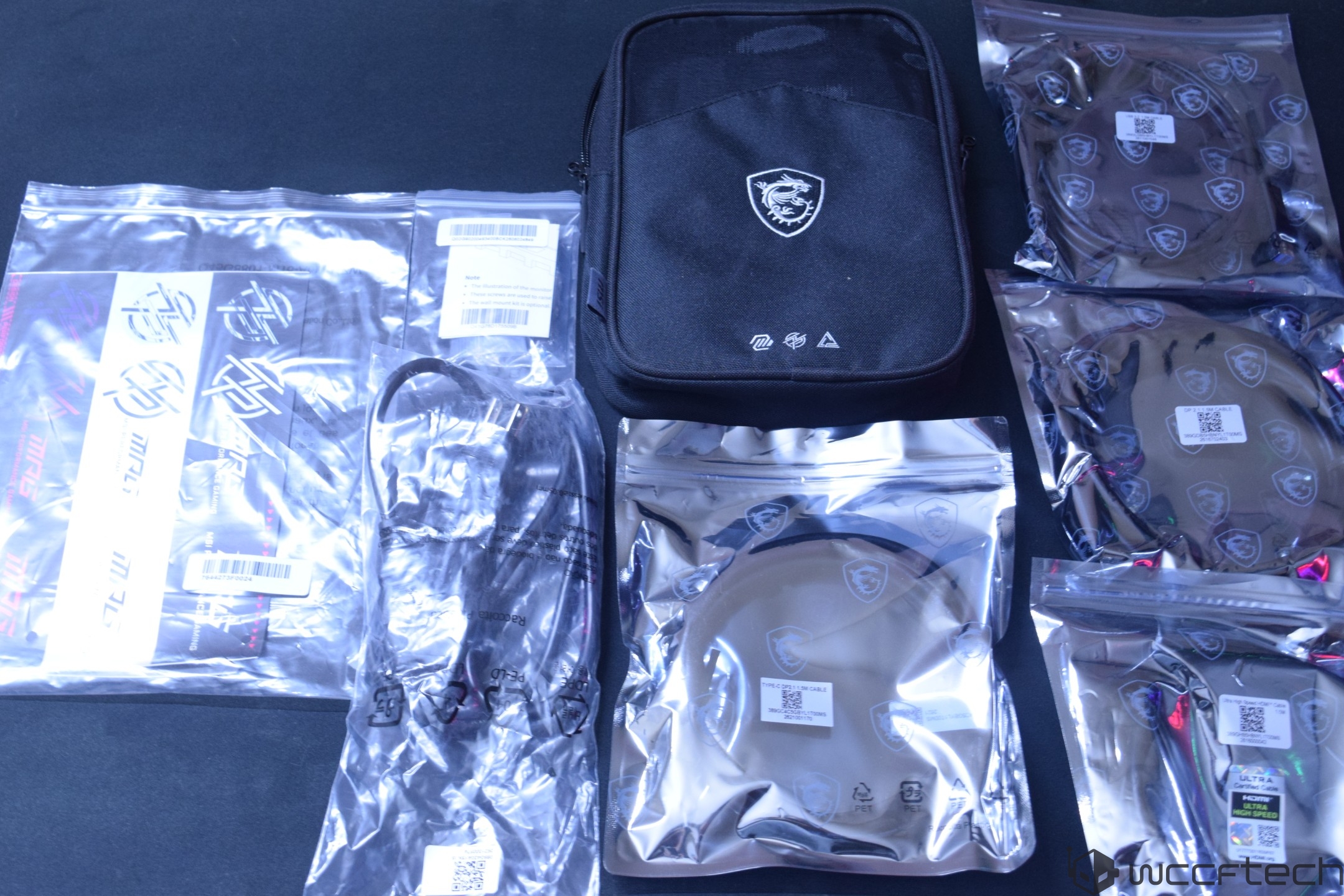
The cable itself is short but is workable for desktop setups. Longer cables are coming with DP 2.1 (80 Gbps) ratings, so you might have to buy one of those if you want extended lengths.
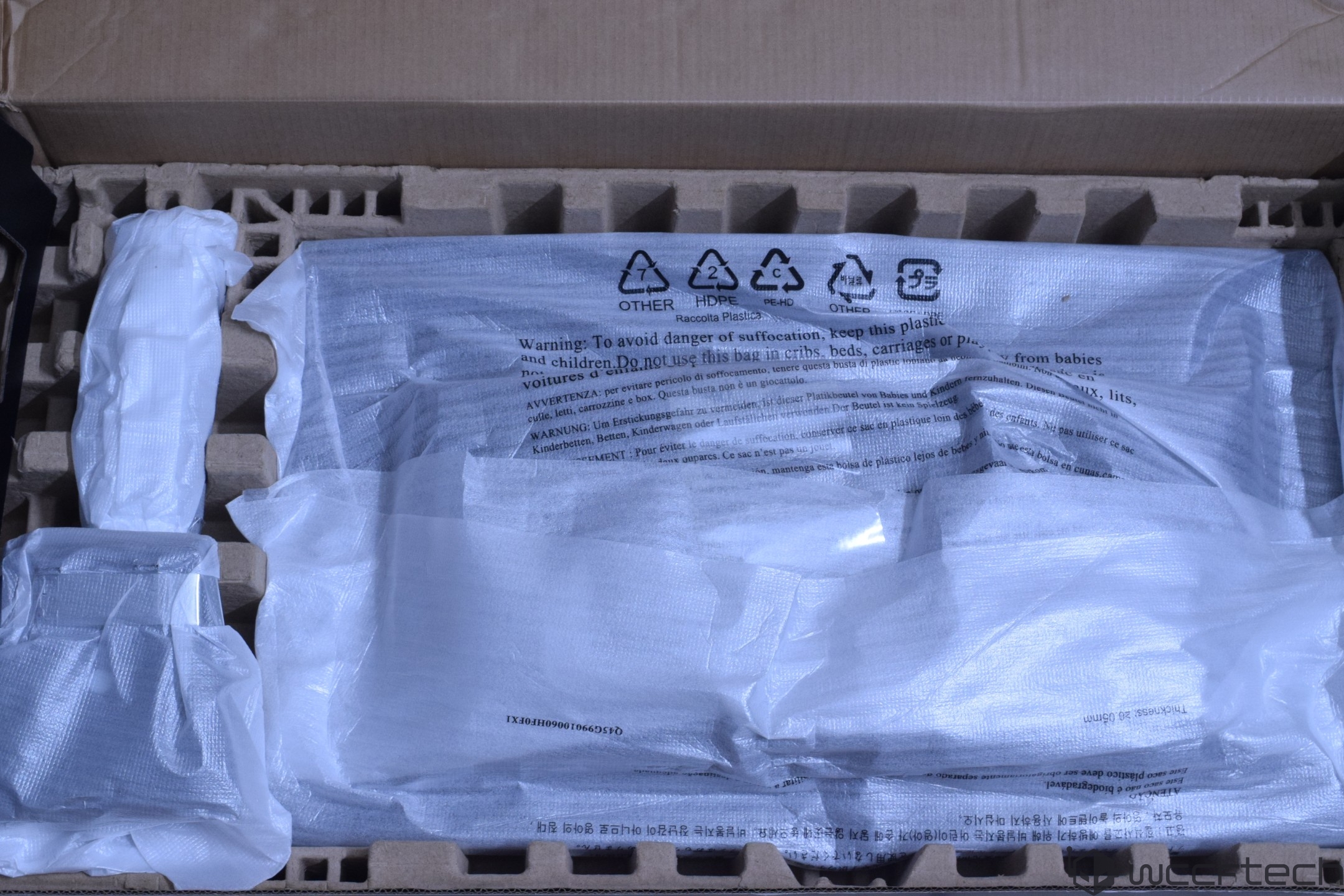
Underneath this foam packaging is another foam container that houses the monitor itself along with the stand. MSI has paid extra attention to securing the monitor in a foam package to avoid any damage during shipping.
The stand attaches to the feet with relative ease. All you need to do is flip the metal lever, attach the stand to the mounting bracket, and rotate the lever until it's secured.
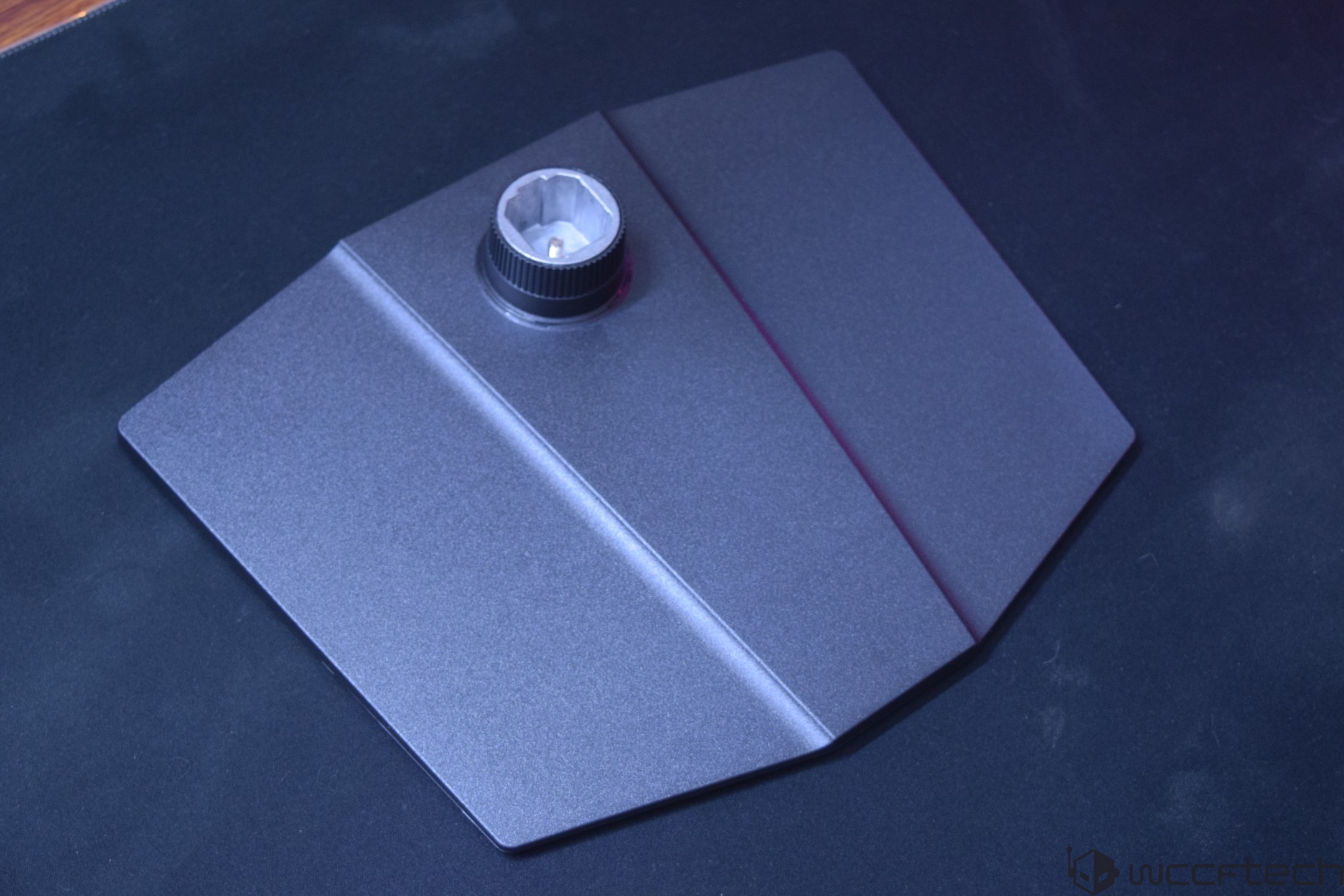
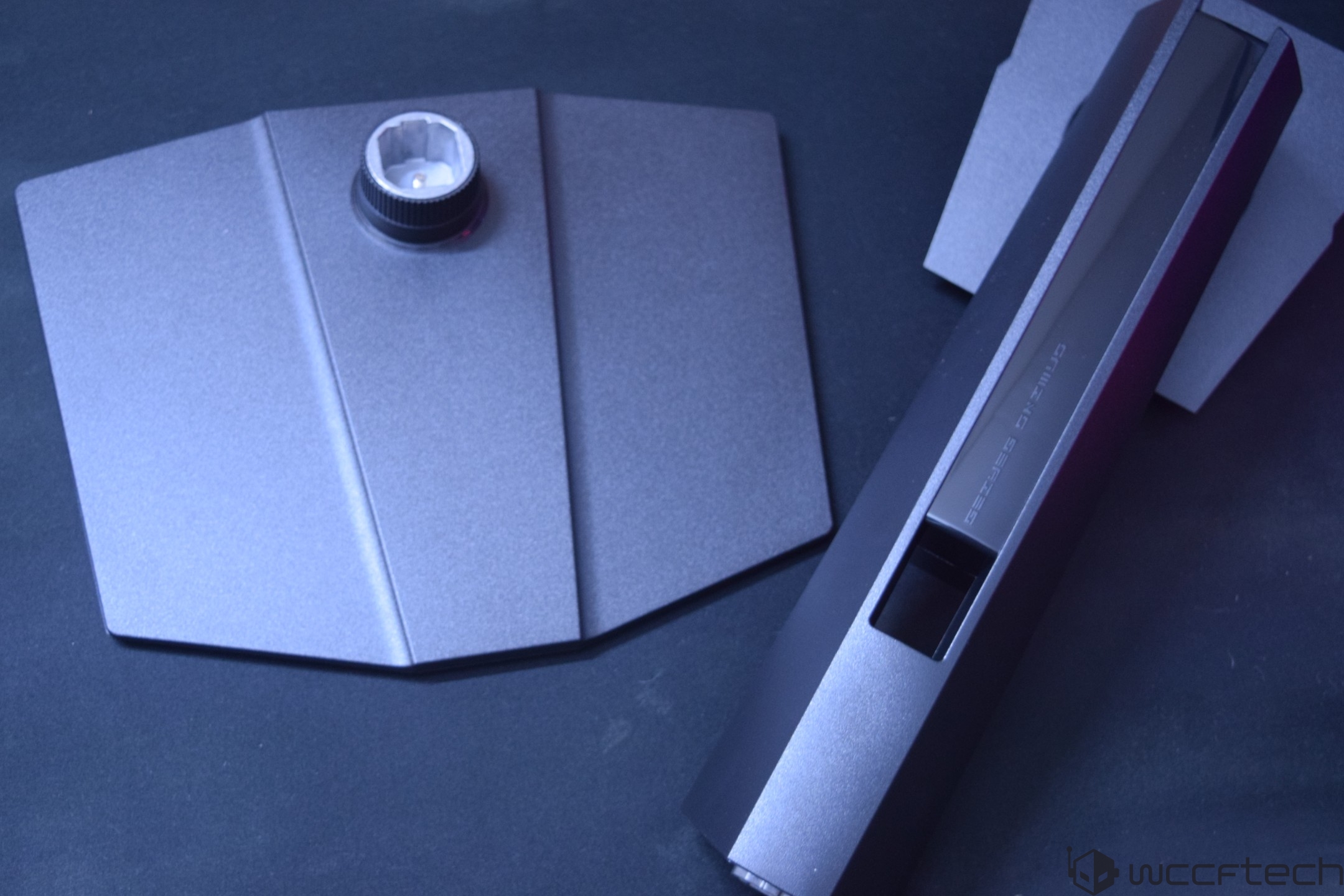
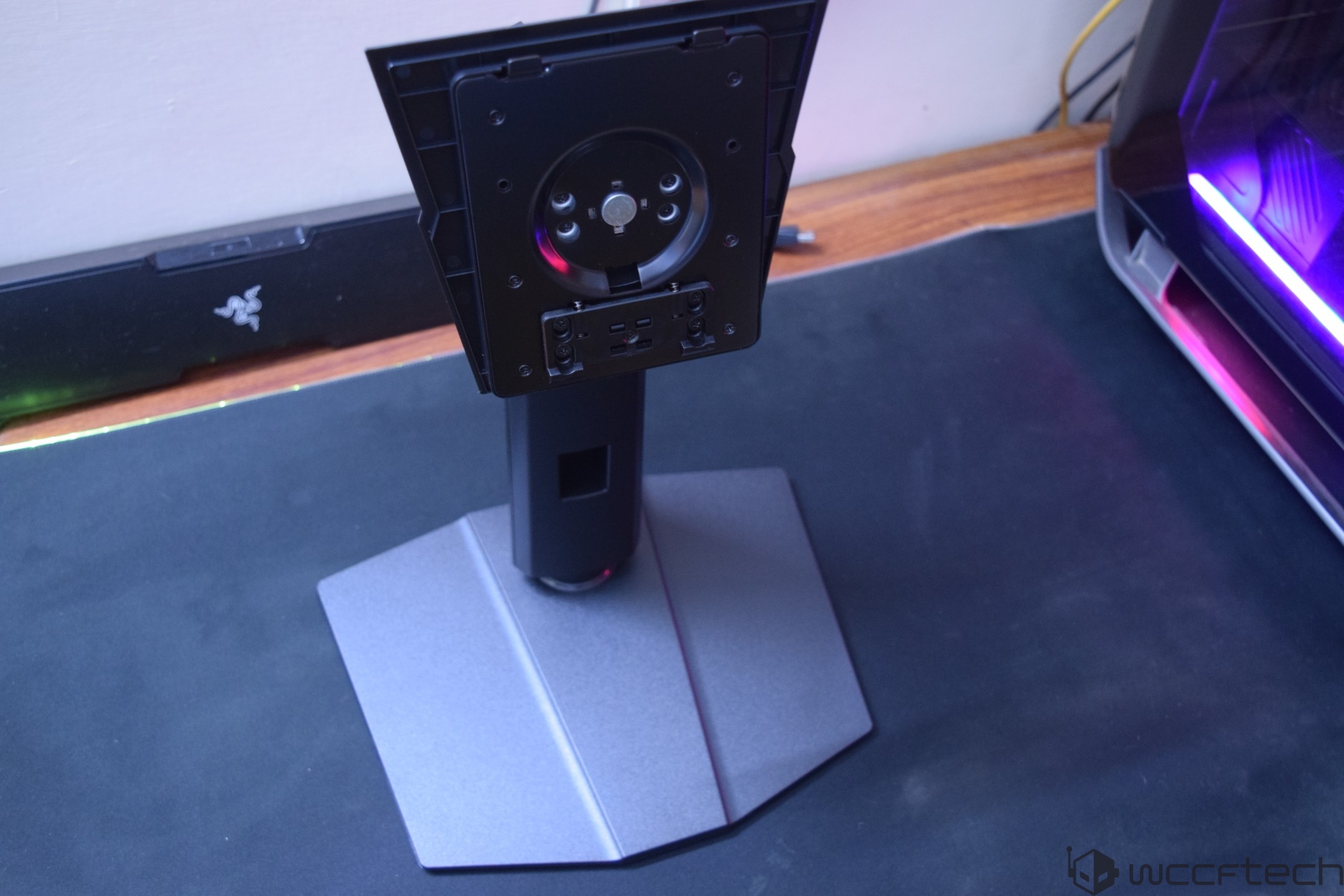
The stand looks futuristic and has a large cut in the center through which you can route cables, but its intended purpose is to move the panel up and down. The monitor installation to the stand is also super easy, with a simple lock press holding the entire thing in place. You can press the same lock to remove the panel from the stand. Extra durability is added through the magnetic locking interface.
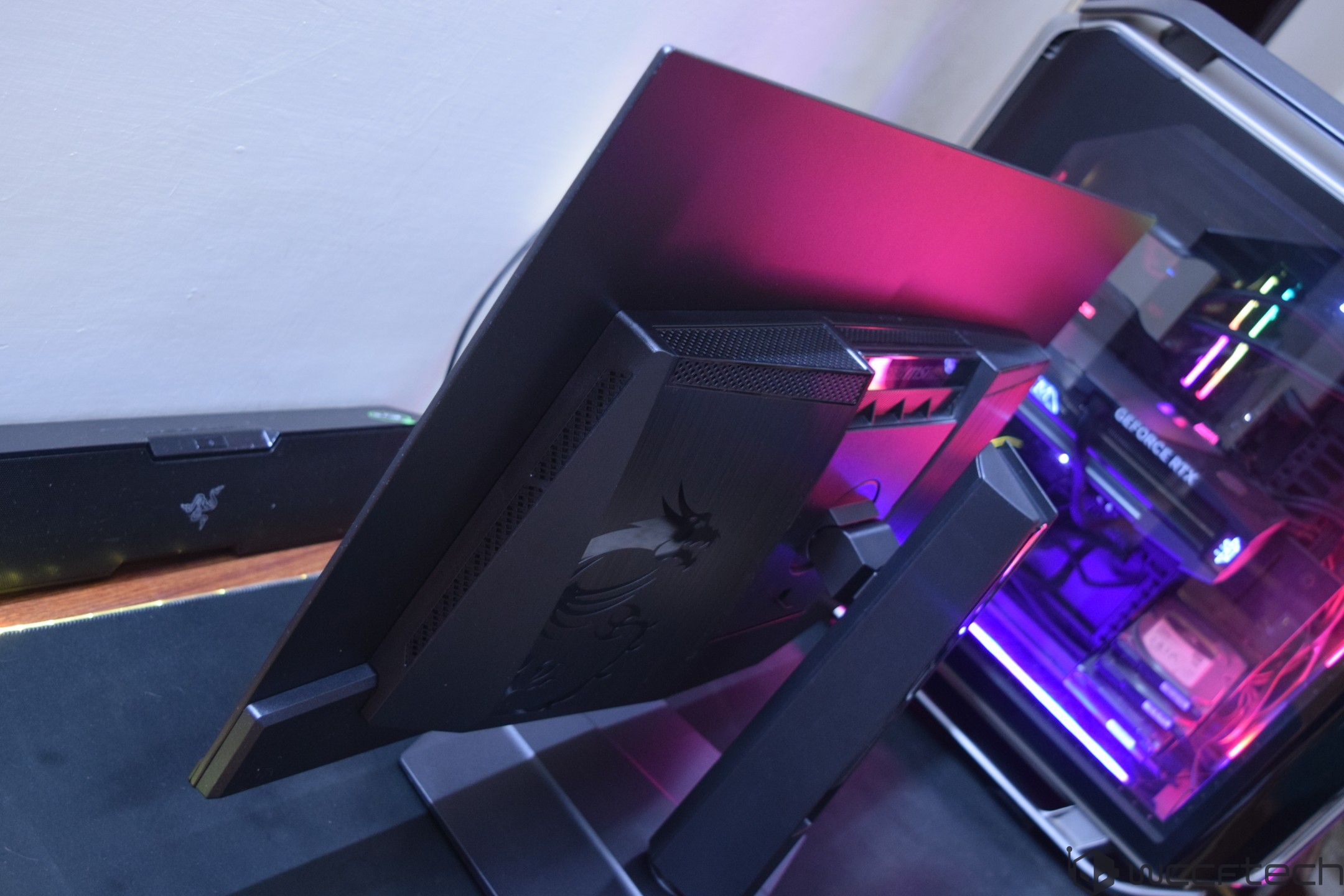
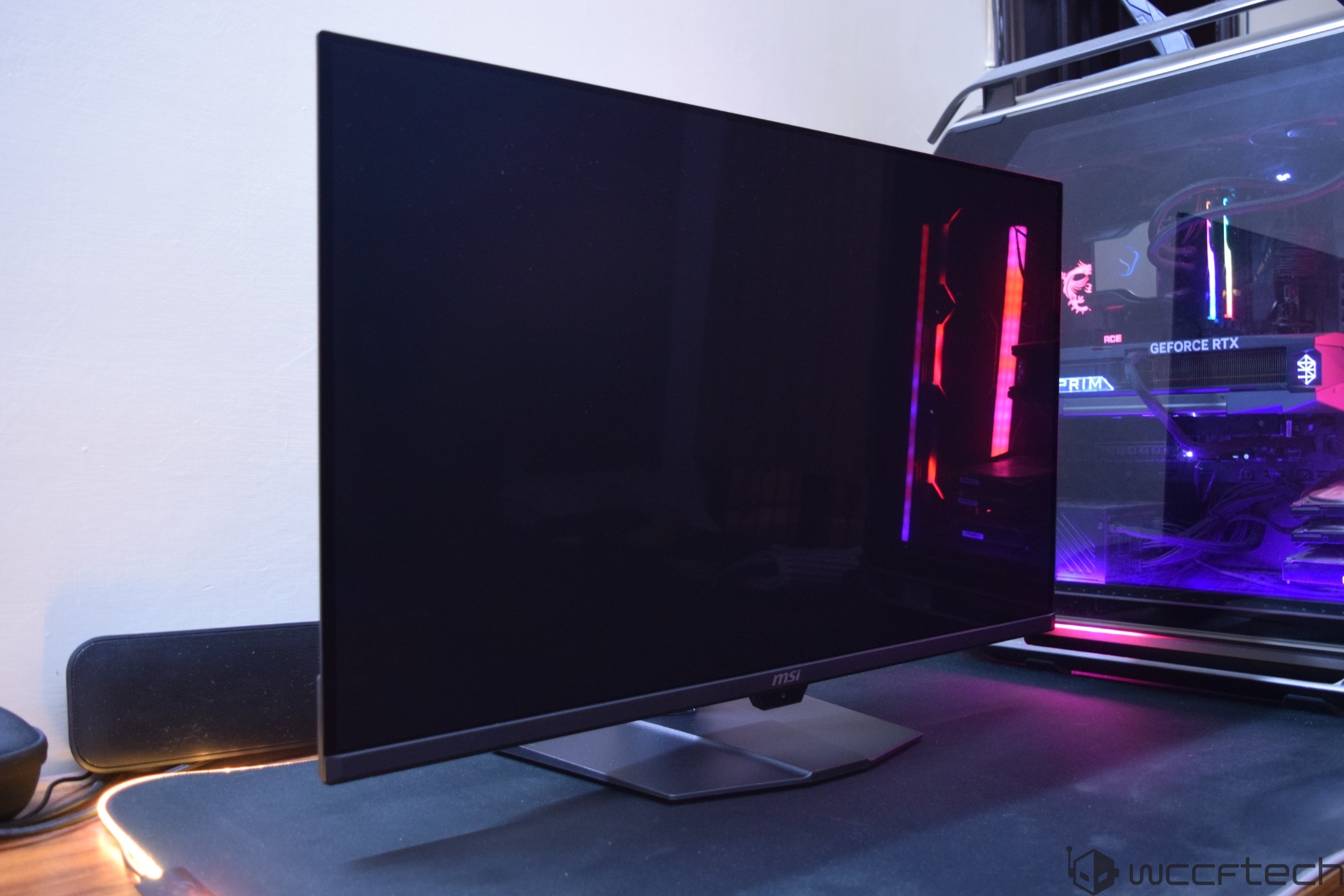
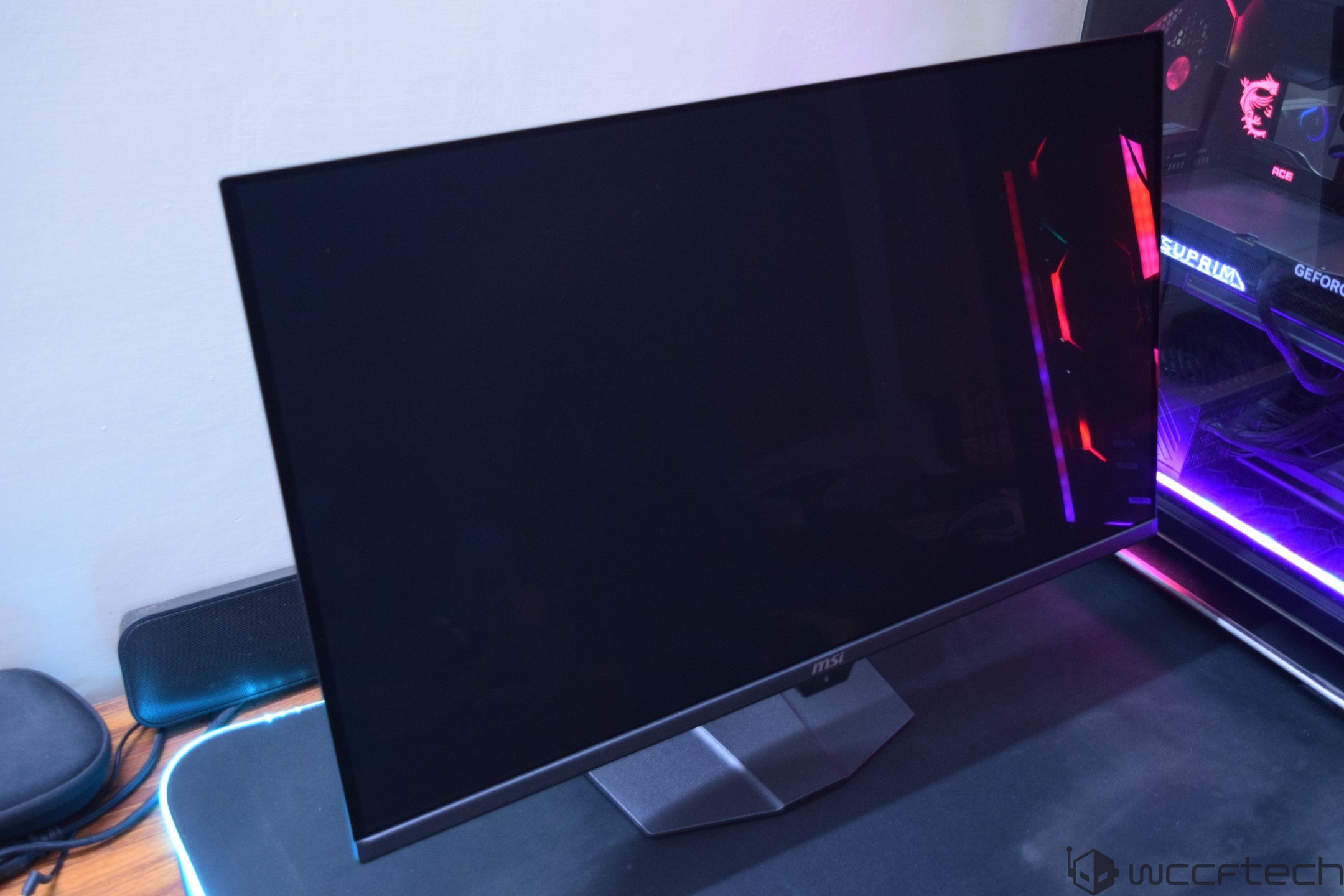
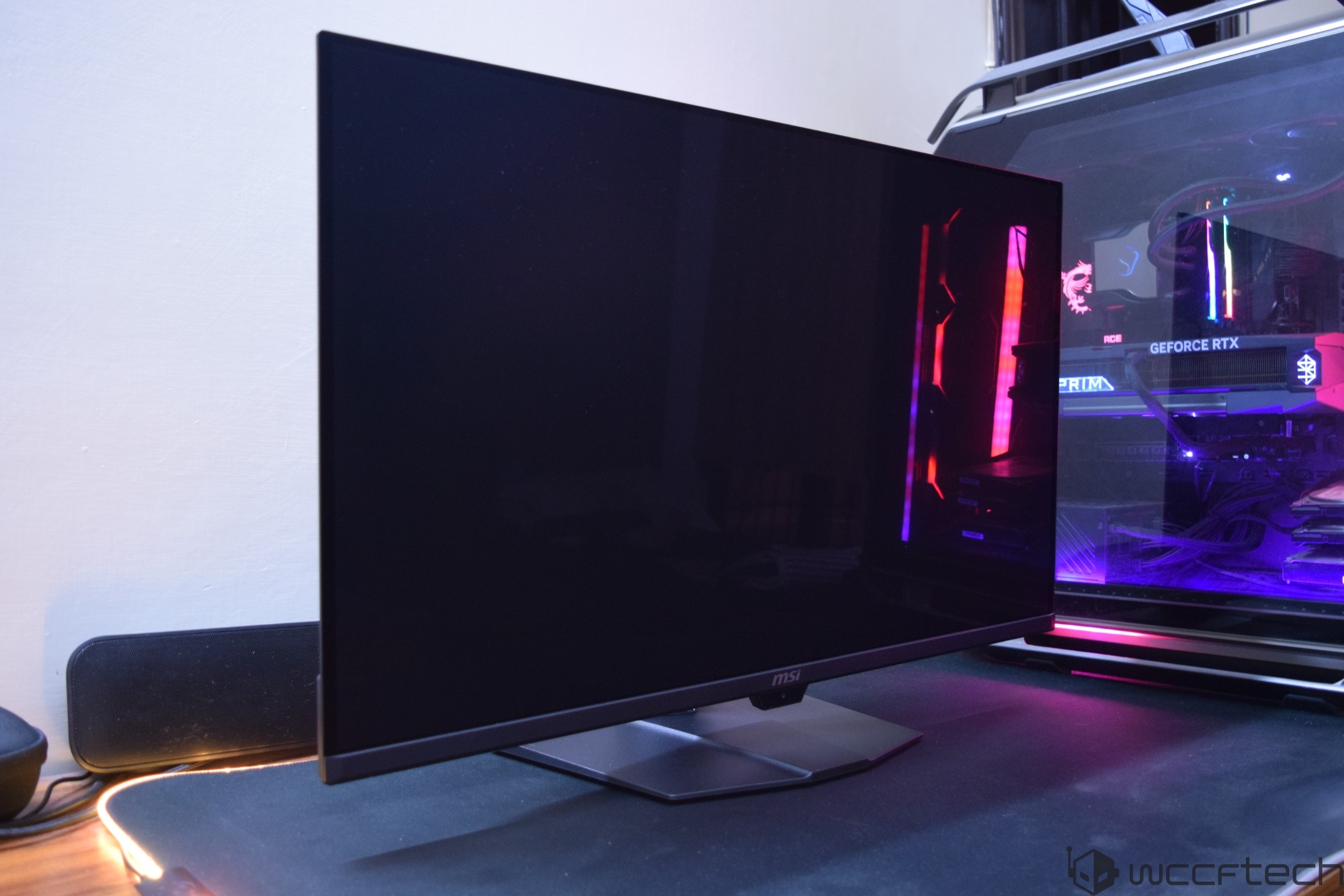
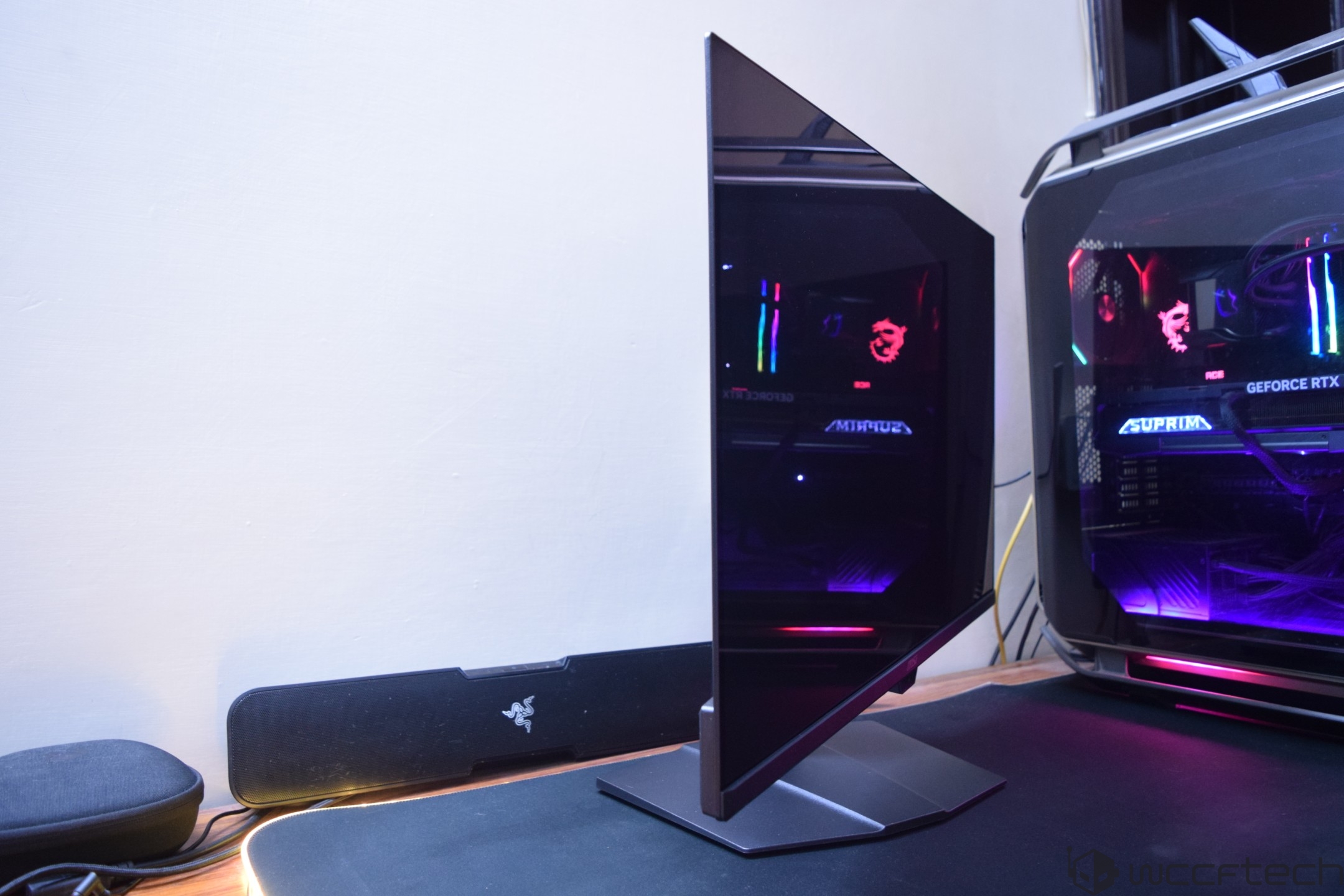
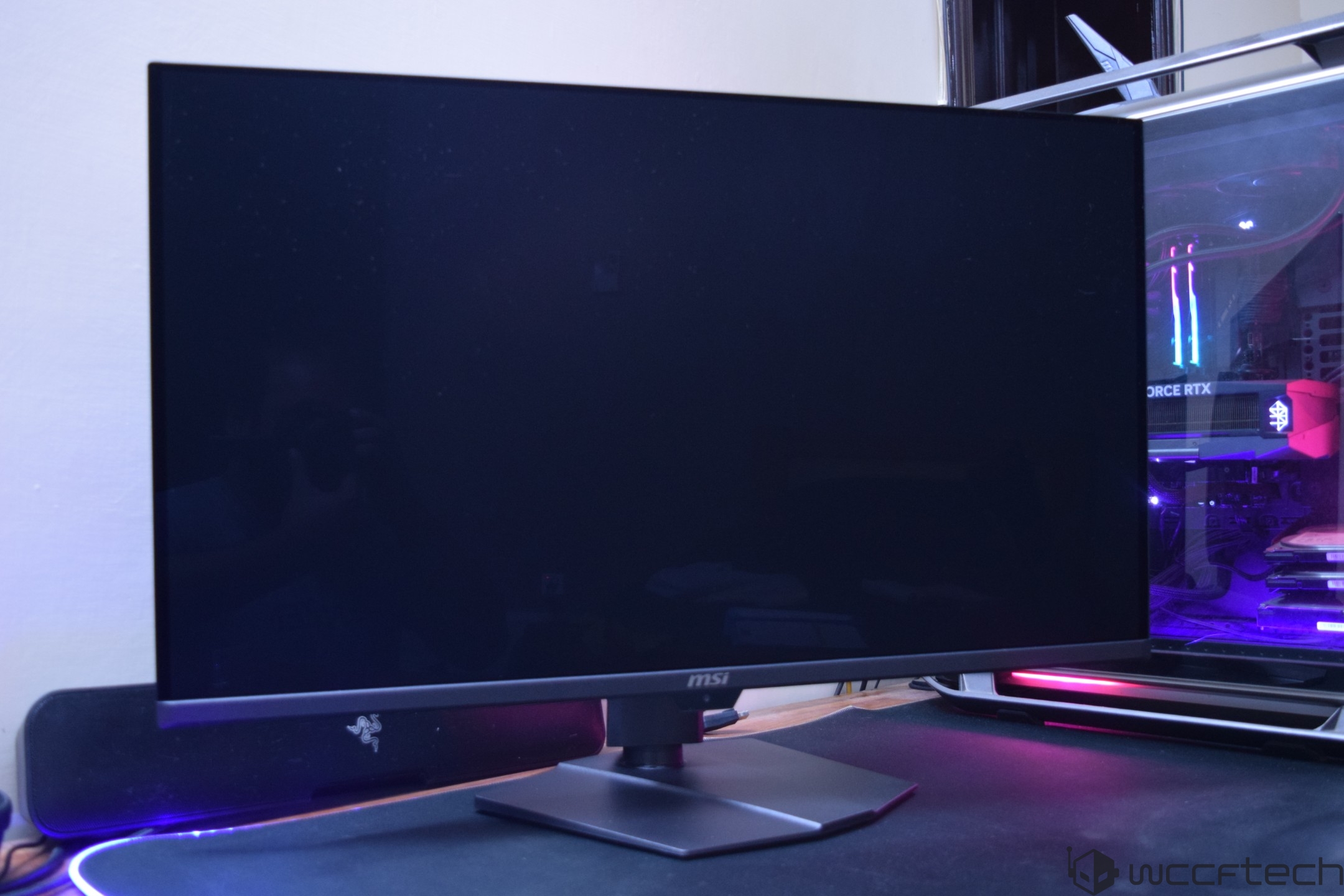
At first glance, the MSI MPG 322UR QD-OLED X24 looks stunning with a large, flat, & glossy 32" finish, which makes me fall in love with flat monitor designs again after being accustomed to curved gaming monitors for years.
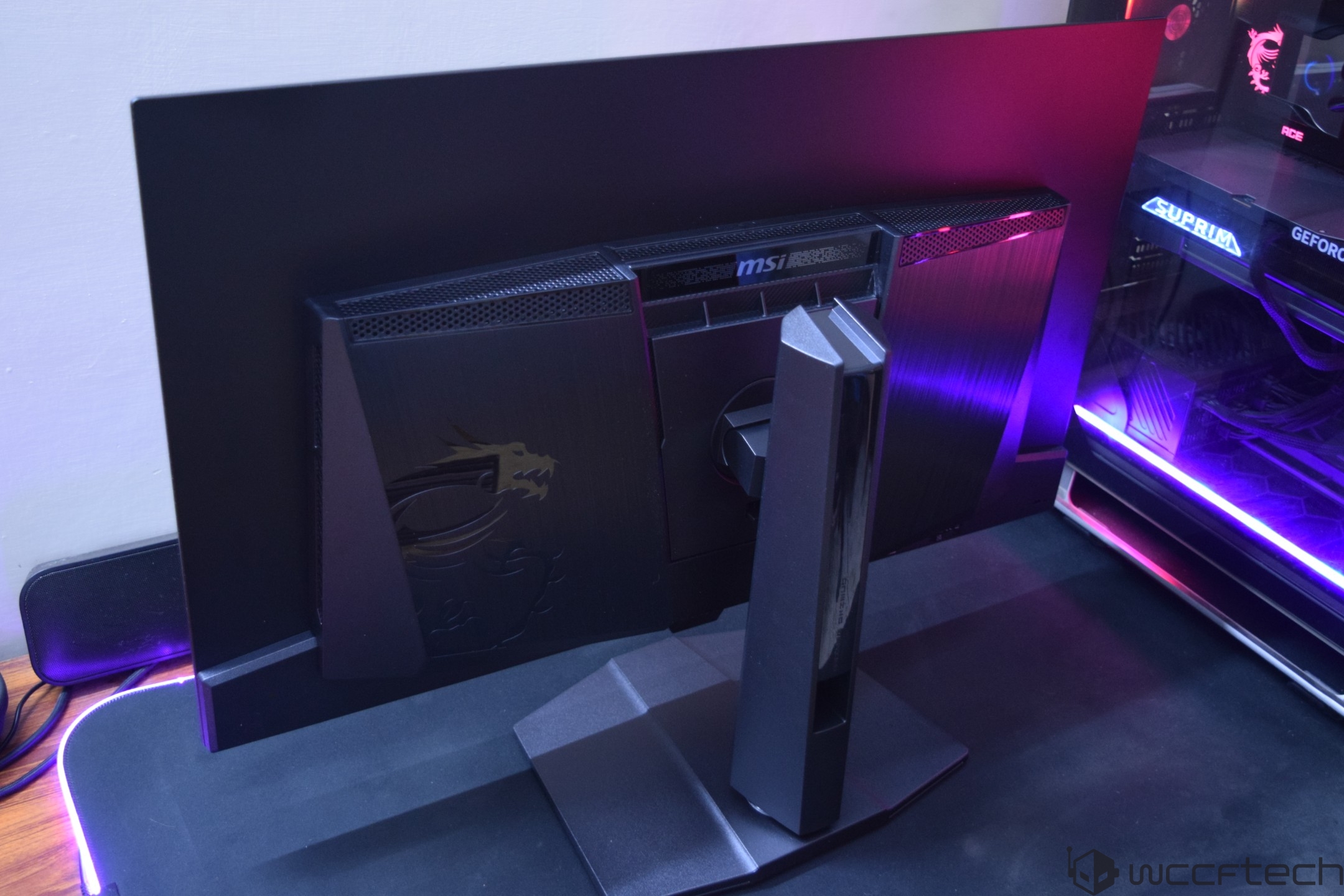
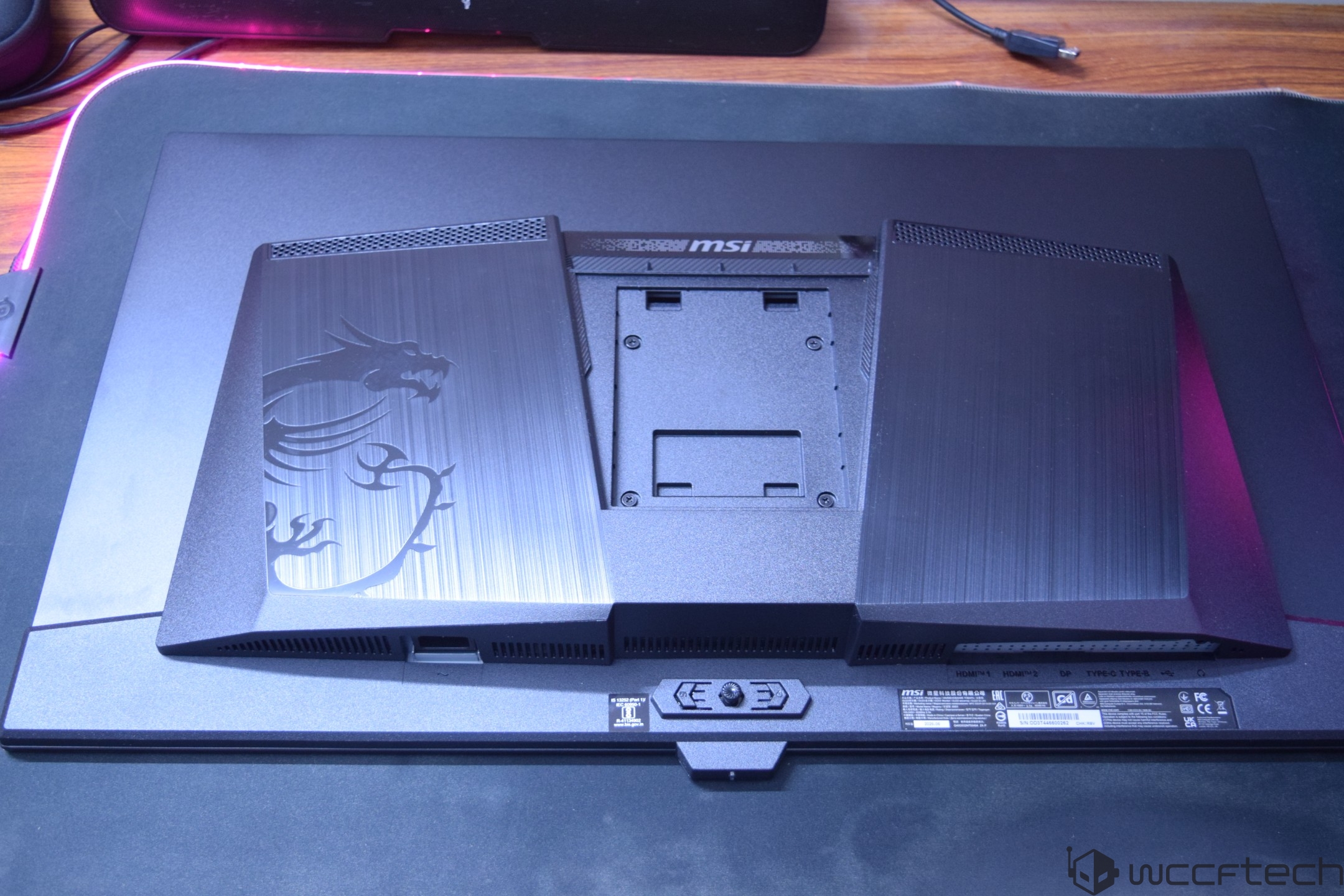
The back also has a very nice design with a mostly flat surface and the large internal component housing in the center with the MSI "Dragon" logo and an RGB-lit accent plate on the top.
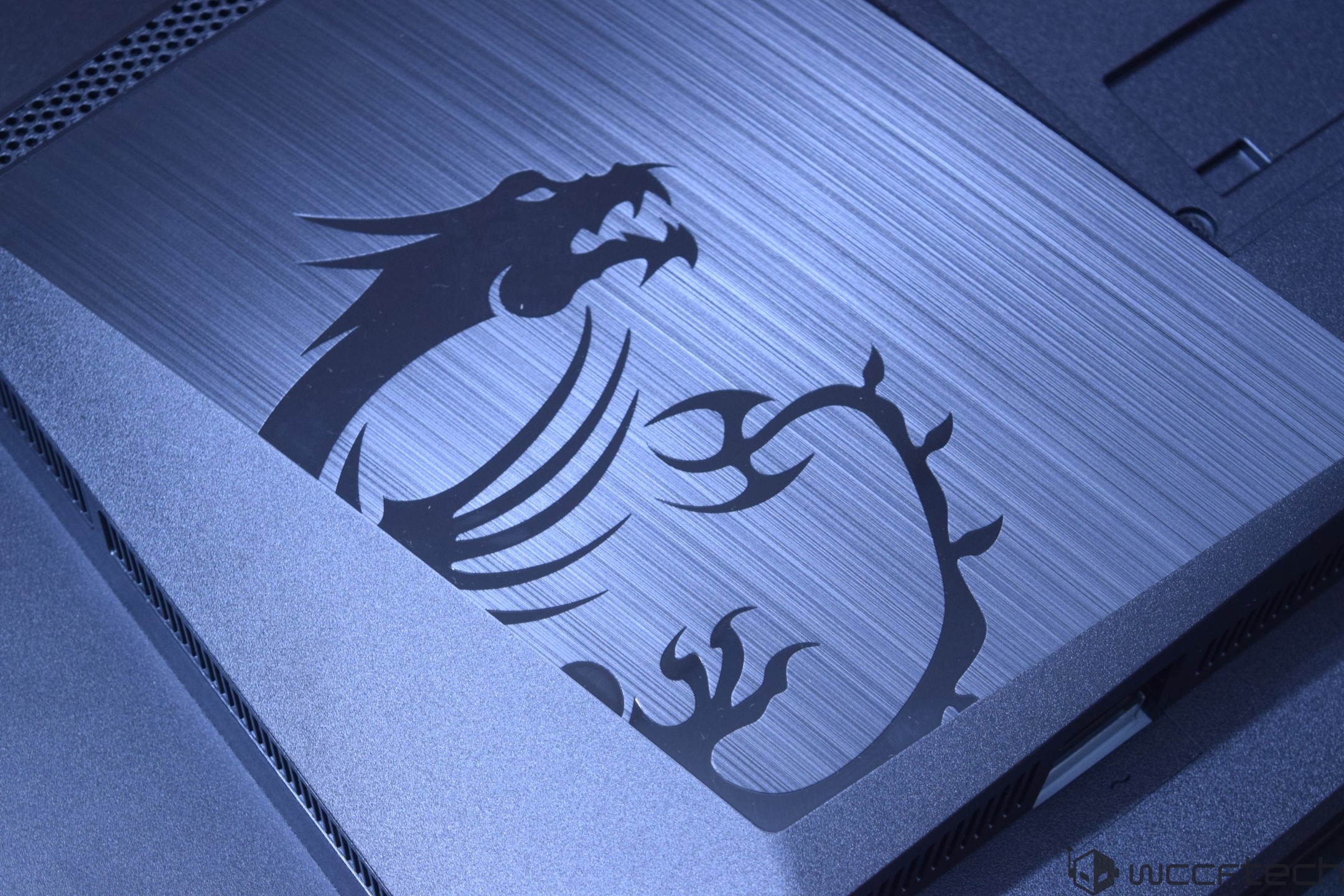
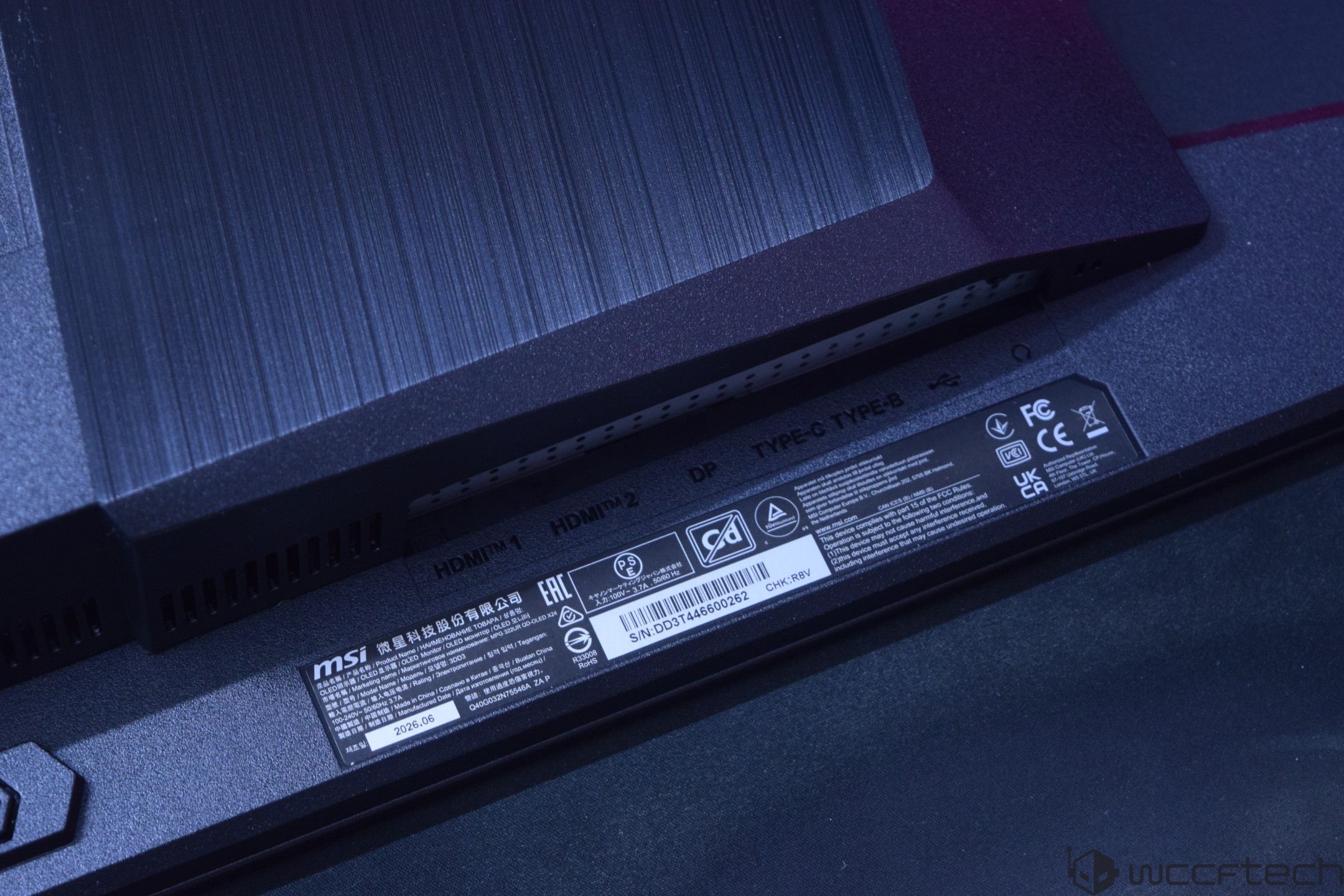
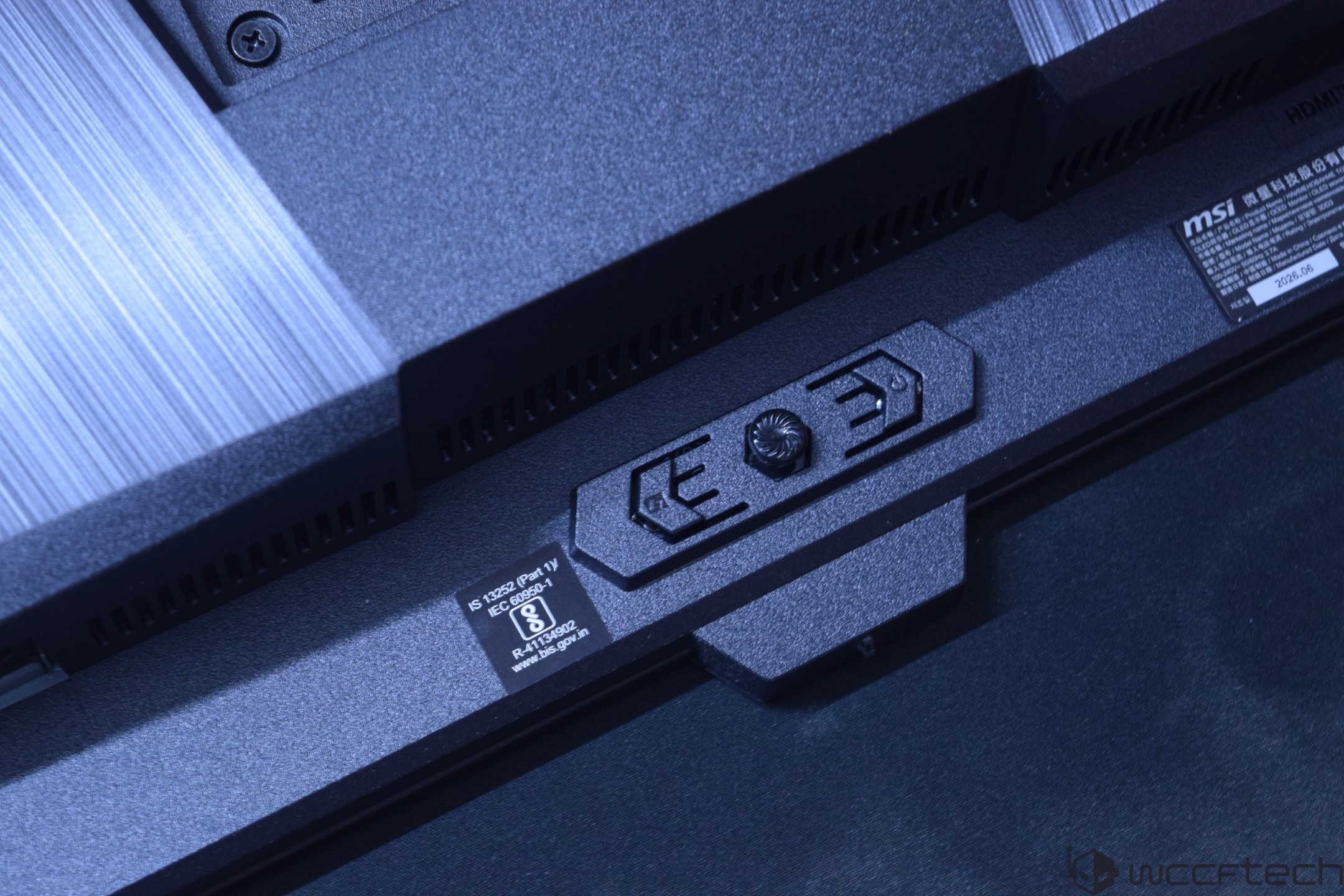
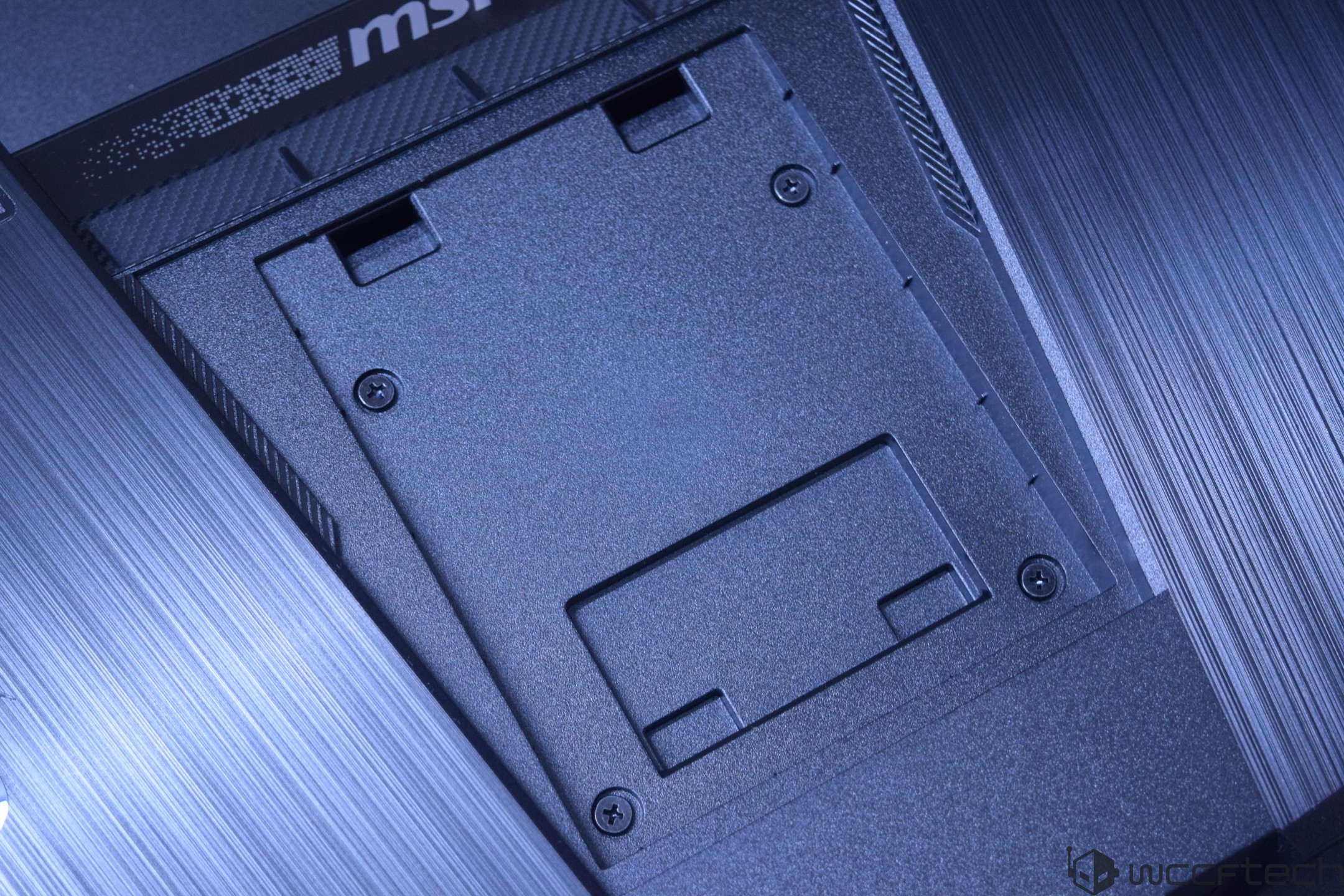
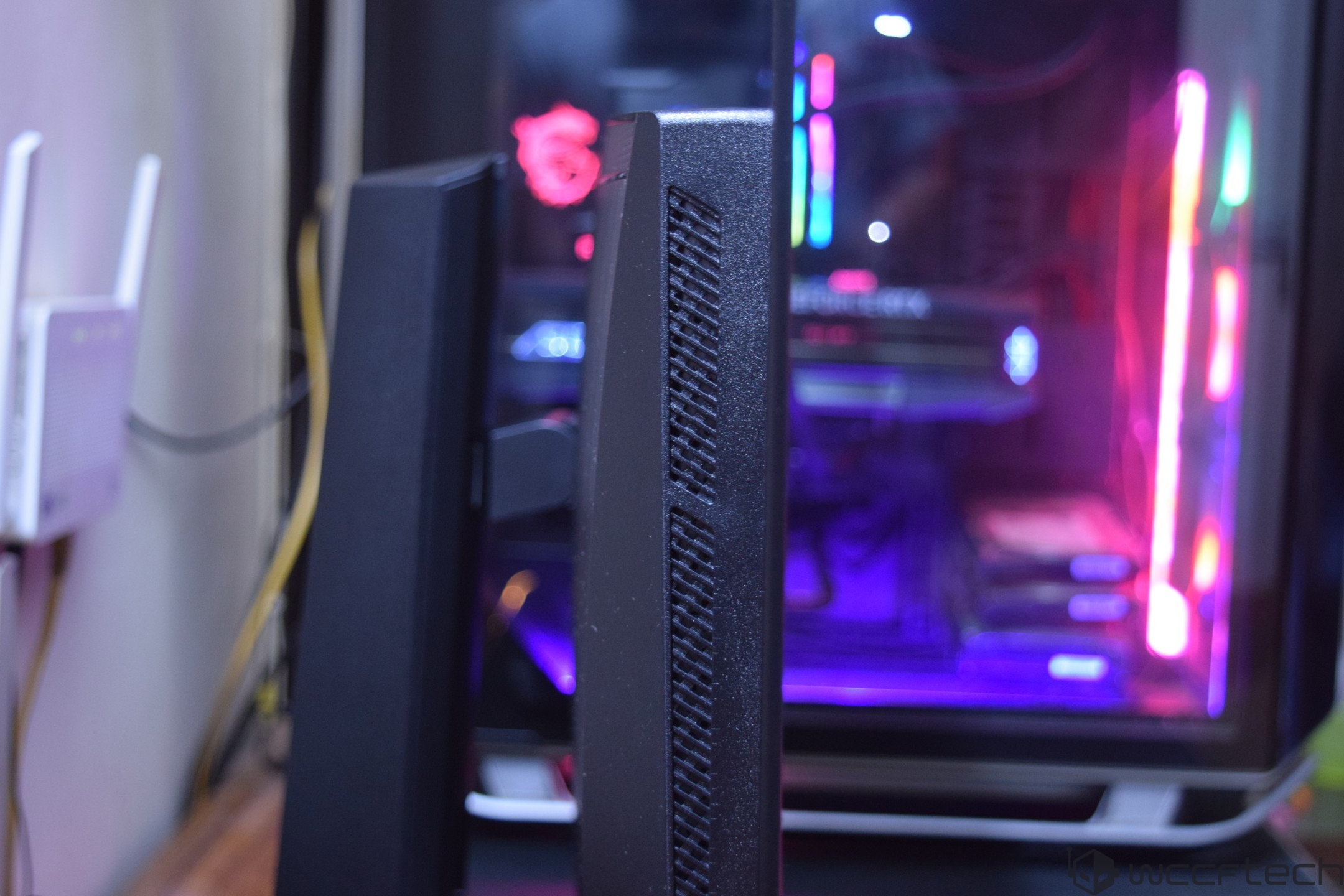
The side profile of the gaming monitor itself is super slim. The large chassis on the back of the panel houses the components and the heatsink, along with the IO panel. You can see the vents through the sides too. There are vents on the sides to dissipate some heat out of the chassis.
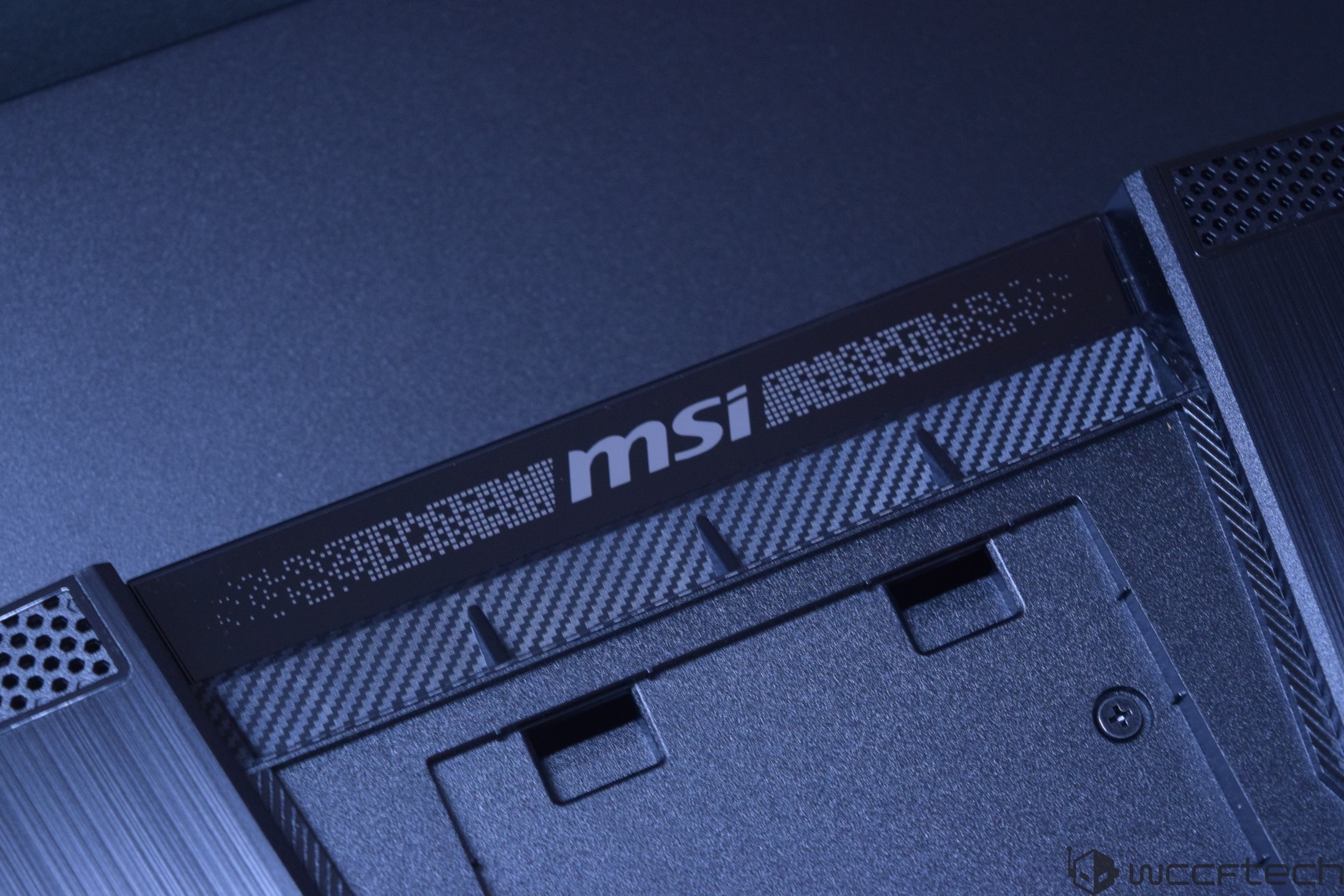
On the top of this compartment, you can spot several exhaust vents which are used to dissipate heat out of the monitor chassis. A large LED bar is also seen on the top.
The bottom of the monitor has a large "MSI" logo and three buttons on the rear, which are easy to reach and are used to power up or power down the monitor through a long press, while a single press of the same button brings up the settings panel, which can be navigated through the navigation buttons on the sides.
The MSI MPG 322UR X24 also comes with a new OLED Care 3.0 sensor on the front, which is one of its highlighted features.
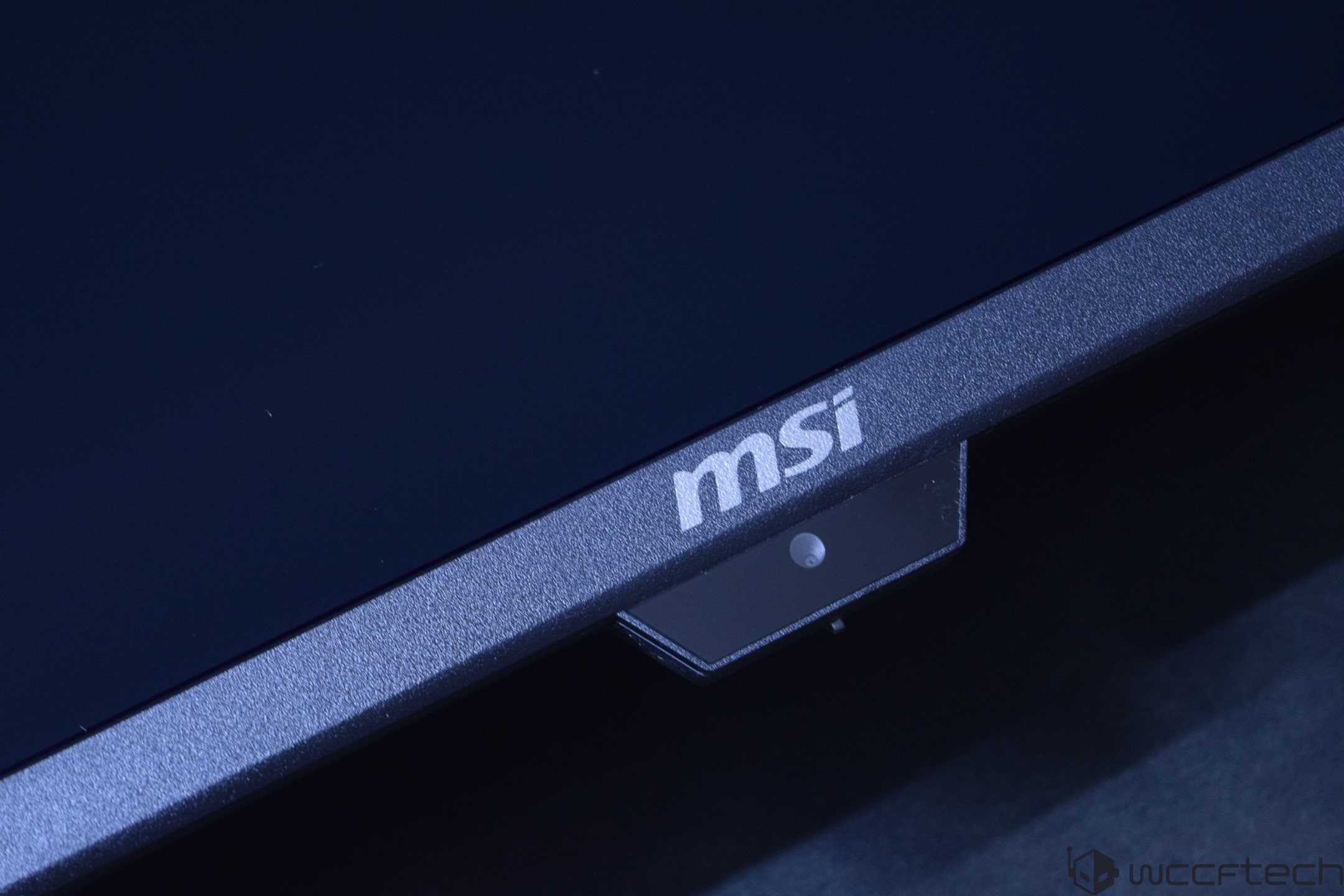
The monitor has very thin bezels, and you will notice the bezels on each side shift in size with the pixel shift technology, so don't worry if either side is bigger or smaller than the other one.
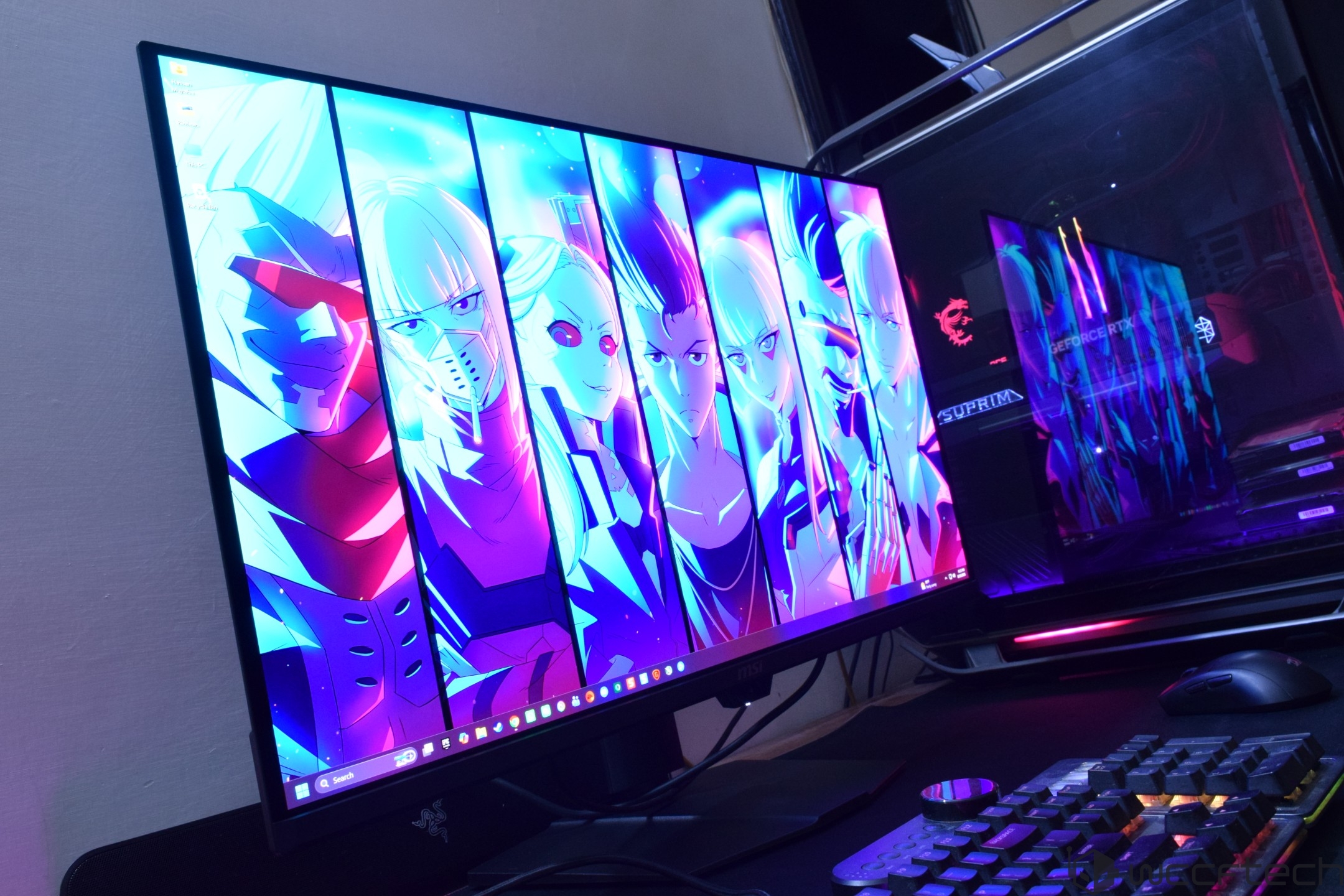
Firing up the gaming monitor, you can see several LEDs light up, including the aforementioned top LED accent bar, which has a nice "MSI" logo in the center. The overall look and feel when the monitor is running is insanely good, and you can see the colors pop out with amazing blacks and great contrast on the screen.
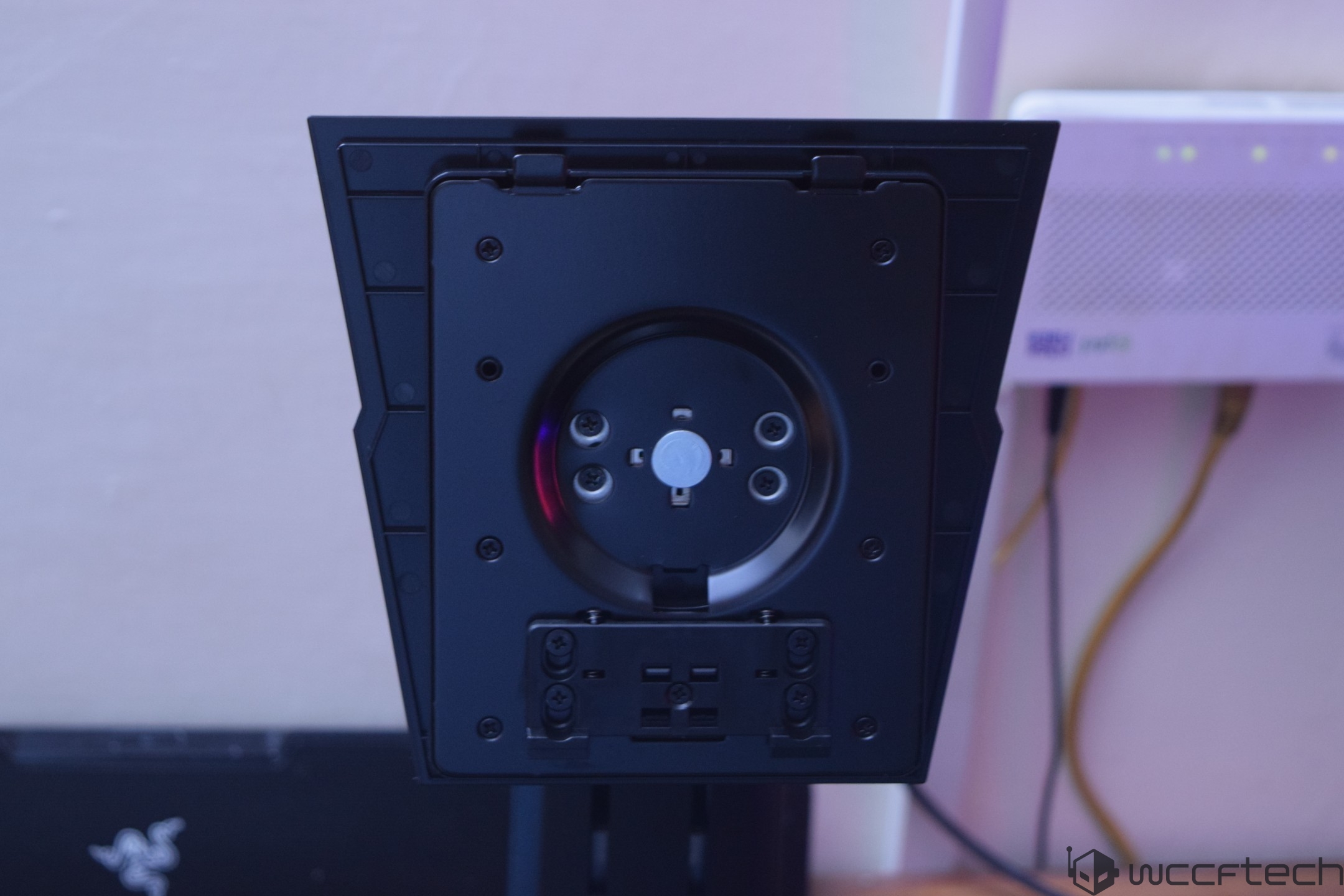
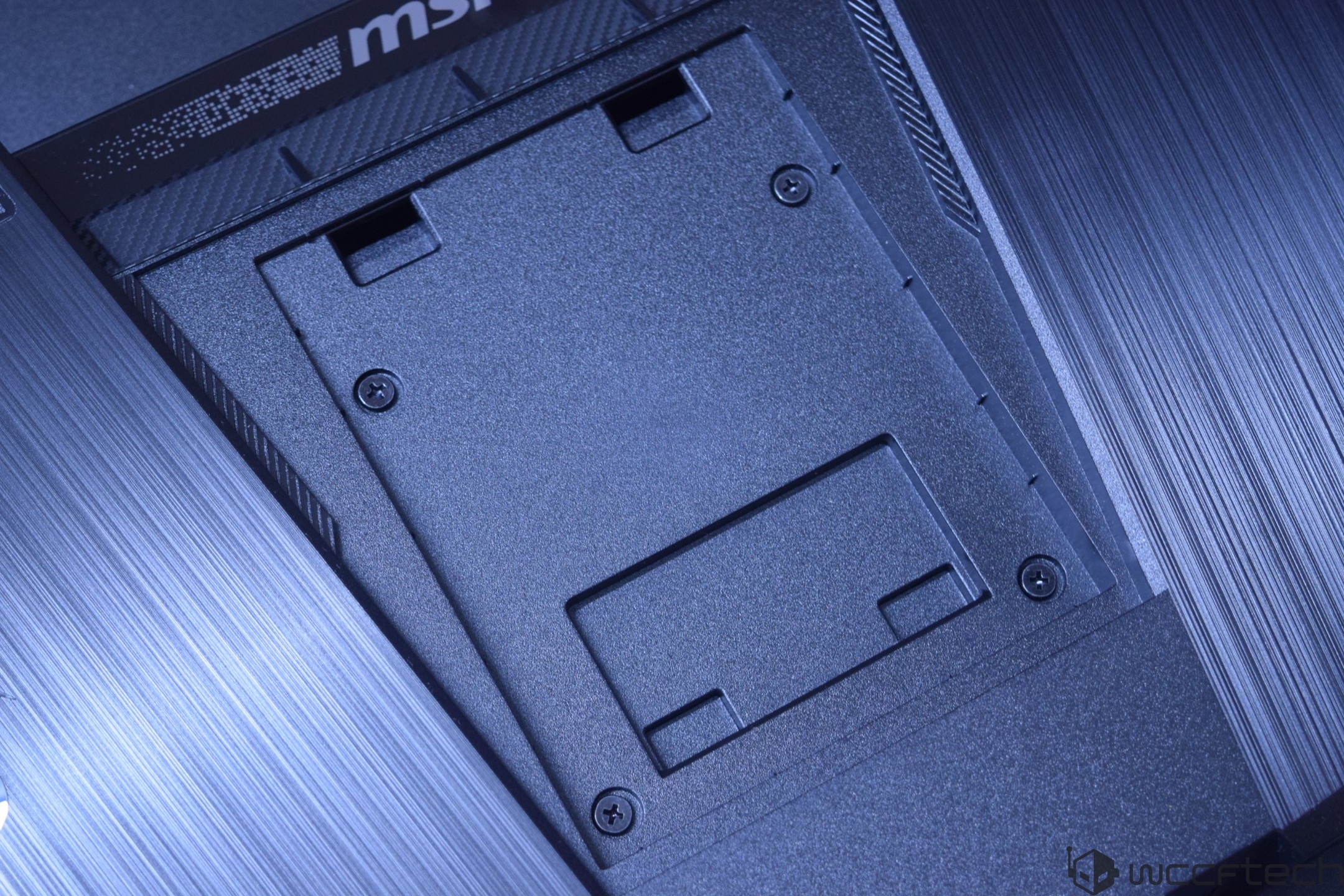
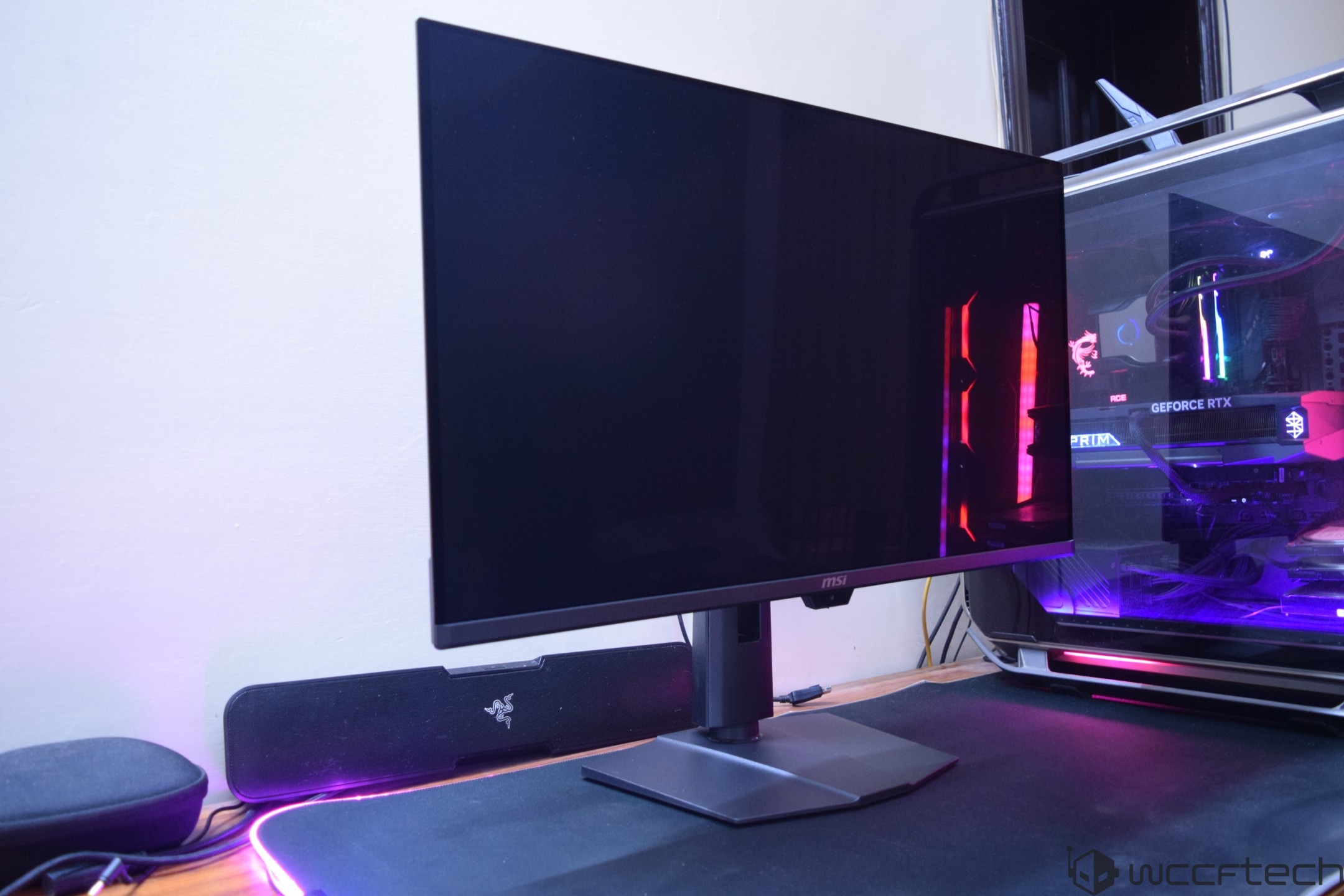
For the ergonomic perfectionists out there, the MSI MPG 322UR QD-OLED X24 comes with several modes allowing users to Swivel (30° ~ 30°), Pivot (-10° ~ 10°), Tilt (-5° ~ 15°), and adjust the height by up to 110mm. The monitor also supports a 100x100mm VESA mounting.
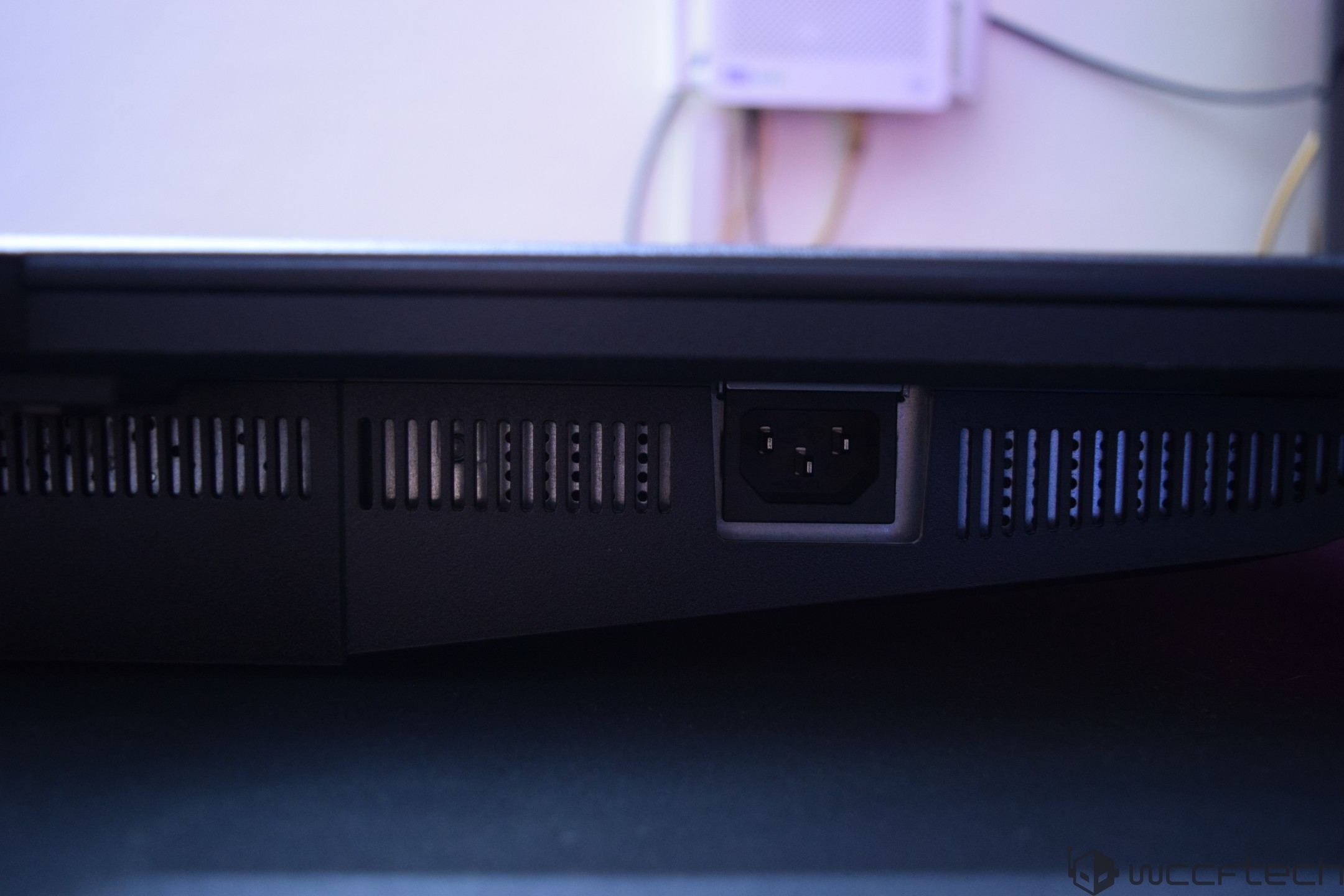
The ports on the backside include 2 HDMI 2.1, 1 DP 2.1, a USB Type-C port, two USB 3.2 Type-A, 1 USB Type-B, a headphone (out) port, and a DC-in port.
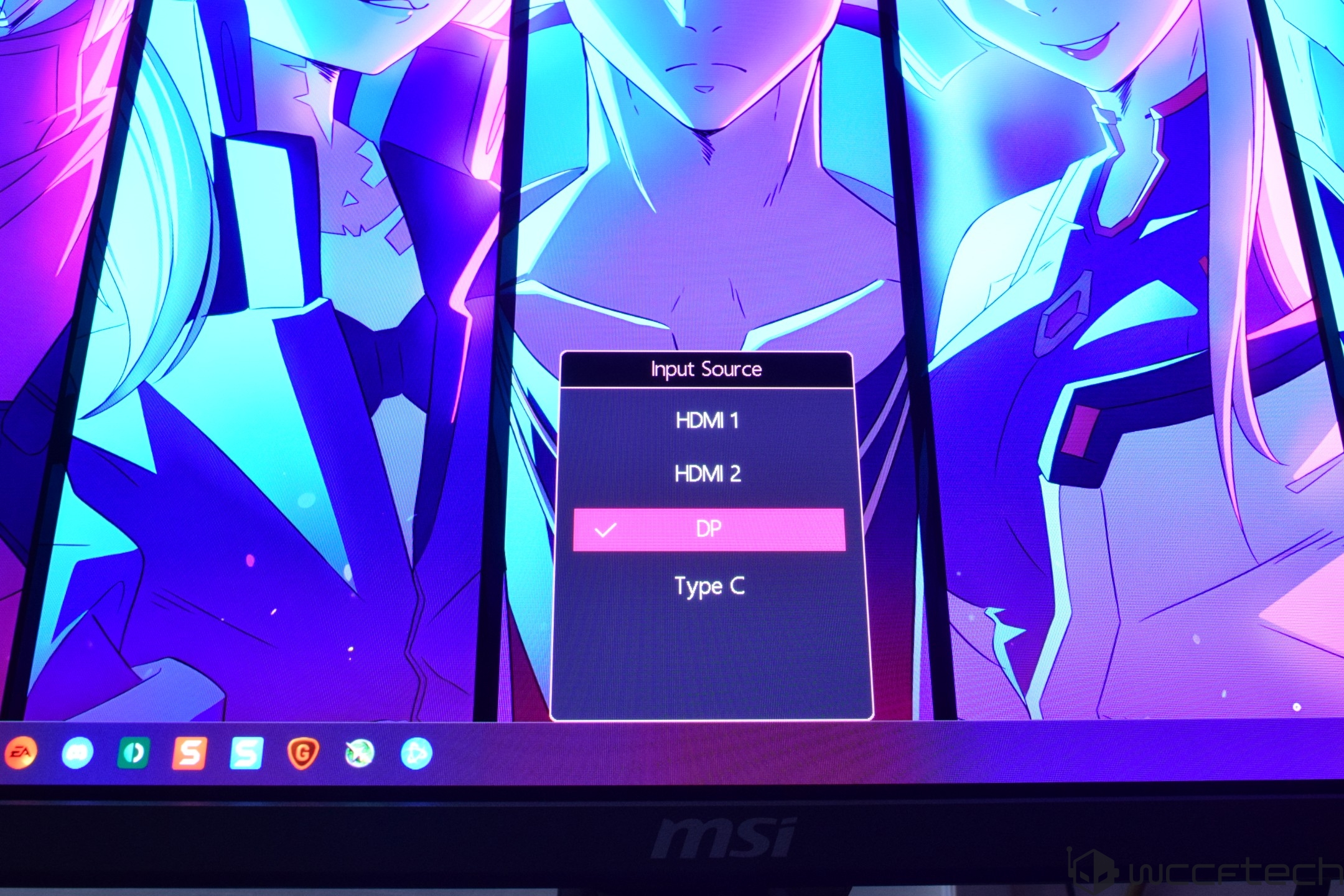
Coming to the OSD, in Standby mode, the monitor gives you the option to select from the type of output you have it plugged into. The options include HDMI 1, HDMI 2,& and the DP port.
The main OSD gives you the option to select between the Gaming Intelligence, Image, and config settings while also providing details of which mode is currently enabled at the top. It also shows the navigation buttons, making it easy for users to access the different menus.
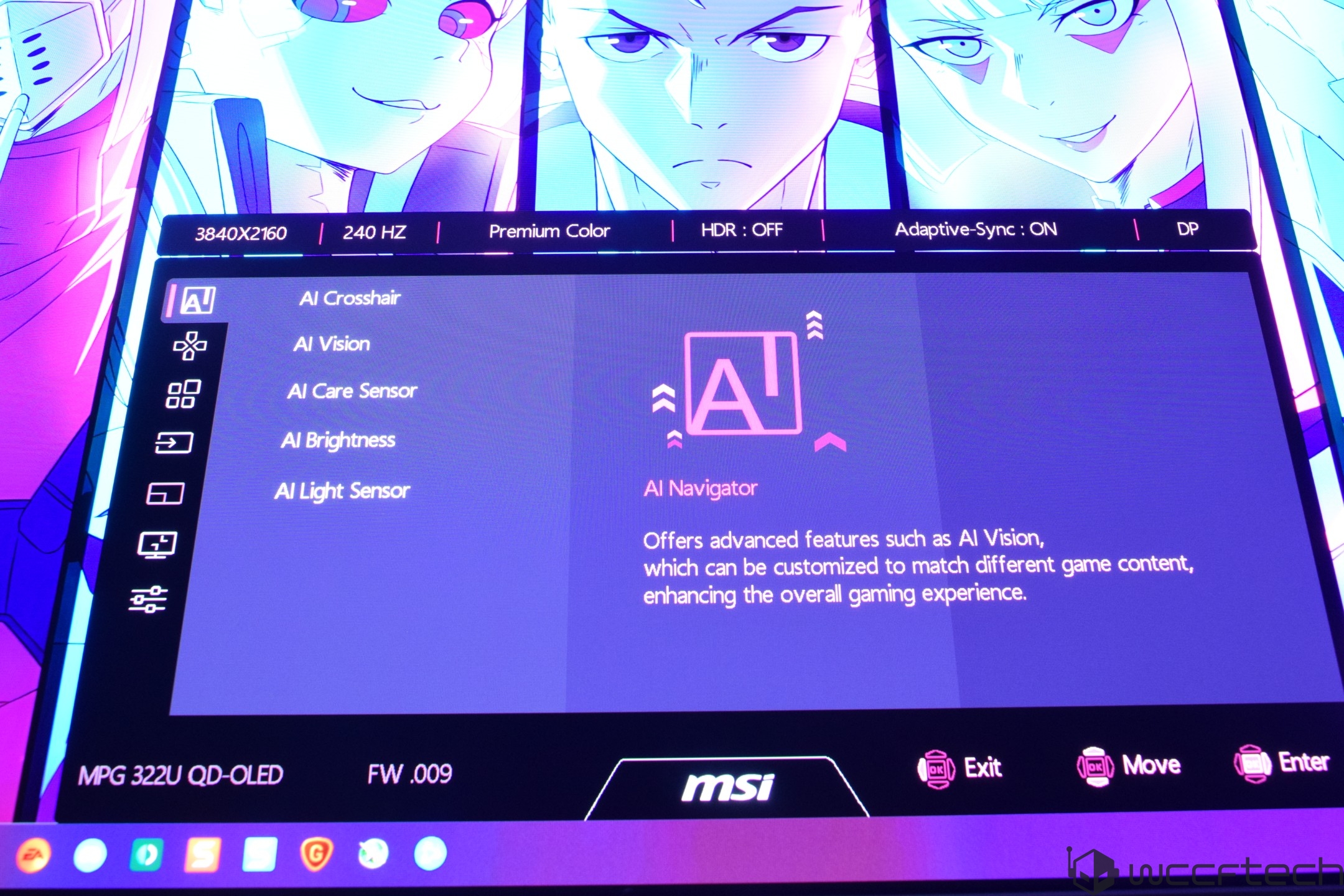
First up are the AI Navigator options, which are AI-tuned features that leverage the built-in NPU and the front-mounted sensor. These include AI Crosshair, AI Vision, AI Care Sensor, AI Brightness, and AI Light Sensor. The AI Care Sensor works by sensing human presence. Several settings can be adjusted, such as Wake-On Approach, Lock-On Leave, Adaptive Dimming, Auto Brightness, color temp control, and it supports both monitor mode (works across multiple platforms) and system mode (Windows 11 presence interface).
With AI Vision, you get three levels that enhance overall brightness and color saturation in games and videos. Plus, if you want to go for higher brightness, then there's already the new EOTF boost feature in the monitor, which delivers higher luminance under the same APL conditions, enhancing the experience beyond the Peak 1000 nits brightness mode.
One of the most useful updates with OLED Care 3.0 is the 24-hour interval, which forces a mandatory panel refresh after 24 hours versus the existing 16-hour timeframe. The auto panel refresh notification also pops up between 4 and 24 hours rather than every 4 hours in OLED Care 2.0. So you will no longer be distracted by those annoying pop-ups, and the screen will give you more time to enjoy the QD-OLED experience before forcing a panel refresh.
The main OSD gives you the option to select between the Gaming Intelligence, Image, and config settings while also providing details of which mode is currently enabled at the top. It also shows the navigation buttons, making it easy for users to access the different menus.
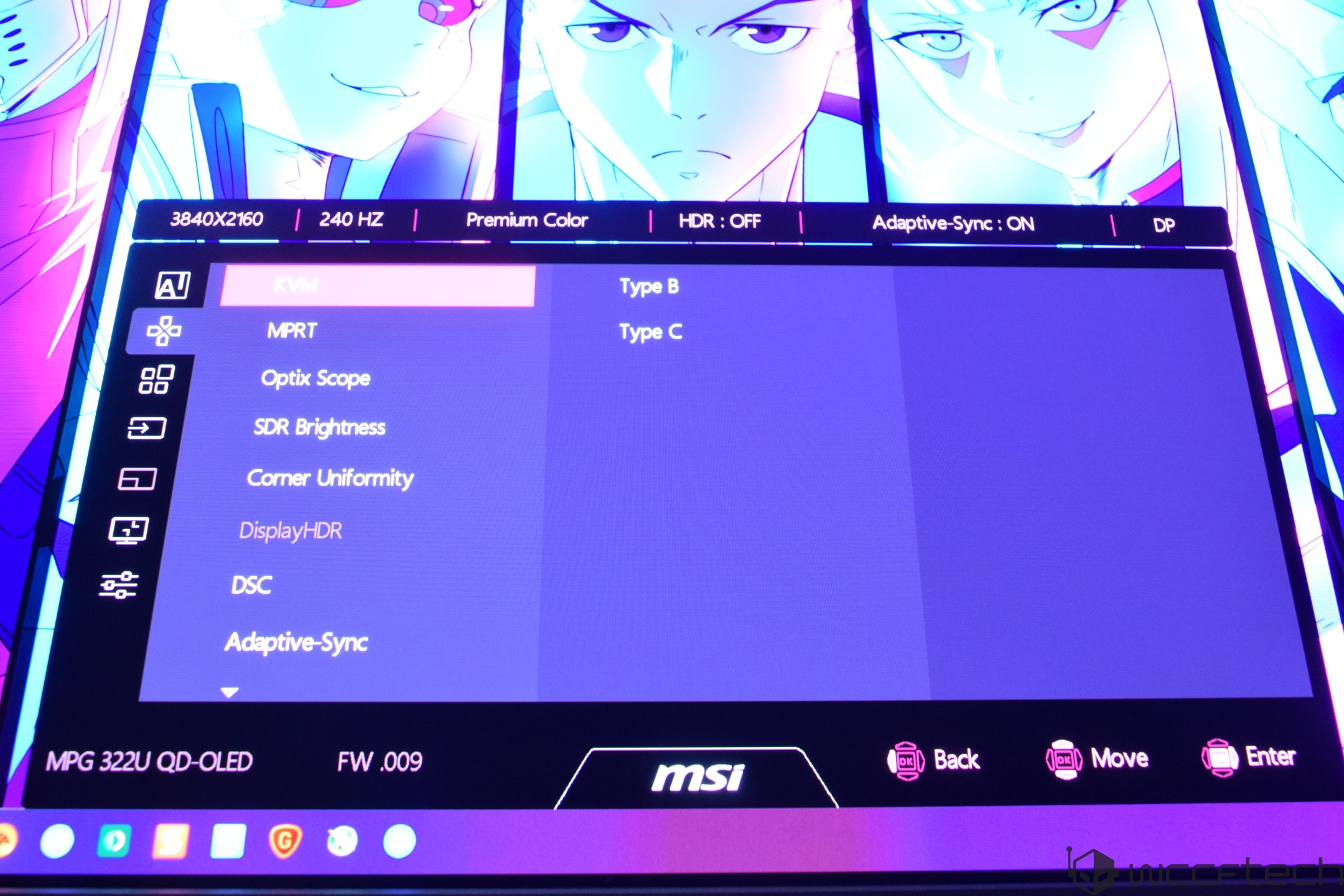
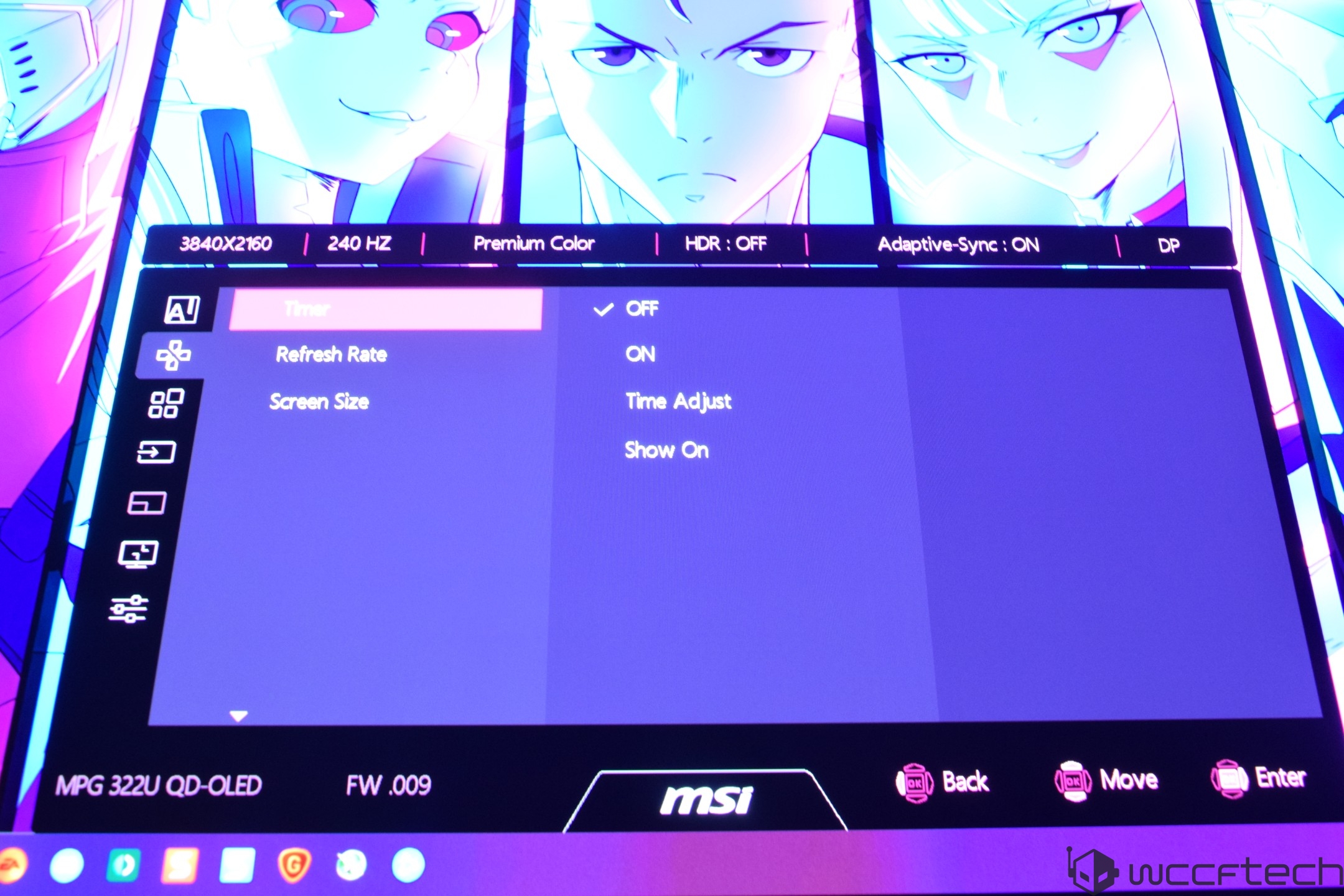
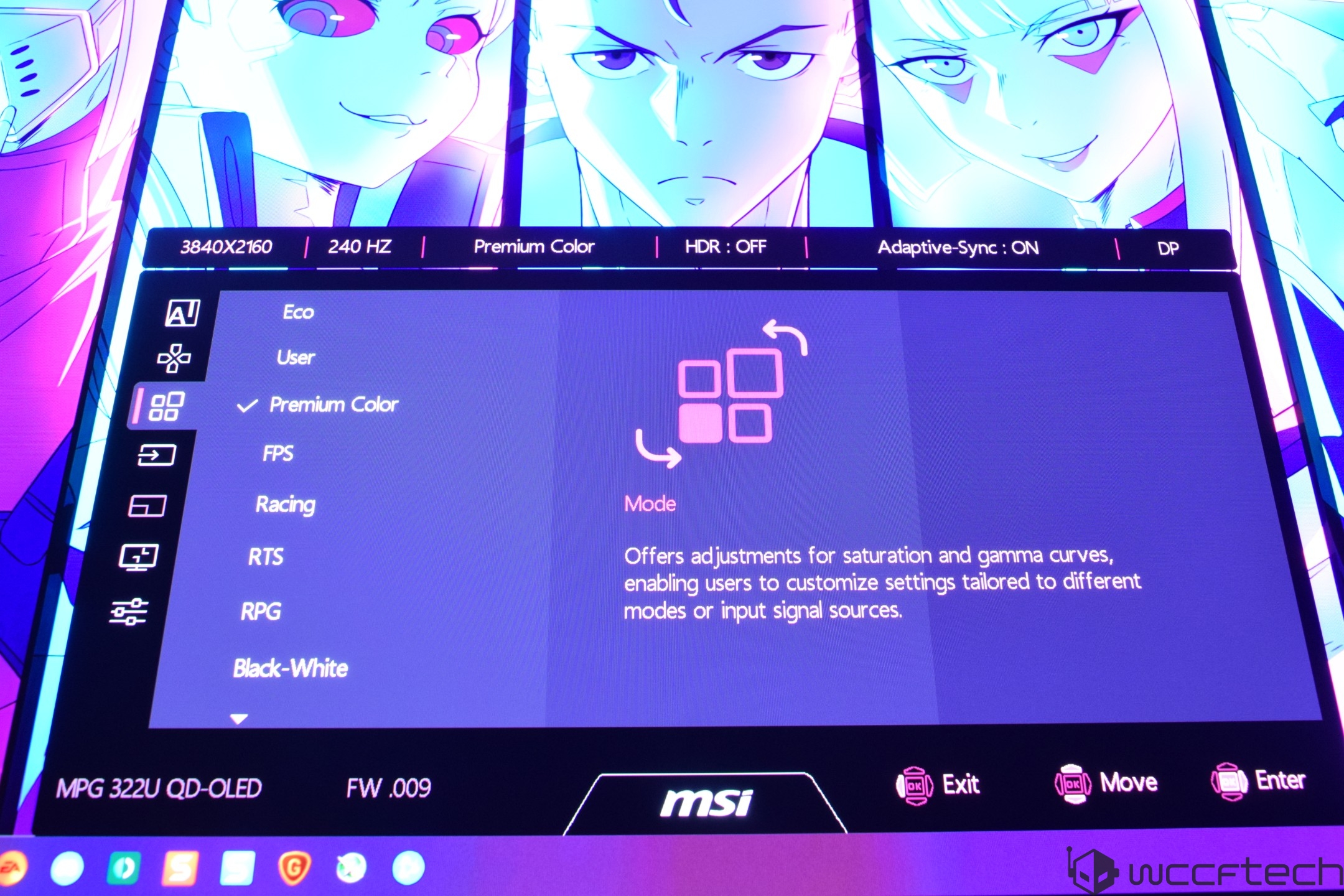
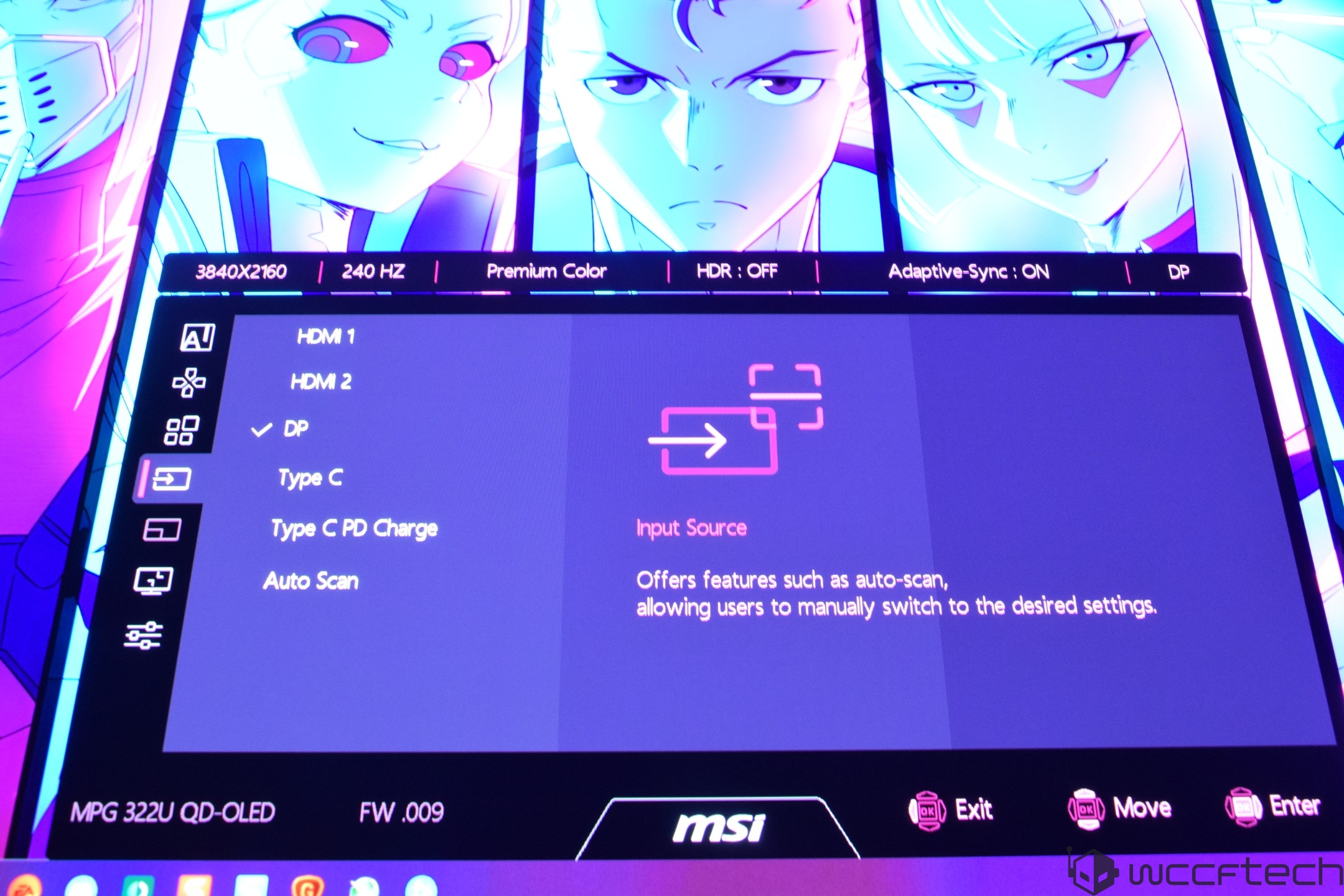
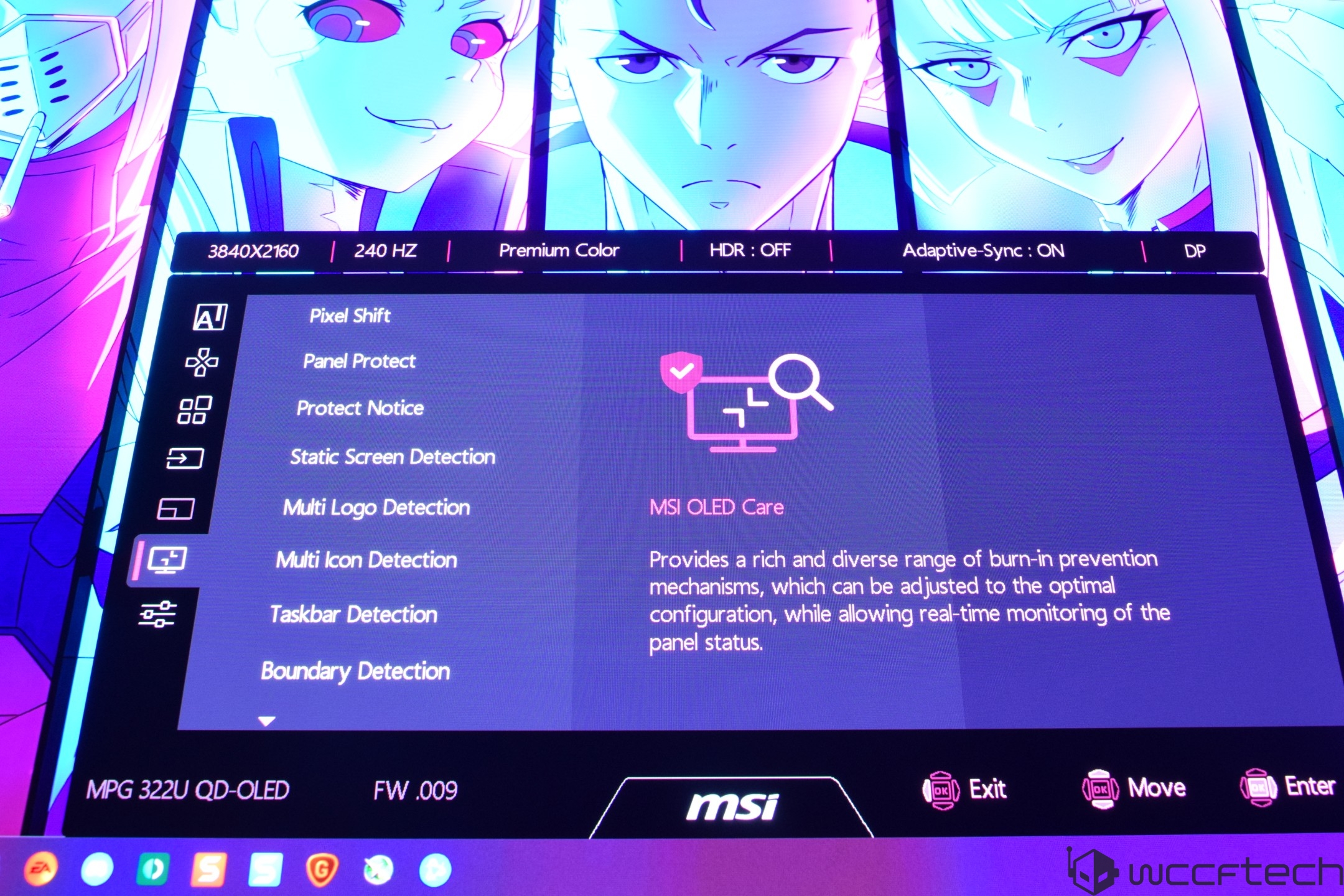
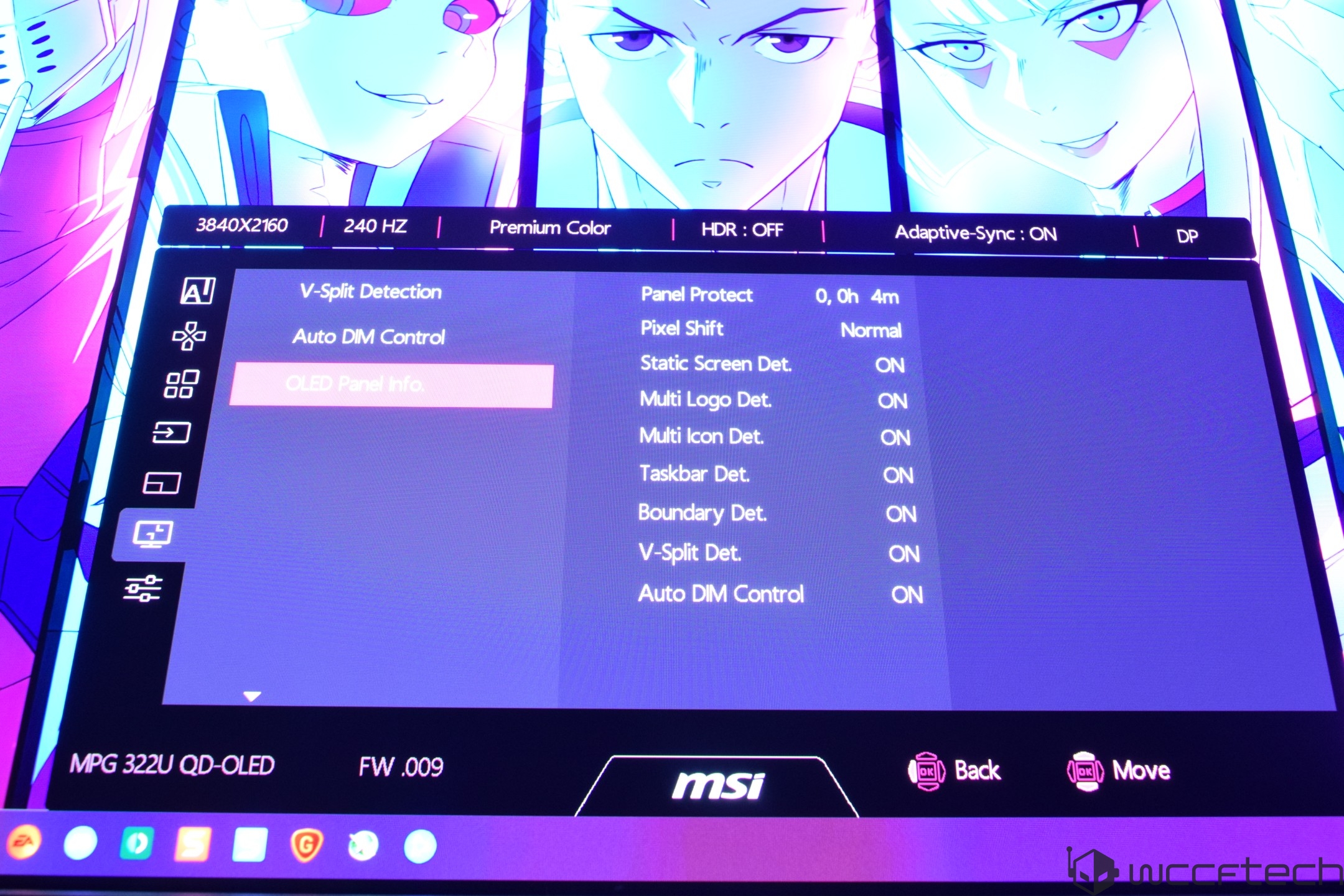
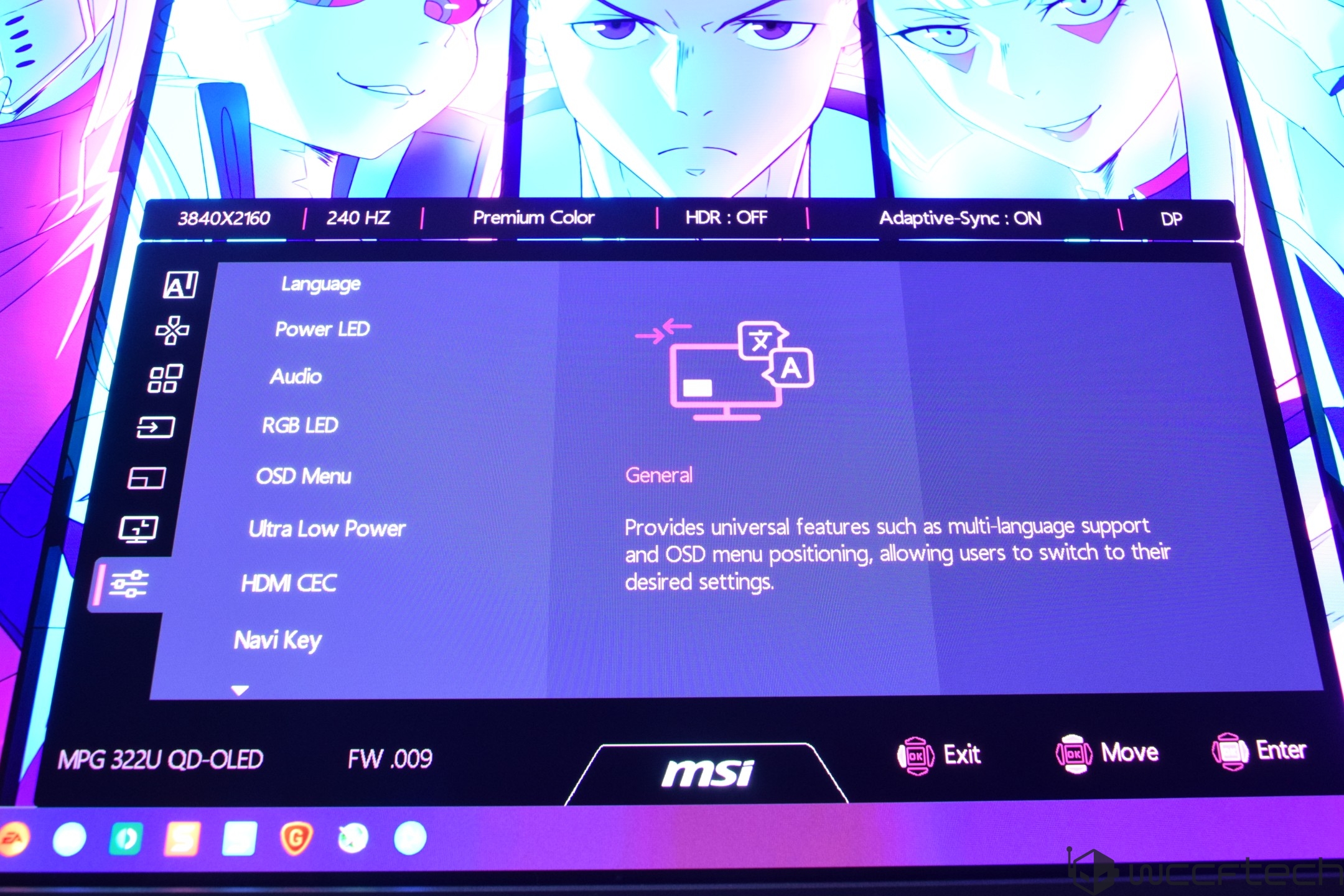
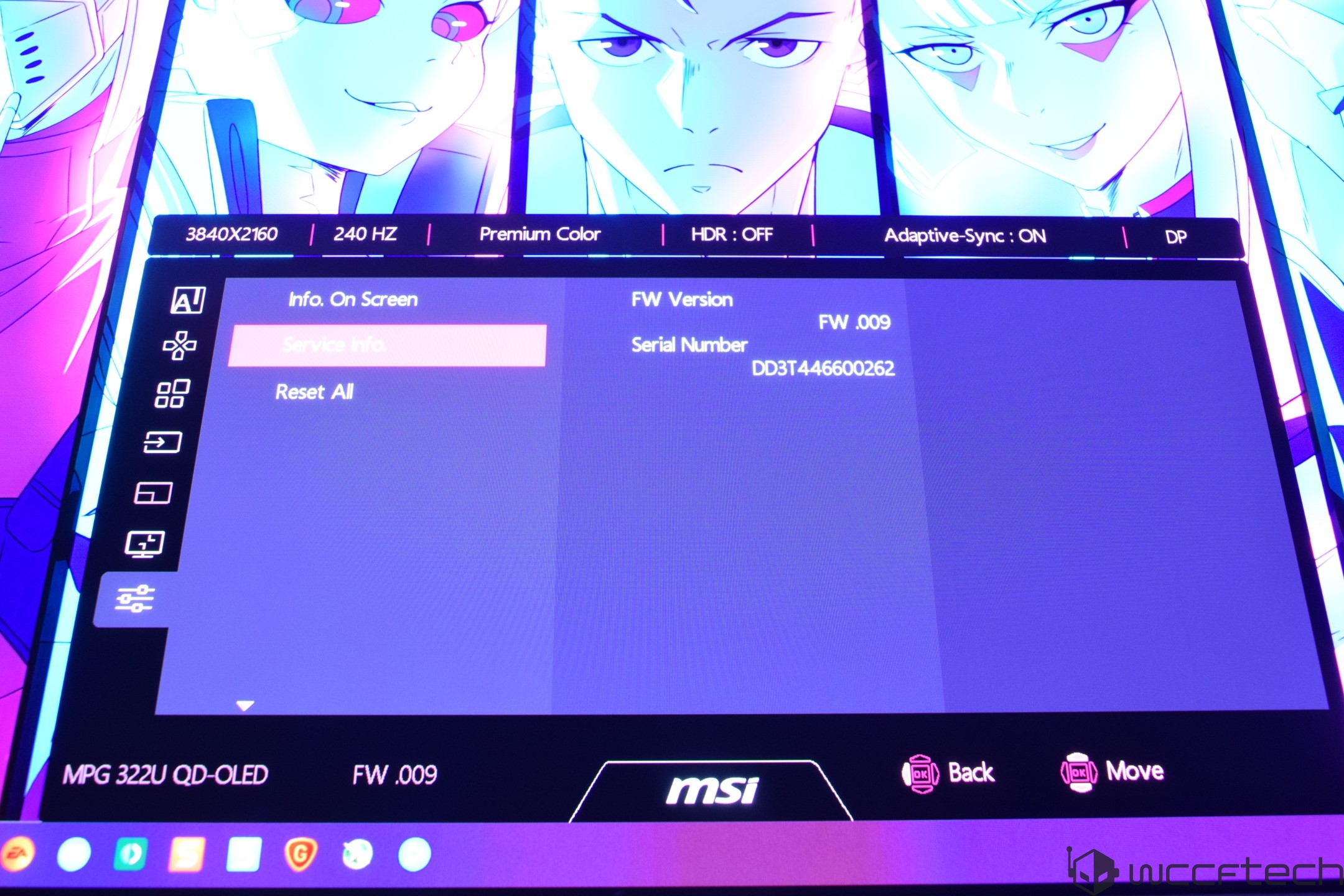
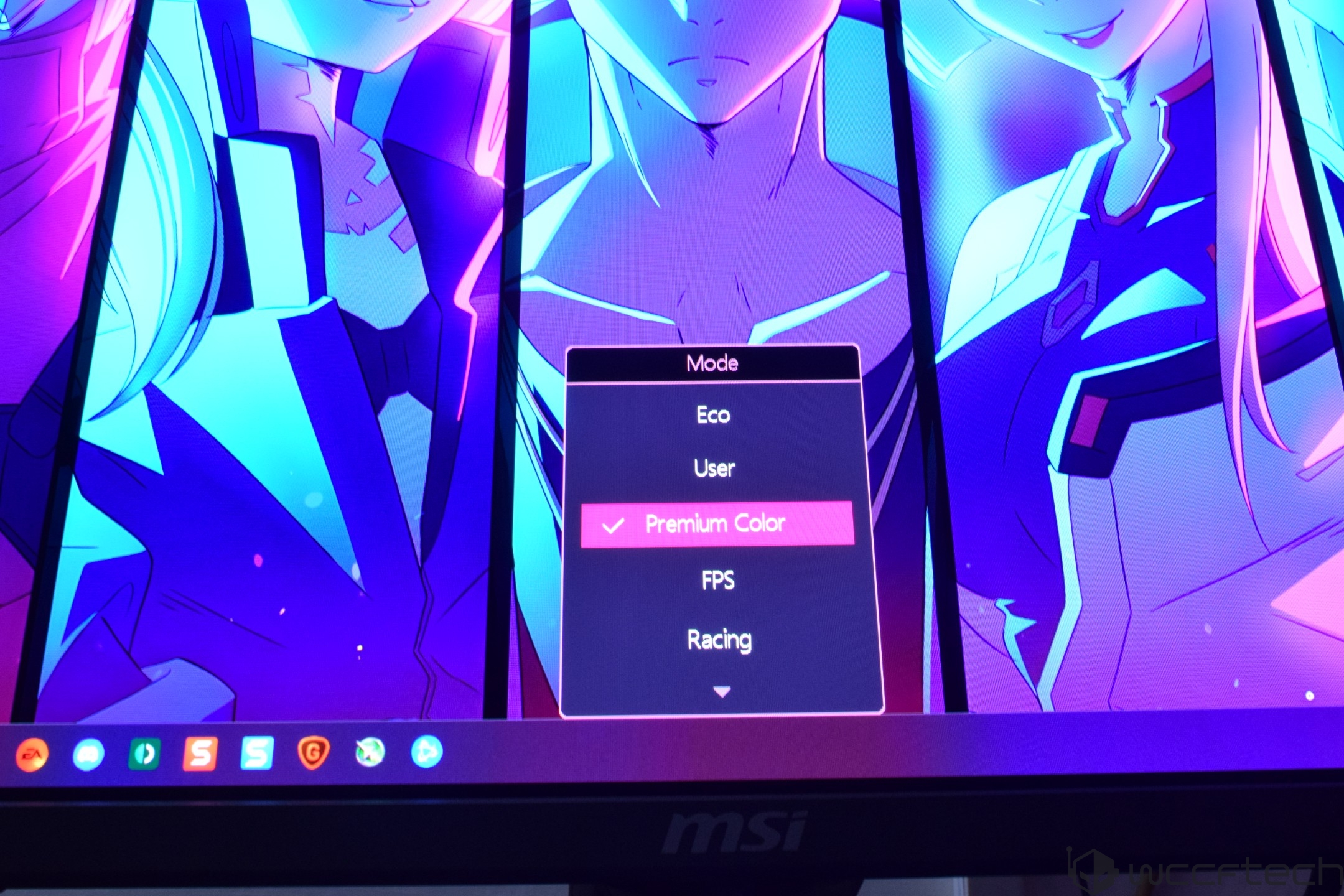
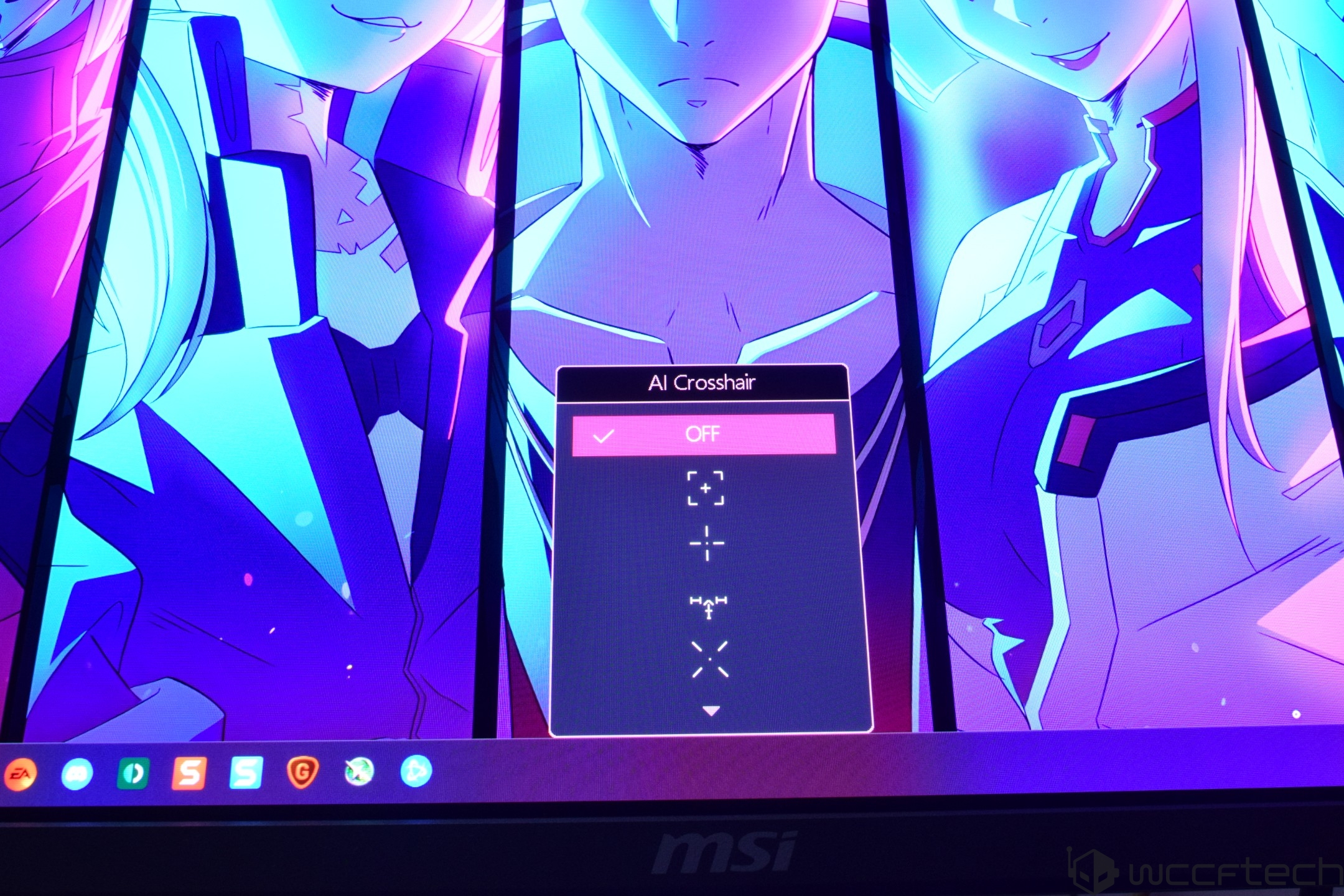
MSI's Gaming Intelligence Engine, or G.I., is the main highlight of the OSD, which includes KVM, Smart Crosshair, and Optix Scope. With the Smart Crosshair enabled, it will display an on-screen crosshair that can change color on the go so that it doesn't overlap with the background color displayed on the screen. The AI Vision option will also help to enhance brightness and offer increased saturation in darkly lit scenarios.
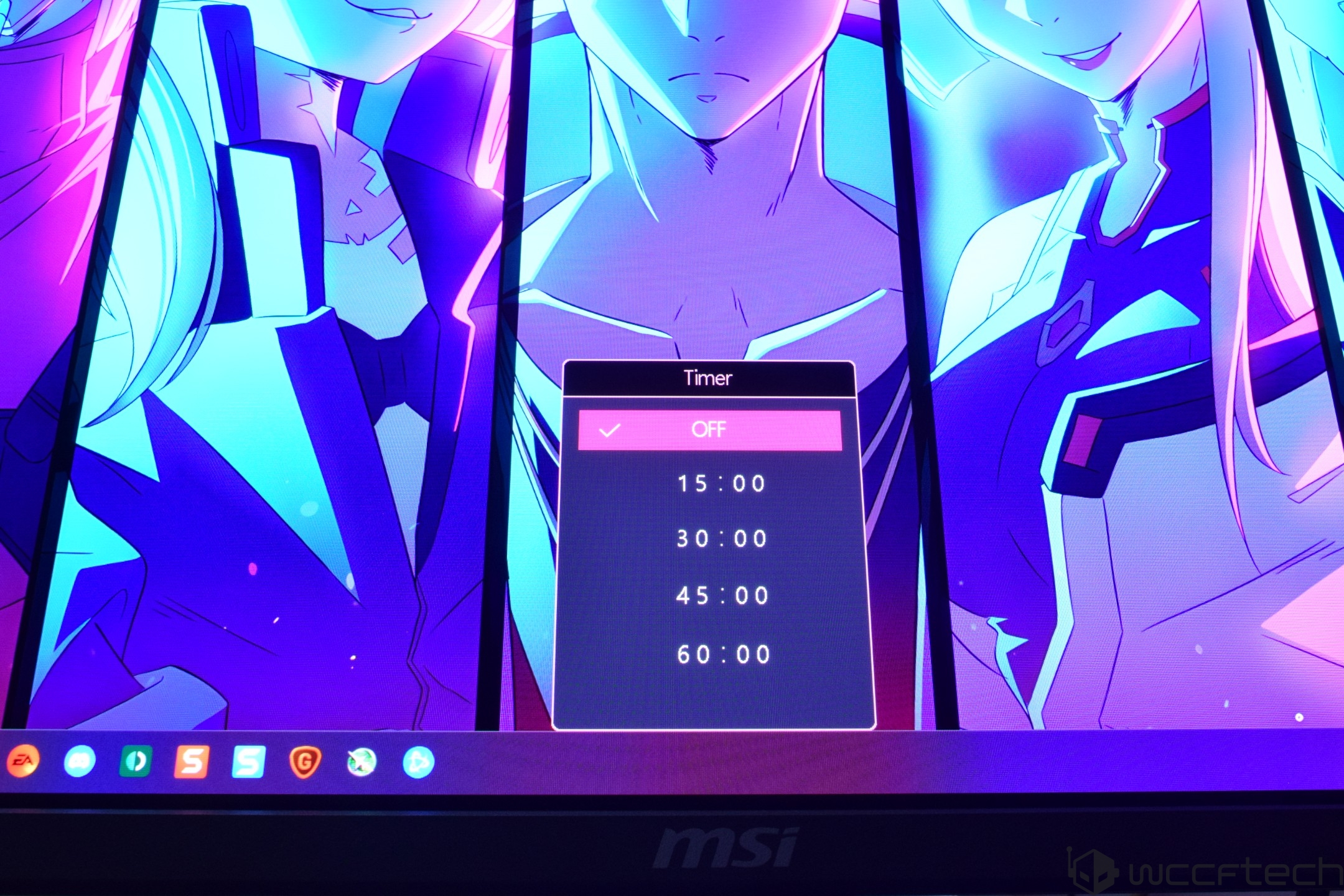
The Gaming menu gives you even more options to configure the display, such as setting a "Game" specific mode. This is set to "Premium Color" by default, but you can set it to other modes, such as for Racing, FPS, RTS, or RPG games, which enable pre-configured profiles, or use the "User" mode that enables your profile. There are also Night Vision, AI Vision, Refresh Rate, Alarm Clock, DSC, and Adaptive-Sync options.
Then we move over to the "Professional" menu, which gives you Pro Mode, Low Blue Light, and Image Enhancement options. The Pro Mode has Eco, User, Anti-Blue, Movie, Office, sRGB, and Adobe RGB configurations, while the Image Enhancement option lets you configure the image sharpness using Weak, Medium, Strong, or Strongest modes. I kept this option off, but for users who like more sharply defined details, the option will be there for them.
Moving to the "Image" settings, we have the option to slide between different levels of Brightness, Contrast, Sharpness, Color Temperature, Screen Size, and DisplayHDR modes. The Input Source menu lets you select between the different input sources that you may have the screen connected to. There are two HDMI, 1 DP, and 1 Type-C inputs, and there's also the Auto Scan feature, which is kept on by default. The monitor also comes with a console mode option, which enables HDMI 2.1 with its full 48 Gbps functionality for a true 4K 120Hz experience. Last of all, you can configure the Navi (Navigation) key itself to your liking.
The main settings menu allows you to change the Language of the OSD, Transparency, OSD timeout, RGB LED, Power Button, and Info. On Screen, HDMI CEC, while the MSI OLED Care option lets you select between Pixel Shift, Panel Protect, Protect Notice, Static Screen Detection, Multi-Logo, Task Bar, and Boundary Detection options. It also displays the usage time, which in our case was 0 minutes from the factory, so a fresh display.
Coming to the display aspects and performance, particularly in gaming, the MSI MPG 322UR QD-OLED gaming monitor is designed around the 4K UHD segment, and as such, it offers a refresh rate of 240 Hz. It comes with a backlight of up to 300 cd/m2 and a contrast ratio of 1.5M:1. The QD-OLED design offers some brilliant color accuracy.
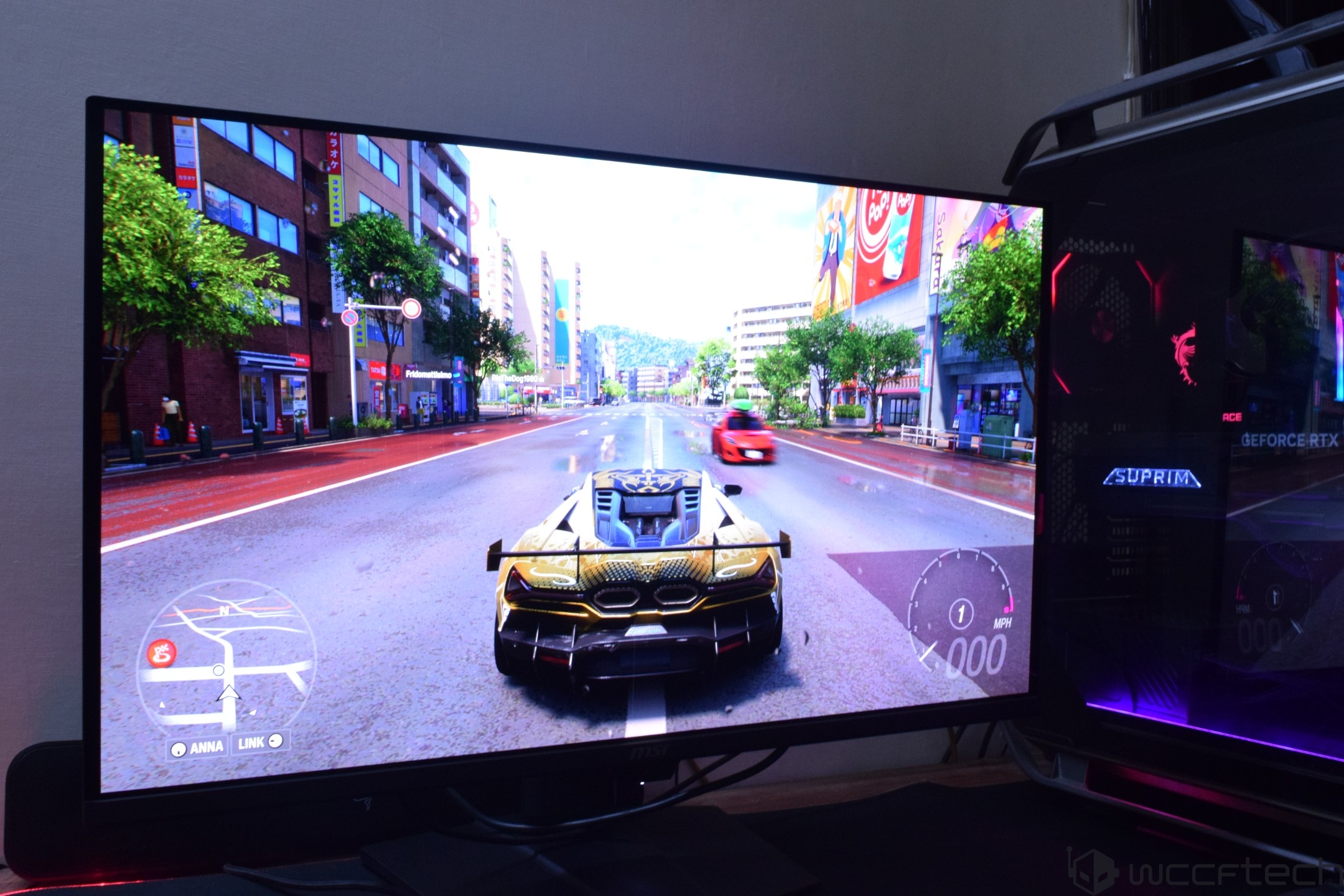
I first wanted to try out gaming on the QD-OLED monitor but was delighted to see the colors even with HDR disabled. The OLED panel shines even in non-gaming environments such as browsing the web and looking at images, and video quality was also superb. You also have the option to change the aspect ratio down to 27- and 24-inch modes. The 32" panel is the perfect fit for high-end gamers & the MPG QD-OLED series shines in this regard.
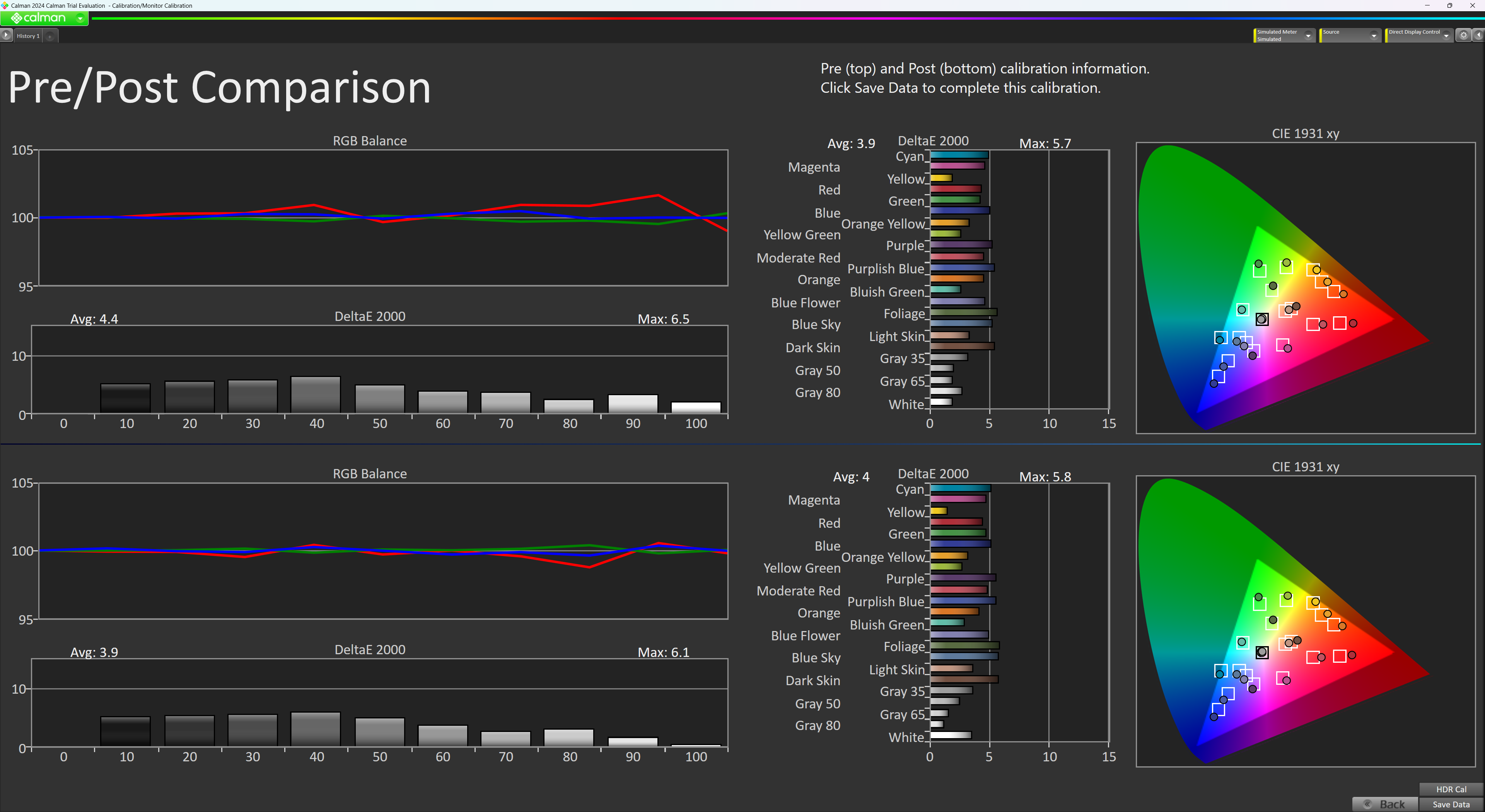
The MSI MPG 322URX also offers great sRGB color accuracy with solid white accuracy:
Gaming on the 322UR X24 is going to be an awesome experience, especially if this is your first look at a QD-OLED panel. I already had the opportunity to test out various MSI QD-OLED panels, so I had an expectation of what I was in for.
Games such as Forza Horizon 6, Resident Evil 9, and Cyberpunk 2077 ran super smooth & looked fantastic. Having NVIDIA DLSS Multi-Frame Generation support up to 6x mode meant that I could get over 200 FPS in these titles with maxed-out settings. Faster games such as Doom Eternal also ran like a breeze, with the RTX 5090 delivering a phenomenal 200+ FPS, taking full advantage of that 240Hz refresh rate.
These high-refresh-rate QD-OLED monitors not only deliver the best experience you'll ever get out of the games you play, but they also make sure your hardware is used to its fullest potential. MFG6x is designed for 240Hz gaming with everything maxed out, and since it allows Path Tracing to become more viable in AAA titles, you get visuals that are unlike anything you've seen before.
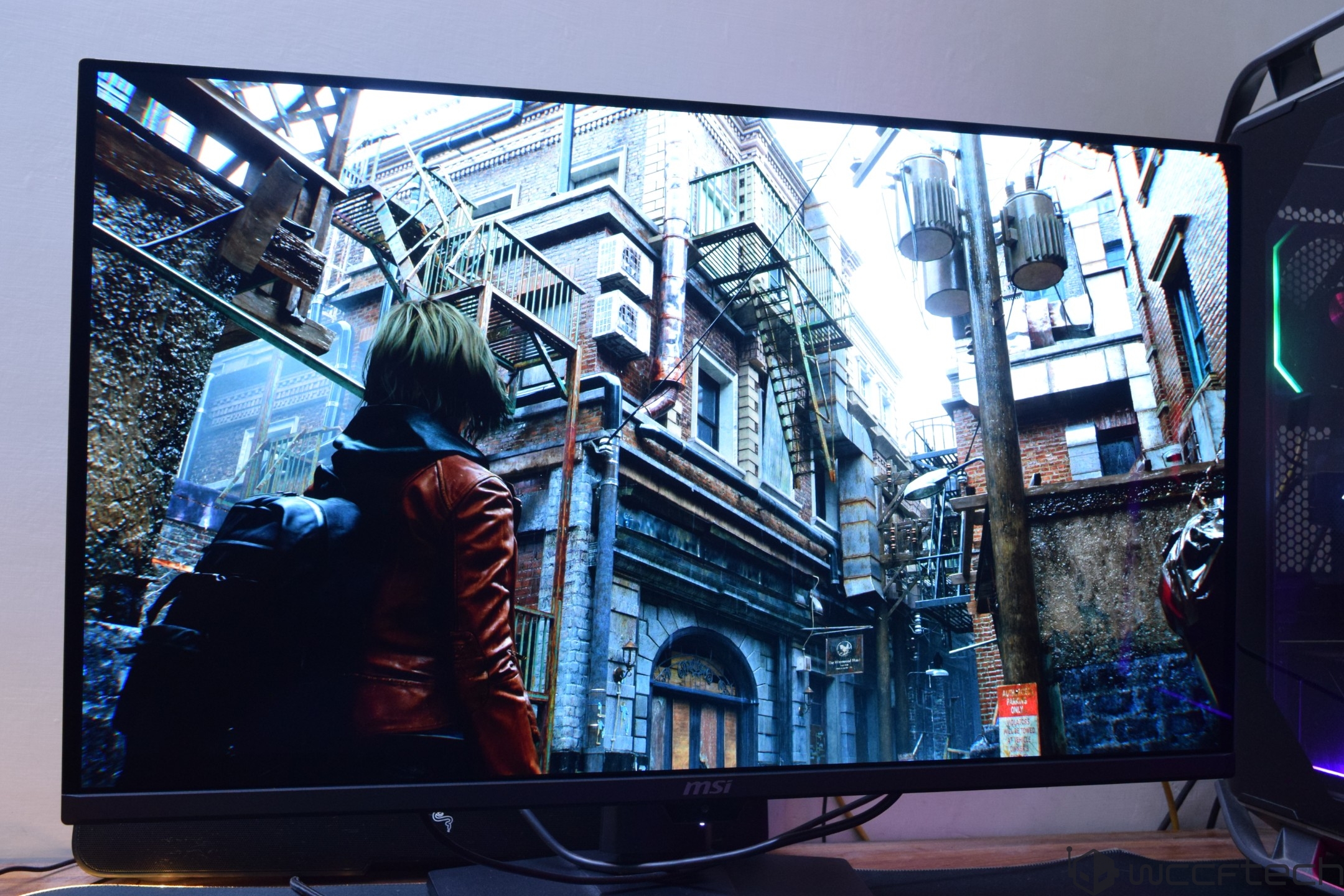
The blacks pop out, and the colors remain vivid at higher brightness levels. Plus, with higher brightness levels, you see the same level of detail even in brightly lit environments. Coming from a 322URX, you can see the differences on the 322UR X24.
MSI's MPG 322UR QD-OLED X24 builds upon the 322URX, setting the bar even higher than its predecessor. You get all the same goodies such as G-Sync support, DP 2.1 80 Gbps capability, and an impressive 32" flat-screen panel with a glossy finish, anti-glare design in a 4K 240 Hz package.
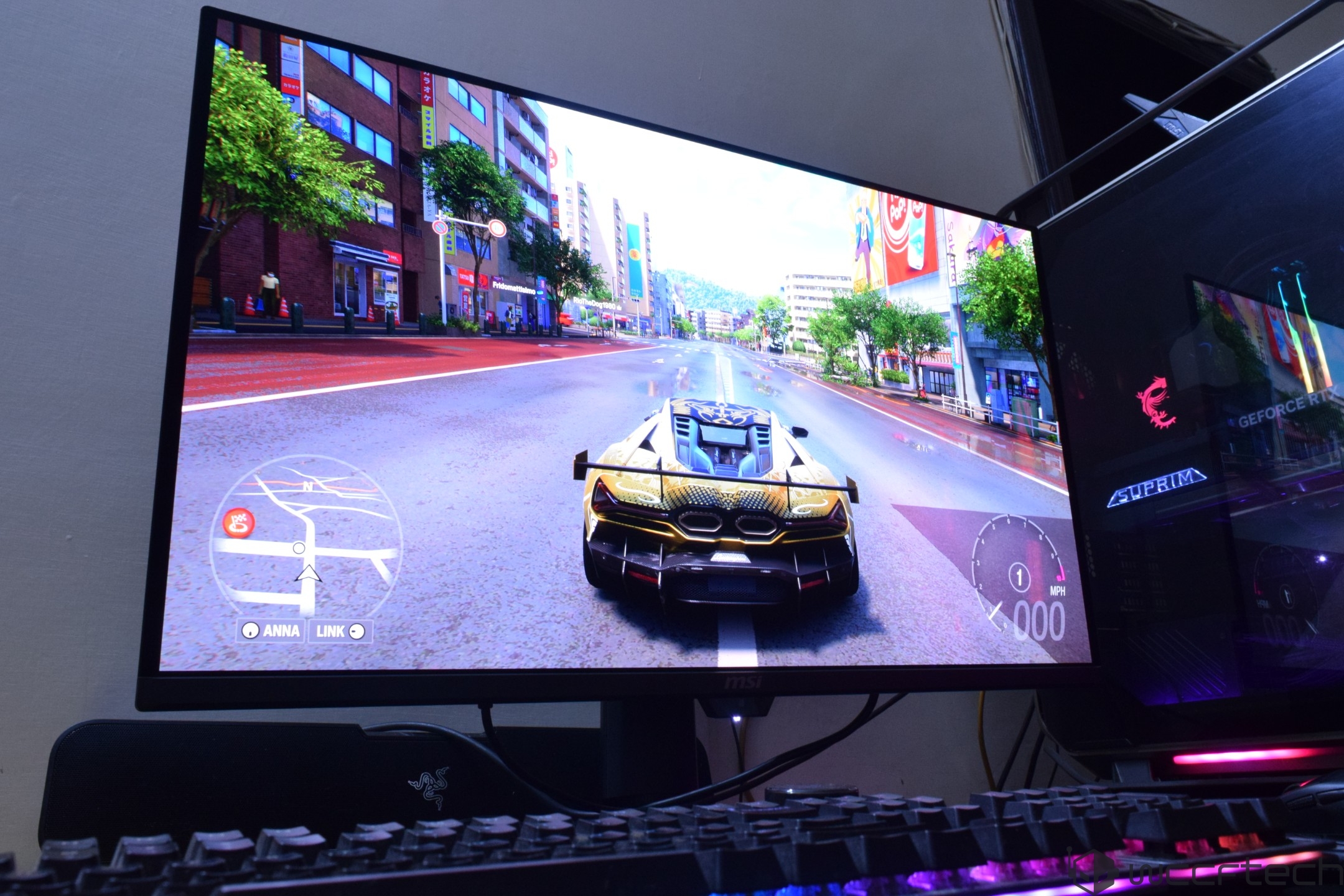
But now, with a 4th Gen Tandem QD-OLED panel, a better and more durable DarkArmor Film, & higher luminance levels that add to the higher brightness, swift response times, and elevated blacks, the MSI 322UR X24 QD-OLED has become my favorite QD-OLED monitor of the year.
The following are the Pros/Cons of the MSI MPG 322UR QD-OLED X24 Monitor:
- + Stunning 4K QD-OLED Design
- + A 240Hz refresh rate with fast response time
- + Very low input lag
- + Solid Design & Build Quality
- Higher Pixel Density
- + Darker Blacks, Brighter, and Sharper
- + No More Purple Tint, DarkArmor Film Increases Scratch Resistance
- + Great IO with full DP 2.1 (Up to 80 Gbps)
- + Amazing Gaming Experience
- + Loaded OSD with lots of tuning options
- + Deep blacks and great color accuracy
- + Runs Great on RTX 50 GPUs with MFG6x Mode
- + OLED Care 3.0 with 3-Year Warranty
- - A lengthier DP 2.1 cable
- - AI features may not be for everyone
At $1099, it is also cheaper than the introductory price of the 322URX, which itself is down to $799. As QD-OLED technologies mature and competition continues to increase, we will see these high-end QD-OLED panels become more accessible. If you want a game-changer in your gaming life, go QD-OLED.
You can find additional information about our hardware review process and ethics policy here.
Follow Wccftech on Google to get more of our news coverage in your feeds.