Download INTEL Graphics Driver 30.0.101.1069
Download from INTEL.com
Official Website
Visit INTEL.com to download
Download directly
WIN 10/11 (DCH)
Desktop / Mobile
DOWNLOAD NOW (567 MiB)
Software are provided AS IS and any warranty or damage claims against VideoCardz.com in connection therewith are hereby excluded.
Highlights
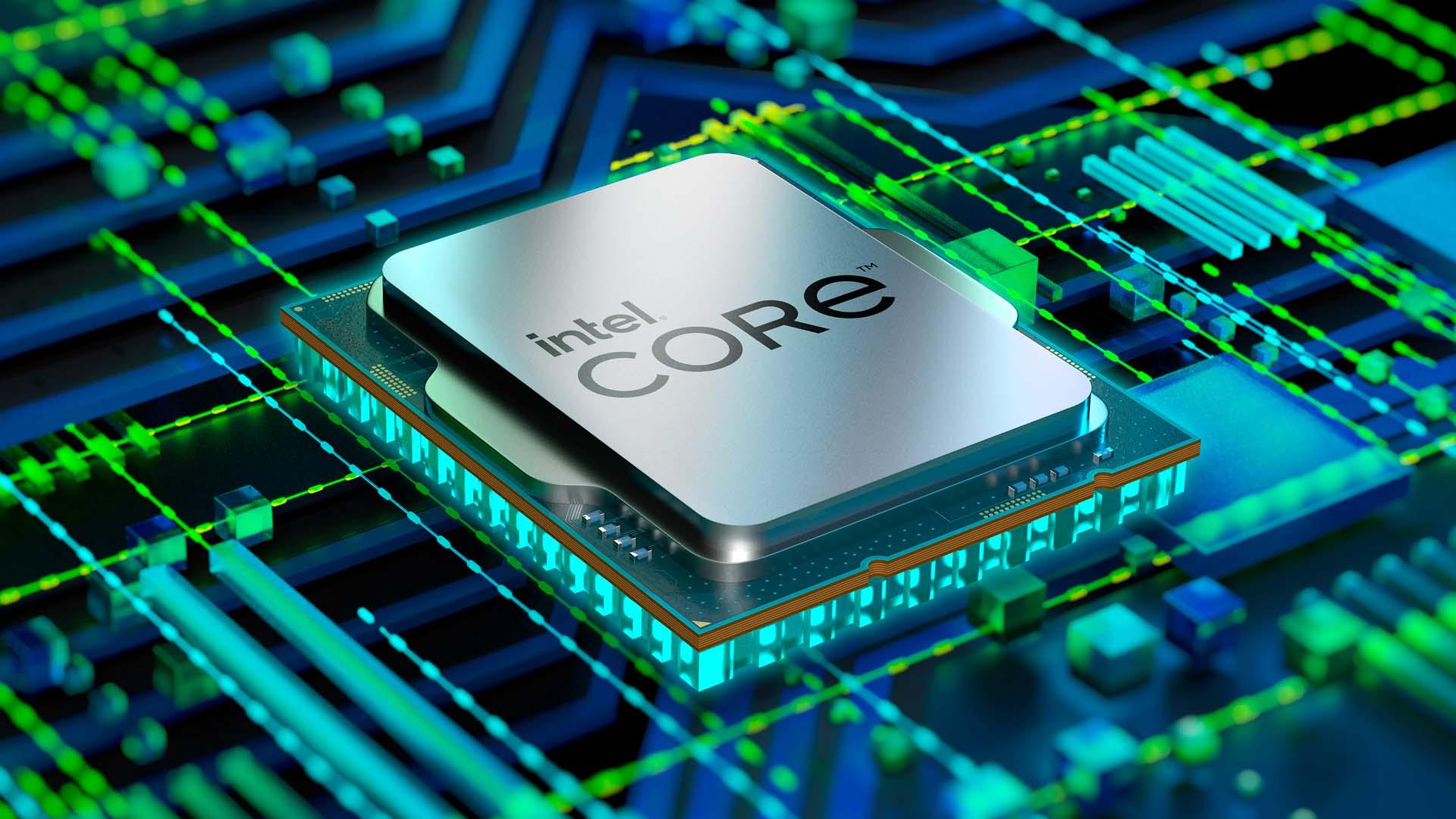
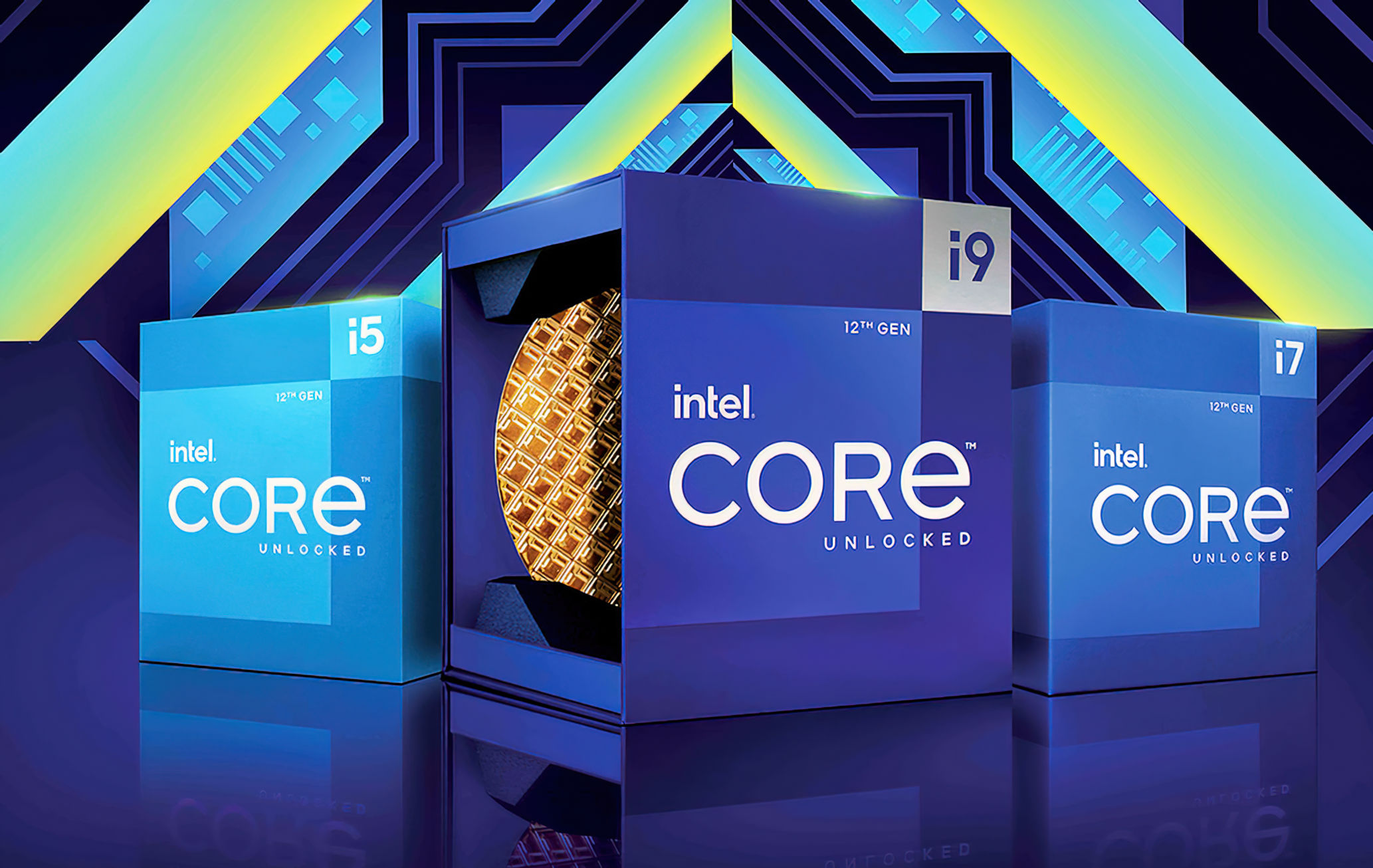
- Support for 12th Generation Intel® Core™ Processors with Intel® UHD graphics (Codename Alder Lake)
GAMING HIGHLIGHTS
- Improved game loading times for Assassin’s Creed Valhalla (DX12), Deathloop (DX12), Horizon Zero Dawn (DX12), Metro Exodus (DX12) on 6th Generation Intel® Core™ Processors and higher
Fixed Issues
- Intermittent crash or hang seen in Moonlight Blade (DX12), Resident Evil Village (DX12) on 11th Generation Intel® Core™ Processors with Intel® Iris® Xe graphics.
- Intermittent crash or hang seen in Call of duty: Warzone on 12th Generation Intel® Core™ Processors with Intel® UHD graphics.
- Intermittent crash or hang seen in Doom Eternal (Vulkan) on Intel® Iris® Xe Discrete graphics
- Minor graphic anomalies seen in Fallout 4. Red Dead Redemption (Vulkan) (while pressing ESC), Resident Evil Village (DX12) (while pressing ESC),
Known Issues
- Intermittent crash or hang may be seen in Call of Duty: Black Ops Cold War (DX12), Far Cry 6 (DX12), The Sims 4 (hot plug or unplug of external display).
- Minor graphic anomalies may be observed in Dark Souls 3, Far Cry 6 (DX12), Metro Exodus (DX12), Microsoft Flight Simulator (during installation), Mount & Blade II: Bannerlord, Red Dead Redemption 2 (DX12), Shadow of the Tomb Raider (DX11), The Surge 2 (Vulkan), Tom Clancy’s Ghost Recon Breakpoint.
- “Update driver” pop-up error may be seen while launching Battlefield 1 after upgrading from 30.0.100.9955 or older drivers due to the driver version roll-over.
- [11th Generation Intel® Core™ Processors with Intel® Iris® Xe graphics]: Crash or hang may be seen in Breathedge, Detroit: Become Human (Vulkan), FIFA 21, NBA 2K21 (DX12) (when switching resolution from 1920 x 1080 to 1600 x 900 and 1280 x 720), The Ascent.
- [11th Generation Intel® Core™ Processors with Intel® Iris® Xe graphics]: Black screen may be seen in Arma 3 (when changing display mode to windowed or full screen).
- [11th Generation Intel® Core™ Processors with Intel® Iris® Xe graphics]: Minor graphic anomalies may be seen in Adobe Premiere Pro 2020 during video playback, Baldur’s Gate 3 (Vulkan), Call of the Duty: Vanguard (DX12), Call of the Sea, Crysis Remastered, Elex, Just Cause 4 , Red Dead Redemption (Vulkan), The Ascent.
- [Intel® Iris® Xe Discrete graphics]: Intermittent crash or hang may be seen in Conan Exiles (Low End Laptop Mode” in game settings), Forza Horizon 4 (DX12), Forza Motorsport 6 (DX12), Spyro: Reignited Trilogy
- [Intel® Iris® Xe Discrete graphics]: Minor graphic anomalies may be observed in Assassin’s Creed Valhalla
(DX12), Code Vein, Death Stranding (DX12), Microsoft Flight Simulator, GRID 2019 (DX12). - [11th and 12thGeneration Intel® Core™ Processors]: Display is getting blanked out with 4K@60hz resolution connected via dock.
- [12th Generation Intel® Core™ Processors with Intel® UHD graphics]: Minor graphic anomalies may be observed in Netflix after quickly unplugging and re-plugging external displays during video playback.
- [12th Generation Intel® Core™ Processors with Intel® UHD graphics]: Intermittent crash or hang may be seen in Marvel’s Avengers (DX12), Metro Exodus (DX12) (after changing quality), Shadow of the Tomb Raider (Dx12), The Sims 4 (when loading save file).
- [12th Generation Intel® Core™ Processors with Intel® UHD graphics]: Minor graphic anomalies may be observed in Gears 5, Genshin Impact, Ring of Elysium (DX12), Wolfenstein: Youngblood (Vulkan).
Package Contents
- Intel® Graphics Driver
- Intel® Display Audio Driver 10.26.0.11 (6th Gen and related Pentium Silver and Celeron processors)
- Intel® Display Audio Driver 10.27.0.11 (7th, 8th, 9th, 10th Gen Intel® Core™ processors)
- Intel® Display Audio Driver 11.1.0.19 (10th Gen Intel® Core™ processors with Iris Plus Graphics)
- Intel® Display Audio Driver 11.2.0.9 (Intel® Core™ Processors with Intel® Hybrid Technology)
- Intel® Media SDK Runtime (21.0.1.35)
- Intel® oneVPL6 GPU Runtime (21.0.2.5)
- Intel® Graphics Compute Runtime for OpenCL Driver
- Intel® Graphics Command Center (installed via Microsoft Store)
- Vulkan3 Runtime Installer
- Intel® Graphics Driver Installer (1.0.522)
- OneAPI Level Zero Loader and Validation Layer
- Intel® Graphics Compute Runtime for OneAPI Level Zero specification
Product Compatibility
- 6th Gen Intel® Core™ processor family (Codename Skylake) (1903-21H1)
- 7th Gen Intel® Core™ processor family (Codename Kaby Lake) (1903-21H1)
- 8th Gen Intel® Core™ processor family (Codename Kaby Lake-R, Coffee Lake, Whiskey Lake (1903+)
- 9th Gen Intel® Core™ processor family (Codename Coffee Lake-R) (1903+)
- 10th Gen Intel® Core™ processor family (Codename Comet Lake, Amber Lake, Ice Lake) (1903+)
- 11th Gen Intel® Core™ processor family (Codename Tiger Lake, Rocket Lake, Tiger Lake-H) (1909+)
- 12th Gen Intel® Core™ processor family (Codename Alder Lake) (20H2+)
- Intel® Core™ Processor with Intel® Hybrid Technology (Codename Lakefield) (1909+)
- Intel® Atom®, Pentium® and Celeron® processor family (Codename Apollo Lake, Elkhart Lake) (1809+)
- Intel® Pentium® and Celeron® processor family (Codename Gemini Lake, Jasper Lake) (1903-21H1, 1909+)
- Intel® Iris® Xe Dedicated Graphics family (Codename DG1) (2004+)