Download INTEL Arc Graphics Driver 30.0.101.3259 BETA
Download from INTEL.com
Official Website
Visit INTEL.com to download
Download directly
WIN 11/10
Desktop / Mobile
DOWNLOAD NOW (844 MiB)
Software are provided AS IS and any warranty or damage claims against VideoCardz.com in connection therewith are hereby excluded.
Highlights
Fixed Issues
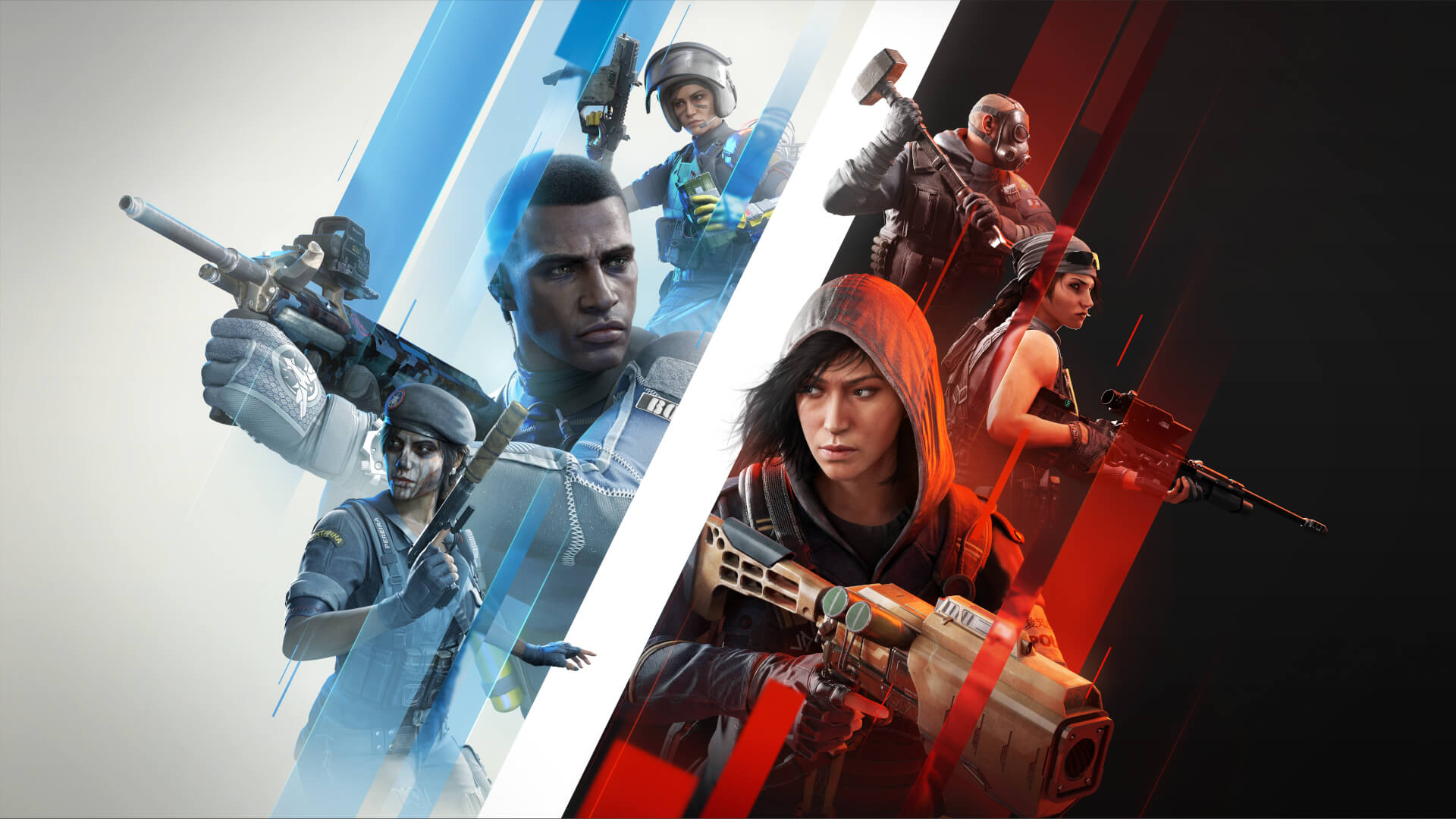
- Tom Clancy’s Rainbow Six Siege (DX11) may experience texture corruption in the Emerald Plains map when ultra settings are enabled in game. A workaround is to select the Vulkan API in game settings.
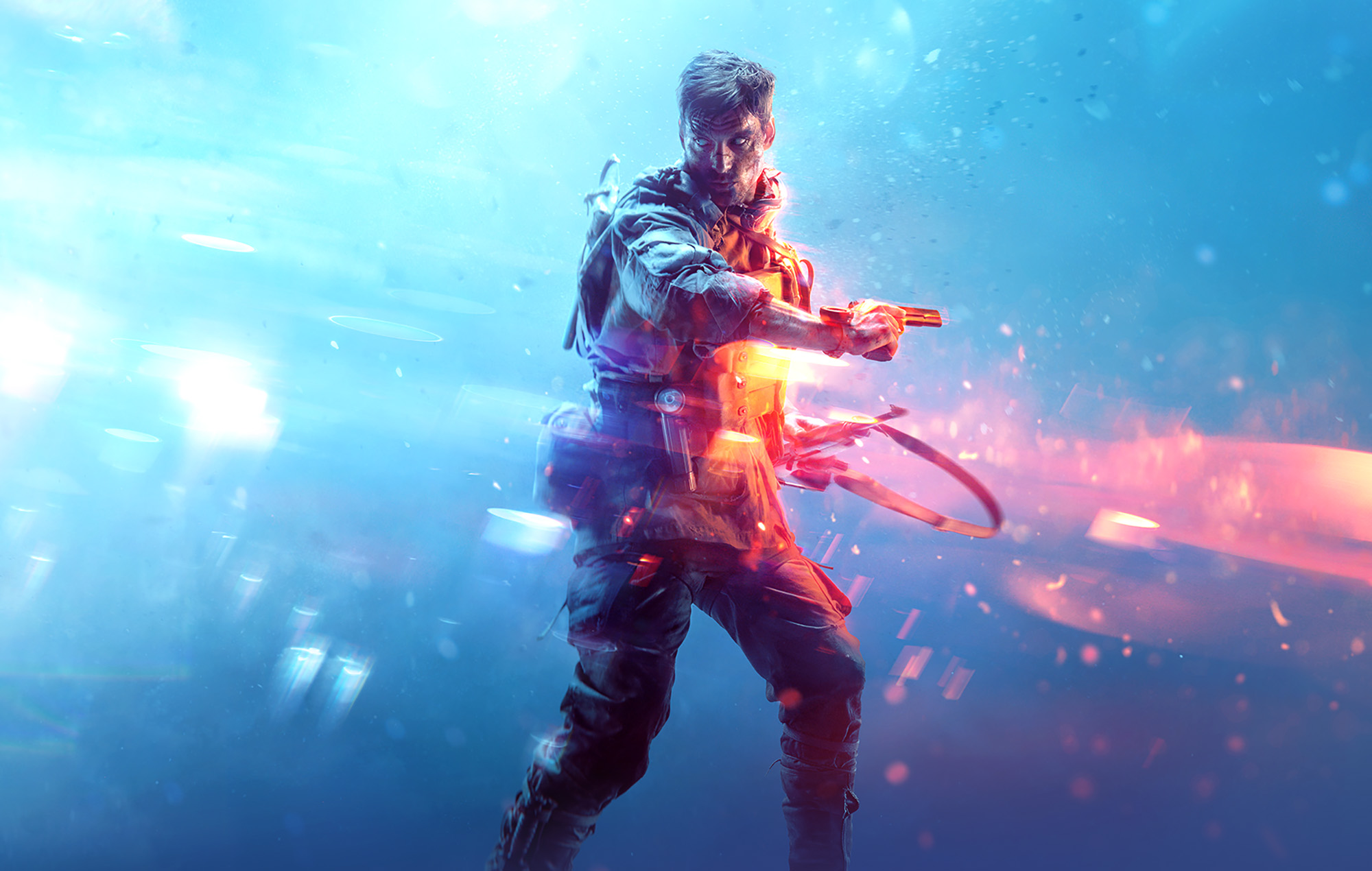
- Battlefield V (DX11) may exhibit lighting corruption from certain sources such as spotlights or campfires.
- F1 22 (DX12) may experience an application crash or hang when using ‘high’ or above quality settings with ambient occlusion set to ‘AMD FidelityFX CACAO’. A workaround is to disable or change this option within the games setting page.
- Halo Infinite (DX12) Lighting may appear blurry or over exposed in the multiplayer game menus.
- Call of Duty: Black Ops Cold War (DX12) may experience an application crash during gameplay.
- Call of Duty: Warzone (DX12) may exhibit flickering shadow corruption on character models in the menu.
- Forza Horizon 5 (DX12) exhibits block corruption while drifting and MSAA x4 enabled.
- Dying Light 2: Stay Human (DX12) may exhibit lighting corruption on certain building surfaces.
- Minecraft Bedrock (DX11) may exhibit a black screen after the initial loading screen
Known Issues
- Shadow of the Tomb Raider (DX12) may experience an app crash when setting Ray Traced Shadow Quality to High. A workaround is to change to the Medium or OFF setting
- Movies and TV Application may experience a hang during HDR video playback and changing video to Fullscreen.
- Call of Duty: Vanguard (DX12), Tom Clancy’s Ghost Recon Breakpoint (DX11), Strange Brigade (DX12) and
- Forza Horizon 5 (DX12) may experience texture corruption during gameplay.
- Gears 5 (DX12) may experience an application crash, system hang or TDR during gameplay.
- Some third-party camera applications may exhibit video corruption when playing the recorded video in Fullscreen
- Sniper Elite 5 may experience an application crash on some Hybrid Graphics system configurations when Windows® “Graphics Performance Preference” option for the application is not set to “High Performance”.
- Map textures may fail to load or may load as blank surfaces when playing CrossFire.
- Some objects and textures in Halo Infinite (DX12) may render black and fail to load.
Known Issues for Intel® Arc™ Control
- Checking for driver updates or attempting to install driver updates through Intel® Arc™ Control may sometimes cause an “Error Installing Driver” message to appear.
- Smooth Sync is enabled by default when “Application Choice” is selected from the Frame Delivery settings in the Intel® Arc™ Control game settings page.
- The Performance Tuning page in Intel® Arc™ Control may erroneously appear visible or configurable on unsupported platforms. When this occurs, changing settings on this page may throw an error message and/or will not function.
- A Windows® UAC prompt may occur when launching Intel® Arc™ Control.
Package Contents
- Intel® Graphics Driver
- Intel® Media SDK Runtime (21.0.1.35)
- Intel® oneVPL GPU Runtime (21.0.2.7)
- Intel® Graphics Compute Runtime for OpenCL* Driver
- Vulkan*3 Runtime Installer
- Intel® Graphics Driver Installer (1.0.653.0)
- oneAPI Level Zero Loader and Validation Layer
- Intel® Graphics Compute Runtime for OneAPI Level Zero specification
- Intel® Arc™ Control
- Intel® Driver Support Assistant
Product Compatibility
Desktop
- Intel® Arc™ A380 Graphics
Mobile
- Intel® Arc™ A770M Graphics
- Intel® Arc™ A550M Graphics
- Intel® Arc™ A730M Graphics
- Intel® Arc™ A370M Graphics
- Intel® Arc™ A350M Graphics
- Intel 12th Gen Core Alder Lake-H/P (Xe-LP) integrated GPUs