Download INTEL Arc Graphics Driver 31.0.101.3430 BETA
Download from INTEL.com
Official Website
Visit INTEL.com to download
Download directly
WIN 11/10
Desktop / Mobile
DOWNLOAD NOW (1 GiB)
Software are provided AS IS and any warranty or damage claims against VideoCardz.com in connection therewith are hereby excluded.
Highlights
Intel® Game On Driver support on Intel® Arc™ A-series Graphics for:
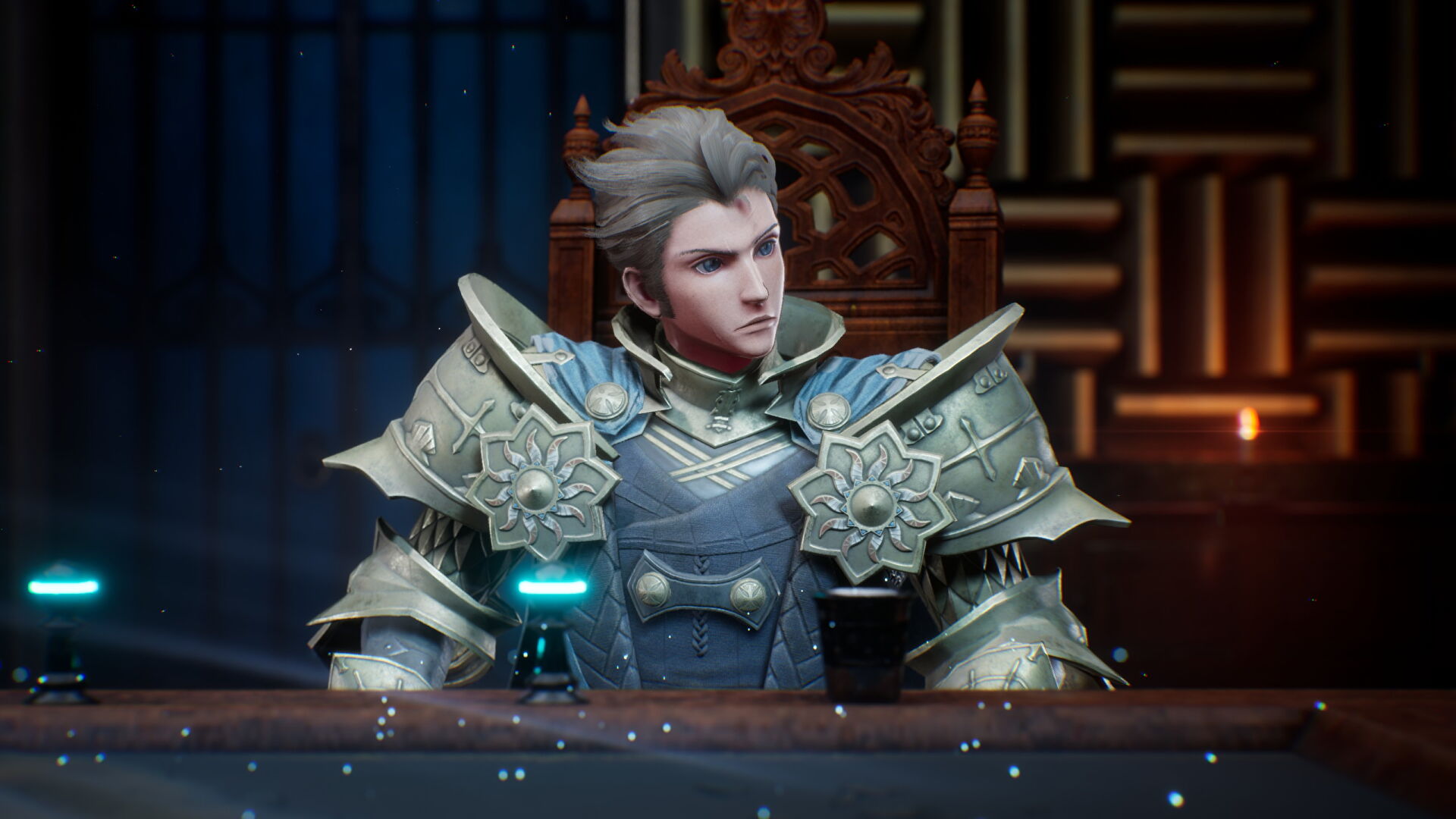
- The DioField Chronicle (DX12)
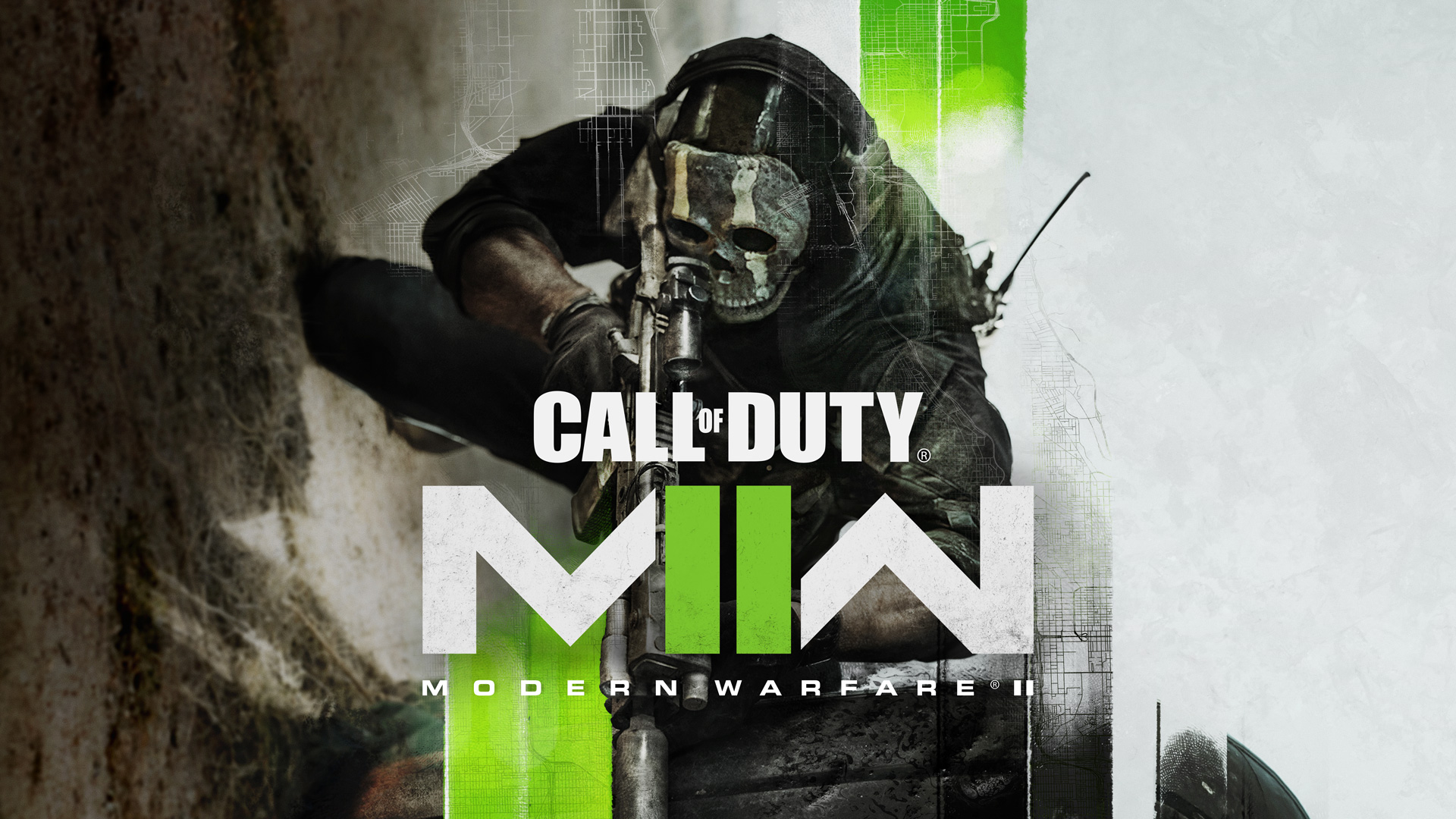
- Call of Duty: Modern Warfare II (DX12) Beta Early Access
NOTES:
- The Intel® Arc™ 101.3430 BETA driver is bundled with the latest version of Intel® Arc™ Control 4765 to streamline installation experience, resulting in a larger driver package file size.
Fixed Issues
- Marvel’s Spider-Man (DX12) may exhibit an application crash when loading into the game with Ray-Traced Reflections enabled.
- Total War: Warhammer III (DX11) may exhibit color corruption on certain regions of the overworld map.
- Call of Duty: Vanguard (DX12) may exhibit lower than expected performance in the main menu.
- Marvel’s Guardian of the Galaxy (DX12) may exhibit flickering texture corruption game certain areas
- Horizon Zero Dawn (DX12) may exhibit texture and color corruption on some terrain and skyboxes.
- Overwatch (DX11) may experience lower than expected performance may be observed within certain map environments
- Metro Exodus (DX11) may exhibit a CTD or application hang during gameplay.
- Conqueror’s Blade (DX11) may exhibit an application crash during game launch.
- League of Legends (DX11) may experience lower than expected performance when using the DX11 option in on some Intel® Arc™ A730M series graphics products.
- Movies and TV Application may experience a hang during HDR video playback and changing video to Fullscreen.
- Blender may exhibit OpenGL rendering errors with certain Intel® system configurations.
- Some Intel® Arc™ A380 series graphics cards may intermittently reboot the system when resuming from S3 sleep.
Known Issues
INTEL® ARC™ CONTROL FIXED ISSUES:
- Recording with Arc Control Studio Capture and “In Stream” mode enabled may not save the output video file at the desired length.
- Streaming with Arc Control Studio Capture and “In Stream” mode enabled may cause unexpected connection instability to the desired platform.
- Some image types may not load when using Arc Control Camera “Background Replacement” option.
- Arc Control may incorrectly be invoked during the login screen.
- Arc Control may incorrectly close automatically when Arc Control is invoked, and system is left idle.
KNOWN ISSUES:
- Marvel’s Spider-Man (DX12) may experience shadow corruption when using FSR 2.0 upscaling.
- Marvels’ Spider-Man (DX12) may exhibit scene corruption when Ambient Occlusion is disabled or set to HBAO+
- Sniper Elite 5 (DX12) may experience an application crash on some Hybrid Graphics system configurations when Windows® “Graphics Performance Preference” option for the application is not set to “High Performance”.
- Some Intel® Arc™ A380 series graphics product fans may continue running when the graphics card or system is idle.
INTEL® ARC™ CONTROL KNOWN ISSUES:
- Windows UAC Admin is required to install and launch Arc Control.
- Arc Control may fail to correctly update. A workaround is to uninstall Arc Control from Add or Remove
programs before updating. - Some applications may exhibit a transparent or blank window when CMAA is set to “Force ON” globally.
- Some applications may exhibit pixel corruption when Sharpening Filter is enabled globally.
- Opening Arc Control in some game titles with ALT+I during gameplay may not correctly appear.
- Using Arc Control Studio Capture with “In Stream” mode enabled may not correctly record entire clip when under a 1080p resolution setting.
- A 1440p resolution selection in Arc Control Studio Capture may be unavailable when the display native resolution is 4K.
- Arc Control Studio Camera overlay position may not retain desired position and size after a system restart.
- Hot-plugging peripheral devices such as cameras, microphones, or displays while Arc Control is open may cause Arc Control to become unresponsive.
- Arc Control may not scale automatically when changing from a 1080p resolution to a 4K resolution.
- Some Arc Control Telemetry metrics may not align with 3 rd party applications or built-in OS functions.
- The Arc Control Studio Camera tab may take longer than expected responsiveness upon the first navigation.
- Hot-plugging a secondary display with Arc Control invoked may cause Arc Control to be unresponsive.
- Hot-plugging a display with Arc Control Studio Capture audio device set to display audio may cause an error when attempting to capture or broadcast.
Intel® Arc™ Control Performance Tuning (BETA):
- Intel® Arc™ Control Performance Tuning is currently in Beta. As such, performance and features may behave unexpectedly. Intel® will continue to refine the Performance Tuning software in future releases
Package Contents
- Intel® Graphics Driver
- Intel® Media SDK Runtime (21.0.1.35)
- Intel® oneVPL GPU Runtime (21.0.2.7)
- Intel® Graphics Compute Runtime for OpenCL Driver
- Vulkan3 Runtime Installer
- Intel® Graphics Driver Installer (1.0.677.2)
- oneAPI Level Zero Loader and Validation Layer
- Intel® Graphics Compute Runtime for OneAPI Level Zero specification
- Intel® Arc™ Control installer
- Intel® Driver Support Assistant
Product Compatibility
Desktop
- Intel® Arc™ A380 Graphics
Mobile
- Intel® Arc™ A770M Graphics
- Intel® Arc™ A550M Graphics
- Intel® Arc™ A730M Graphics
- Intel® Arc™ A370M Graphics
- Intel® Arc™ A350M Graphics
- Intel 12th Gen Core Alder Lake-H/P (Xe-LP) integrated GPUs