AMD has caught up with NVIDIA and Intel in a race to get locally run AI chatbot up and running on respective hardware. Team Red's community hub welcomed a new blog entry on Wednesday—
AI staffers published a handy "How to run a Large Language Model (LLM) on your AMD Ryzen AI PC or Radeon Graphics Card" step-by-step guide. They recommend that interested parties are best served by downloading the correct version of LM Studio. Their
CPU-bound Windows variant —designed for higher-end Phoenix and Hawk Point chips—compatible Ryzen AI PCs can deploy instances of a GPT based LLM-powered AI chatbot. The LM Studio
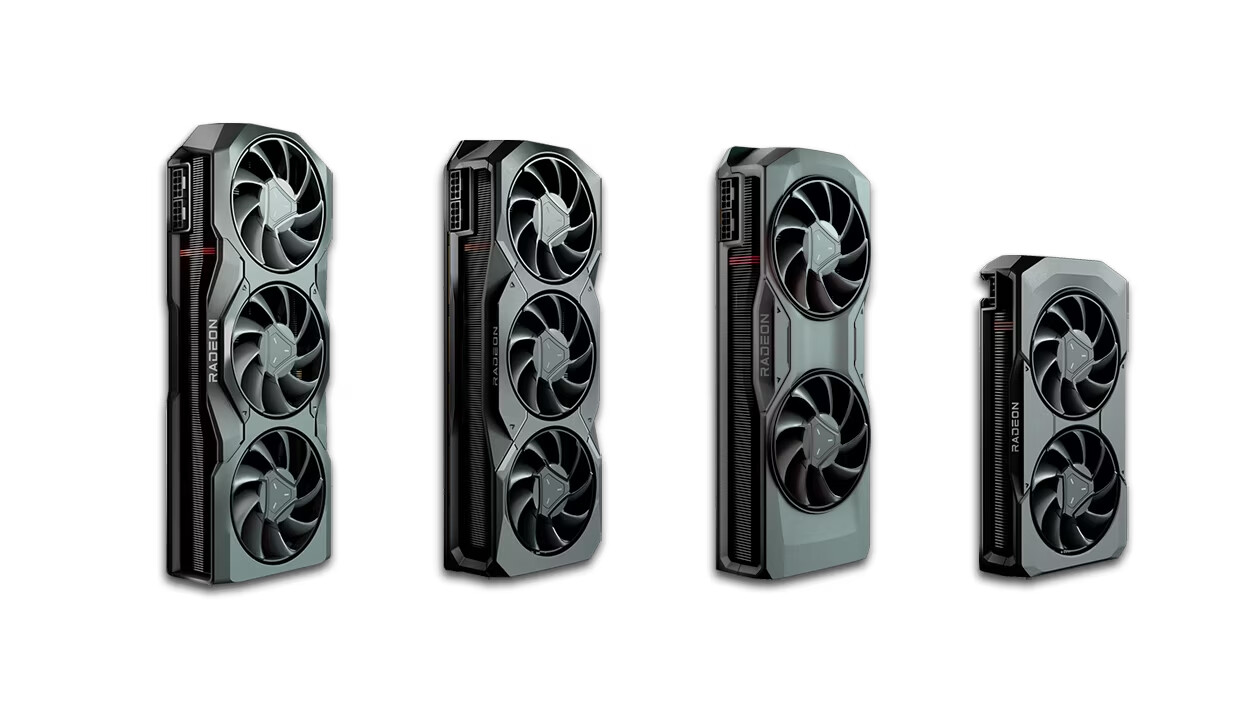
ROCm technical preview functions in a similar manner, but is reliant on Radeon RX 7000 graphics card ownership. Supported GPU targets include:
gfx1100 ,
gfx1101 and
gfx1102 .
AMD believes that: "AI assistants are quickly becoming essential resources to help increase productivity, efficiency or even brainstorm for ideas." Their blog also puts a spotlight on LM Studio's offline functionality: "Not only does the local AI chatbot on your machine not require an internet connection—but your conversations stay on your local machine." The six-step guide invites curious members to experiment with a handful of large language models—most notably Mistral 7b and LLAMA v2 7b. They thoroughly recommend that you select options with "Q4 K M" (AKA 4-bit quantization). You can learn about spooling up "your very own AI chatbot"
here .