NVIDIA App Part 2: new features from Control Panel
The company is taking steps to integrate all options into one tool.
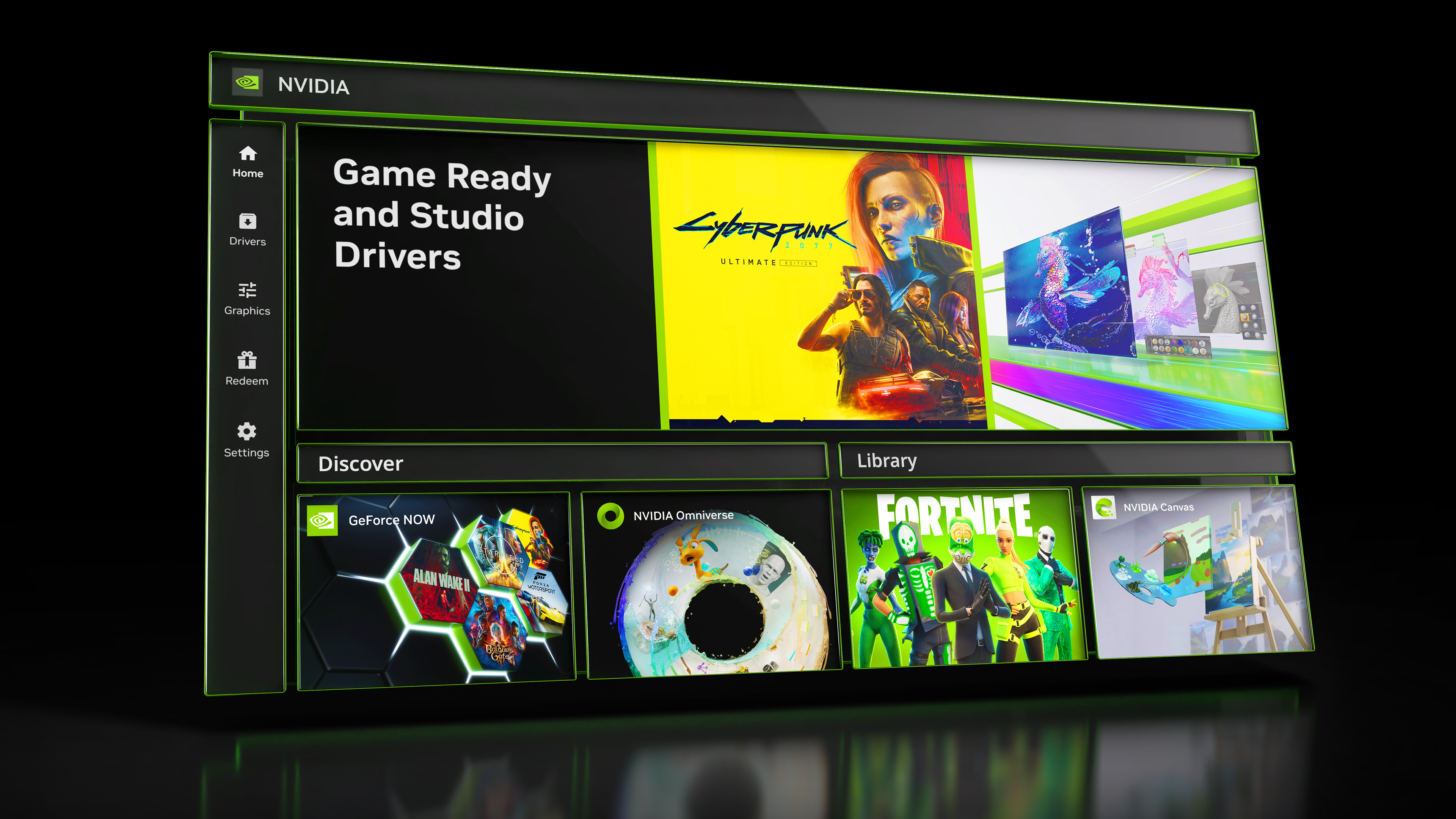
NVIDIA announced a new update for its “App,” which is gradually replacing the GeForce Experience software. NVIDIA plans to integrate more features and options, including those from the long-unchanged Control Panel (which by the way still shows Quadro FX cards).
The new update includes options to control RTX Video Super Resolution, RTX Video HDR , and methods to adjust resolution, refresh rate, and screen orientations for TVs or monitors. More features like G-Sync, Surround options, custom resolutions, and multi-monitor support will be added soon, with the latter likely being highly anticipated by users.

Display settings in NVIDIA App, Source: NVIDIA
Based on user feedback, NVIDIA has improved the Graphics Tab with new filtering and sorting features for gamers with large game libraries. Additionally, new language change options have been added, and the overlay update will now show CPU usage, latency, and full GPU information.
NVIDIA is also integrating ChatRTX into the App as a module available for installation. Other features like Broadcast and ICAT tools are already available, though they are not part of the App installer.

RTX Video features in NVIDIA App, Source: NVIDIA
As a bonus, NVIDIA is offering one month of free PC Game Pass Ultimate for gamers who own GeForce GTX 10 series or newer cards.
Source: NVIDIA