
Gaming laptops have become pretty powerful and capable, but they’re also pricey. Making matters worse, the graphics chipsets found in them usually dramatically underperform their desktop counterparts. That’s why one YouTube tech creator decided to build a gaming laptop using desktop PC parts.
Socket Science embarked on this voyage 14 months ago and recently posted the completed build. His DIY gaming laptop incorporates a Gigabyte A520I mini-ITX motherboard, a desktop AMD Ryzen 5 5600X CPU, and an XFX RX6600 desktop graphics card.
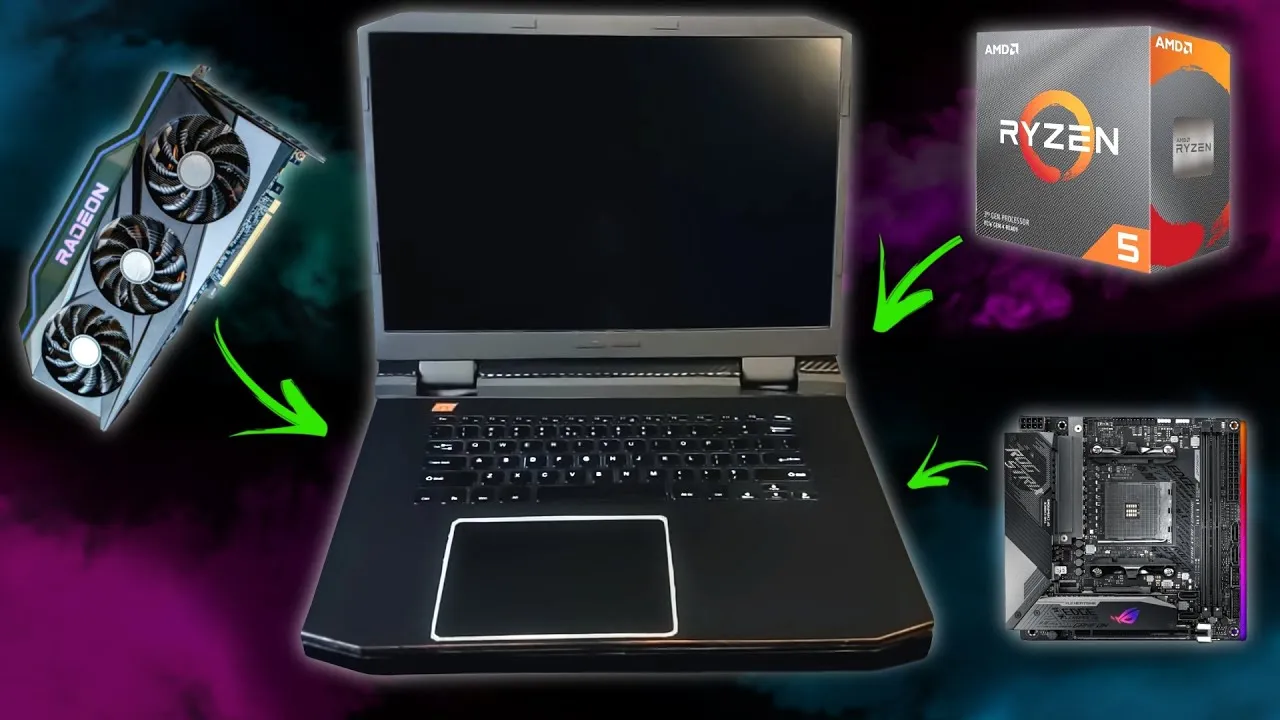
For memory, Socket Science found very low-profile DDR4 RAM that’s about 60% the height of traditional desktop memory sticks. He also incorporated a 16-inch 120Hz QHD portable gaming monitor and a thin scissor-key keyboard. After a bit of testing to make sure none of the components were DOA, it was time to start magically shrinking them to laptop size.
The DIY enthusiast started by removing the Wi-Fi card and VRAM heat shield from the motherboard then went on to try removing the rear I/O panel. Since his soldering gun wasn’t sufficient to desolder the I/O panel and he didn’t want to wait for a new one, so he just … snipped the connectors and pried the various ports off the motherboard.

Next, Socket Science designed his laptop case for the creation, using prebuilt models as inspiration. He 3D printed the case in several parts and then used a heat welding technique to join them. However, 3D-printed components are often sensitive to heat and a normal gaming laptop generates a lot of that.
Since Socket Science was using desktop computer components, he knew the heat issue would be even more pronounced. To compensate for this, he “painted” the interior of the case with a coat of JB Weld.
After laying out the motherboard and video card, Socket Science designed his own cooling system to address thermal issues within the laptop. He found heat sinks short enough to fit within his case as well as heat pipes. After bending the heat pipes in the absolutely wrong way, Socket Science had the foundation of his laptop’s cooling system.

Since available fans either didn’t fit or didn’t provide enough airflow, Socket Science designed his own. He used a stock AMD fan motor but designed a fan with long, thin blades that pull air in from the center and force it out of the opening.
Socket Science also disassembled the small gaming monitor and keyboard, assembling them into his custom-designed laptop. After trimming and painting, the final product looks sleek and professional. He did omit a battery from the build, arguing that gaming laptops should always be plugged in anyway. Plus, he said he “lost interest” in trying to build a battery.
While Socket Science doesn’t go into performance details or how well his thermal management system works, he does say that he’s “pretty proud of how it turned out.” The video shows him gaming on the laptop, but it would definitely be nice to know just how hot those components run in the combined space of the custom-built laptop chassis.
