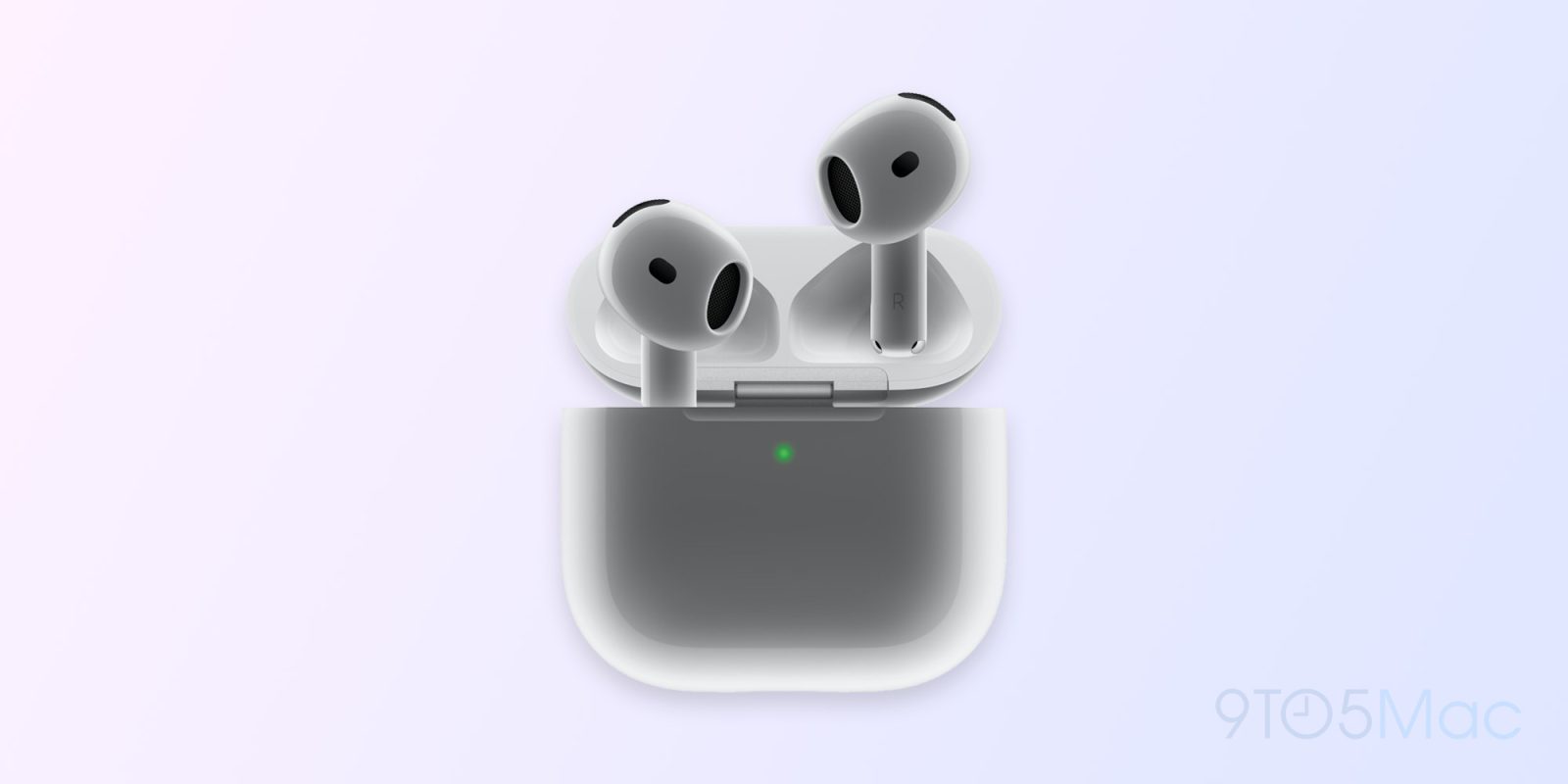
Historically, AirPods cases have always had a physical button on the back to initiate pairing with your iPhone. With the announced this week, however, Apple is switching things up. Instead of a physical pairing button, the AirPods 4 case has a hidden capacitive button that is used for pairing and resetting.
As first spotted by , the new AirPods 4 case features a capacitive button on the front. When you open the AirPods 4 case and the status light appears on the front, you can double tap the front of the case to initiate pairing with your iPhone, iPad or Mac.
Additionally, you can initiate a factory reset of AirPods 4 by either long-pressing on the capacitive button or by tapping on it three times, according to . The site also says that the status light on the front of the AirPods 4 case is more discreet than before:
The AirPods 4’s charging case has a tiny built-in LED light for displaying statuses — just like other AirPods. However, unlike those other charging cases, the status light on the AirPods 4’s case is discreet.
Instead of appearing off, the tiny dot disappears entirely when the charging case is shut. Then, when you open the case, the status light reappears and lights up.
Finally, Apple’s website also confirms that the new AirPods 4 support Lossless Audio with ultra-low latency when connected to Apple Vision Pro. Previously, this feature was limited to only the most recent version of AirPods Pro 2 with USB-C.
AirPods 4 are available to pre-order now, . AirPods 4 with Active Noise Cancelation . The first orders are slated to arrive to customers on Friday, September 20.
FTC: We use income earning auto affiliate links. More.