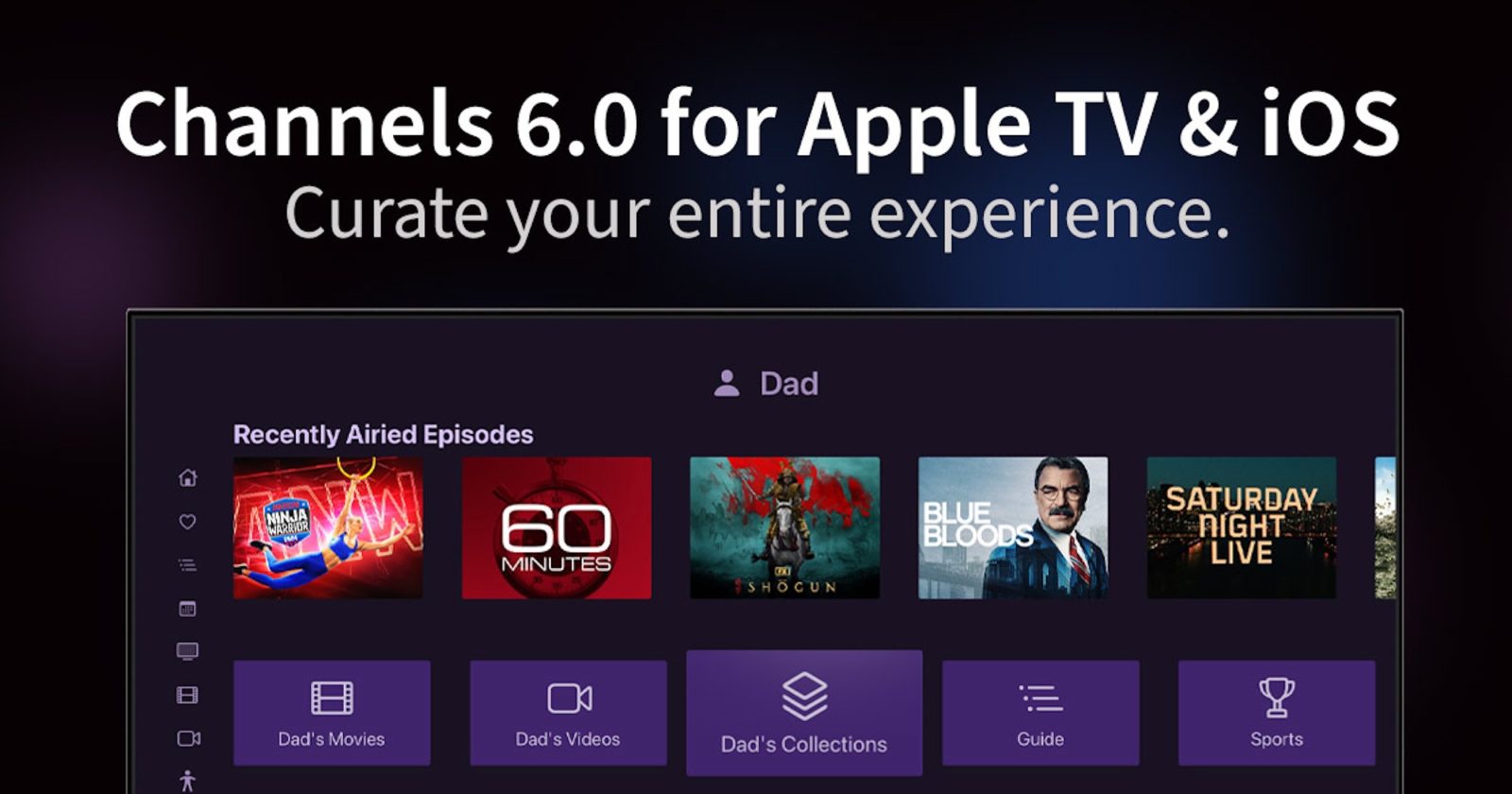
The is focused on personalization. Channels 6.0 for Apple TV and iOS adds a new “Personal Sections” feature, customized navigation, a new “Theater Mode” experience, and more. Head below for the full details.
For those unfamiliar, Channels is designed to let you watch and record live TV from anywhere. It works when connected to an antenna or cable with a TV tuner, with the being one of the most popular options.
You can also sign in to Channels with your existing streaming TV service or cable provider. For instance, if you , you can sign in to your in Channels to watch and record everything in a single app.
The headlining feature of Channels 6.0 is . This feature allows you to “create an entirely custom experience while using Channels.” This feature comes as streaming services continue to take away customization and personalization controls from the user.
Here’s how the Channels team describes the new Personal Sections capability:
Built in your web admin, let you browse your library in a way that makes sense to you. You can create sections for family members, your favorite genres, sport teams, or just replace an existing section in Channels that you don’t like.
Using Personal Sections, you have free rein to design your own sections to show the exact content you want with your own ordering and artwork. “You can adjust how the items are displayed and even choose from 3 optional layout designs,” Channels explains. The feature also integrates with Smart Rules for added customization and automation.
The Channels team has published a dedicated guide to using the new Personal Sections website that is .
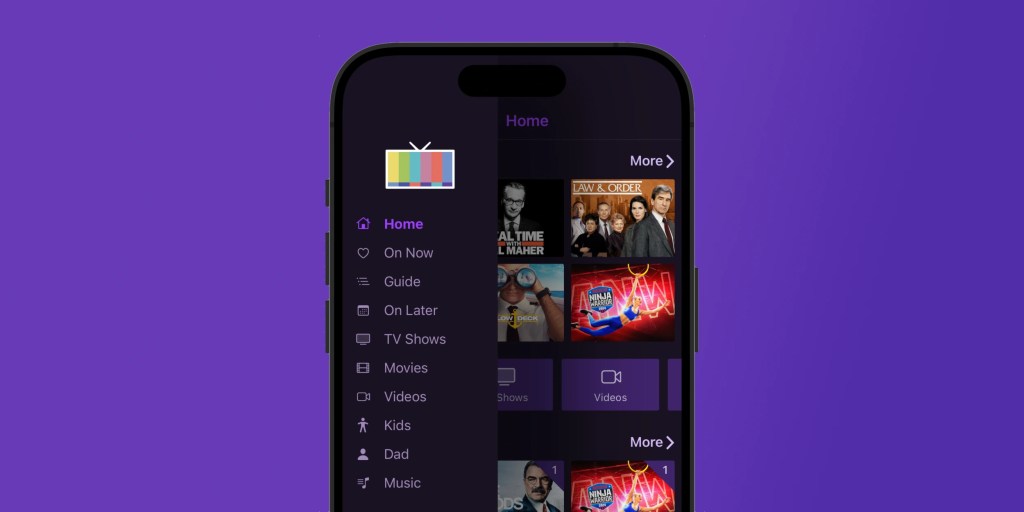
Channels 6.0 also brings a new sidebar navigation interface to the iPhone and iPad apps. This, too, is fully customizable:
Previously, Channels for iPhone and iPad used the native tab bar. Tab bars have a limited amount of items they can display. This meant iPhone and iPad could not particpate in the navigation customizations you made on Apple TV.
That’s all changed! The on iPhone and iPad is customized the exact same way as it is for Apple TV. And if you’ve customized it via , your will be customized the second you open it up on your device.
Even better, there’s an entirely new way to manage the items in your , via , that allow you to set the order of items any way you want.
Finally, this month’s Channels update also adds a brand . When enabled, Theater Mode will “play multiple trailers and a feature presentation pre-roll before starting your movie.” It’s basically a way to replicate more of the movie theater experience without leaving the comfort of your own house.
You can and check out .
FTC: We use income earning auto affiliate links. More.