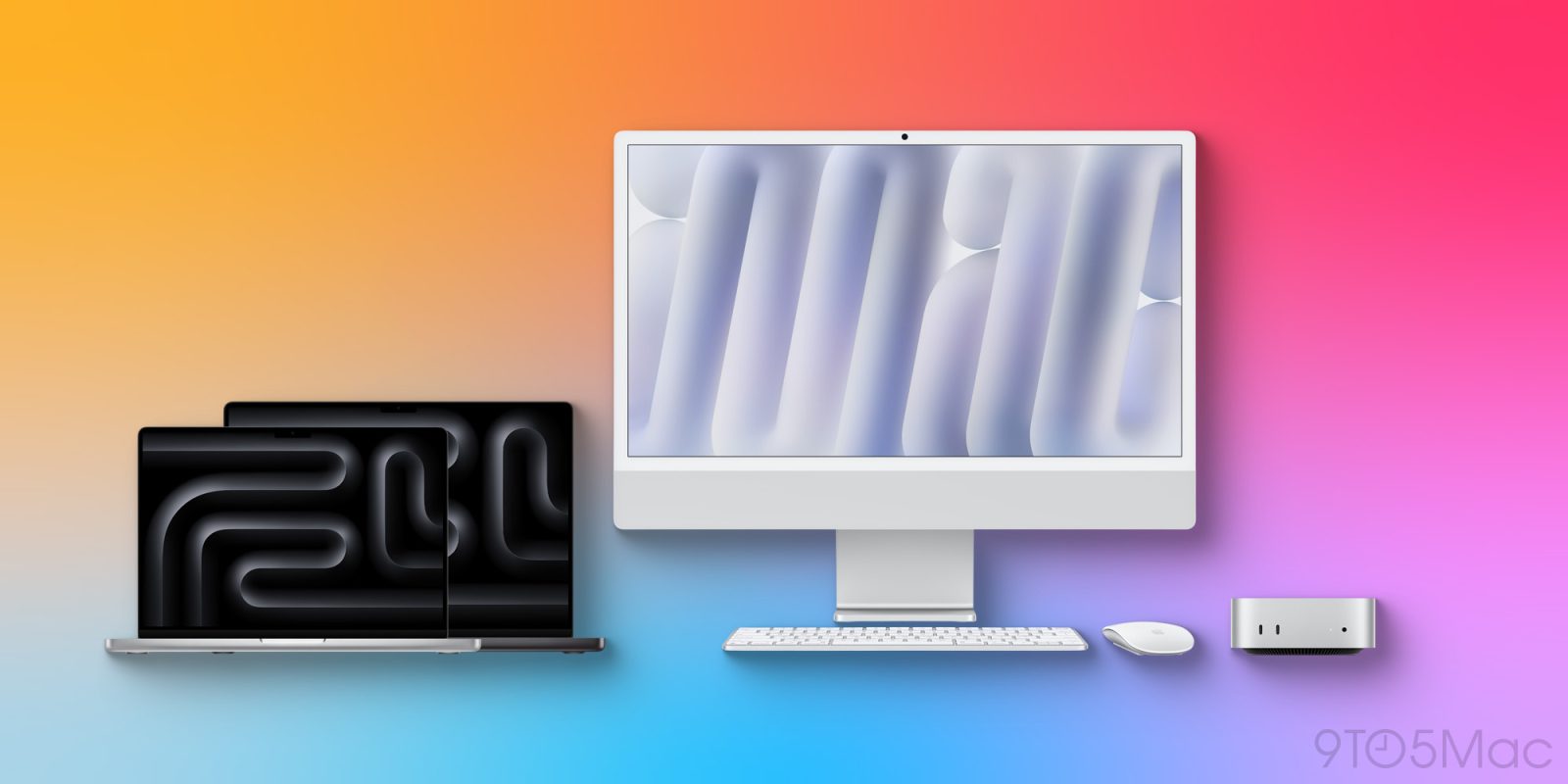
It’s been a busy time for Mac launches. Apple has released the first three M4 Macs: the MacBook Pro, Mac mini, and iMac. If you’ve ordered a new M4 model, or even if you’re sticking with your current hardware, these are the best accessories to upgrade your Mac experience.
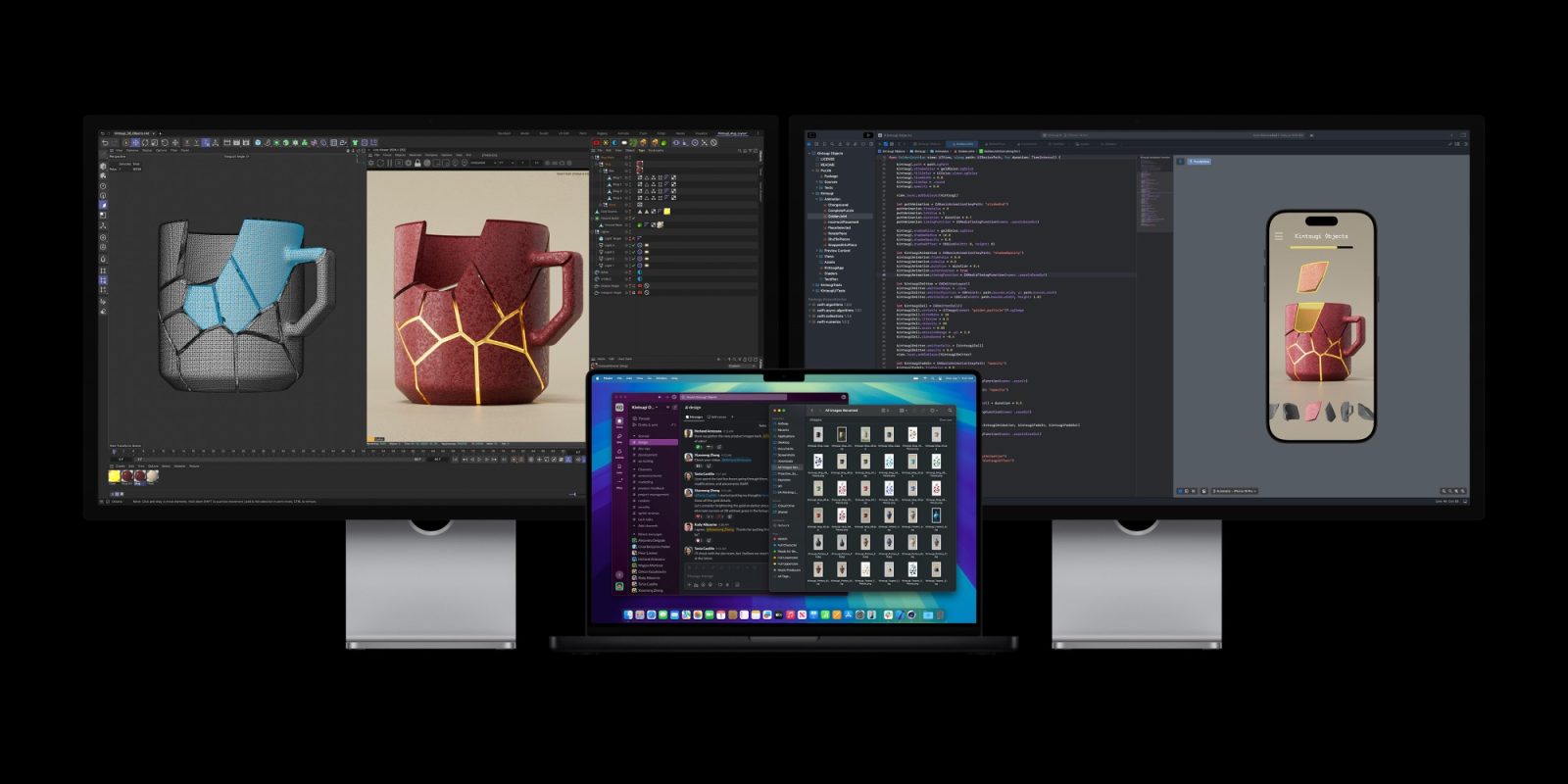
If you need a new monitor, my budget-friendly recommendation is . It’s a 4K display with a variety of useful features built in, and comes in 27-inch and 32-inch sizes. Here’s my full hands-on .
For a bigger splurge, the , a 16% discount off the normal price. Its 5K Retina display is gorgeous, but that comes with a higher cost.
When using your MacBook Pro at a desk, I recommend , which elevates the display for improved ergonomics. Twelve South also makes , and if cost is no concern, supports multiple different height levels and a sleek cover.
Finally, for when you’re taking your MacBook Pro on the go, is my recommended option.
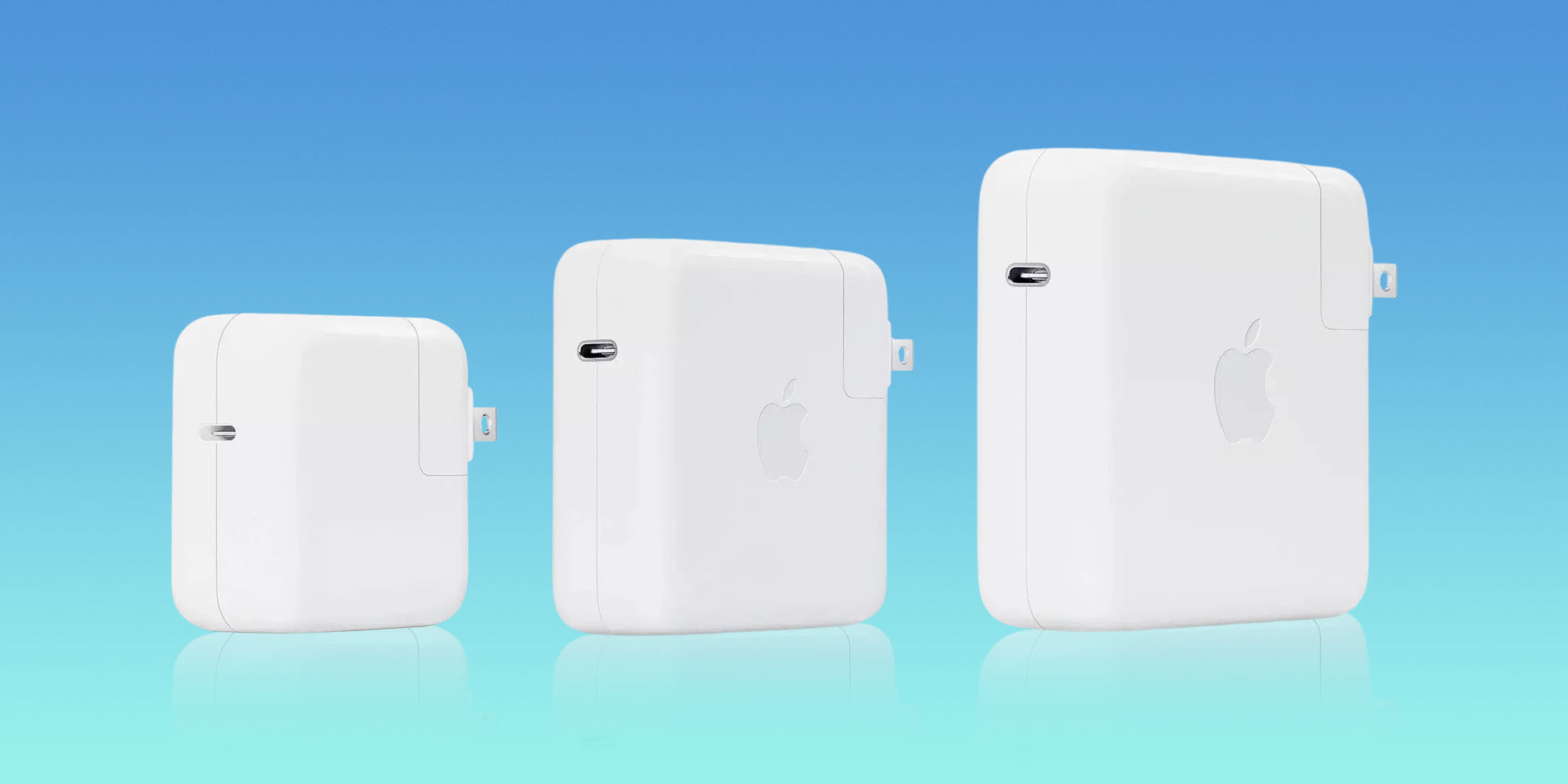
Apple’s modern laptops support fast charging with up to a 140W power brick. This includes the new M4 MacBook Pro, plus previous MacBook Air and Pro models dating back to 2021.
To max out your fast charging speeds, will do the trick. Or if you want to save some money without sacrificing much speed, you could alternately grab from Anker for less than half the cost.
You’ll also want to ensure your charging cable is capable of supporting those high speeds. supports up to 240W and provides the extra reach you’ll appreciate. There’s even a for nearly the same price, which is nice since USB-C now charges iPhones, iPads, and even the new Magic Keyboard and Magic Trackpad .
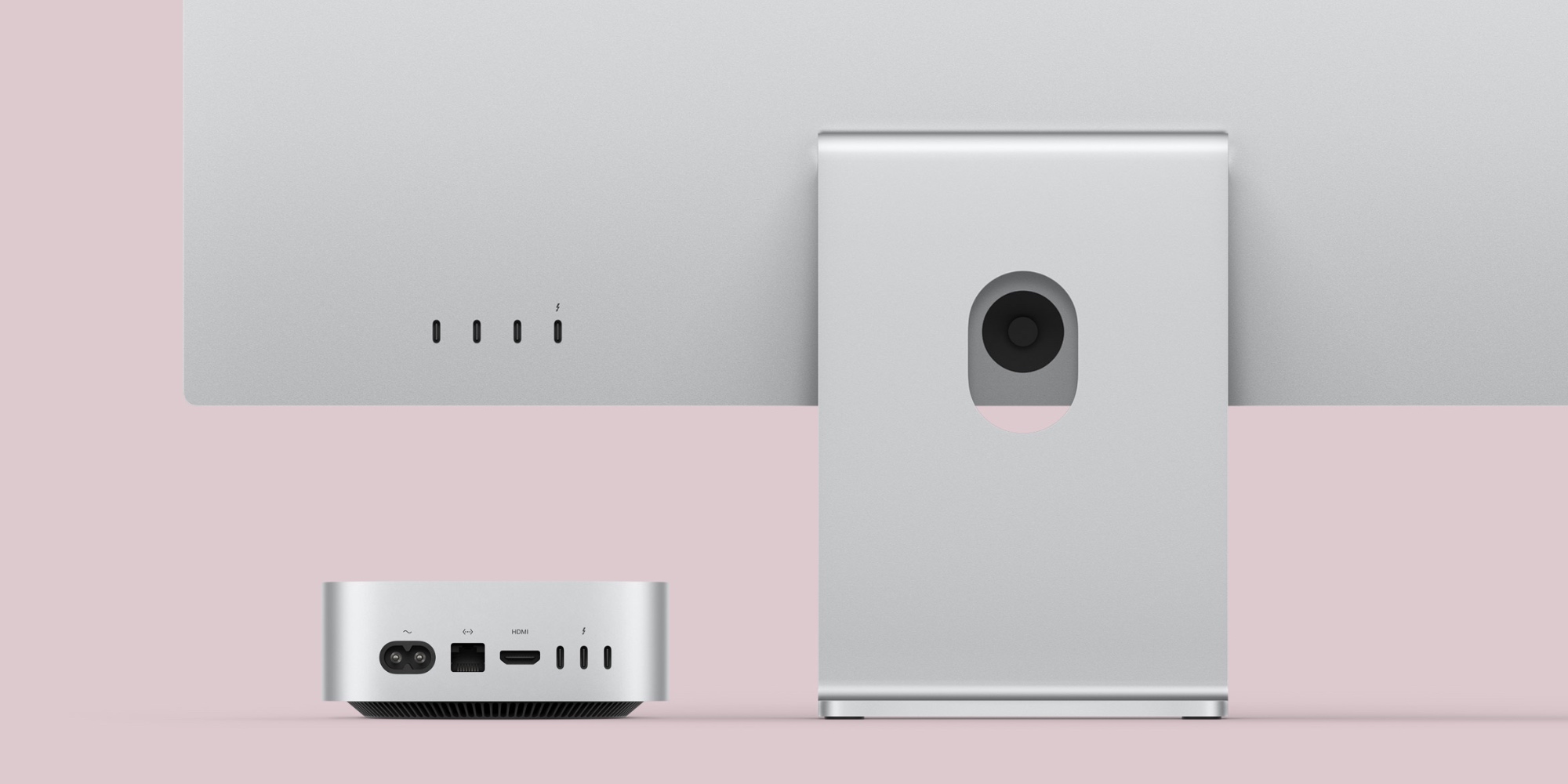
No matter which new Mac you go with, you can expand the variety of port options available with a USB-C or Thunderbolt hub.
provides ports for USB-C and USB-A, HDMI, Ethernet, SD Card, and more.
For the added punch and versatility of Thunderbolt, you can pick up which supports several hi-res monitors, plus brings SD and microSD, Ethernet, a headphone jack, and much more.
M4 Macs introduce Thunderbolt 5 support for the first time. Apple sells its own cable option, but it costs a whopping $70 . If you don’t want to spend that much on a single cable, you can pick up for less than half the price.
If Thunderbolt 4 is all you need, from Maxonar provides great value at a low price. Finally, you can grab a .
The M4 Mac mini comes standard with Gigabit Ethernet, with an option to upgrade to 10Gb. Select M4 iMac models have built-in Ethernet too. Grab from Orbram. They support ultra-fast speeds and come in a variety of sizes.
Which accessories will be your M4 Mac essentials? Let us know in the comments.
FTC: We use income earning auto affiliate links. More.