
Apple released a brand new iPhone app this week called Invites ( ). It’s a fun way to organize events with others. But it also has a handful of features that are only available for certain users. Here’s who can use Apple’s new app and its various features.
No, the Invites app is not available on Android.
It’s also not available for iPhone users still running iOS 17 or older. Apple’s new app requires its most recent OS version, iOS 18, which launched last fall.
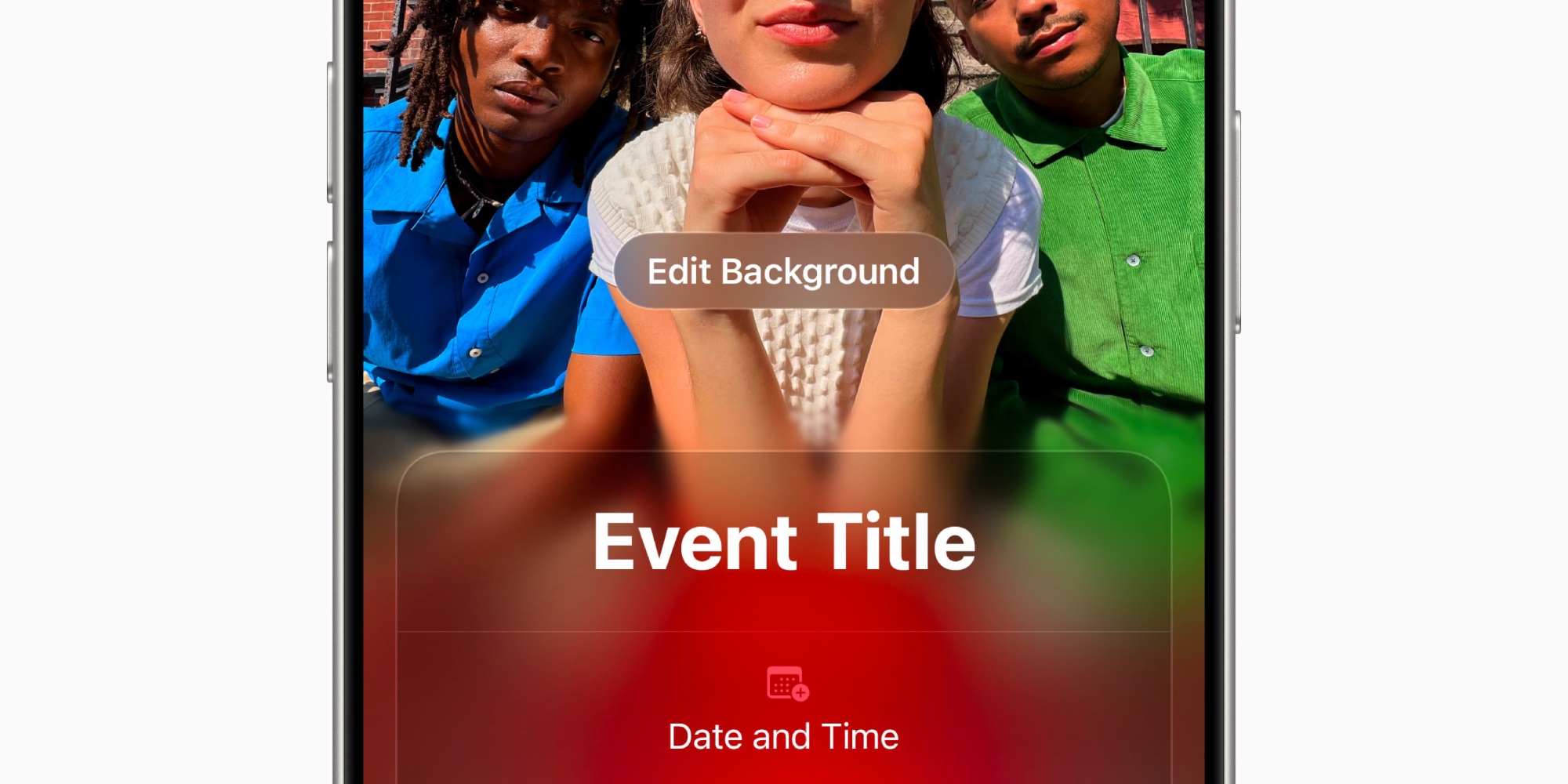
If you want to create your own event invite, you’ll need to be an iCloud+ subscriber.
iCloud+ is Apple’s paid service that provides additional iCloud storage space, plus some like iCloud Private Relay, Hide My Email, HomeKit Secure Video, and more.
Even if you just use Apple’s most affordable $0.99/month iCloud+ plan, you’ll be able to create and send invites.
PSA: if you subscribe to any , then iCloud+ and Apple Invites are already included.
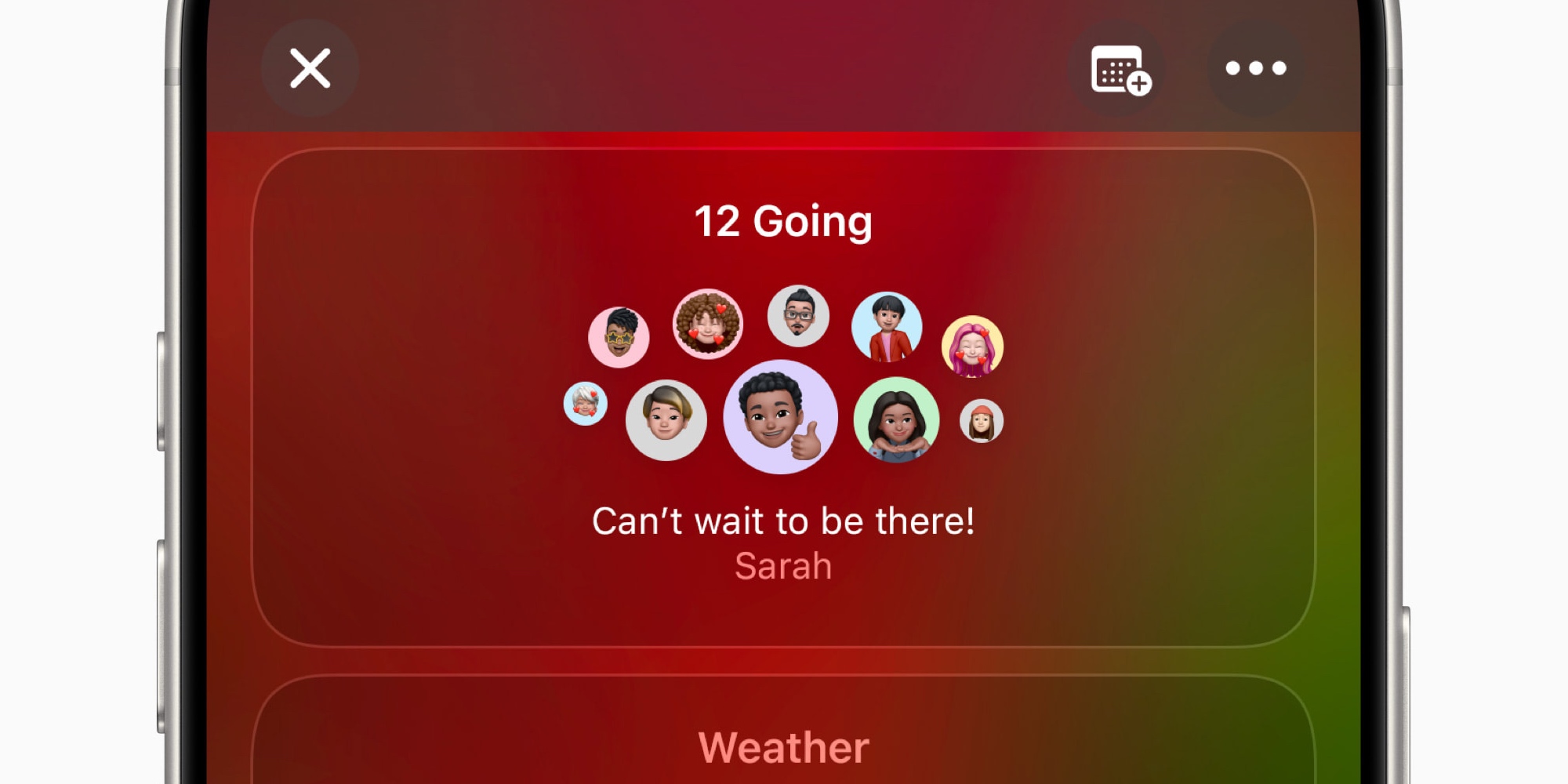
If you’re on the receiving end of Apple Invites, and someone sends you an event invite, you can accept or decline it without being an iCloud+ subscriber.
You don’t even need to have an Apple Account.
All you need is your email address.

Invites lets you set up a shared Apple Music playlist for your event, which guests can collaborate on. It’s a great way to let your attendees contribute to the event’s soundtrack.
You as the event creator need to have an to create a shared playlist. That probably won’t surprise anyone.
Unfortunately though, this requirement also extends to your invitees. In order for guests to make any changes to the shared playlist, they’ll need to be themselves.
One of my personal favorite features of Apple Invites is the ability to add a Shared Photo Album to your event.
This can be a great one-stop hub for your guests to share all photos and videos they take—and for you to do the same with them
In order to participate in an event’s shared album, you’ll need a free Apple Account. But you don’t even need an iPhone or any Apple device, because Invites lets you upload photos directly from its web version on .
What do you think of Apple’s new Invites app? Let us know in the comments.
FTC: We use income earning auto affiliate links. More.