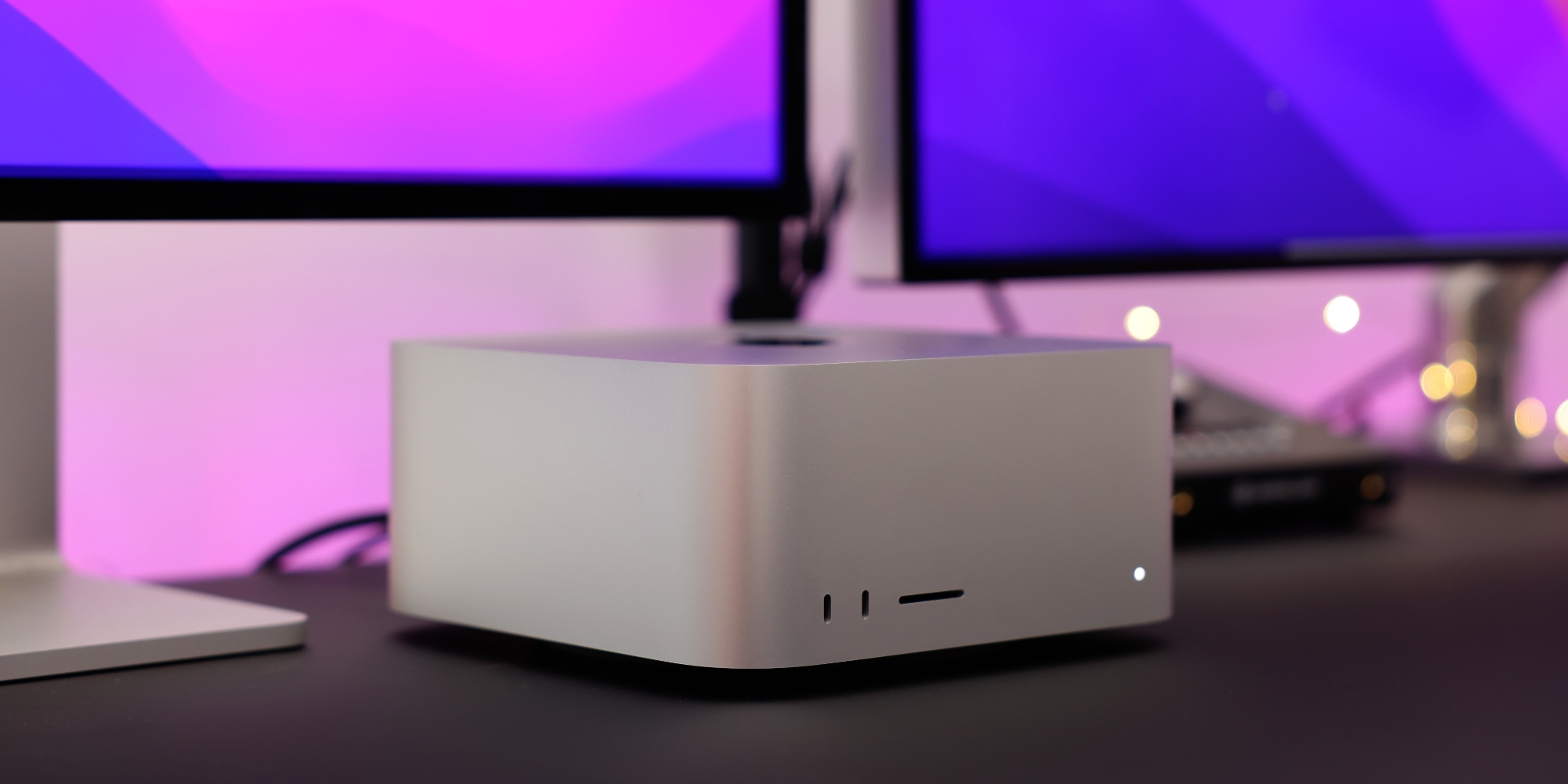
Apple’s new Mac Studio with M4 Max and M3 Ultra is officially now available. To coincide with its launch, Apple has that reveals which macOS power mode the new Mac Studio supports, and which it doesn’t. The answer is a bit surprising.
Reviews for the new Mac Studio have confirmed that it is the most powerful Mac Apple has ever made.
Whether you choose the M4 Max or M3 Ultra configuration, you’re getting a powerhouse.
What if, however, you want to limit that power some?
Apple’s reveals that the new Mac Studio offers Low Power Mode support ( ).
Why would you want to use Low Power Mode? Because it does two things, per Apple:
- ”Reduces fan noise for tasks requiring silent environments”
- and “allows reduced power consumption if your Mac is always left on”
These are both nice reasons to support a feature that otherwise might be assumed irrelevant to the Mac Studio.
Curiously though, one feature the Mac Studio does not support is High Power Mode.
Here’s how Apple describes the feature:
High Power Mode allows the fans to run at higher speeds. The additional cooling capacity may allow the system to deliver higher performance in very intensive workloads. When High Power Mode is enabled, you may hear additional fan noise.
This seems like the perfect feature to bring to the Mac Studio, but curiously it’s not on the list of supported devices. You can use High Power Mode on various MacBook Pro models and even on the . But not the new Mac Studio.
Maybe Apple needs to do additional work to enable High Power Mode on its latest Mac, and it will arrive in a future software update.
I hope that’s the case, as it’s very peculiar that Apple’s most powerful Mac ever misses out on this key feature. Low Power Mode is nice, but High Power Mode feels perfectly tailored for the Mac Studio.
What do you think of the Mac Studio supporting Low Power Mode but not High Power Mode? Let us know in the comments.
FTC: We use income earning auto affiliate links. More.