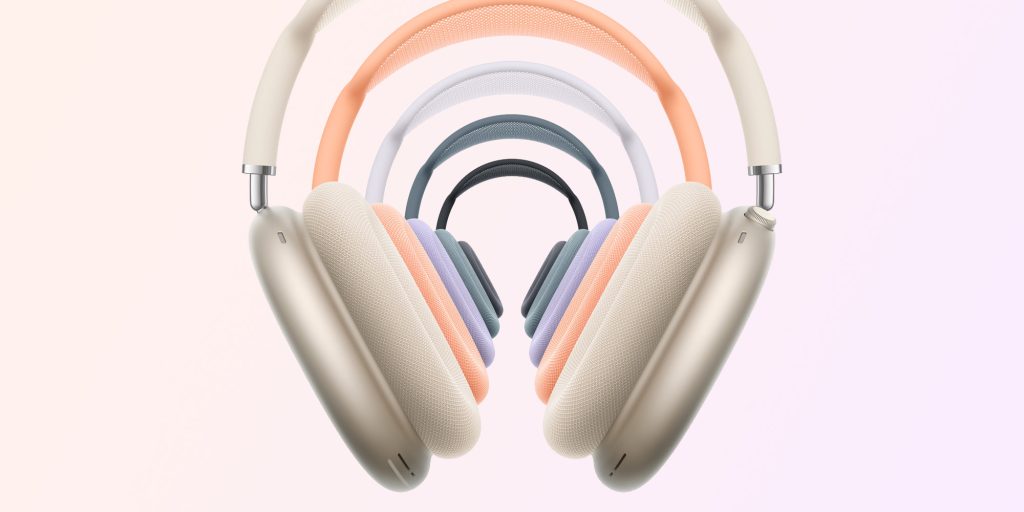
Following the release of iOS 18.4 on Tuesday, Apple also released a firmware update for that enables lossless audio via USB-C. However, it seems that users have been unable to install the update due to an iOS bug.
As noted by , the firmware with build number 7E99 for the released yesterday is still available on Apple’s servers. However, due to a bug in iOS 18.4, the firmware is never downloaded to the AirPods. A now lists the new AirPods Max firmware as “coming soon.”
Apple had previously announced that it would release an update to the with support for lossless and ultra-low latency audio when using a USB-C cable. The new firmware also enables wired playback for the first time using – this was only possible on AirPods Max with a Lightning connector.
You can check which firmware version your AirPods are running by going to Settings in iOS and looking for the AirPods menu at the top of the screen. Of course, you need to connect your AirPods to your iPhone or iPad first.
Updating the AirPods firmware isn’t exactly an easy process, as it happens automatically in the background. According to Apple, this is how you can get ready to install an AirPods update:
- Update to the latest version of iOS (lossless audio on USB-C AirPods Max requires iOS 18.4 or macOS 15.4).
- Connect your AirPods via Bluetooth to an iPhone, iPad, or Mac.
- Make sure your Apple device is connected to Wi-Fi.
- Plug your AirPods into the charger.
- Keep your AirPods in the case and keep them near your device for at least 30 minutes.
- Put on your AirPods and check the firmware version again.
It’s worth noting that the lossless audio update is exclusive to the that was launched last year. The Lightning version won’t get this feature.
Gadgets I recommend:
FTC: We use income earning auto affiliate links. More.