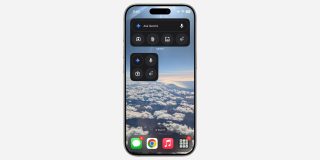
After adding lockscreen, Control Center, and Action Button , Google is updating Gemini on iPhone with homescreen widgets.
There are two available, with the first being a square and a 2×2 grid of icons. The Gemini sparkle in the top-left corner opens the app and your keyboard. Compared to the other circles, this one is denoted by a faint outline. The icon is blue/purple if you’re a free Gemini user, while it’s a bit more red for Advanced subscribers.
Meanwhile, the microphone lets you start dictating a prompt. The camera icon launches Gemini’s viewfinder to take a picture and add it to your prompt, while the final button opens the fullscreen Gemini Live experience.
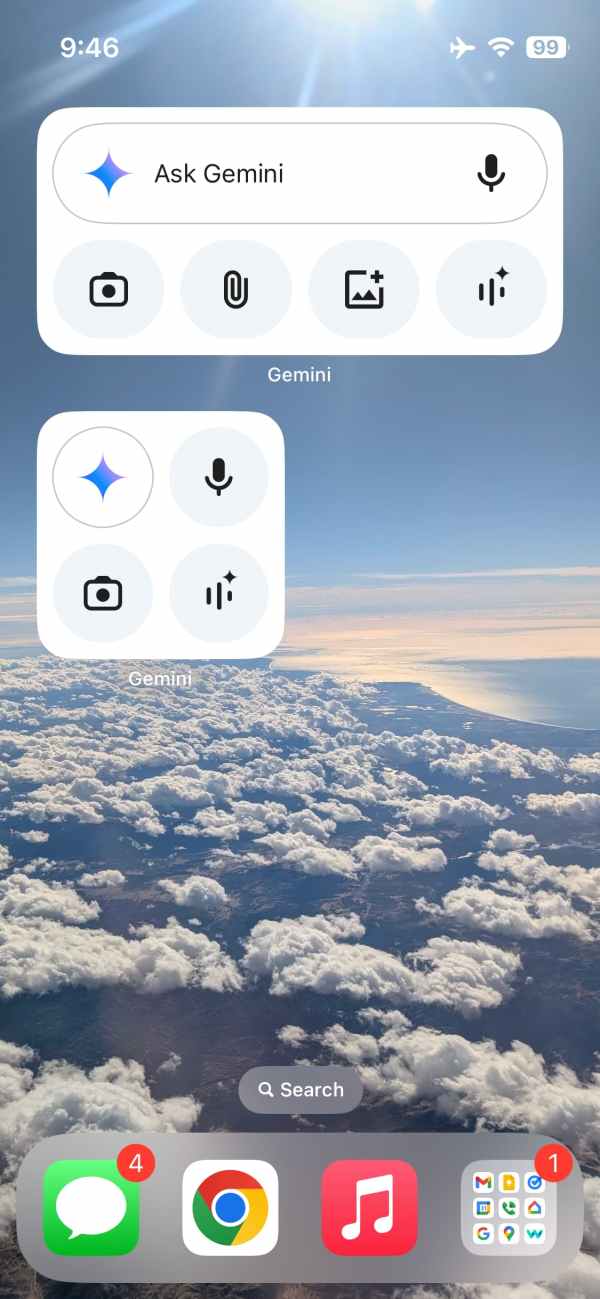
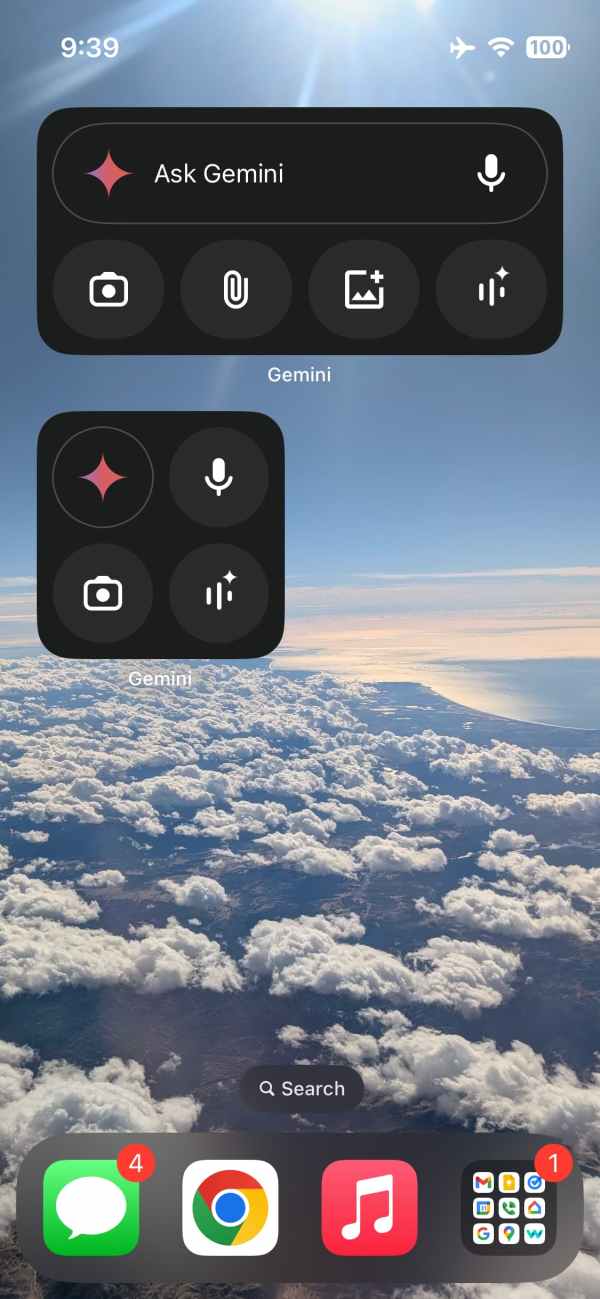
The second widget is rectangular with a pill-shaped “Ask Gemini” bar that includes the microphone at the right. The two new actions in the row below are for the system file picker to upload a document, while the one next to it opens your gallery.
Gemini’s new homescreen widgets are styled after the Google (Search) app, and have been a big feature request. Meanwhile, other users want an iPad-optimized app, with Android tablets already featuring such an interface.
The Gemini homescreen widgets are rolling out with .
FTC: We use income earning auto affiliate links. More.