TechPowerUp Releases NVCleanstall 1.3.0

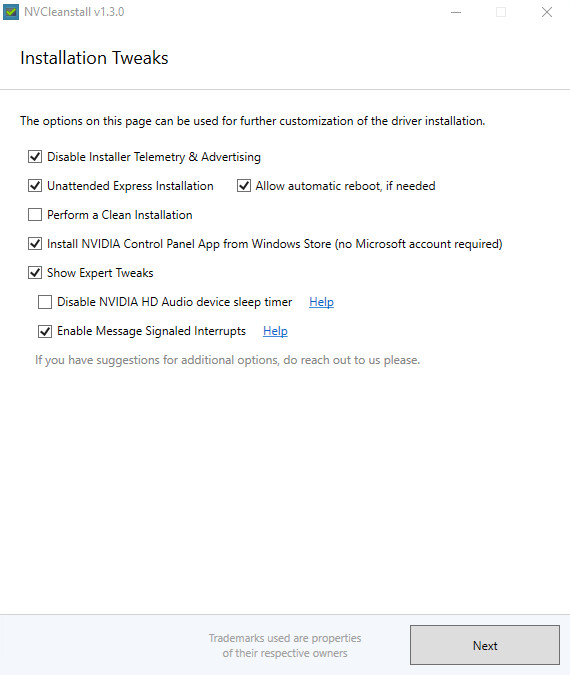
TechPowerUp today released the latest update to NVCleanstall, our lightweight utility that lets you heavily customize your NVIDIA GeForce software installation, letting you choose not to install a lot more components than what NVIDIA's installer allows. You can disable installation of components you probably don't need, such as telemetry. Version 1.3.0 introduces the ability to install the NVIDIA Control Panel app from Microsoft Store without needing to log-in with a Microsoft account, for the DCH version of GeForce Software. This is particularly useful for those using the DCH version of GeForce software without wanting to log into Microsoft Store.

TechPowerUp NVCleanstall Version 1.3.0 also introduces a tweak that makes the driver use message-signaled interrupts (MSI). We have reorganized the user interface to move a large selection of advanced tweaks to their own page. As part of the driver customization process, you can make advanced tweaks in this page, or move on to building your custom driver package. We've also added the ability for you to drag-and-drop downloaded driver files onto NVCleanstall for them to be used as installer source. Lastly, we fixed background driver update check not getting disabled when its checkbox is unchecked. Grab NVCleanstall from the link below.

DOWNLOAD: TechPowerUp NVCleanstall 1.3.0 The change-log follows.