Crafting a smart home ecosystem can be tricky. There are a lot of product categories, and it can be hard to know which ones to prioritize. Here are some of my go-to smart home recommendations for outfitting your smart home setup … and they all integrate with Apple’s HomeKit platform.
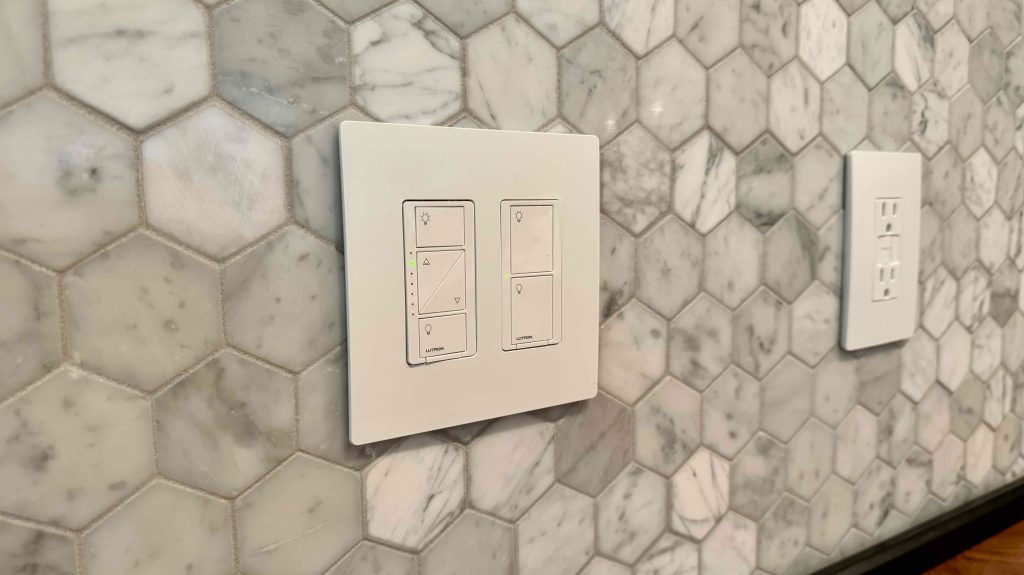
There’s no better option for smart lighting solutions than the . Lutron’s smart lighting switches replace the existing switches in your walls, which means they work via smart control solutions, and you can just flip the switches on and off.
If you’re in a situation where Lutron Caséta switches aren’t an option, such as renting, you have other options. Smart bulbs are a staple of the HomeKit ecosystem, and there are more options on the market now than ever before. Smart bulbs are also incredibly useful for lamps.
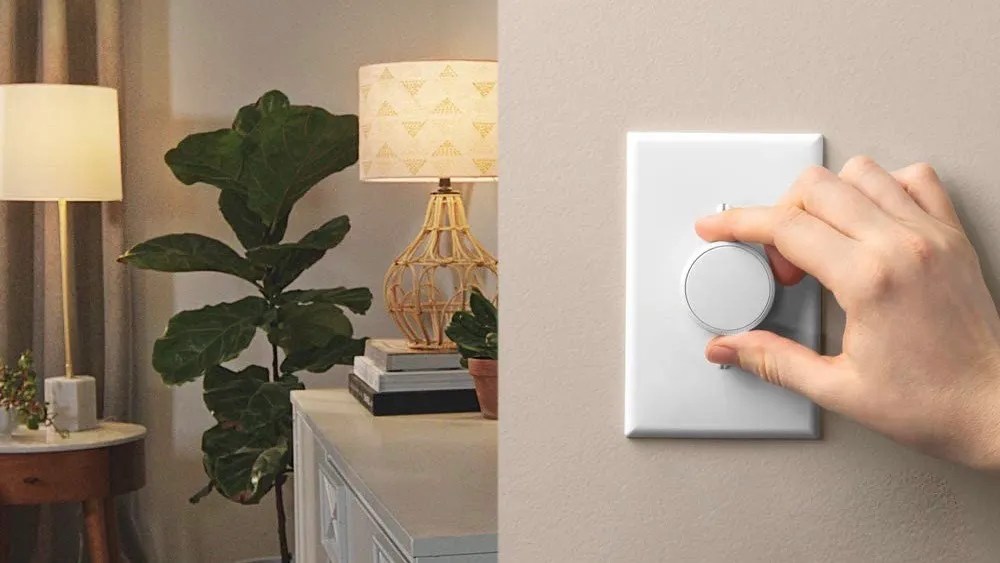
If you’ve outfitted your home with Philips Hue bulbs, the Lutron Aurora is a wonderful accessory that solves one of the most frustrating smart bulb limitations. The smart lights will go unresponsive whenever a wall light switch is flipped off. This is because Hue bulbs require the lights to always stay in the “on” position to be controlled via the Hue app or HomeKit.
The Lutron Aurora is placed on top of the physical wall switches. Once you have the hardware installed, you set up the Aurora’s integration with the Philips Hue app.
The Lutron Aurora is If you’re a Philips Hue user, this is an easy way to add some additional convenience to your smart home setup
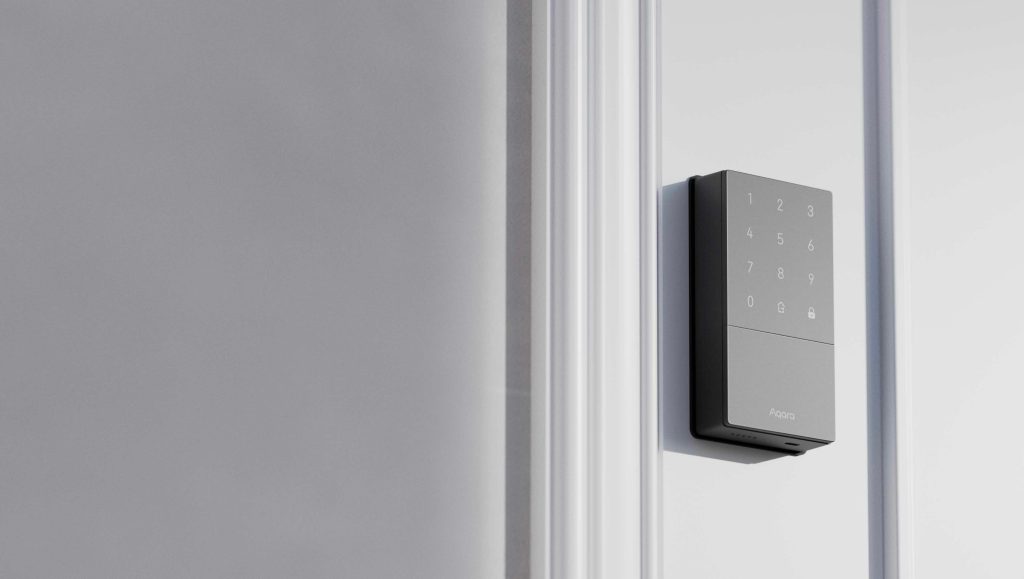
One of my favorite HomeKit features is Home Key. This lets you lock and unlock your door by tapping your iPhone or Apple Watch.
Home Key-enabled smart locks can vary widely in pricing. My go-to recommendation is the , but here are a few different options:
HomeKit-enabled smart plugs are an excellent stocking stuffer. They can turn almost anything into a smart-enabled accessory, such as lamps, light strips, Christmas trees, and more. I’m a big fan of the , which you can buy in a .
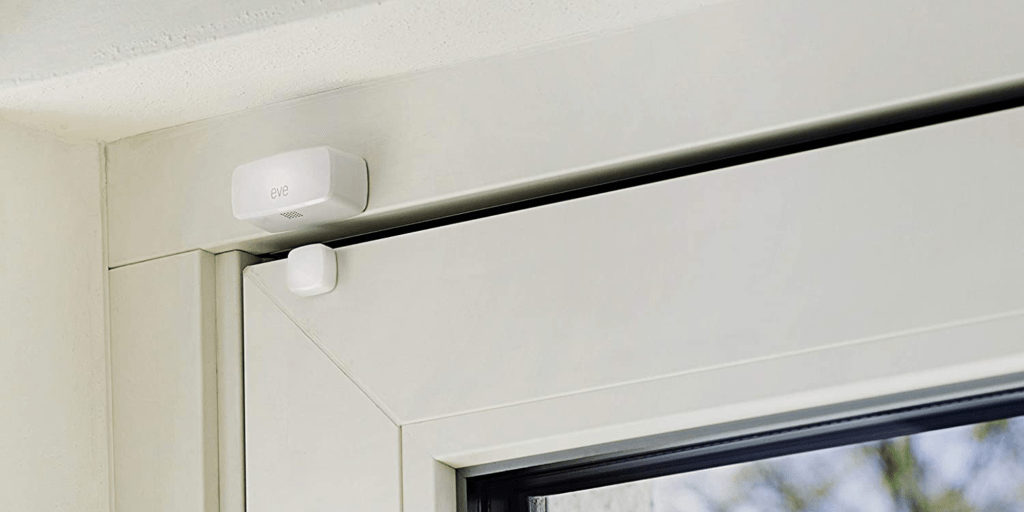
I just moved from the suburbs to the city, and it’s more important than ever that I ensure my doors are fully latched and my windows are closed. Luckily, there’s a HomeKit solution for that.
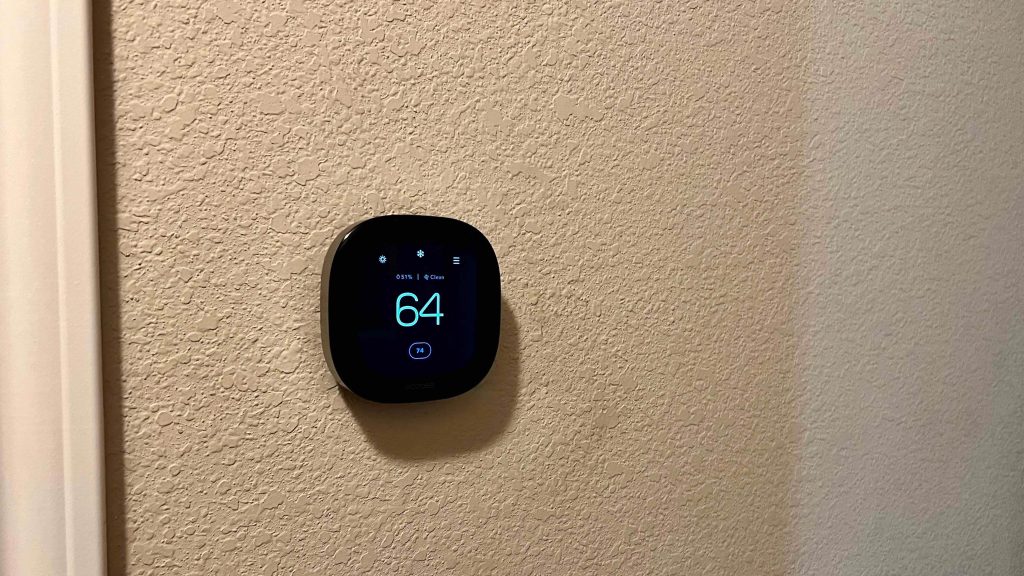
One of the absolute best quality-of-life upgrades you can make is a smart thermostat. My favorite product in this category is , which integrates with HomeKit and Siri with a sleek and easy-to-install design. It’s the gold standard of smart thermostats.
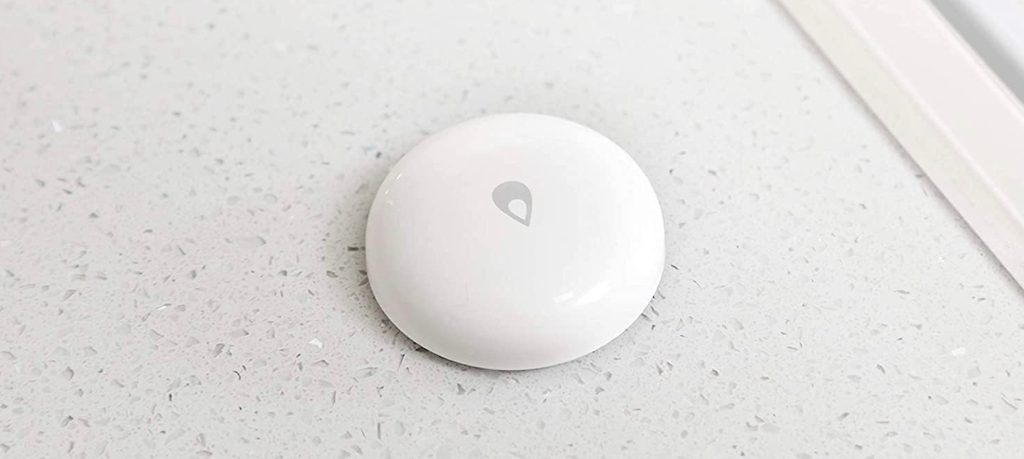
If you’re a homeowner, you know that water is the number one enemy of your home. Using a HomeKit water leak sensor means you’ll know immediately if you’ve sprung a leak. I recommend getting a few of these to place around your house.
One of the classic accent lighting choices is a smart light strip. Whether you’re placing it under your cabinets, behind a TV, or anywhere else, a smart light strip is an excellent way to elevate your environment. I have smart light strips placed behind my desk and behind my TV, and it’s my favorite way to bring accent lighting to my setups.
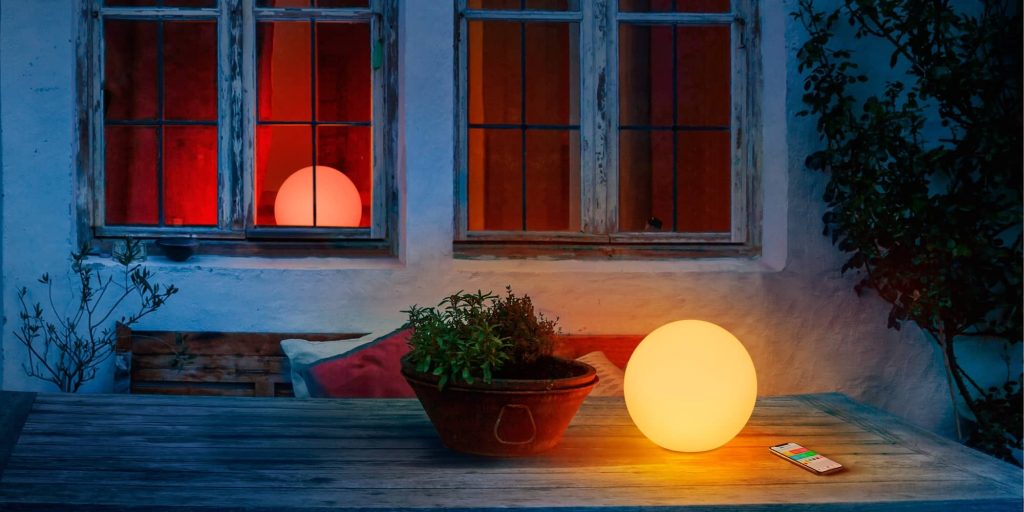
One of my favorite HomeKit accessories . It features a portable design and charges wirelessly, so you can easily take it around your house and place it where you want some extra light.
If you’re starting a HomeKit setup from scratch, you’ll need a home hub to control your accessories while you’re away from home. You can use an Apple TV or HomePod as your hub. In my testing, I’ve found the Apple TV to be the most reliable solution.
These are just some of my favorite HomeKit accessories. There are plenty more on the market, and I’ll point you to a few of them below.
What are your go-to HomeKit products? Let us know down in the comments.
More HomeKit favorites:
FTC: We use income earning auto affiliate links. More.