
When people ask me where to start with HomeKit, I usually give them a list of products that work well together that are easy to set up: a motion sensor, a door sensor, and maybe a camera if you want one. Aqara has made that question a lot easier to answer with its new . It’s a true HomeKit starter kit in a box. You get a 2K camera that doubles as a Matter hub, plus three devices that cover most use cases right out of the gate.
HomeKit Weekly is a series focused on smart home accessories, automation tips and tricks, and everything to do with Apple’s smart home framework.
The key part of the kit is the . It works with HomeKit Secure Video, so you’ll get motion alerts, timeline views, and recordings in the Home app as well as encrypted video recording. Like most cameras that support HSV, it tops out at 1080p when viewed from HomeKit. If you want the full 2K resolution, you’ll need to use the . That’s where you’ll also be able to use some of the features like AI facial recognition, pet detection, and gesture controls.
The camera doubles as a hub for all your Aqara gear, so you don’t need to worry about adding a separate Aqara bridge to your setup. It connects over both 2.4GHz and 5GHz Wi-Fi, and it also acts as a Matter bridge. That means the camera opens the door to integrating a bunch of other devices into your HomeKit environment.
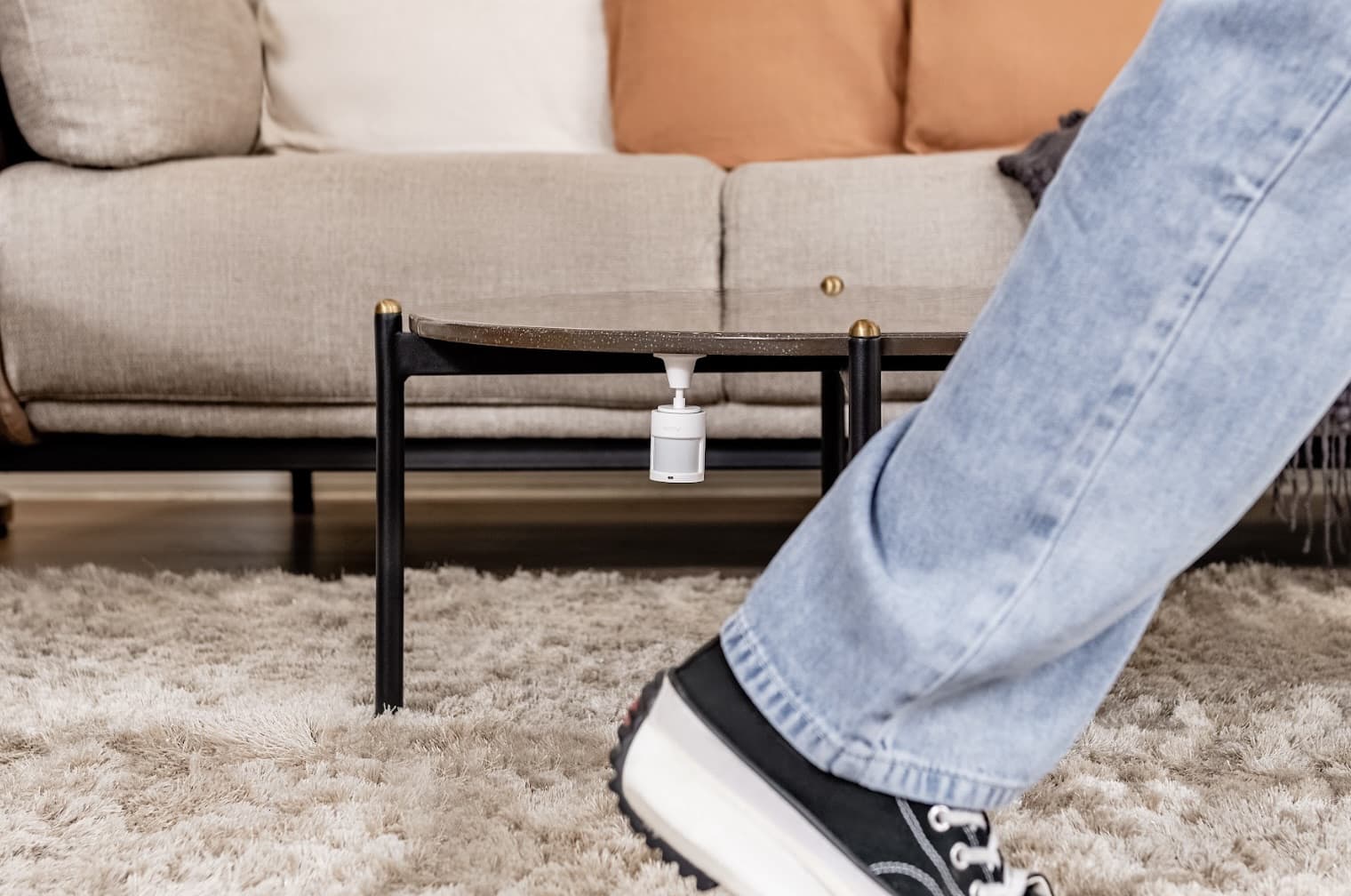
Motion sensors are one of the easiest ways to make your HomeKit setup feel smart without overcomplicating things or worrying about complex schedule. The in this kit is small, battery-powered, and connects right to the Camera Hub G3. You can put it in a hallway, by the front door, or in the kitchen. Anywhere you want things to happen automatically.
I’ve used HomeKit motion sensors to turn on lamps when I walk into a room, trigger a scene when someone goes upstairs, or even send a notification if there’s unexpected movement during certain hours. It works fast with HomeKit. Once you use motion sensors for HomeKit automation, you’ll wonder why you didn’t start sooner with them in your common areas. It’s one of those “living in the Jetson’s world” type experiences.
This is one of those sensors you don’t think you need until you start using it. The can detect small movements, tilts, or drops. In HomeKit, it shows up as a contact sensor with vibration triggers, so you can use it in a bunch of creative ways in your home
Stick it on a drawer, a jewelry box, or even the lid of a mailbox (if close enough to your house). If it moves, you’ll get an alert on your iPhone. It’s great for keeping tabs on things that shouldn’t be touched. Like the motion sensor, it’s battery-powered and connects right through the camera hub without a lot of work. It’s one of those sneaky-useful sensors that fits into a lot of different HomeKit setups and use cases.
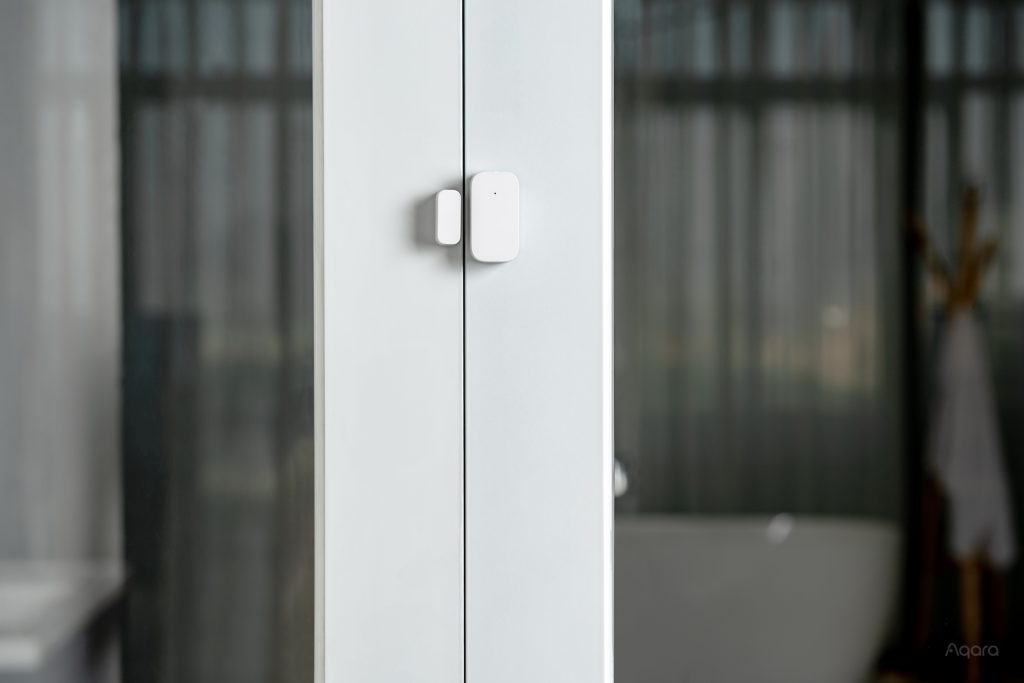
This product type is a HomeKit classic that everyone should have. The r is small, simple, and does exactly what you need it to do. Stick it on any door or window, and it shows up in the Home app as a contact sensor. From there, the automation ideas start rolling with your lights, etc. One thing to note, this is not the newest model available. There is a that supports Matter over Thread as well
You set it turn on lights when a door opens, send alerts if a window is opened after the sun goes town (sorry kids), etc. It’s especially useful for monitoring entry points when you’re not home. Setup is fast, and since it connects to the Camera Hub G3, everything stays local and fairly fast on alerts. It’s one of the easiest ways to add some smarts and peace of mind to your HomeKit environment.
If you’re looking for a gift for someone just getting into smart home tech, the Aqara Camera Protect Kit checks a lot of boxes. It’s also a great option for an apartment, dorm room, or even a rental home. You get security, automation, and HomeKit compatibility all in one box. There’s no need to piece together sensors or figure out which Aqara hub works with what. Everything’s already paired in the box and ready to go. It’s one of the easiest ways to bring someone into the HomeKit world without overwhelming them with a bunch of random gear.
You can purchase the Aqara Camera Protect Kit from or directly from .
FTC: We use income earning auto affiliate links. More.