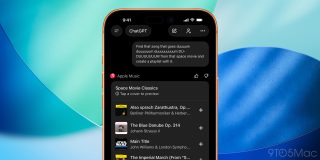
Following yesterday ’s announcement that would soon be available on ChatGPT, the app is now live. Here’s what you can do with it.
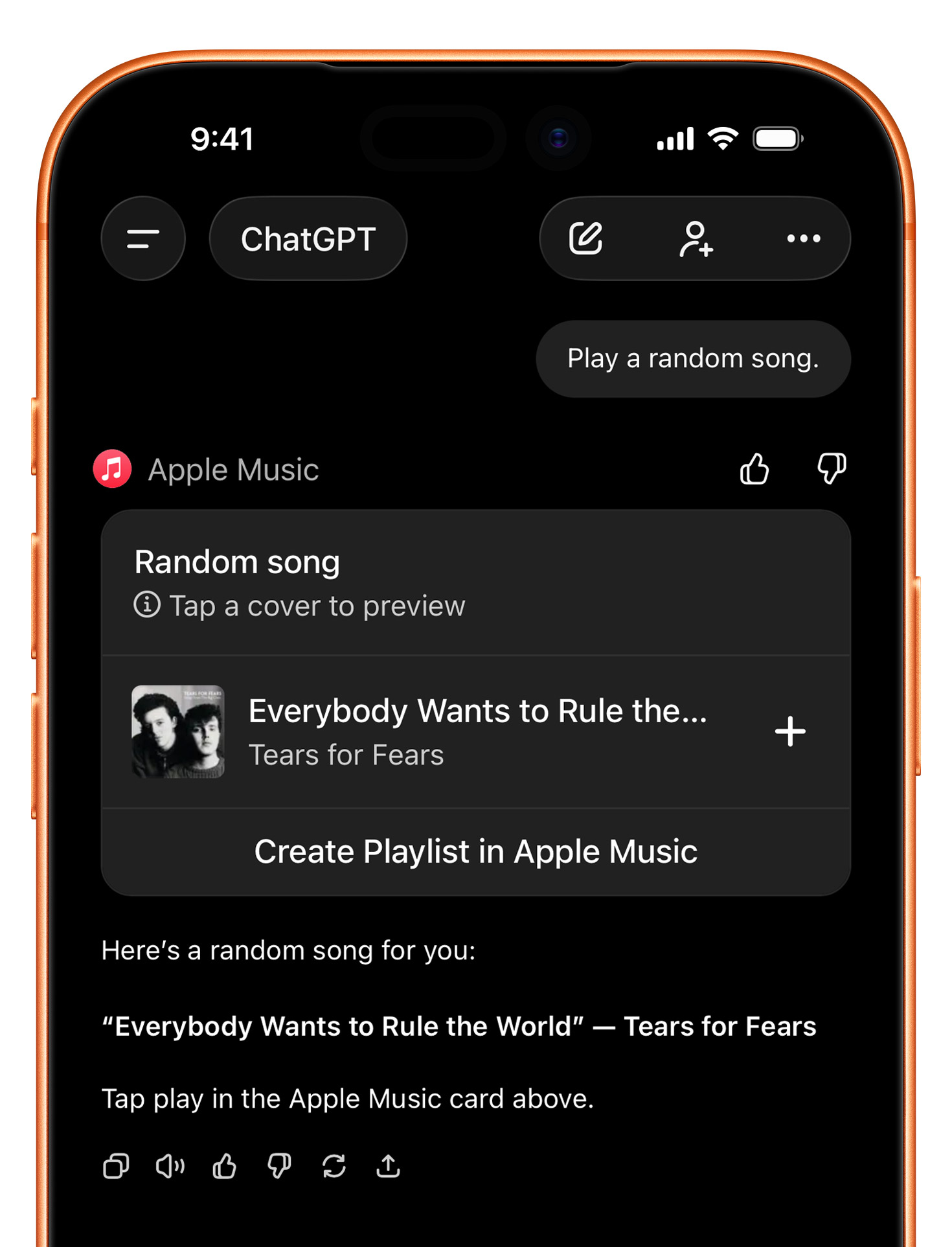
While many may assume that this integration means that users will be able to stream music on ChatGPT from , that’s not the case, although you can hear samples from the songs as they appear on ChatGPT.
What this integration means is that subscribers will now be able to ask ChatGPT to create playlists for them, or find songs, albums, and artists on Apple Music, based on natural language interactions with OpenAI’s LLM.
In practice, this means subscribers can now ask something like, “ Create a 30-song rock and roll Christmas playlist on Apple Music, but avoid clichés ,” or “ Create Barney’s Get Psyched Mix from ,” and ChatGPT will handle finding the songs and adding them to a playlist, instead of the user having to do it manually.
You can also use natural language to look for songs, albums, and artists you’re not quite sure how to find. In practice, this means that you can ask it to play “ that Alice song from ”, or “ that duuuum duuuum duuuuuuuuum DU-DUUUUUM song from ”.
From discoverability to smarter curation, there are dozens of ways to leverage this integration. If you can think of good ones, leave a comment below.
Here’s how to use the app on ChatGPT
- Go to , or open the Apps section on ChatGPT
- Click or tap on Apple Music
- Connect your Apple Music account to ChatGPT
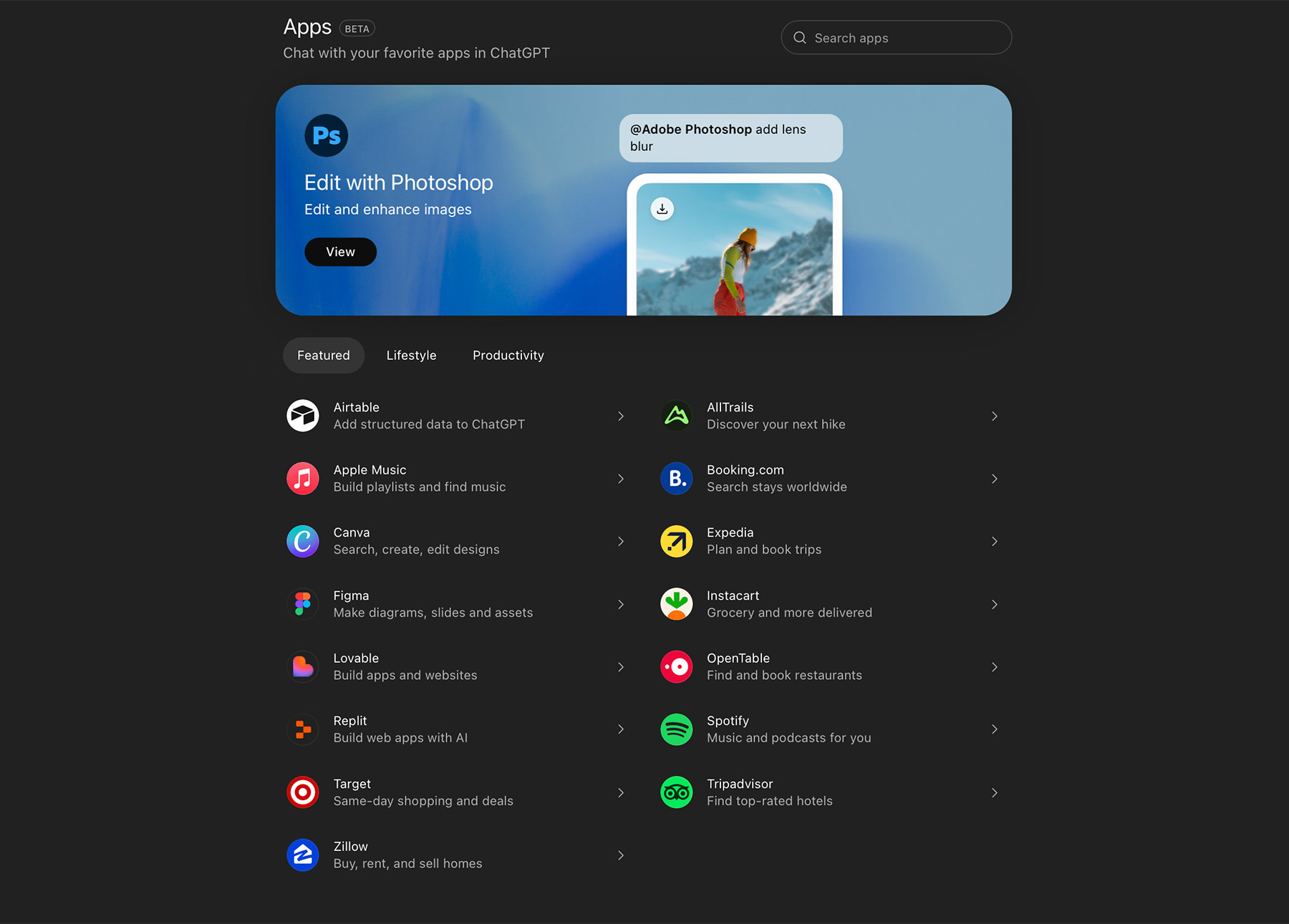
Once that’s done, you’ll be able to either begin prompts with “
/Apple Music
” or pick the Apple Music app from ChatGPT’s app selector.
Alternatively, ChatGPT can also automatically tap into depending on the context. This means that you don’t necessarily need to activate the Apple Music app or explicitly include “Apple Music” in every prompt.
Apple Music requires an active subscription. You can for $10.99 per month, with 1 month free.
FTC: We use income earning auto affiliate links. More.