
After three beta releases, Apple is moving macOS Tahoe 26.3 to the Release Candidate stage, ahead of the upcoming official release in the coming days. Here’s what to expect from the update.
While Apple has been implementing welcome features on iOS 26.3, including EU-mandated third-party notification forwarding , macOS 26.3 is shaping up to be a quieter release, consisting mostly of the famous bug fixes and performance improvements.
In addition to the developer version, Apple is also rolling ou the RC for users who are in the public beta program.
Still, we’re looking into the code and will report back if we find noteworthy tidbits.
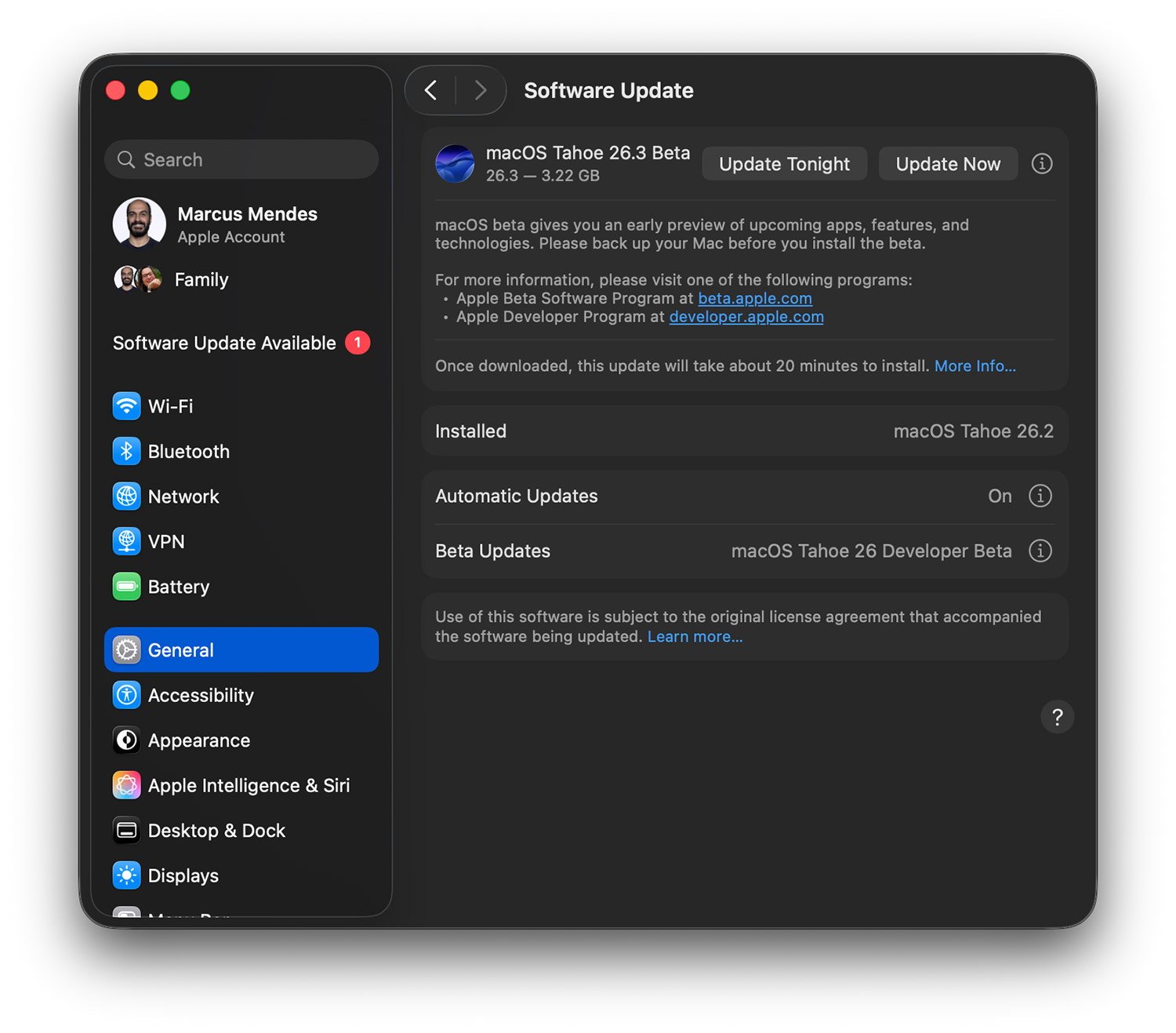
Here’s how to install macOS Tahoe 26.3 Release Candidate:
- Backup your Mac
- Open System Settings
- Go to General ⇾ Software Update
- Click the ‘i’ icon next to Beta Updates
- From the dropdown menu in the top-right, select the macOS Developer Tahoe Beta
- Hit ‘Done’
Did you spot any changes in today’s beta? Let us know in the comments.
FTC: We use income earning auto affiliate links. More.