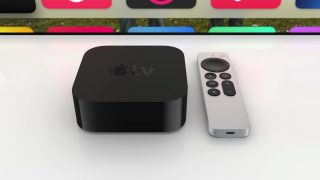
Apple offers an Apple TV Remote app on iPhone, iPad, and even Apple Watch—but not the Mac. So one developer created his own solution: , a new macOS app for controlling your Apple TV.
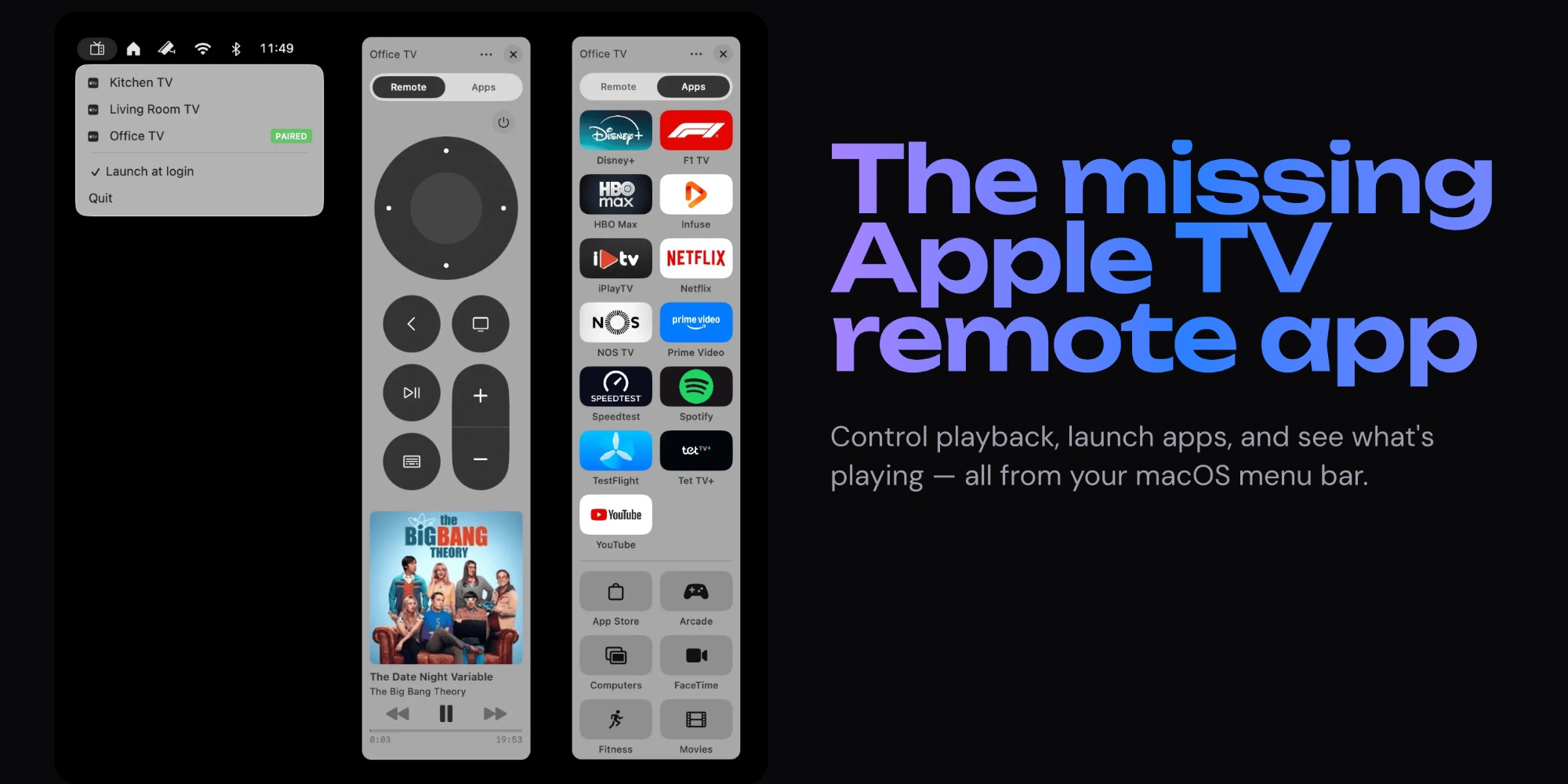
Have you ever wanted a quick, easy way to control an Apple TV from the Mac? Developer Nick Ustinov wanted one too—so he built it.
Itsytv is a new, free menu bar app for Mac that lets you control your Apple TV’s playback, launch apps, adjust volume, and more.
You can .
Here’s an overview of features, :
- Native macOS : Built with Swift and SwiftUI — no Electron, no web views. Runs silently in your menu bar.
- App launcher : Browse all installed Apple TV apps in a grid with App Store icons. Launch any app in one click.
- Navigate with keyboard : Arrow keys, Return, Space, Escape — control your Apple TV without touching the mouse.
- Text input : Type search queries and passwords on your Mac keyboard instead of pecking letters on the TV screen.
- Now playing : See what’s playing with album artwork, title, artist, and a live progress bar in your menu bar.
- Multi-device : Pair multiple Apple TVs on your network and switch between them instantly.
- Secure : End-to-end encrypted communication with your Apple TV. Pairing credentials stored securely in Keychain.
Ustinov is also the developer behind , a Mac menu bar app for controlling HomeKit devices. If you’re a fan of Itsytv, be sure to check it out too.
Both apps are entirely free, but Itsyhome offers a ‘Pro’ purchase to support ongoing development.
Have you been wanting an Apple TV Remote app for Mac? Let us know how Itsytv works for you via the comments.
FTC: We use income earning auto affiliate links. More.