Pi modder successfully adds M.2 slot to Pi 500
As I briefly mentioned yesterday, someone mentioned in this blog's comments a successful M.2 socket installation on the empty header on the Pi 500 ( something I attempted, rather poorly! ). With a few added components, and 3.3V supplied to a pad on the bottom via a bench power supply, the M.2 slot works just fine, allowing the use of NVMe SSDs or other PCIe devices .
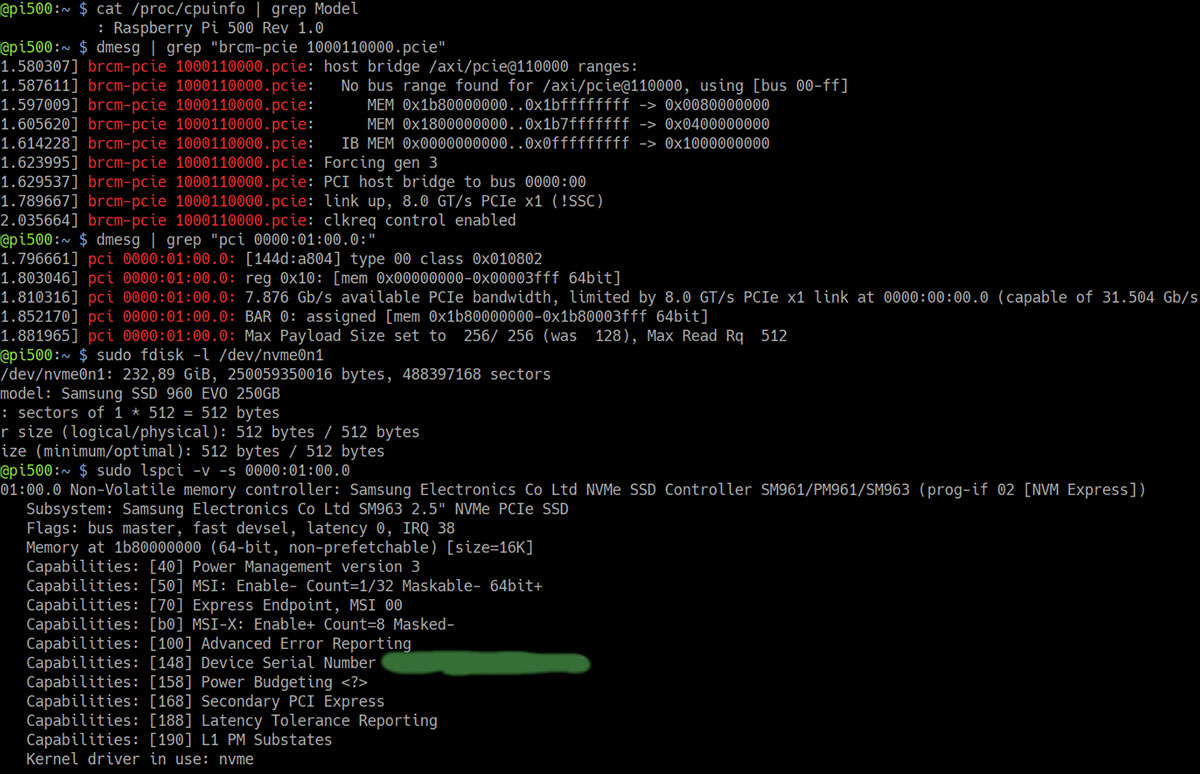
Indeed, this person emailed me further proof, along with notes for anyone wishing
Raspberry Pi 500 uses QMK Firmware for built-in keyboard
I mentioned in my Pi 500 review Raspberry Pi is dogfooding their own microcontroller in the new Pi 500. An RP2040 sits next to the keyboard ribbon cable connector, and interfaces it through a USB port directly into the RP1 chip:

In good news for keyboarding enthusiasts, the RP2040 seems to be flashed with the open-source QMK ('Quantum Mechanical Keyboard') Firmware . Thanks to a reader, 'M', who figured that out!
The Pi 500 is much faster, but lacks M.2
Raspberry Pi this morning launched the Pi 500 and a new 15.6" Pi Monitor , for $90 and $100, respectively.

They're also selling a Pi 500 Kit, complete with a Power Supply, Mouse, and micro HDMI to HDMI cable, for $120. This is the first time Raspberry Pi is selling a complete package, where every part of a desktop computer could be Pi-brandedâand makes me wonder if uniting
AmpereOne: Cores are the new MHz
Cores are the new megahertz, at least for enterprise servers. We've gone quickly from 32, to 64, to 80, to 128, and now to 192-cores on a single CPU socket!
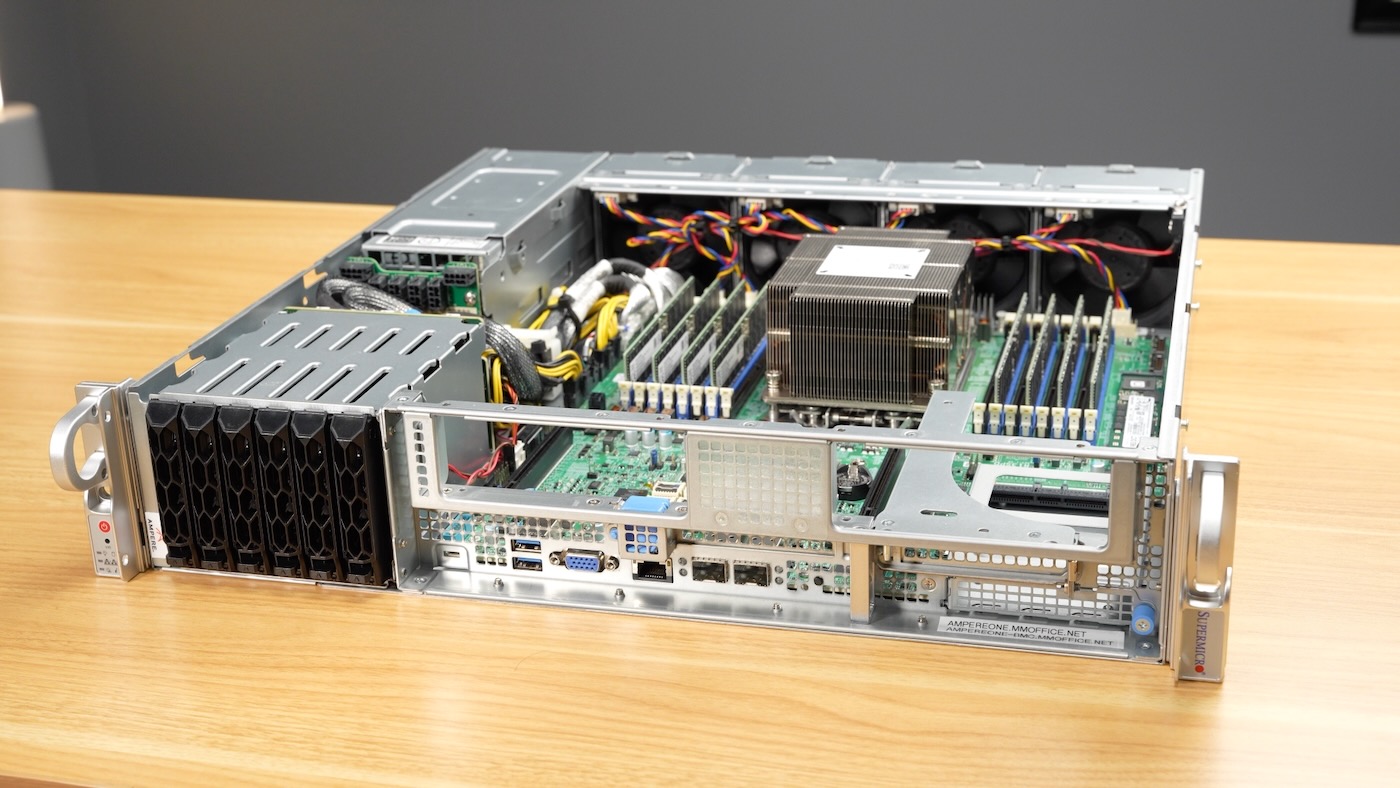
Amazon built Graviton 4 , Google built Axiom , but if you want your own massive Arm server, Ampere's the only game in town. And fastest Arm CPU in the world is inside the box pictured above.
It has 192 custom Arm cores running at
Raspberry Pi boosts Pi 5 performance with SDRAM tuning
tl;dr Raspberry Pi engineers tweaked SDRAM timings and other memory settings on the Pi, resulting in a 10-20% speed boost at the default 2.4 GHz clock. I of course had to test overclocking, which got me a 32% speedup at 3.2 GHz! Changes may roll out in a firmware update for all Pi 5 and Pi 4 users soon.

My quest for the world record Geekbench 6 score on a Pi 5 continues, as a couple months ago Martin Rowan used
Home Assistant Yellow - instant 2x IoT speedup with CM5
In a win for modular, private, local IoT, I just upgraded my Home Assistant Yellow from a Raspberry Pi Compute Module 4 to a Compute Module 5 this morning, and got an instant 2x speed boost.
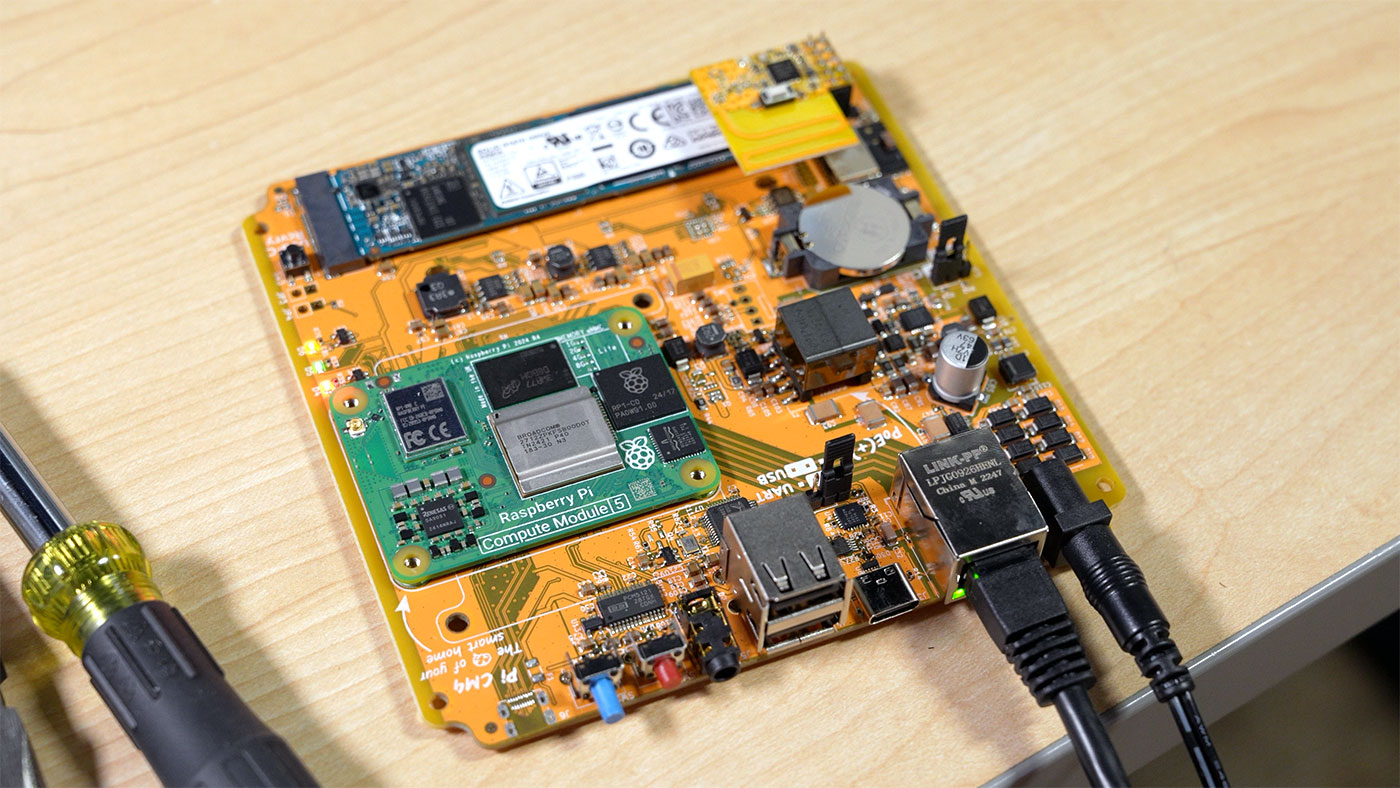
I first posted about the Yellow in 2022 , and walked through my smart-but-private HA Yellow setup in my Studio in a video last year .
Because I was running an eMMC CM4 in the Yellow before, I ran a full backup (and downloaded it), yanked
Raspberry Pi CM5 is 2-3x faster, drop-in upgrade (mostly)

The Raspberry Pi Compute Module 5 is smaller than a credit card, and I already have it gaming in 4K with an eGPU, running a Kubernetes cluster, and I even upgraded my NEC Commercial display from a CM4 to CM5, just swapping the Compute Modules!
The Compute Module 4 was hard to get for years . It launched right after the COVID supply chain crisis, leading to insane scalper pricing.
It was so useful , though, that Raspberry Pi sold every unit they made, and they're
LLMs accelerated with eGPU on a Raspberry Pi 5
After a long journey getting AMD graphics cards working on the Raspberry Pi 5 , we finally have a stable patch for the amdgpu Linux kernel driver, and it works on AMD RX 400, 500, 6000, and (current-generation) 7000-series GPUs.
With that, we also have stable Vulkan graphics and compute API support.
When I wrote about getting a Radeon Pro W7700 running on the Pi , I also mentioned AMD is not planning

AMD Radeon PRO W7700 running on Raspberry Pi

After years of work among a bunch of people in the Pi community (special callout to Coreforge!), we finally have multiple generations of AMD graphics cards working on the Raspberry Pi 5.
We recently got Polaris-era GPUs working (like the RX460), but in the past month we've gotten 6000 and 7000-series GPUs up and running. And many parts of the driver work at full performanceâwell, as much as can be had
M4 Mac mini's efficiency is incredible
I had to pause some of my work getting a current-gen AMD graphics card running on the Pi 5 and testing a 192-core AmpereOne server to quickly post on the M4's efficiency.

I expected M4 to be better than M1/M2 (I haven't personally tested M3), and I hoped it would at least match the previous total-system-power efficiency king, a tiny arm SBC with an RK3588 SoC... but