Visual Studio Code February 2022
Downloads: Windows: User System ARM | Mac: Universal 64 bit Arm64 | Linux: deb rpm tarball ARM snap
Welcome to the February 2022 release of Visual Studio Code.
- New editor history navigation - Scope Go Back/Go Forward history to editor group or single editor.
- Light High Contrast theme - Light theme for enhanced VS Code editor visibility.
- New audio cues - Audio cues for warnings, inline suggestions, and breakpoint hits.
- Drag and drop Problems and Search results - Drag results to new
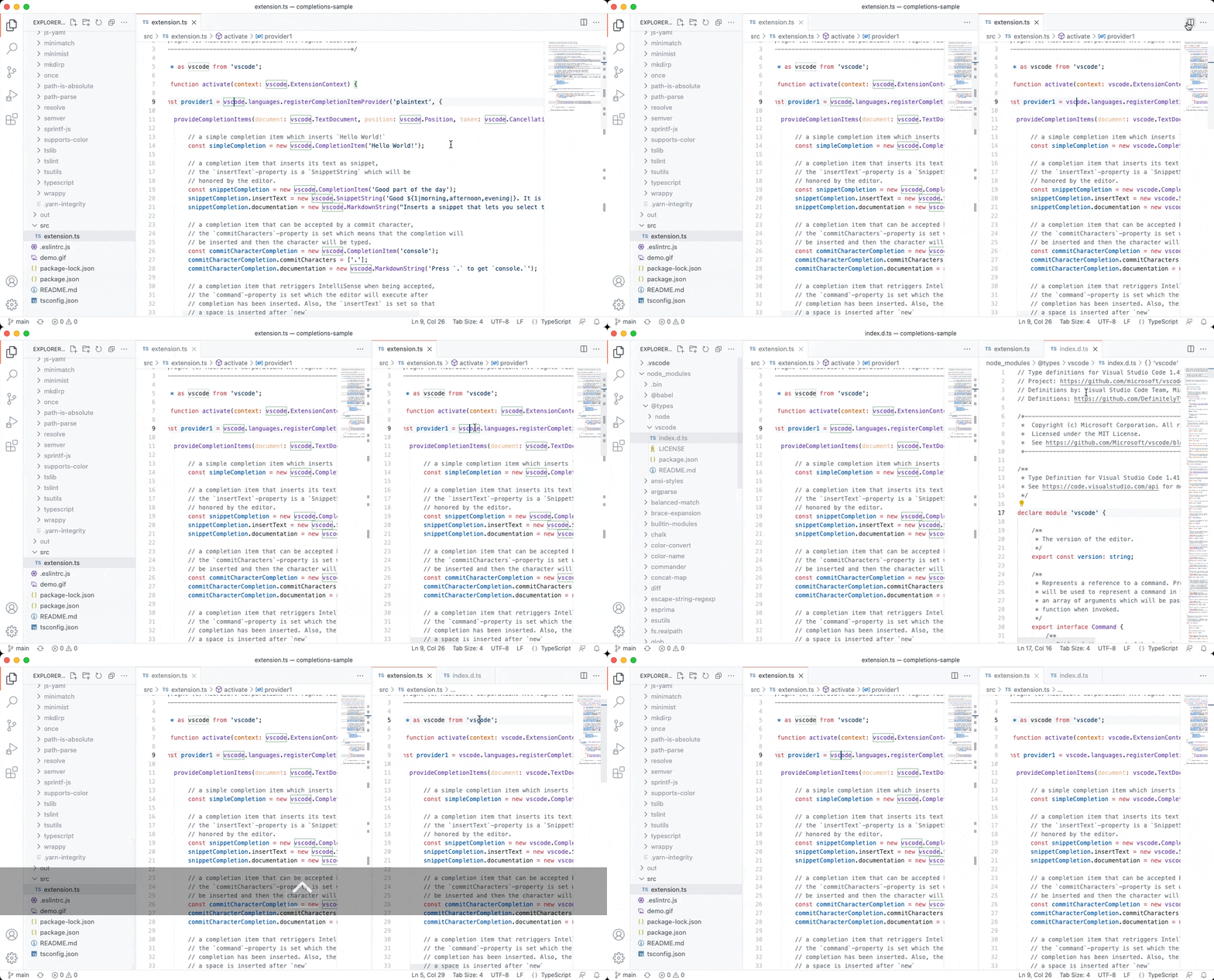
Visual Studio Code January 2022
Downloads: Windows: User System ARM | Mac: Universal 64 bit Arm64 | Linux: deb rpm tarball ARM snap
Welcome to the January 2022 release of Visual Studio Code. There are many updates in this version that we hope you will like, some of the key highlights include:
- New Side Panel - Display more views at once with the new Side Panel.
- Settings editor search - Search now prioritizes whole word matches.
- Audio cues - Hear when the cursor moves to folded regions, errors,
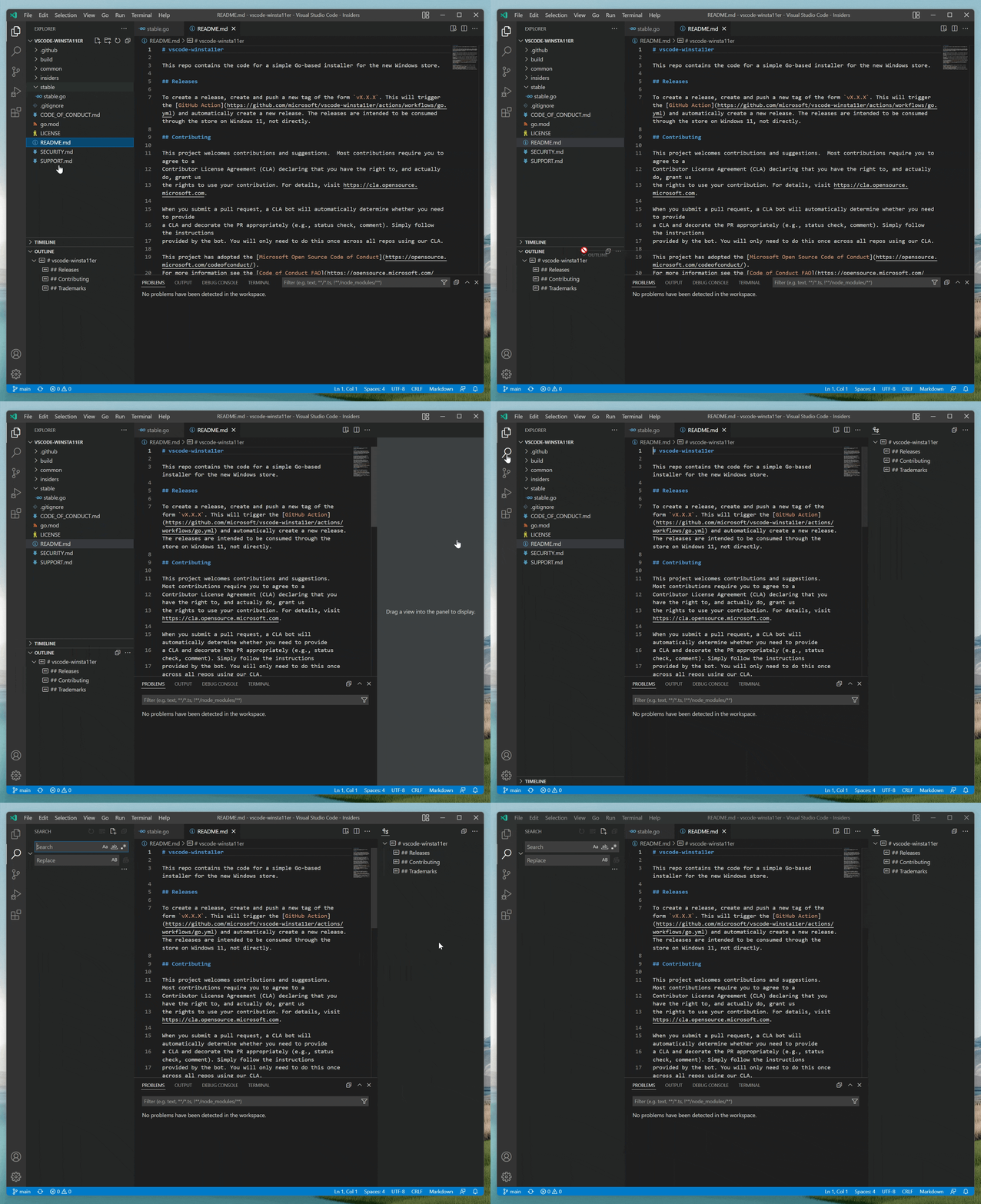
Visual Studio Code November 2021
Downloads: Windows: User System ARM | Mac: Universal 64 bit Arm64 | Linux: deb rpm tarball ARM snap
Welcome to the November 2021 release of Visual Studio Code. There are many updates in this version that we hope you will like, some of the key highlights include:
- Marketplace theme preview - Try out Color Themes without installing them.
- Configure Problems navigation order - Go to next error or warning by severity or file position.
- Show commands in screencast mode - Display command names along with
Notebooks, Visual Studio Code style
November 8, 2021 by Tanha Kabir, @_tanhakabir
Notebooks are documents that contain a mix of rich Markdown, executable code snippets, and accompanying rich output. These are all separated into distinct cells and can be interleaved in any order.
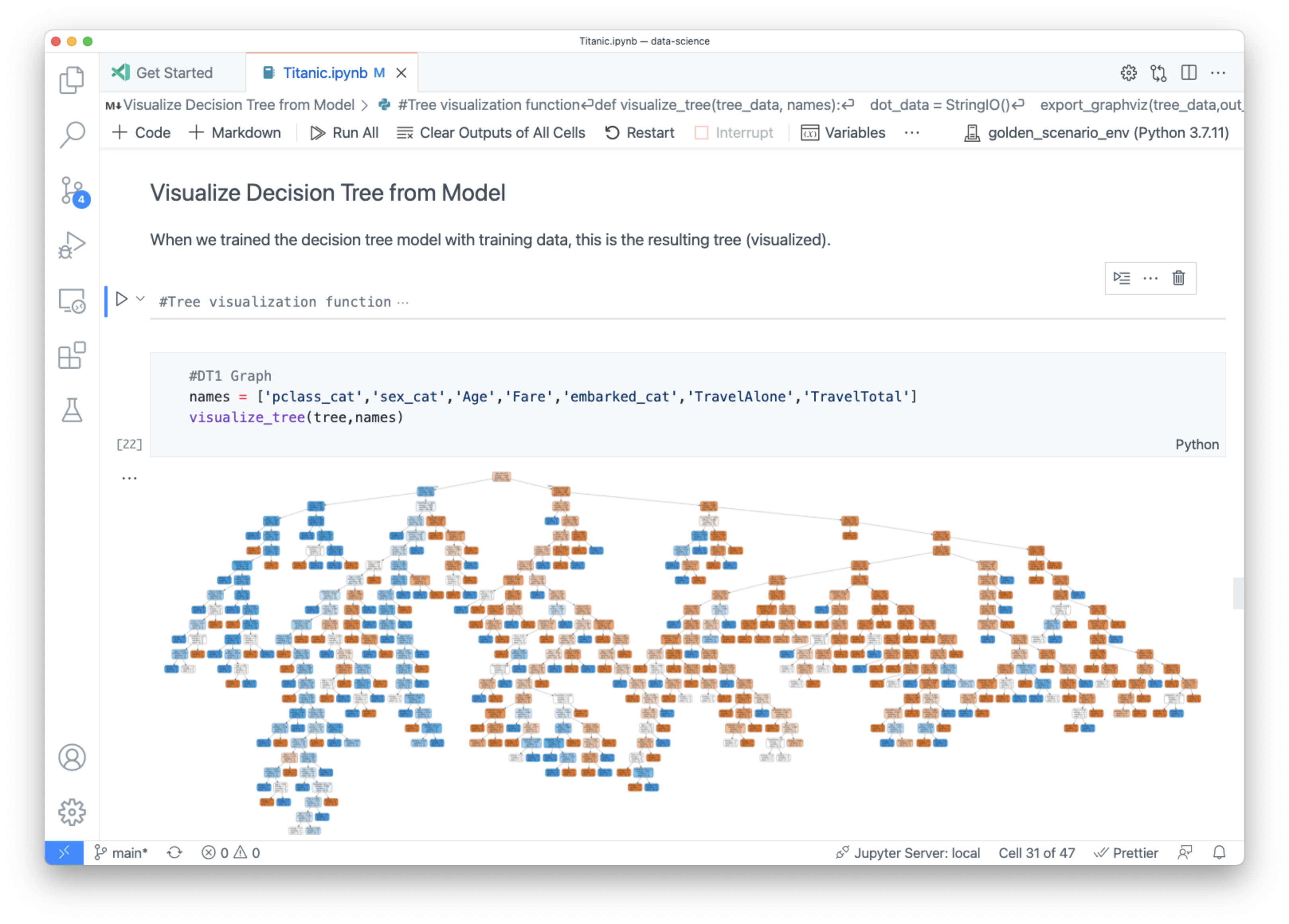
If you aren't familiar with notebooks, you might be familiar with REPLs ( read-eval-print loop )? A REPL is an interactive application where you can write a few lines of code and execute the code immediately and see the output. Notebooks are
Visual Studio Code October 2021
Downloads: Windows: User System ARM | Mac: Universal 64 bit Arm64 | Linux: deb rpm tarball ARM snap
Welcome to the October 2021 release of Visual Studio Code. In addition to releasing a preview of vscode.dev , we announced in the October iteration plan that we would focus on housekeeping GitHub issues and pull requests (see our issue cleanup guide ). Across all of our VS Code repositories, we closed (either triaged or fixed) 4163 issues. While we

vscode.dev Visual Studio Code for the Web
October 20, 2021 by Chris Dias, @chrisdias
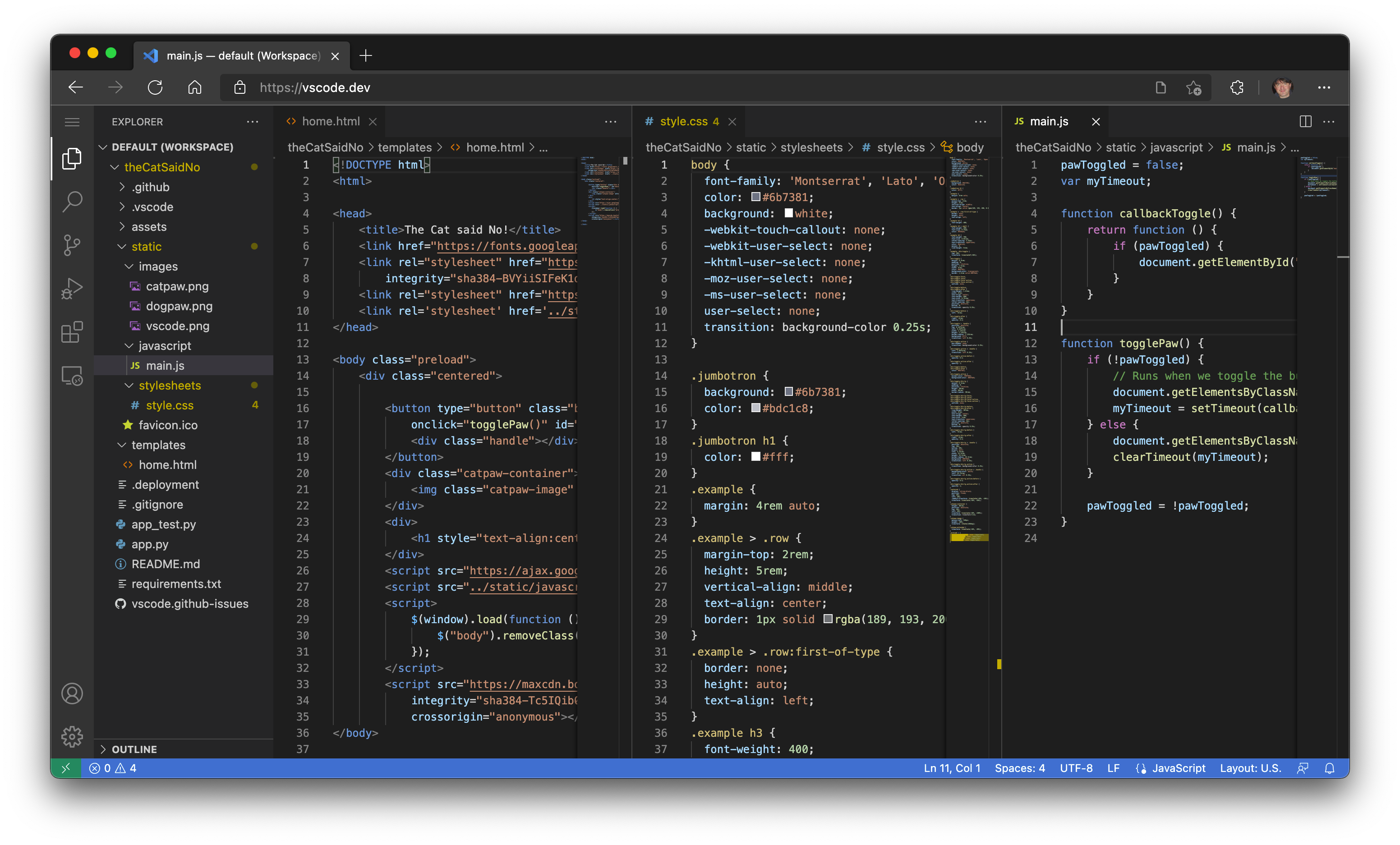
Back in 2019, when the .dev top-level domain opened, we picked up vscode.dev and quickly parked it, pointing at our website code.visualstudio.com (or, if you are from the Boston area like me, we "pahked it"). Like a lot of people who buy a .dev domain, we had no idea what we were going to do with it. And we certainly didn
Webview UI Toolkit for Visual Studio Code
October 11, 2021 by David Dossett, @david_dossett and Hawk Ticehurst, @hawkticehurst
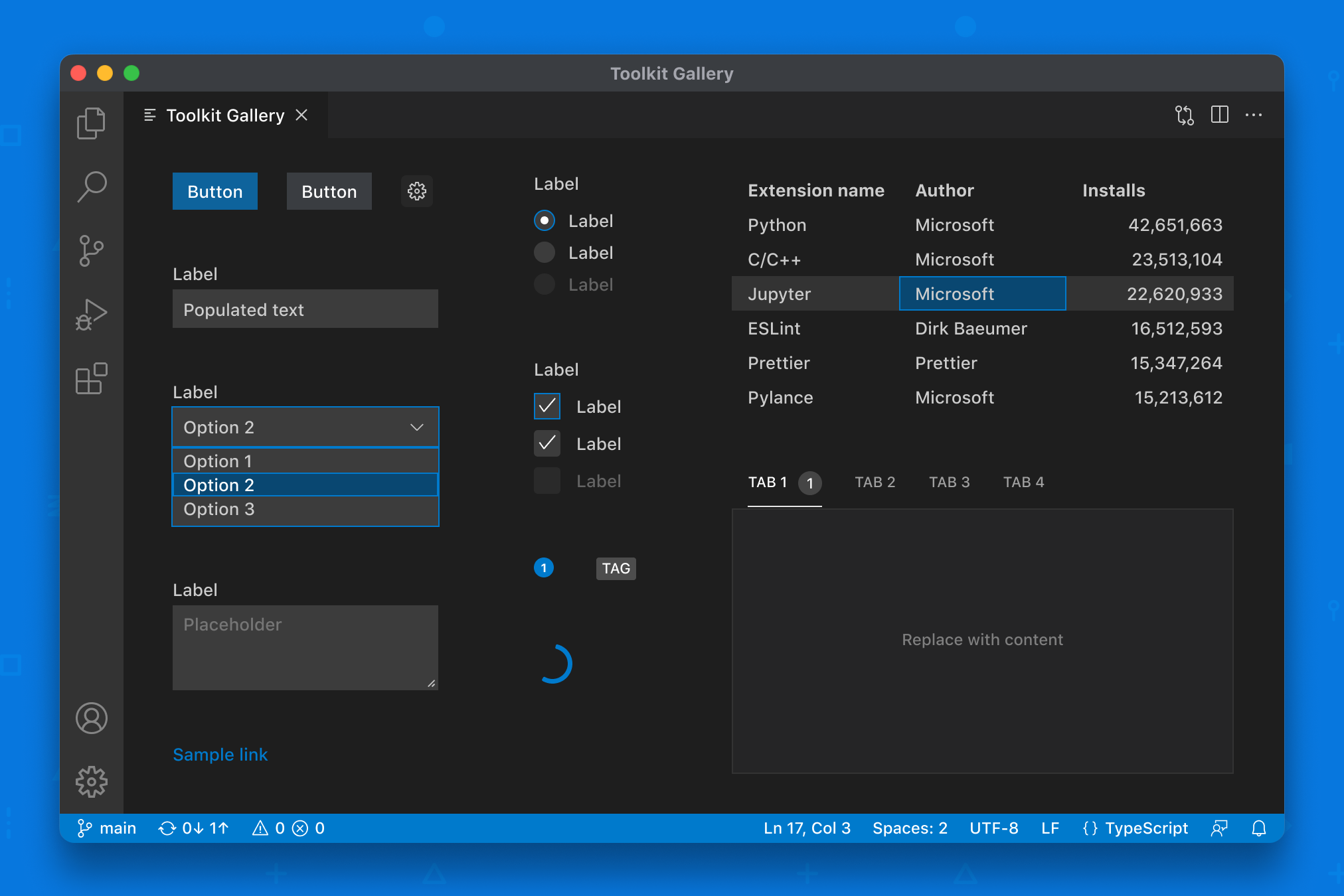
We're so excited to announce the public preview of the Webview UI Toolkit for Visual Studio Code . With this toolkit, extensions developers can quickly and easily create webview-based extensions in Visual Studio Code that look, feel, and act like the editor itself.
What is the Webview UI Toolkit?
At its core, the toolkit is a library of components that developers can use to build user interfaces inside
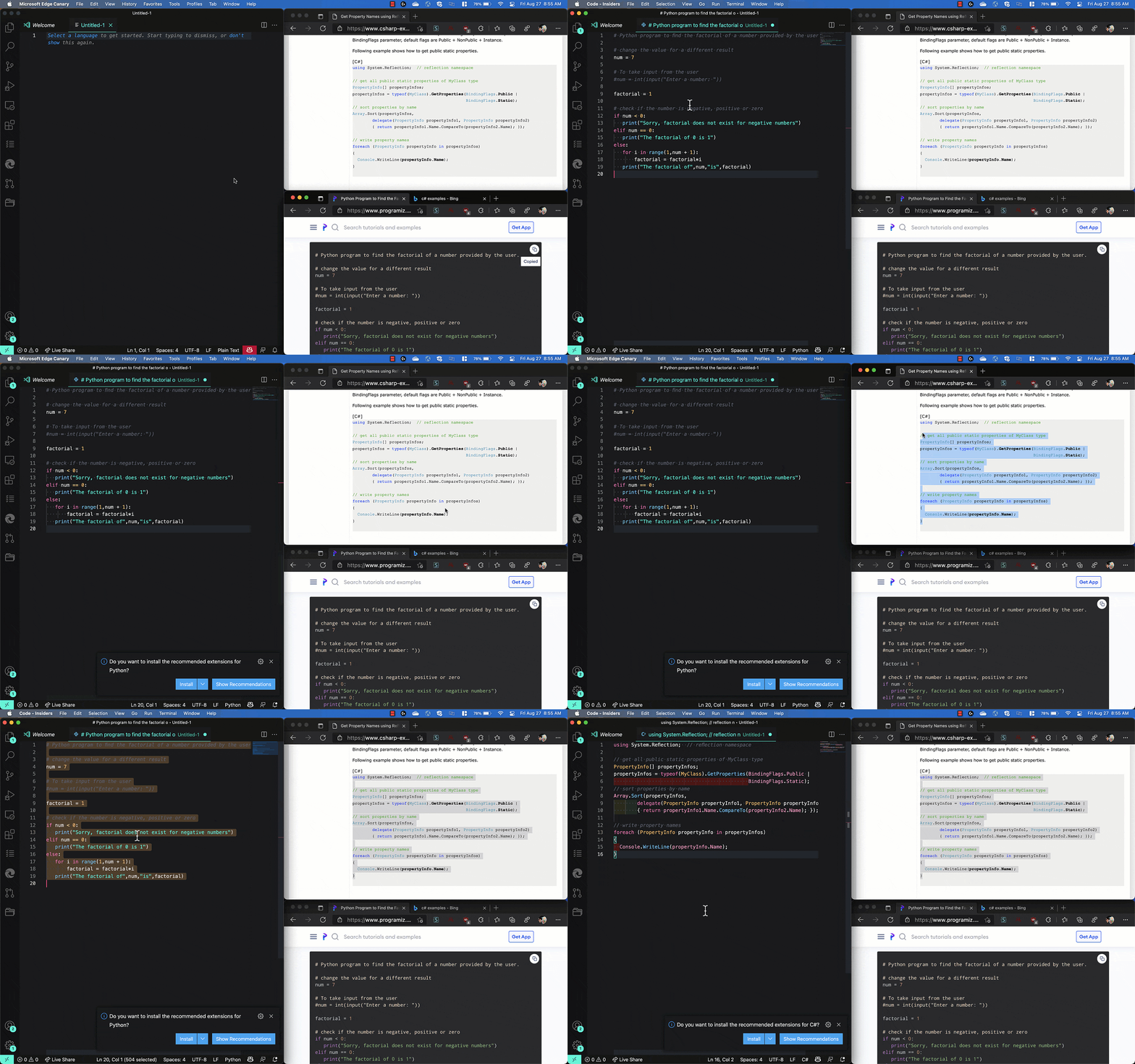
Visual Studio Code September 2021
Downloads: Windows: User System ARM | Mac: Universal 64 bit Arm64 | Linux: snap deb rpm tarball ARM
Welcome to the September 2021 release of Visual Studio Code. There are many updates in this version that we hope you will like, some of the key highlights include:
- Split editors within the same group - Quickly create side-by-side editors for the same file.
- Locked editor groups - Select editor types to automatically lock in an editor group.
- Better display of deleted and
How We Made Bracket Pair Colorization 10,000x Faster In Visual Studio Code
September 29, 2021 by Henning Dieterichs, @hediet_dev
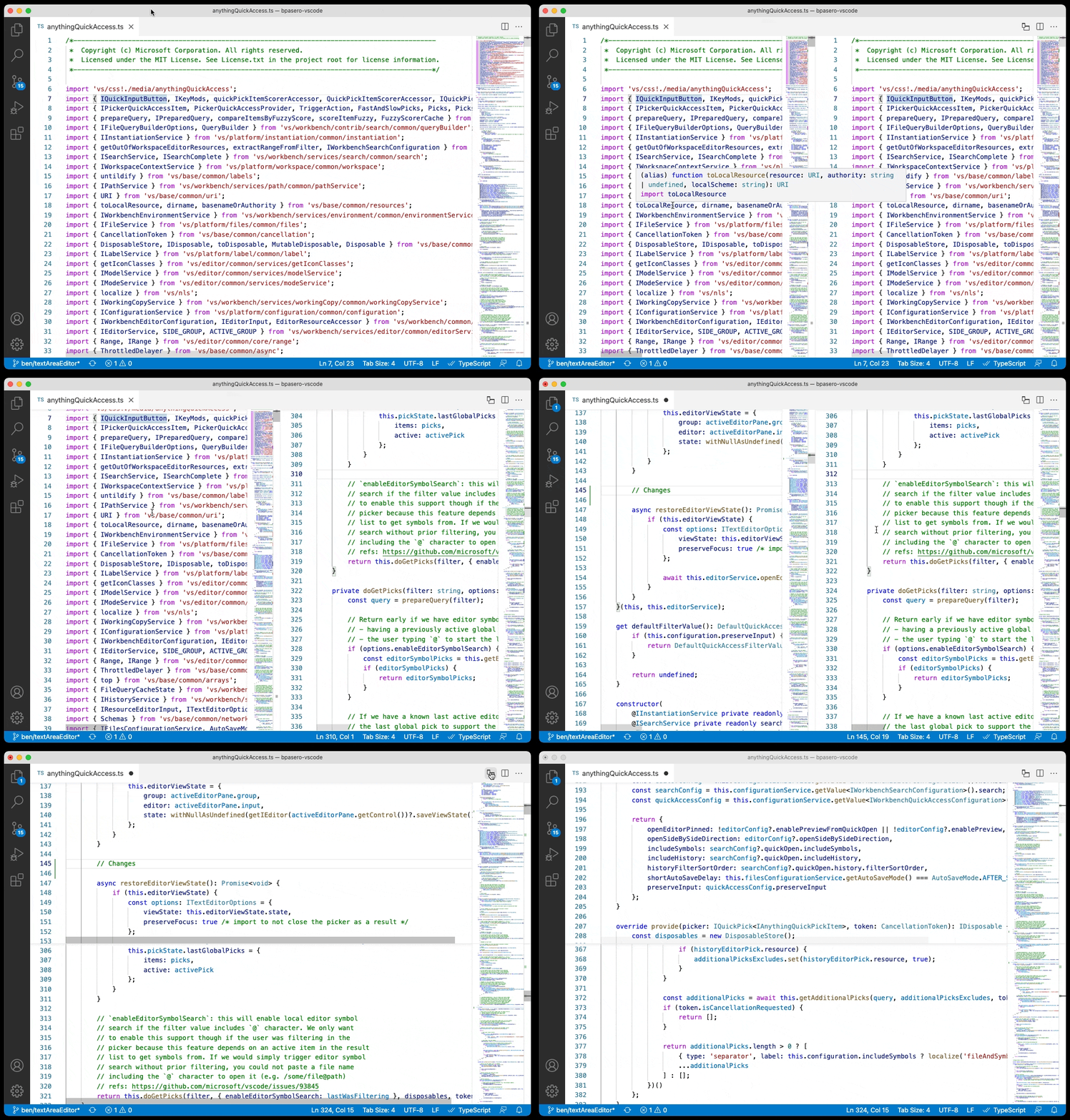
When dealing with deeply nested brackets in Visual Studio Code, it can be hard to figure out which brackets match and which do not.
To make this easier, in 2016, a user named CoenraadS developed the awesome Bracket Pair Colorizer extension to colorize matching brackets and published it to the VS Code Marketplace. This extension became very popular and now is one of the 10 most downloaded extensions on the Marketplace, with over 6

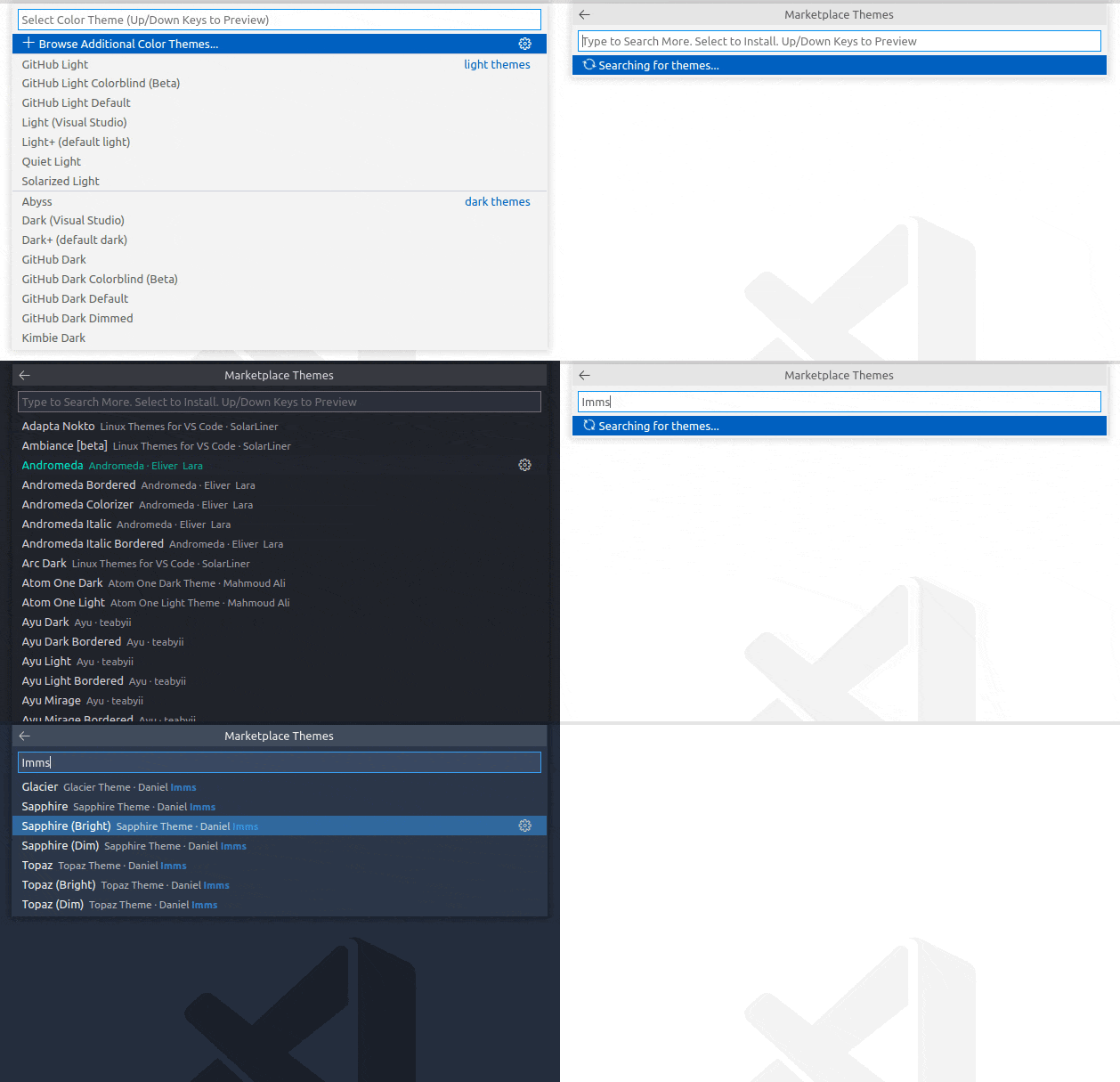
Visual Studio Code August 2021
Downloads: Windows: User System ARM | Mac: Universal 64 bit Arm64 | Linux: snap deb rpm tarball ARM
Welcome to the August 2021 release of Visual Studio Code. There are many updates in this version that we hope you will like, some of the key highlights include:
- Automatic language detection - Programming language detected when you paste into VS Code.
- Built-in fast bracket colorization - Fast bracket matching and colorization for large files.
- Settings editor syntax highlighting - Rich syntax highlighting for setting