A PCIe Coral TPU FINALLY works on Raspberry Pi 5
Coral.ai TPUs are AI accelerators used for tasks like machine vision and audio processing. Raspberry Pis are often integrated into small robotics and IoT productsâor used to analyze live video feeds with Frigate .
Until today, nobody I know of has been able to get a PCI Express Coral TPU working on the Raspberry Pi. The Compute Module 4, unfortunately, had some quirks in its PCIe implementation, preventing the use of the Coral over PCIe.

The Raspberry Pi 5 has a much improved PCIe busâ
How to customize the dtb (device tree binary) on the Raspberry Pi
Every so often, when you're debugging weird hardware issues on SBCs like the Raspberry Pi, it's useful to get way down into the guts of how the Pi represents its hardware to Linux.
And the Linux kernel uses a method called Device Tree overlays to do it. On the Pi 5 (and other Pis), these overlays are stored as .dtb files inside the /boot/firmware directory, and there's an overlay for every major Raspberry Pi hardware model.
I've had to
The Mighty 'MOX: 50kW AM Tower site tour
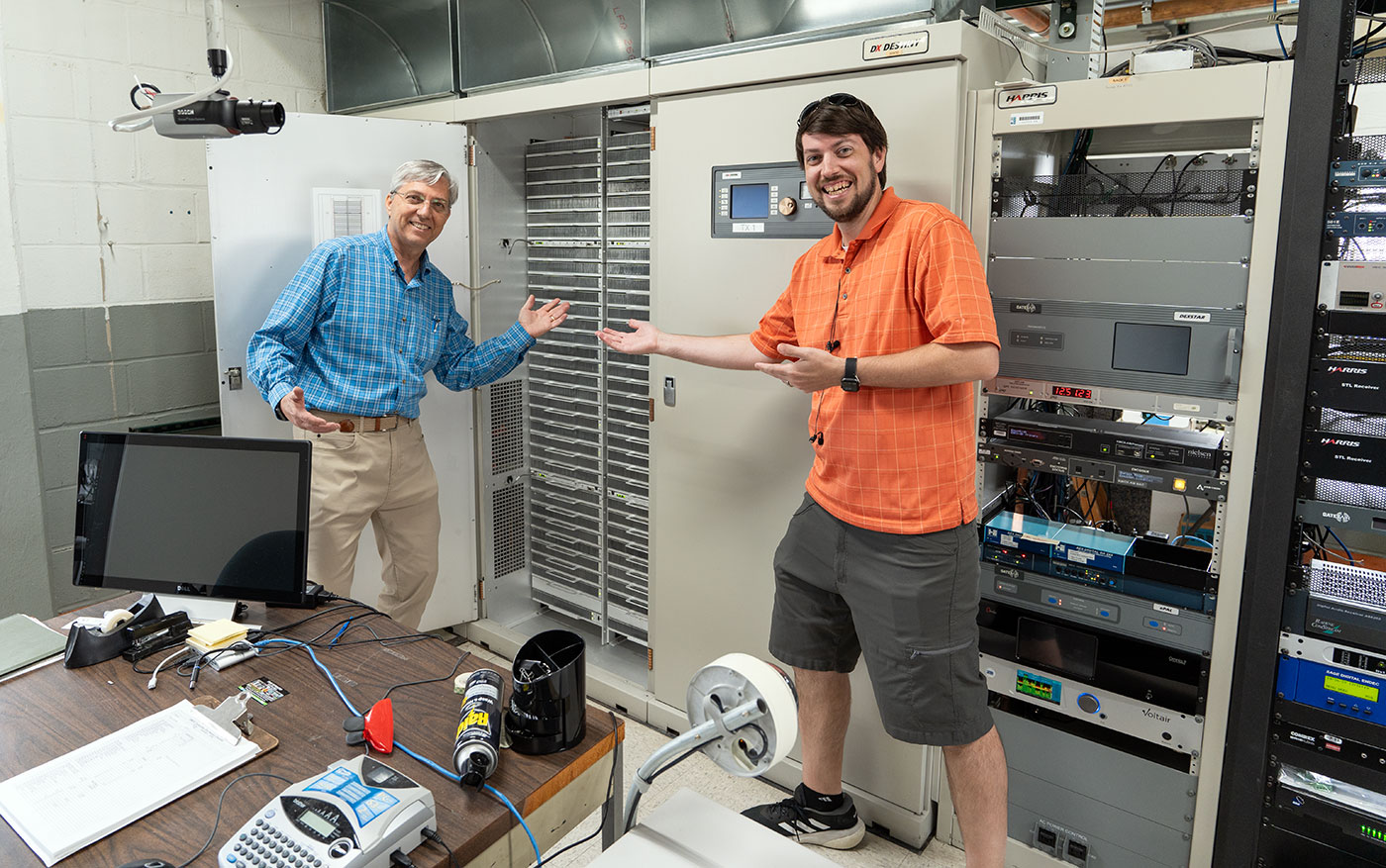
Nearing it's centennial, KMOX-AM (1120 kHz) is a 50,000-watt clear-channel AM radio station with studios located in downtown St. Louis, MO, USA.
But their broadcast tower is located about 10 miles northeast, in Pontoon Beach, IL. My Dad was the director of engineering overseeing the tower and studios for about 20 years, and though he's no longer there, he and I got permission from Audacy and the St
Smart home automation shouldn't be stupid

There are far too many smart home devices which make using a device harder . Like a light switch and light bulb that requires a wireless connection to a hub in order to control the lights.
Before, you could flick a switch, and a light would come on.
Now, you have to ensure the light has power, the switch has power, and the hub has power. And the wireless connection between switch, hub, and light needs to be reliable. And the hub can't lock up or go
Reducing Raspberry Pi 5's power consumption by 140x
Sorry to clickbait with that title... but it's actually true. I can help you improve power use by 140xâfor power off power consumption, at least.

By default, the Raspberry Pi 5 (like the Pi 4 before it) leaves the SoC powered up (just in a shutdown state) when you shut down the Pi.
Because of this, a Pi 5 will still sit there consuming 1.2-1.6W when completely shut down, even
Setting up a Mikrotik 10 Gbps Switch the first time
Since I've done this four times now... and each time it's just a session of reading the docs, searching the forums, etc. until I get everything configured just so, I thought I'd document how I bring up a new MikroTik switch.

I personally love the CRS309-1G-8S+IN , and have three of them running in my homelab. They're less than $250, with 8 10 Gbps SFP+ ports
Getting RISC-V (again): Milk-V's Mars CM

tl;dr: No, it's not a replacement for a Raspberry Pi Compute Module 4. But yes, it's an exciting tiny RISC-V board that could be just the ticket for more RISC-V projects, tapping into the diverse ecosystem of existing Compute Module 4 boards .
This tiny computer is the Mars CM . It's the exact same size and shape as the Raspberry Pi Compute Module 4. It should be a drop-in replacement. And on its box it says it supports
Everything I've learned building the fastest Arm desktop

This is the fastest Arm desktop in the world, yes, even faster than the M2 Ultra Mac Pro . And today, I made it even faster.
I upgraded everything: Faster RAM, 128 core CPU, 40 series GPU, I did it all, and we'll see how much we can obliterate the M2 Mac Pro.
128 coresâthat's five times more cores, I'm also going to upgrade this thing from 96 all the way
Ansible Galaxy error 'Unable to compare role versions'
Ansible Galaxy was recently updated to the 'Next Generation' ( Galaxy-NG ) codebase.
There are some growing pains, as a lot of Galaxy NG was built up around Collections, and Ansible role support was written into the codebase over the past year or so, after it became obvious Galaxy roles would not be deprecated.
Unfortunately, one of the major issues right nowâwhich I'm seeing pop up in many placesâis an error that occurs upon installation of Galaxy roles for any
NVMe SSD boot with the Raspberry Pi 5

In my video about the Raspberry Pi 5 , I mentioned the new external PCIe port makes it possible to boot the standard Pi 5 model B directly off NVMe storageâan option which is much faster and more reliable than standard microSD storage (even with industrial-rated cards!).
Enabling NVMe boot is pretty easy, you add a line to /boot/firmware/config.txt , modify the BOOT_ORDER in the bootloader configuration, and reboot!
Of course, you'll also need to