Just Upgraded Catholic News Live
I just finished a few upgrades on catholicnewslive.com - check it out! If you have a blog or website, you can now embed a Catholic News Live 'latest news' widget on your blog by clicking on the 'Embed' button at the bottom right of any listing page.
Benchmarking Safari on the iPad
Since purchasing the iPad, I've constantly been amazed by how fast everything works—switching between large apps is no longer a game of roulette, and browsing the web is a breeze.
I ran some tests on Safari on my iPad, just to see how things compare to my MacBook Pro...
SunSpider Javascript Benchmark
Here's the screenshot from my iPad (14068.6ms):
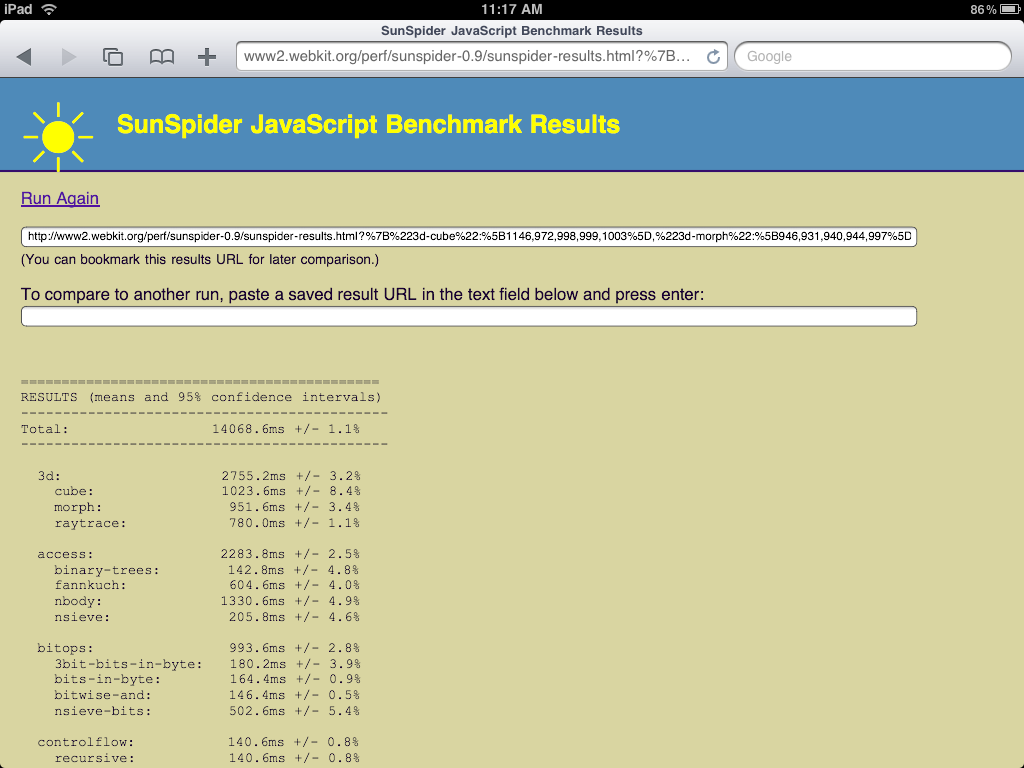
And from my Mac (406.8ms):
Two Worthwhile Chrome Extensions
I've been using Chrome as my primary browser for about three weeks now, and two of the most essential extensions I've found are listed below. I'm still not 100% sold on Chrome, especially because of privacy concerns (do I really want all of my digital life stored on Google and accessed through Google?), but it's fast, and it's almost less buggy than Safari.
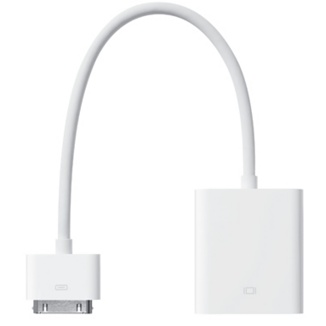
iPad Dock Cable to VGA Adapter - A Big "Meh." [UPDATED]
[ UPDATE : It looks like there's a nice app available to jailbroken iPads via Cydia called 'Display Out' that will allow you to use the iPad with any external display, the way it was meant to be! Also, some other interesting comments down below...]
iSSH on the iPad - SSH and VNC from Anywhere
[ UPDATED : The developer of iSSH emailed me this morning with a couple of tidbits that will be useful for any early iSSH adopters on the iPad - see my updated notes in bold.]
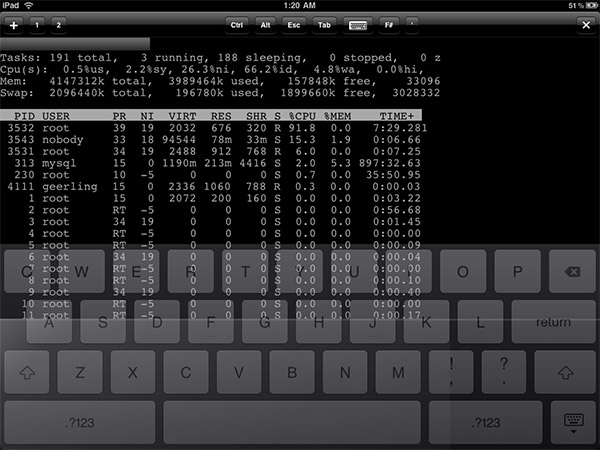
One app I haven't had a lot of time to work with (yet) is iSSH on the iPad. I tried the iPhone version, but the tiny iPhone screen simply couldn't keep up with a productive SSH or VNC session.
The iPad changes the game, though; I can actually log in via SSH
How to Tether Your iPad to your iPhone - Link
Just posted in the Articles section of the website:
How to Tether Your iPad to Your iPhone (via WiFi)
It's a pretty simple process, and it works great! The only downside is that the iPhone runs out of juice relatively quickly. To compensate, consider plugging it into the wall charger while it's tethered.
How to Tether Your iPad to Your iPhone (via WiFi)
Since buying the iPad on the first day of it's introduction meant I had only one option; wifi-only, I needed a way to connect my iPad to the Internet on the go. Since I already have an iPhone, and have used it to tether my MacBook Pro in the past, I tried finding an easy way to tether to my iPad over WiFi. I didn't let Steve Jobs' comments about the iPad not being able to tether with the iPhone get me down.
A quick search

First Blog Entry from the iPad
This is my first blog post from the iPad. Unfortunately, the iPad doesn't work with CKEditor, which I am using on this website, so I have to use the plain text editor. Luckily, typing on the iPad isn't too much of a chore, although it is pretty easy to lose your finger positions while typing.
I think that's all I'll type for now, because my hands are getting tired, and it's about time to go to bed. But hopefully
Review: Apple iPad (Original)
tl;dr : The iPad is one case where Apple has clearly hit the ball out of the park, in all aspects: usability, utility, form, function, and pure tech delight. There is a reason Apple sold almost a million iPads during it's first day on retail shelves.
Update : Here's a guide to tethering your iPad to your iPhone via WiFi . Also, see my review of the iPad Dock Connector to VGA Adapter cable  and my
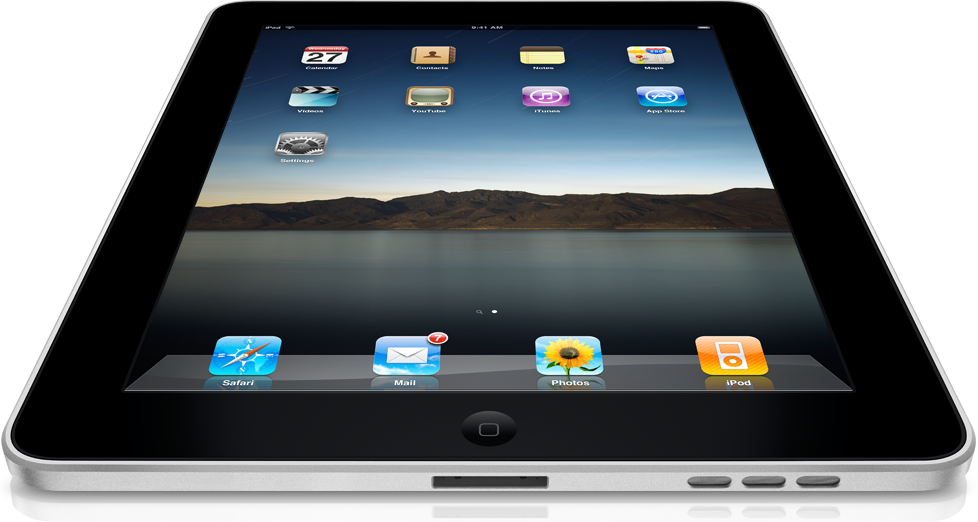
iPad == Here. Tip for buyers: Go to Best Buy.
[UPDATE: I have posted my rather extensive review of the iPad . It will be updated frequently!]
[UPDATE x2: I have posted a guide to tethering your iPad to your iPhone .]
I just returned from a shopping trip with stops at Best Buy, Micro Center and the Apple Store (specifically, the smaller of two Apple Stores in the St. Louis Metro Area). A tip for those looking to buy an iPad: DON'T go to the Apple Store. Not only are many