Making Noctua fans work (quietly) with a Supermicro motherboard
I've been building a Mini ITX 'quiet-ish' server using a Supermicro motherboard and some Noctua fans.
I noticed sometimes the system would start 'revving' the fans up to max power. Then after a few seconds they would get quiet again. The CPU temps and other temps on the system were stable and not worrying, but popping off the server's cover, I noticed LED8 on the motherboard would blink red every time the fans would ramp up:
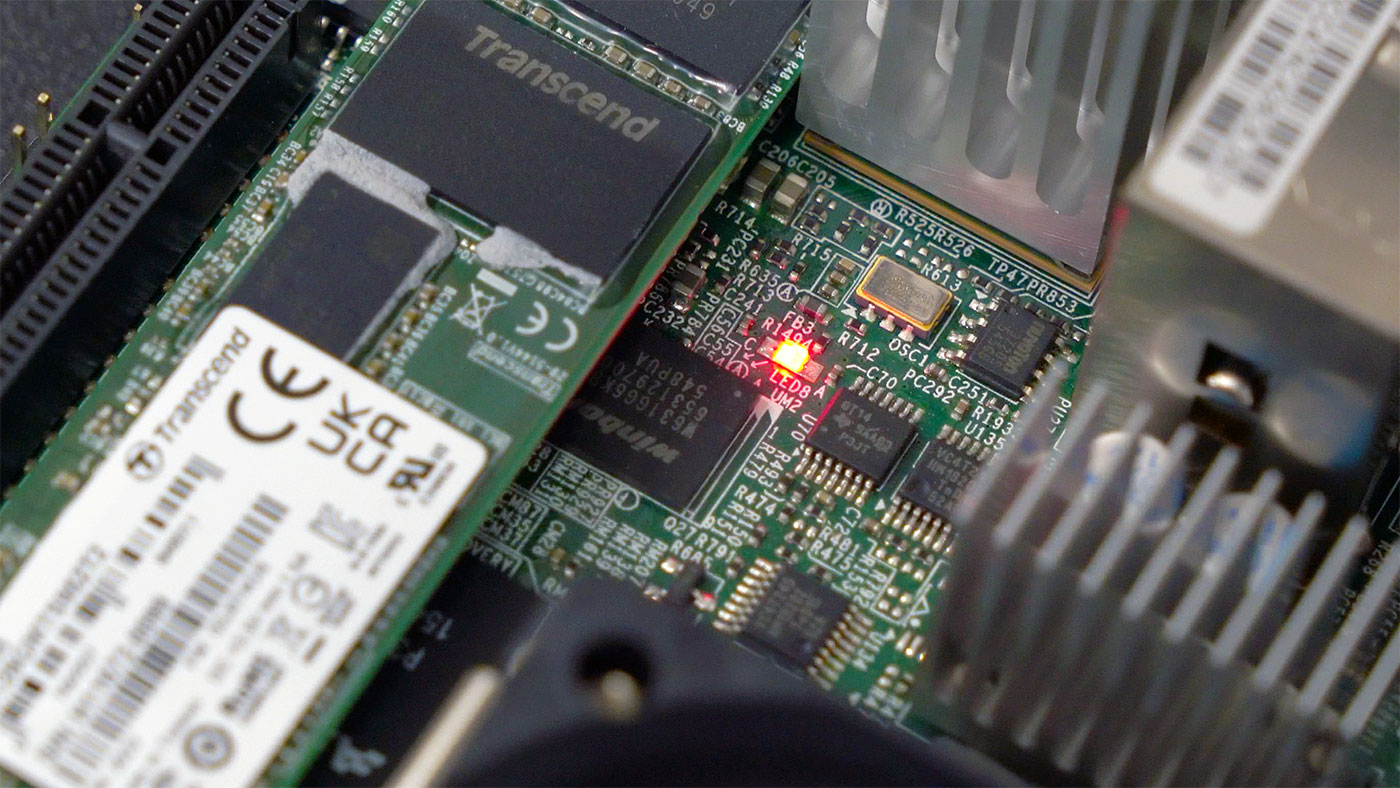
That LED indicates a 'fan failure
Resetting IPMI and upgrading BIOS on a Supermicro motherboard under FreeBSD (or not)
That title is awfully specific.

But I was building a new FreeBSD server with a used SuperMicro motherboard with IPMI. The default password was changed from ADMIN (or maybe it's a new enough board that it's a random password), and when I was booted into FreeBSD, I wanted to reset the IPMI settings so I could be sure I was starting fresh.
ipmitool that came with my FreeBSD install doesn't seem to be able to reset IPMI to factory defaults, so I tried running ipmicfg from
PTP and IEEE-1588 hardware timestamping on the Raspberry Pi CM4
2024 Update : This works out of the box on the Compute Module 5. See comment .
I've been following the issue CM4 is missing IEEE1588-2008 support through BCM54210PE since I heard about IEEE1588-2008 support on the Compute Module 4 last year.

Apparently the little NIC included on every Compute Module 4âthe BCM54210PE , which is different than
The Raspberry Pi Pico W brings WiFi for $6
Today, Raspberry Pi announced the Pico W , a new $6 version of the Pico that includes WiFi.

No word yet on Bluetooth. The WiFi chip in the Pico W ( Infineon CYW43439 ) supports it, but right now the RP2040 firmware lacks Bluetooth support.
The Pico W being available for just $6 is huge, because one of the chief complaints about the original Pico (powered by Raspberry Pi's own RP2040) was its lack of
Answering Questions about the PetaPi
A few weeks ago, I posted a video about the Petabyte Pi Project âan experiment to see if a single Raspberry Pi Compute Module 4 could directly address sixty 20TB hard drives, totaling 1.2 Petabytes.
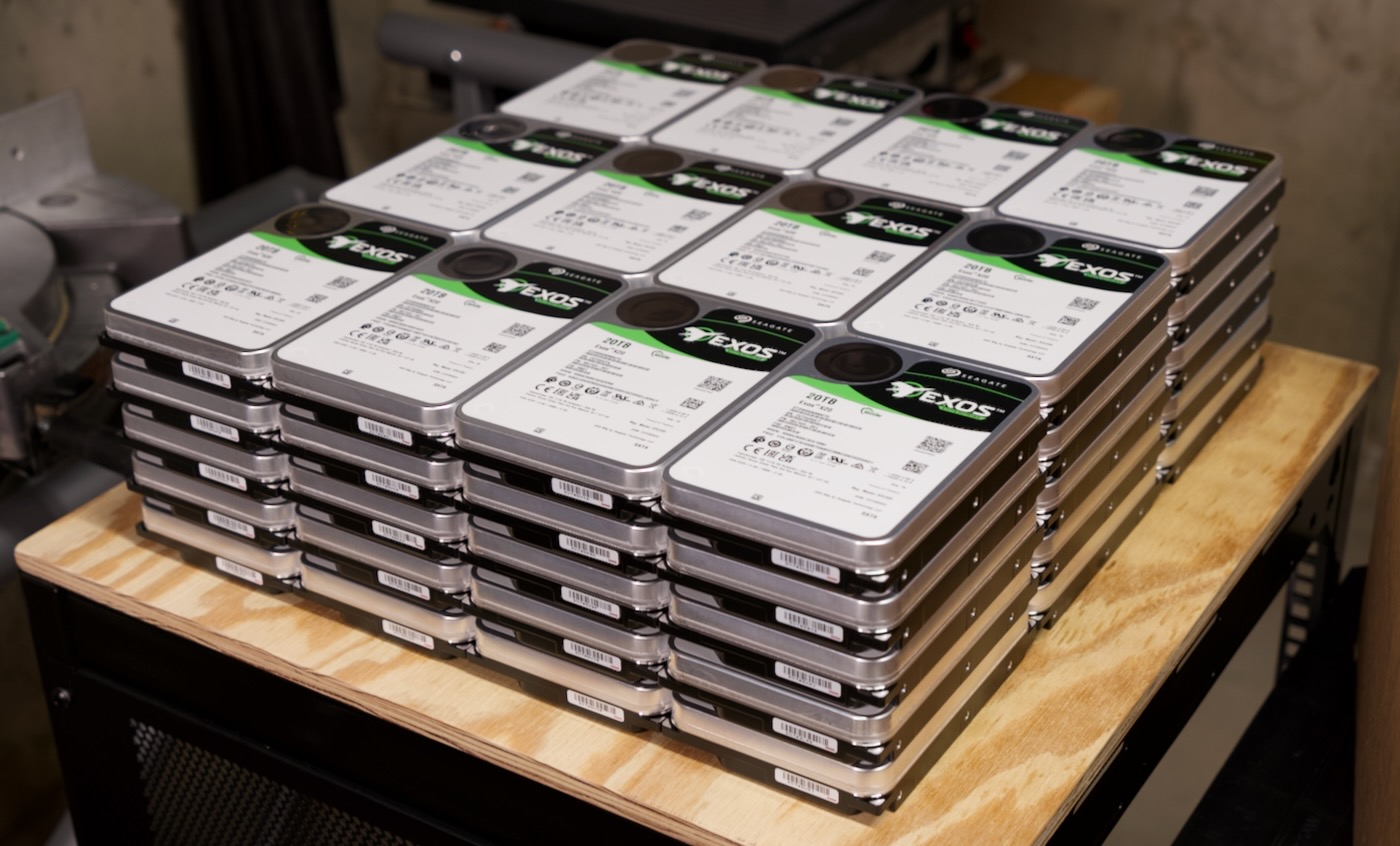
And in that video, it did , but with a caveat: RAID was unstable. For some reason, after writing 2 or 3 GB of data at a time, one of the HBAs I was using would flake out and reset itself, due to PCI Express bus errors.
ESPHome on the Raspberry Pi Pico!
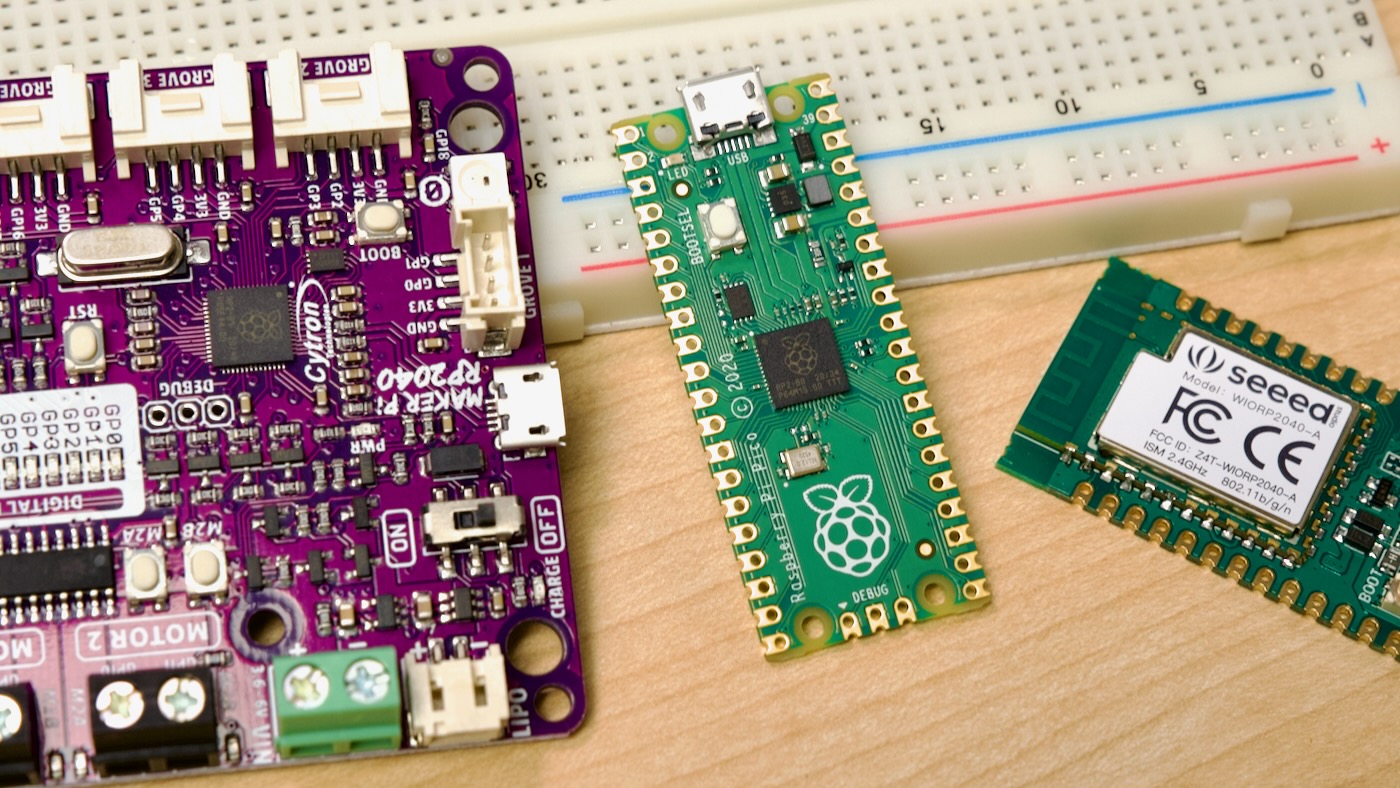
A couple weeks ago, I glanced through my ever-growing collection of Raspberry Pi RP2040-based boardsâpictured above are three of the boards I've tested: a Cytron Maker Pi RP2040 , a Raspberry Pi Pico , and a Seeed Studio Wio RP2040 .
I'm not an expert in embedded programming by any means, but I've played with Arduinos, the ESP8266, and Raspberry Pi's RP2
Industrial Raspberry Pi computers (one is explosion-proof)
In today's video, I highlighted industrial Raspberry Pi computers. Specifically, the Lincoln-Binns CM4-Box Pro , the Onlogic Factor 201 , and fieldcloud's Milü-X Industrial IoT Gateway.

And I asked Lincoln-Binns, Onlogic, and fieldcloud what makes an 'Industrial' Pi any different than a Pi and an enclosure like you could buy from a normal Pi retailer.
After all, even accounting for custom Compute Module 4 carrier boards , there are dozens of similar options
Raspberry Pi CM3E joins CM4S in the old SO-DIMM form factor
Last week this Tweet crossed my timeline:
Just taken delivery of a shiny @wallboxchargers EV charger and spotted the super shiny new @Raspberry_Pi CM3E in there with its super swanky combined CPU/RAM package ð pic.twitter.com/oEUqKPMwTK
— Pi 0 in your Pocket (@Pi0CKET) June 9, 2022
If you look closely, that's a "Raspberry Pi Compute Module 3E"âwhich is so far not listed on Raspberry
Benchmarking DNS on my Mac with Pi-Hole
After watching Level1Techs' THE FORBIDDEN ROUTER II - DIAL-UP BY DAWN video, I wanted to do some DNS benchmarking on my local network.
Since I run Pi-hole locally, and rely on it for local DNS resolution, I wanted to have a baseline so I could compare performance over time.
In the video, Wendell mentioned the use of Gibson's Windows-only DNS Benchmark tool. But that's Windows-only. Or maybe Linux under WINE, but definitely not a native /
The TV that's not: NEC's Pi-powered 55" Display

The NEC UHD Professional Display M551 pictured here is not a TVâit's a display . And it's powered by a Raspberry Pi.
Specifically, it's powered by a Raspberry Pi Compute Module 4, and that is done using Sharp NEC's new MPI4E carrier board :