Using LibreELEC like a proâmanagement via SSH
For a recent project, I needed to install LibreELEC/Kodi on a Raspberry Pi Compute Module 4 with built-in eMMC storage.
Because it's inconvenient to be swapping the Pi around from the embedded display I was using it in to my preferred carrier board I use for flashing Pis and interacting with their filesystems, I wanted to manage my LibreELEC install over SSH.
It seems like whatever documentation the LibreELEC Wiki used to have for remote SSH access is missing, and all I could find were references to enabling SSH

Two Macs in my Rack: Mac Studio rackmount review
No stranger to rack-mounting Macs that were never meant for the task, I reached out to MyElectronics to see if they had a rackmount solution for the Mac Studio when I bought mine in March .
They said they were already working on a Mac Studio Rack Mount system , and they'd gladly send me one to review, since they knew how much I loved rackmounting my M1 Mac mini and all the Raspberry Pis I run in my homelab.

Well, it finally arrived. For this review, they provided
Watching the Earth move with a Raspberry Pi
A few months ago, someone from the Raspberry Shake team got in touch, and asked if I'd like to try out a Shake at my home.
As someone who has spent a bit too much time nerding out over space and atmospheric weather, but never touched seismology, I decided it was time to dig deep and learn a bit more about the Earth.
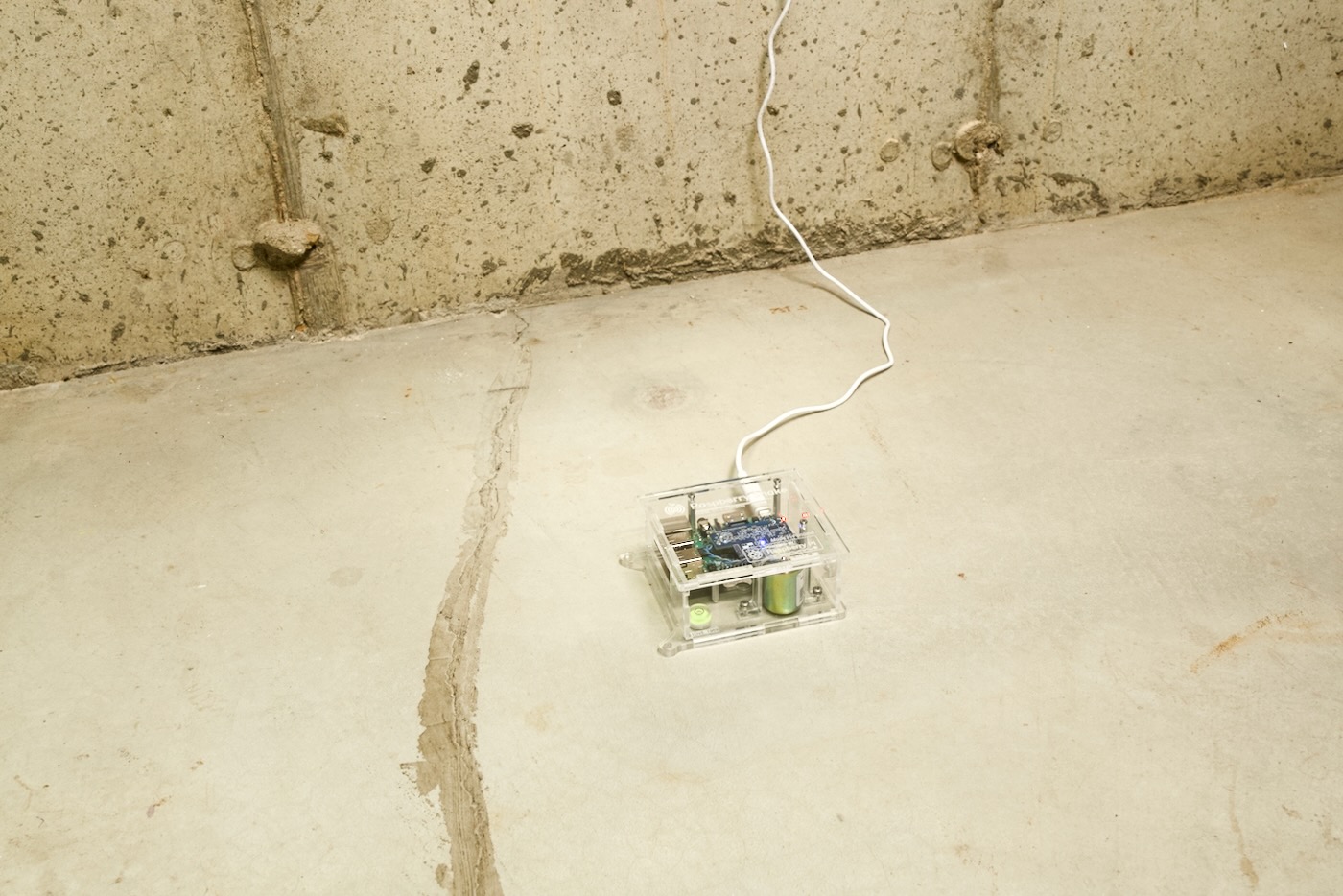
And learn I did! They sent their simplest model, the Shake 1 RS1D , I placed it on my concrete basement floor, and then
How to transcribe audio to text using Dictation on a Mac
You can use the Dictation feature built into your Mac to transcribe audio files, and in my experience, it's been about 98-99% accurate, so it saves a lot of time if you want to index your audio files, or you need a transcript for some other purpose.
These instructions were last updated for macOS Monterey 12.4.
First, open up System Preferences, go to Keyboard, then the 'Dictation' tab:

Turn on Dictation, and when prompted, accept the
The Petabyte Pi Project
I haven't had time to write up the details yet, but I wanted to share a project that's been many months in the making: The Petabyte Pi Project on YouTube.
I'm still doing follow-up testing based on feedback from Broadcom storage engineers, and will put out a much more in-depth blog post later, but the gist is:
Can a single Raspberry Pi cosplay as an 'enterprise' storage server, directly addressing 1 PB of storage?
Now... caveats abound

64 megapixel 'Hawk-Eye' brings high-res imaging to the Pi
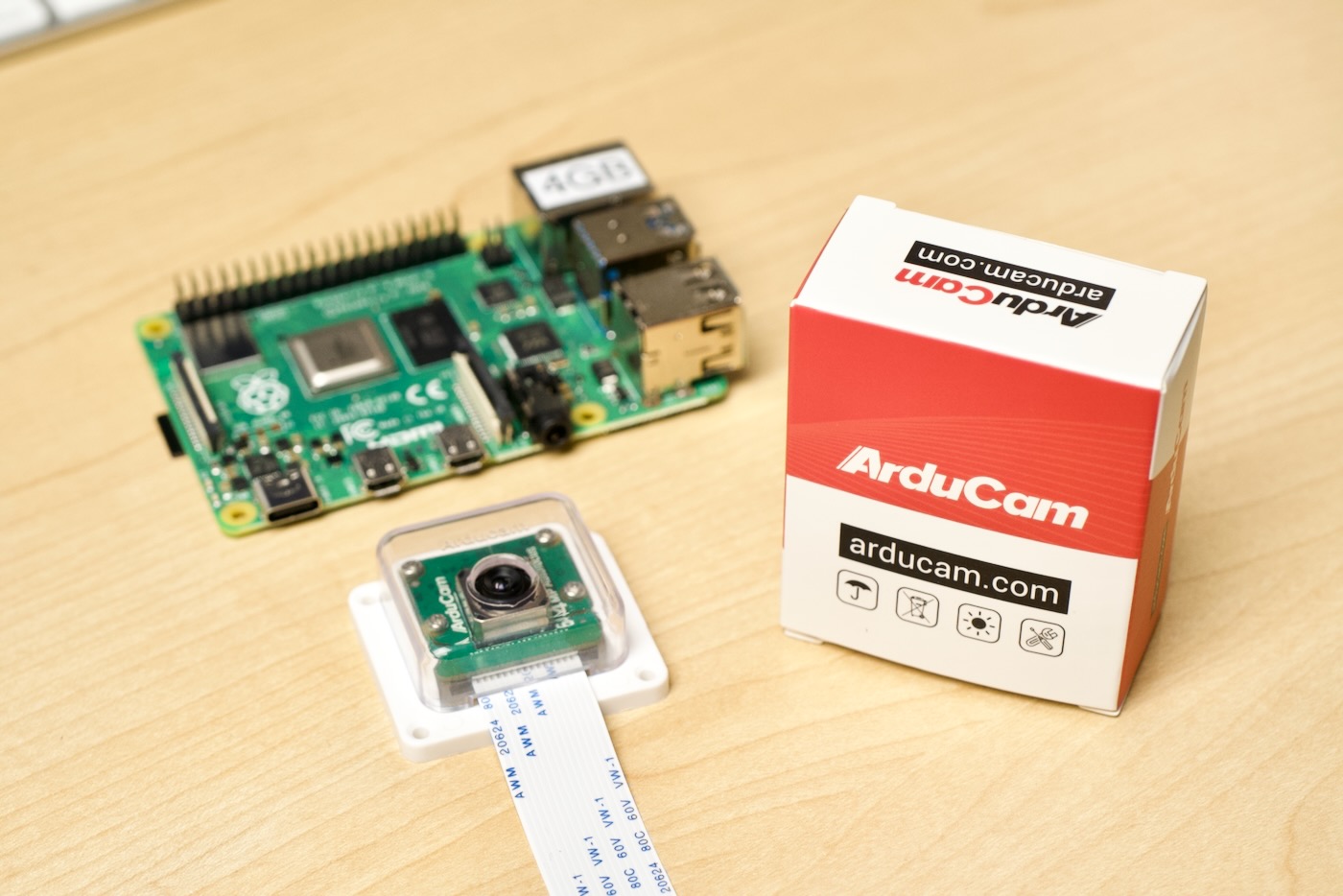
Raspberry Pi has two official camera modules: the 8 megapixel Pi Camera , and the 12 megapixel HQ Camera .
Third party camera solution provider ArduCam has supplemented the official cameras with a variety of options for all kinds of Pi-based projects. Just last year they introduced the first camera to bring autofocus to the Pi .
In my review of that camera, I noted the autofocus mechanism was "frustrating sometimes", especially if you expect it to work like a modern smartphone camera, like one on the iPhone.
Well
Starlink Roaming makes mobile usage possible
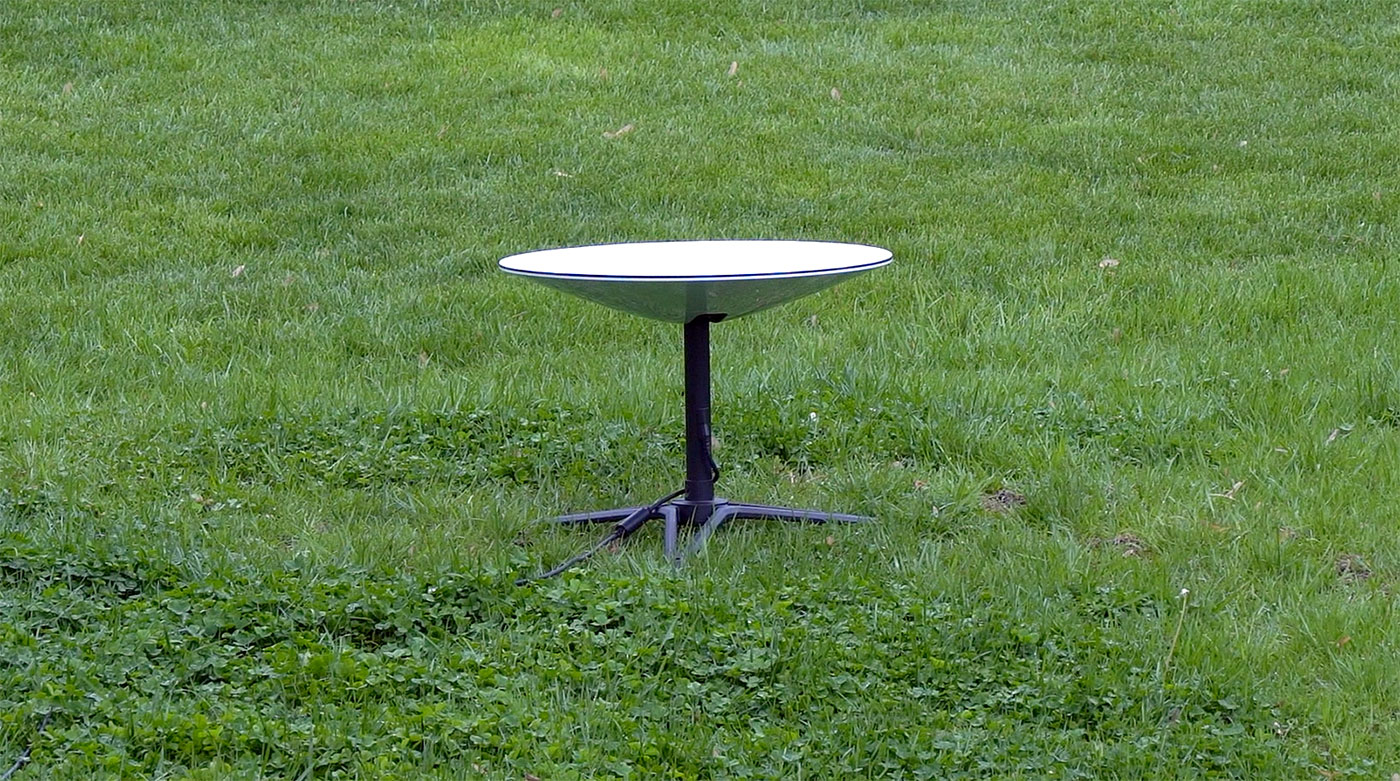
May 5th Update : this feature is now official, and is called "Portability." To enable it, you will need to pay an extra $25/month, though I haven't been charged yet despite using the feature. Starlink says mobility (using Dishy while in motion) is not yet supported and will void your kit's warranty.
I've logged into my Starlink.com account, and I now see a note that reads Click "Manage Service Options" to add Portability.
External graphics cards work on the Raspberry Pi

In October 2020, after Raspberry Pi introduced the Compute Module 4, I started out on a journey to get an external graphics card working on the Pi .
At the time, it'd been over a decade since the last time I'd built a PC, and I had a lot to learn about PCI Express, the state of graphics card drivers in Linux, and PCI Express support on various ARM SoCs.
After failing to get the Nvidia GT710 or AMD 5450
A few of the things I hate about my Sony a6600
...and yet I just bought a 2nd one!
Overall, I enjoy using Sony's current top-end APS-C model for my video work and occasional photography. But there are a few things that feel boneheaded and out of place that you should be aware of:
- It has some sort of AGC (Automatic Gain Control) applied to external microphones that cannot be disabled or adjusted. So you have to record external audio no matter what if you want the highest quality. (Recording internal on
8 New Compute Module 4 boards for Spring 2022
It's been a busy start to the year on my Raspberry Pi PCIe Devices website. Not only have we finally made some significant progress learning about the BCM2711's PCIe bus (both good and bad), I've also added a few dozen new Raspberry Pi CM4-based boards to the site.
In my YouTube video today, I go through four of them in depth, showing how they're built and what they're used for.
The four projects I cover