Three DDoS attacks on my personal website
Update : After posting the video yesterday, the site was hit by more low-complexity DDoS attacks, mostly just spamming one URL at a time. After I cleaned those up, the attacker finally switched to a more intelligent offense, posting actual comments to the site overnight. This morning I noticed that, and the fact the attacker found I left my edit domain un-proxied, so I switched to a different IP on DigitalOcean and shored up the Cloudflare configuration a bit more.
It was a good thing I did

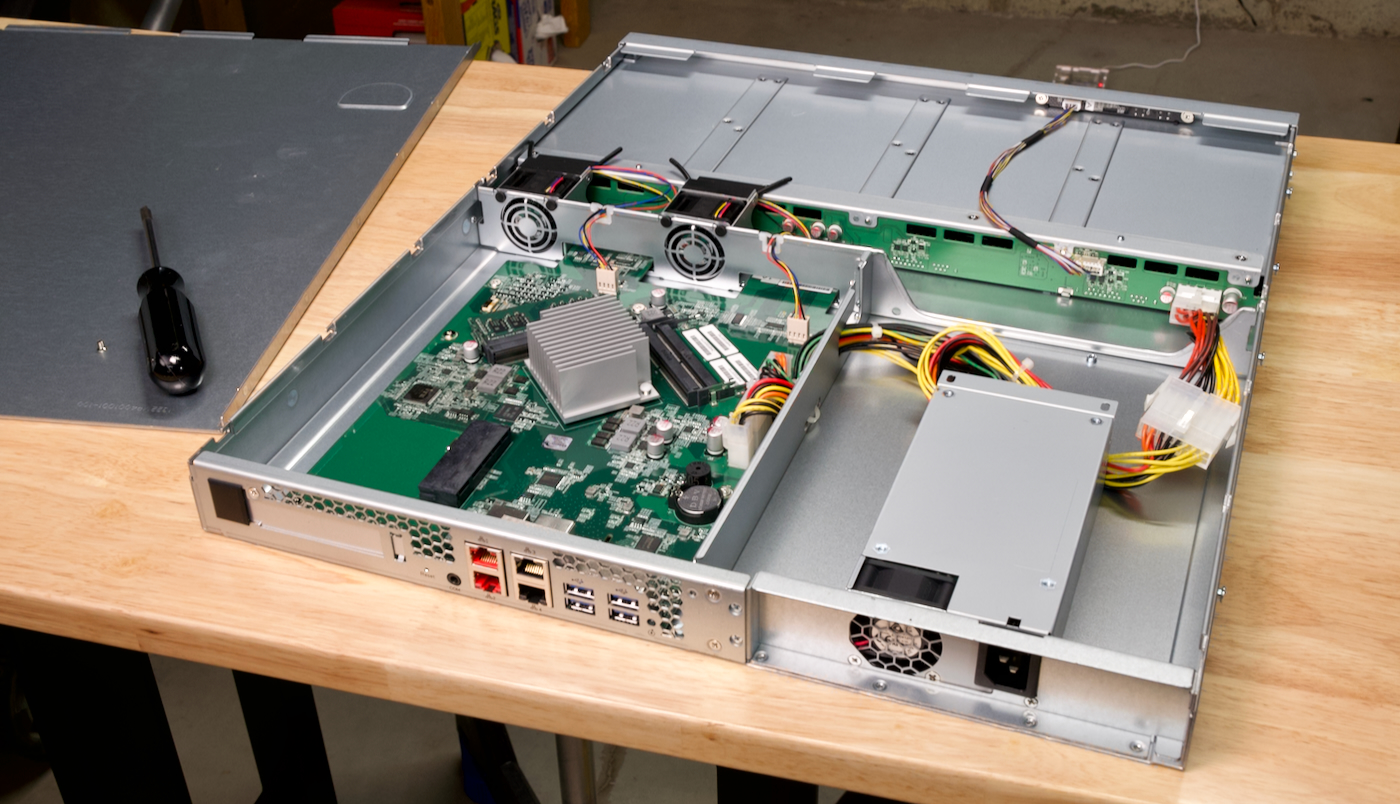
ASUSTOR Lockerstor 4RS Review - 1U 4-drive NAS
Over on the Geerling Engineering YouTube channel, my Dad and I just posted a video where we installed the ASUSTOR Lockerstor 4RS - AS6504RS at his radio station, to increase their raw network storage capacity from 4 to 16 TB:
Playing sounds with Python on a Raspberry Pi
Today I needed to play back an MP3 or WAV file through a USB audio device on a Raspberry Pi, in a Python script. " Should be easy! " I thought!

Well, a couple hours later I decided to write this blog post to document the easiest way to do it, since I had to take quite a journey to get to the point where sound actually plays through the USB audio output.
The problem is most guides, like this simple one from Raspberry Pi's project site , assume
Rate limiting requests per IP address in Nginx
Just wanted to post this here, since I've had to do this from time to time, and always had to read through the docs and try to build my own little example of it...
If you're trying to protect an Nginx server from a ton of traffic (especially from a limited number of IP addresses hitting it with possibly DoS or DDoS-type traffic), and don't have any other protection layer in front, you can use limit_req to rate limit requests at
Getting an RX 6700 XT to work for Gaming on Linux
Last year, due to some extreme luck and help from a viewer, I picked up an AMD RX 6700 XT for MSRP (around $500).

My initial goal was to see if I could get the card working on a Raspberry Pi. Though my initial effort was fruitless , I've since hacked the driver to work through at least a few 'rings' of AMD's doorbell init process.
Anyways, because I had that graphics card laying around, I decided to put
Livestream: I attempt to build a modern Linux gaming PC
Update : I was able to get everything to workâbut I couldn't get the RX 6700 XT's drivers installed in Ubuntu. There are probably a few reasons for that... but it definitely wasn't as straightforward as I had hoped. I'll post an update soon.
Last year, in my work towards bringing up a graphics card on the Raspberry Pi, I was fortunate enough to acquire an AMD Radeon RX 6700 XT at near-
Top 10 Pi Projects for Raspberry Pi's 10th Birthday

In case you didn't know, the Raspberry Pi turns 10 today!
That's rightâthe Raspberry Pi model B (pictured above, front left) was launched on February 29th, 2012. And it sold out immediately.
That seems to have become a theme with every Pi model, but for anyone who does have a Pi kicking around in a box somewhereâor if you're lucky enough to find a Pi in stock âcheck
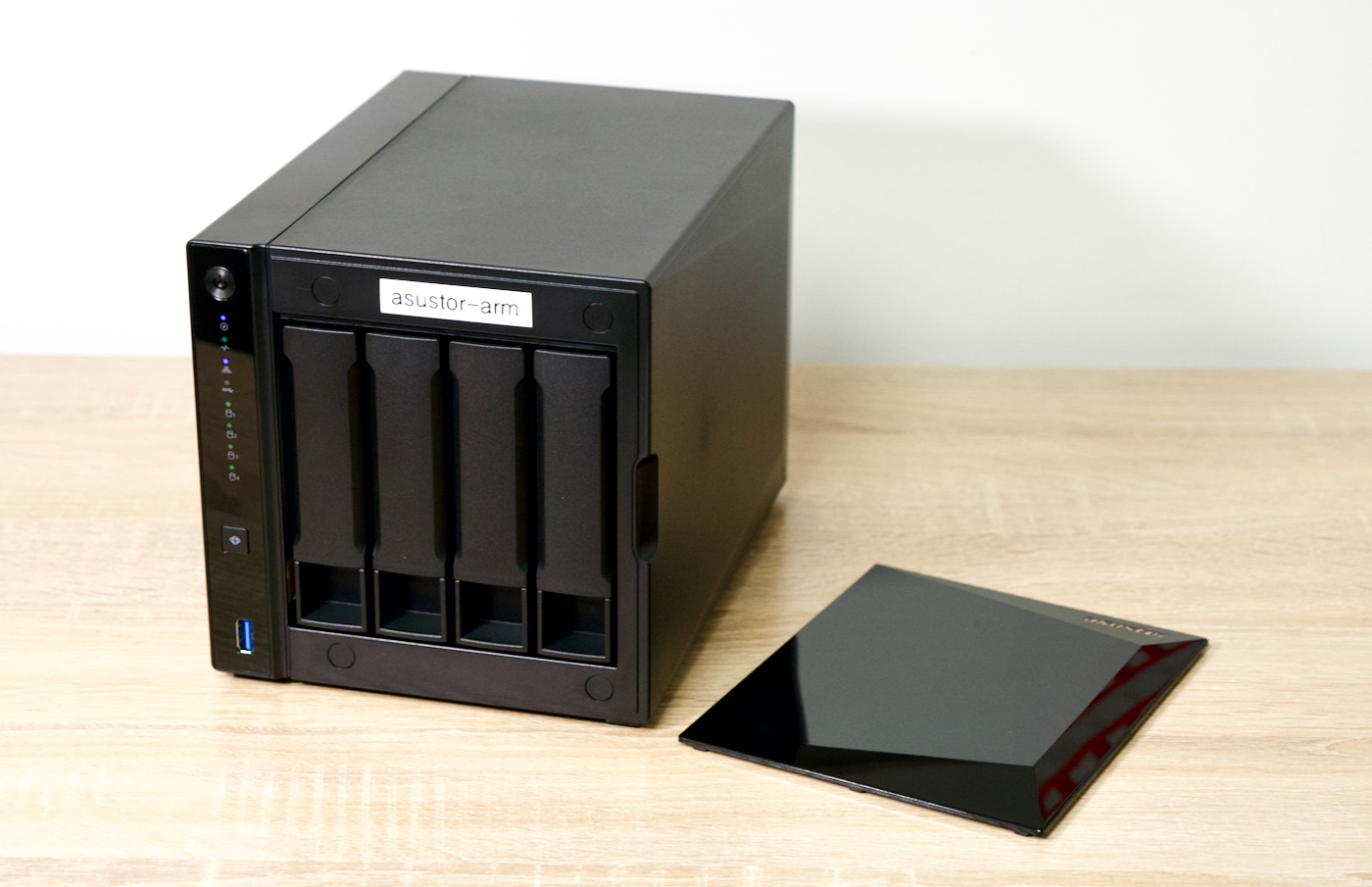
Deadbolt impacts some ASUSTOR NASes â check your backup plan!
A few months ago, I wrote up a post covering my backup plan . In it, I talk about the 3-2-1 backup strategy:
- 3 copies of all your important data
- 2 different media
- 1 offsite
In that post, I mentioned I back everything up with two local copies (two separate NAS units), and a third offsite copy on Amazon Glacier Deep Archive.
Since I use Glacier Deep Archive along with rclone to manage the backup copies (in a setup where file deletions are not propagated to the
Building a desktop Pi PC with Axzez's Interceptor
A couple months ago, Axzez reached out and asked if I'd like to test out the Interceptor âan ATX-style mini motherboard for the Raspberry Pi Compute Module 4, complete with 5 SATA ports.

The board is meant to be used as an NVR (Network Video Recorder): You pop a Raspberry Pi Compute Module 4 on top, you plug in up to 5 SATA hard drives for storage, and then you plug IP cameras into the 3 extra LAN ports (via an RTL83
Gaming at 1080p and 120 Hz on a Raspberry Pi 4
I often like exploring what's possible on a Raspberry Pi (or other low-end hardware). One area I haven't explored much is GPU performance. I typically run my Pi's headless, and have only dabbled in embedded machine vision with Pi cameras, so most of my experience is on the programming / software side.
But seeing Apple's 120 Hz 'ProMotion', and ever-higher refresh rates in the enthusiast gaming realm ( we may hit 480 Hz soon