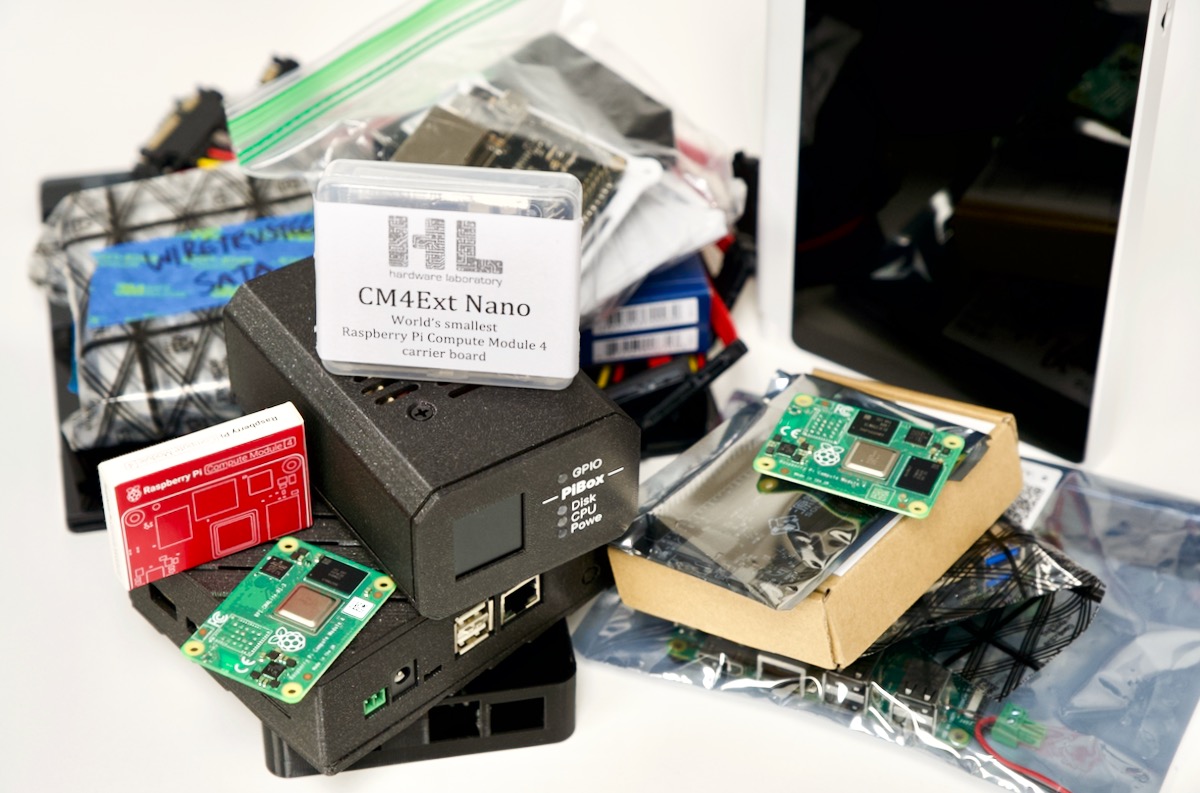
Since the Raspberry Pi Compute Module 4 was introduced last year, I've been testing a variety of PCI Express NICs with it. One of the main types of NIC I'm interested in is cheap 2.5 Gigabit Ethernet adapters.
2.5 Gigabits is about the highest reasonable bandwidth you can get through the PCI Express Gen 2.0 x1 lane on the Raspberry Pi, and it's also a lot more accessible than 10 Gigabit networking, especially for home users who might already have Cat
This is a simple guide, part of a series I'll call 'How-To Guide Without Ads'. In it, I'm going to document how I set up bcache on a Raspberry Pi, so I could use an SSD as a cache in front of a RAID array.
Getting bcache
bcache is sometimes used on Linux devices to allow a more efficient SSD cache to run in front of a single or multiple slower hard drivesâtypically in a storage array.
Since the Raspberry Pi was introduced, hundreds of clones have adopted the Pi's form factor (from the diminutive Zero to the 'full size' model B). Often they have better hardware specs, and yet they remain a more obscure also-ran in that generation of Single Board Computer (SBC).
I downloaded the 7 GB(!) microSD card from their website, and flashed it to a 128 GB microSD card using Balena Etcher.
Then I popped the microSD card into my dev kit board, plugged in HDMI and a USB-C 3A power supply, and waited... I kept seeing a giant NVIDIA logo on my display
I've had a number of people ask about my backup strategyâhow I ensure the 6 TB of video project files and a few TB of other files stays intact over time.
Over the past year, since I got more serious about my growing YouTube channel's success, I decided to document and automate as much of my backups as possible, following a 3-2-1 backup plan :
I've started getting a lot of bug reports on my repos to the effect of "Ansible won't install on my Raspberry Pi anymore". Accompanying it is a debug message like one of the following:
$ python3 -m pip install ansible...No matching distribution found for ansible-core<2 .13,>=2.12.0 (from ansible)# Alternatively:ERROR: No matching distribution found for ansible-core<2 .13,>=
I was recently working on some backup scripts to make sure I could clone all my GitHub repositories to my NAS, which I have mounted to a Raspberry Pi that handles all my backups.
I'm using gickup to run through all my GitHub repos and clone them locally, and I configured it to clone each repo directly into my NAS share, which is mounted over CIFS using something like:
sudo mount -t cifs -o uid=pi,username=myuser,password=mypass //my-nas-
Last year I spent a bit of time building a Kubernetes cluster with the original Turing Pi . It was fun, and interesting, but ultimately the performance of the Compute Module 3+ it was designed around led me to running my homelab off some newer Pi 4 model B computers, which are at least twice as fast for almost everything I run on them.
So this year, I was excited when the folks at Turing Pi sent me a Turing Pi 2 to test drive. And the board arrived just in time for