Appearance on Tom's Hardware's The Pi Cast - Nov 2021
I appeared earlier today on Tom's Hardware's The Pi Cast , and discussed the recently-released Pi Zero 2 W. We talked hardware, projects, and performance, and I even gave some spoilers for the video I'll be posting tomorrow about my Null 2 retro gaming handheld build with the Zero 2 W .
Check out the video on their YouTube channel or watch it via embed below:
Raspberry Pi Zero 2 powers the Null 2 RetroPie gaming handheld
As a kid, I never had a Game Boy, Game Gear, or any other handheld console. Heck, as luck would have it I've never owned a Nintendo Switch, either.
I've played console and PC games, I've only used handhelds twice: once in middle school, when a friend let me borrow his Game Gear for a day, and last year year when my dad brought over his Nintendo Switchâwhich my kids quickly commandeered.
I guess out of a sense

Disabling cores to reduce the Pi Zero 2 W's power consumption by half
By default, the new Pi Zero 2 W (see my Zero 2 W review here ) runs a 4-core ARM Cortex A53 CPU at 1 GHz.
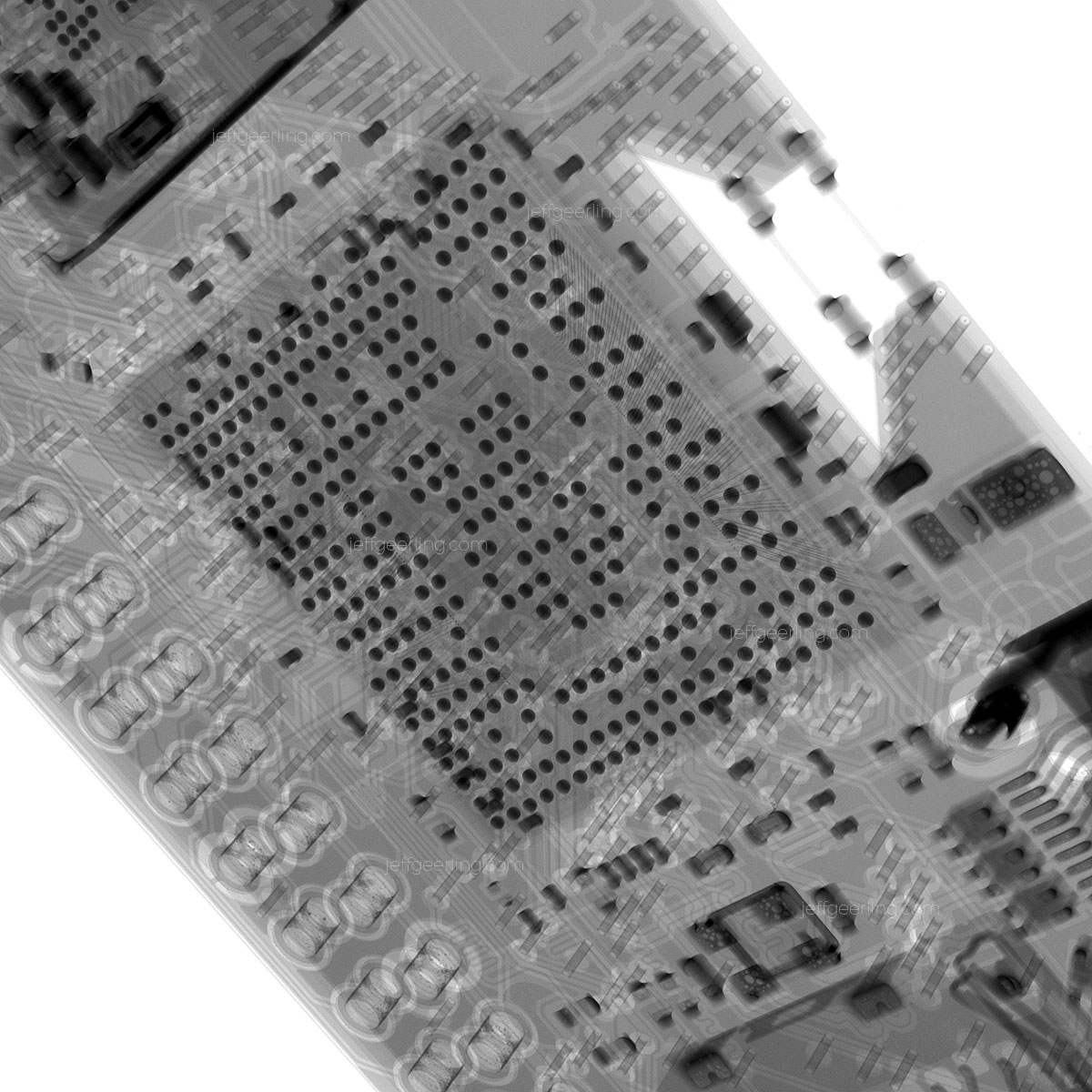
If you haven't seen my full blog post exploring the Zero 2 W from the inside, complete with X-ray imageryâ go check it out now !
From my review, I found that the Zero 2 uses 100 mA at idle (compared to 80 mA for the single-core Pi Zero W that preceded
Look inside the Raspberry Pi Zero 2 W and the RP3A0-AU
Today, Raspberry Pi released their new Zero 2 W , and it includes a new Raspberry Pi-branded chip, labeled RP3A0-AU .
I was able to get early access to the Zero 2, and I have a full review of the device on my YouTube channel , but I wanted to share more of the X-ray images I took of the device to reveal its inner workings, and because I just think they look cool. Also, I paid a bit of money to get these pictures

Kubesail's PiBox mini 2 - 16 TB of SSD storage on a Pi
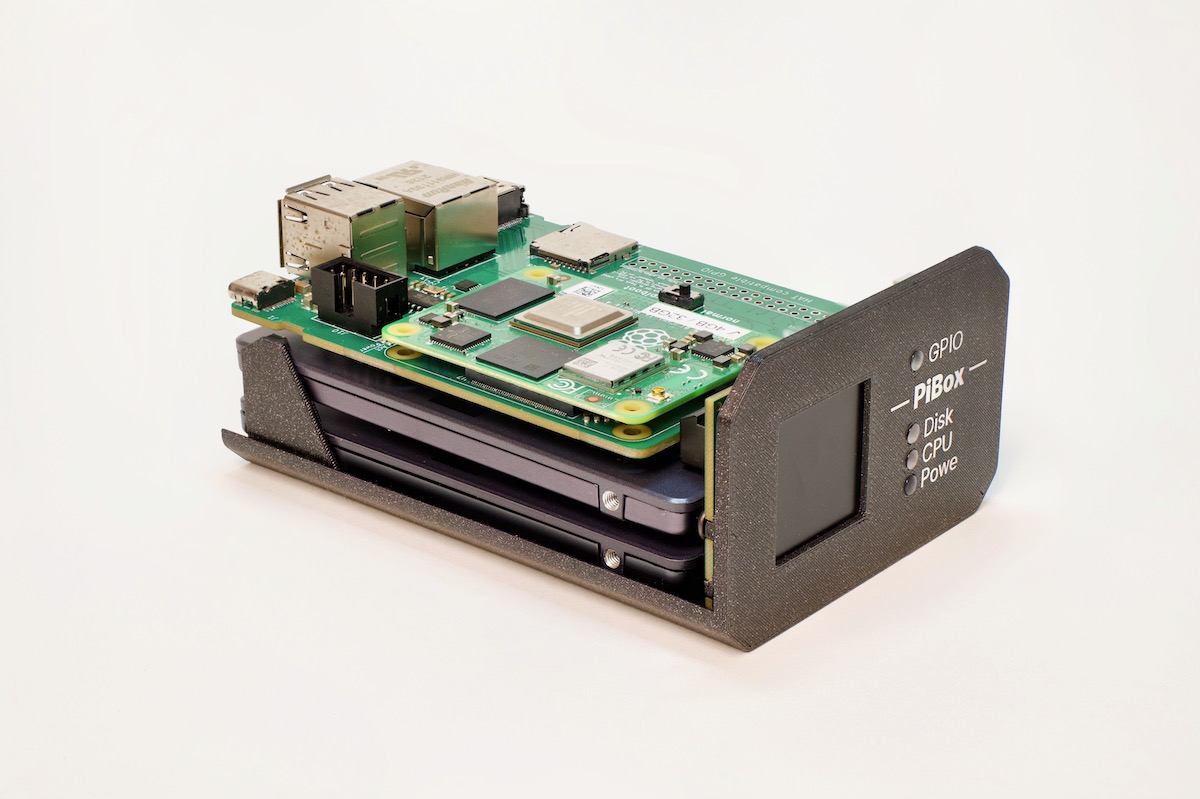
Many months ago, when I was first testing different SATA cards on the Raspberry Pi Compute Module 4, I started hearing from GitHub user PastuDan about his experiences testing a few different SATA interface chips on the CM4.
As it turns out, he was working on the design for the PiBox mini 2 , a small two-drive NAS unit powered by a Compute Module 4 with 2 native SATA ports (providing data and power), 1 Gbps Ethernet, HDMI, USB 2, and a front-panel LCD for
Getting a Raspberry Pi to boot after cutting it in half
This blog post starts with the question: If I cut the ports off a Raspberry Pi 4 model B, will it still work?
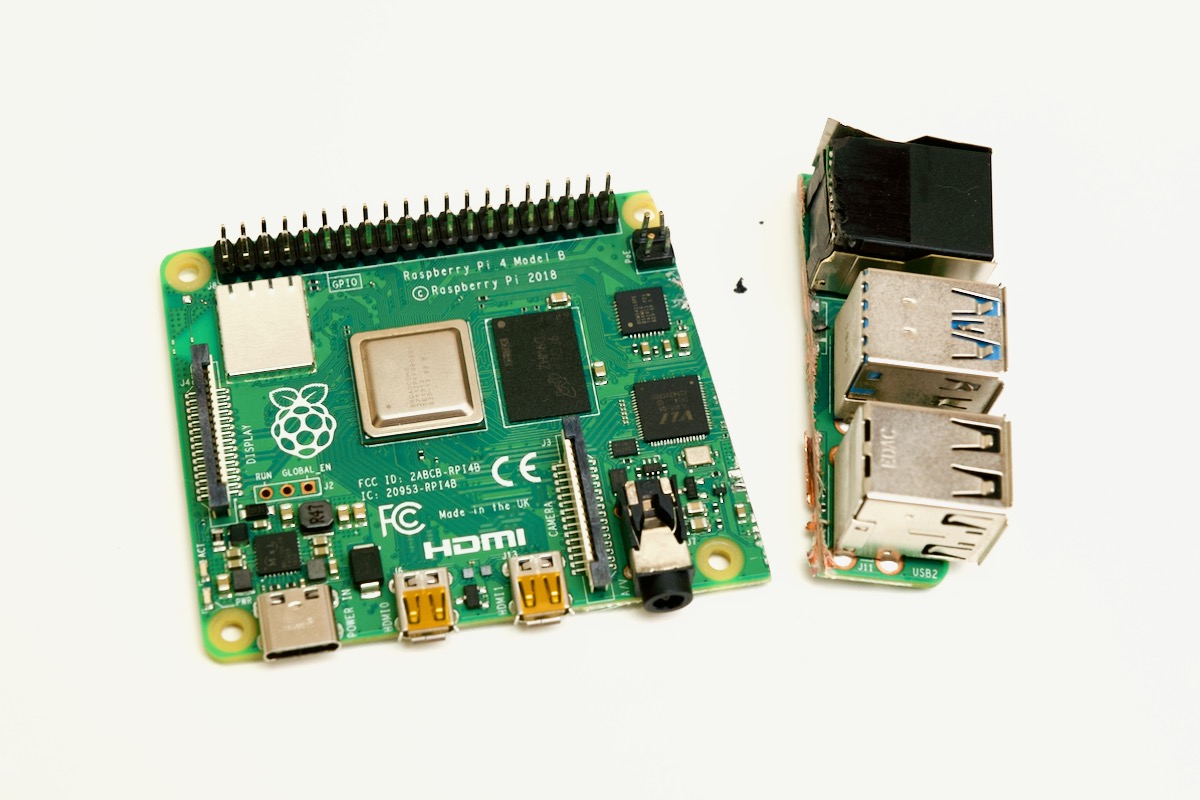
My early conclusion? Sorta .
With most Raspberry Pi generations, there is a full-featured model B, and a smaller, trimmed-down model A. The Pi 4 never had a model A, so I thought it would be interesting to see if I could make one. I looked at the Pi 4 with this really cool X-ray tool , as well as using
Automating the Uncommon - AnsibleFest 2021 presentation
At AnsibleFest 2021 , I presented a session titled Automating the Uncommon - Ansible automates everything! .
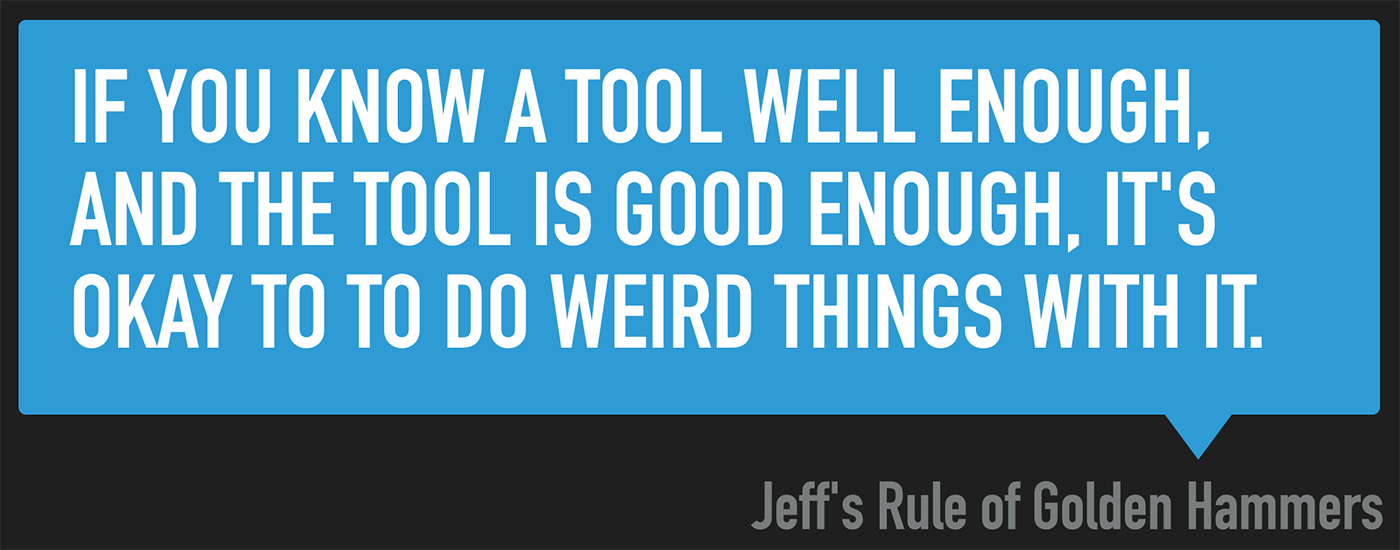
Since watching on-demand versions of the AnsibleFest sessions requires a signup, I thought I'd also post the session to my YouTube channel, so everyone can learn from it without registering. The session seemed well-received, and I hope it shows that, as I state in my 'Rule of Golden Hammers':
I demonstrate how I use Ansible to:
- Automate my home Internet monitoring and access with
Attaching to a Raspberry Pi's Serial Console (UART) for debugging
Sometimes a Pi just won't boot. Or it'll boot, but it'll do weird things. Or you don't have an HDMI display, and you can't log into your Pi via SSH. Or maybe you're like me, and someone 'accidentally' cut your Raspberry Pi in half , and you want to see what it's doing since it won't boot anymore.

The Raspberry Pi can output information over a 'serial console', technically known as a
Face detection for my leaf blower
In the class of 'out there' projects, I recently added a little AI to my leaf blower:
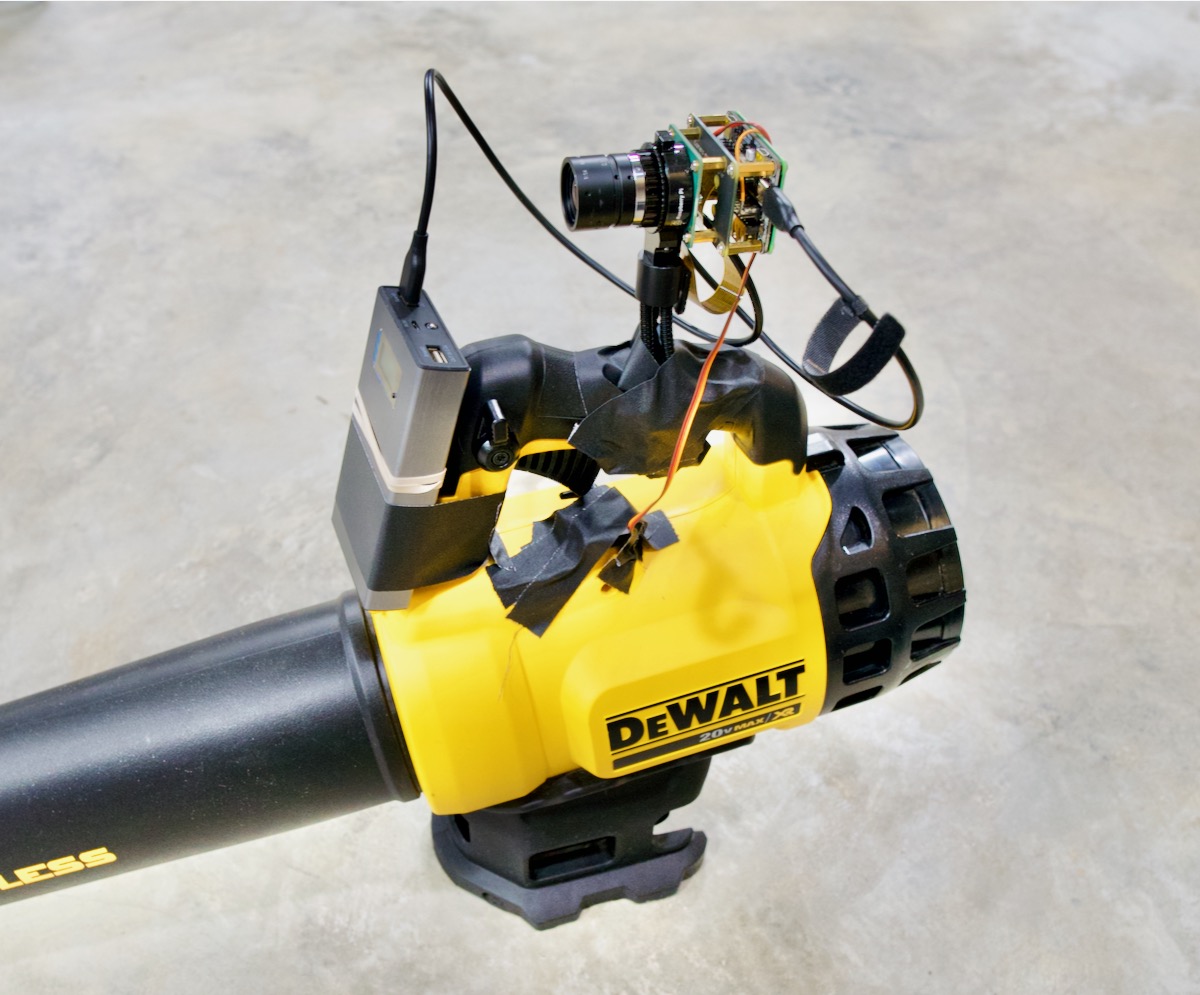
The short of it: I have a face detection algorithm running which, when a certain individual enters the field of the Pi's vision, triggers a servo that powers on the blower, releasing a powerful air blast.
Raspberry Pi 4 model Bs arriving with newer 'C0' stepping
Owing to a mishap with the Pi 4 model B I use for testingâmore on how Red Shirt Jeff ruined that board later this weekâI had to go buy a new Pi 4 last week.
The local Micro Center only had the 8 GB model in stock, so I went a little over budget and bought it. When I arrived home, I checked the board, and noticed a bit of a difference on the Broadcom SoC:

Can you spot it? The model number of the