Cross-compiling the Raspberry Pi OS Linux kernel on macOS
After doing a video testing different external GPUs on a Raspberry Pi last week, I realized two things:
- Compiling the Linux kernel on a Raspberry Pi is slow. It took 54 minutes, and I ended up doing it 7 times during the course of testing for that video.
- If you ever want to figure out a better way to do something, write a blog post or create a video showing the less optimal way of doing it.
To the second point, about every fifth comment was telling me to cross-

How to flash Raspberry Pi OS onto the Compute Module 4 eMMC with usbboot
The Raspberry Pi Compute Module 4 comes in two main flavors: one with built-in eMMC storage, and one without it. If you opt for a Compute Module 4 with built-in eMMC storage, and you want to write a new OS image to the Compute Module, or manually edit files on the boot volume, you can do that just the same as you would a microSD cardâbut you need to first make the eMMC storage mountable on another computer.
This blog post shows how to mount

The Raspberry Pi 400 can be overclocked to 2.2 GHz
After the Raspberry Pi 400 was launched earlier this morning, there was a lot of discussion over the thermals and performance of the upgraded 1.8 GHz System on a Chip inside:

I wanted to spend a little time in this post testing overclocking, performance, power consumption, and thermals in depth.
Video version
There is also a video that goes along with this post, if you're more visually-inclined:
The Raspberry Pi 400 - Teardown and Review
Today Raspberry Pi Trading announced the Raspberry Pi 400 , the latest in the series of small education-focused computers that started with the original Raspberry Pi in 2012.
For years, people have come up with creative ways to hack a Pi into keyboards, like the Original Pi in an old Mitsumi keyboard , or the Pi 3 A+ in an official Pi Keyboard .
But the Pi 400 delivers something many have desired: an official Pi 4 board built right into a Pi Keyboard, in

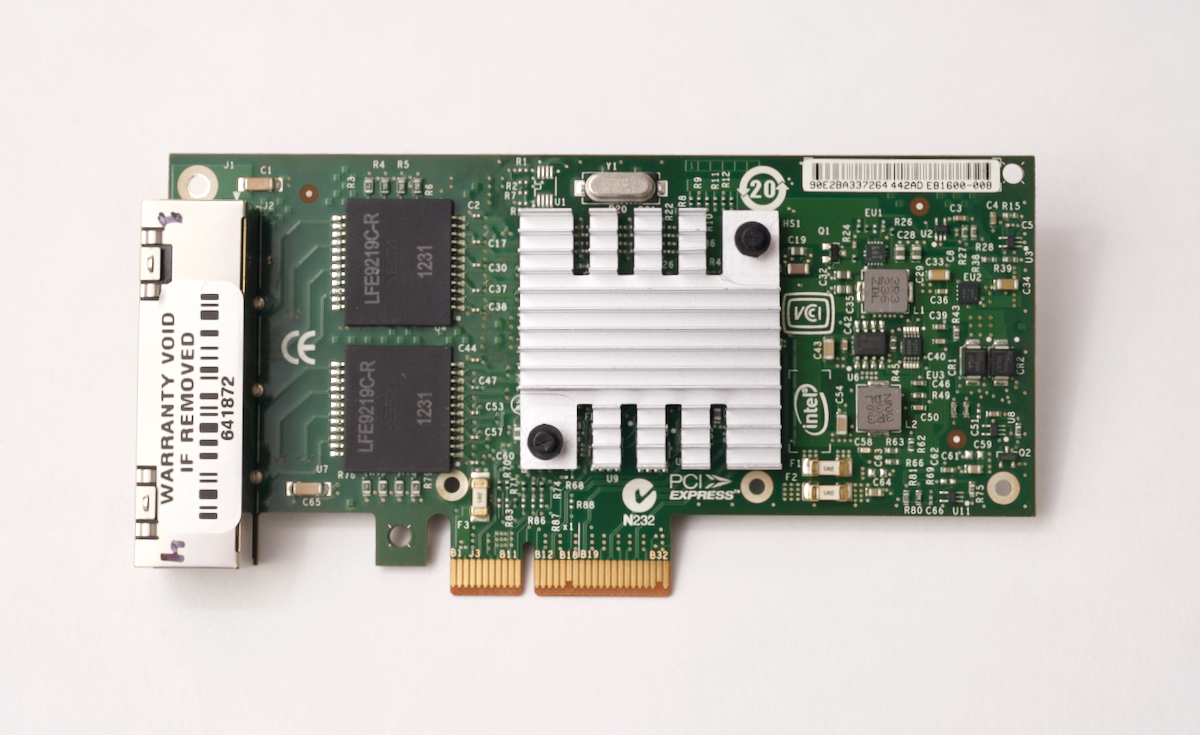
5 Gbps Ethernet on the Raspberry Pi Compute Module 4
tl;dr : I successfully got the Intel I340-T4 4x Gigabit NIC working on the Raspberry Pi Compute Module 4, and combining all the interfaces (including the internal Pi interface), I could get up to 3.06 Gbps maximum sustained throughput.
Update : I was able to boost things a bit to get 4.15 Gbps! Check out my video here: 4+ Gbps Ethernet on the Raspberry Pi Compute Module 4 .
After my failure to light up a monitor
External GPUs and the Raspberry Pi Compute Module 4
The Raspberry Pi Compute Module 4 eschews a built-in USB 3.0 controller and exposes a 1x PCI Express lane.
The slightly older Raspberry Pi 4 model B could be hacked to get access to the PCIe lane (sacrificing the VL805 USB 3.0 controller chip in the process), but it was a bit of a delicate operation and only a few daring souls tried it.

Watch this video for more detail about my experience using these GPUs on the CM4:
GPUs on a Raspberry
Overclocking the Raspberry Pi Compute Module 4
People have been overclocking Raspberry Pis since the beginning of time, and the Raspberry Pi 4 is no exception .
I wanted to see if the Compute Module 4 (see my full review here ) could handle overclocking the same way, and how fast I could get mine to run without crashing.
There's a video version of this blog post, if you'd like to watch that instead:
Raspberry Pi Compute Module 4 OVERCLOCKED .
I have a giant Noctua NF-P12 fan that I can plug right

The Raspberry Pi Compute Module 4 Review

Introduction
Six years ago, the Raspberry Pi Foundation introduced the Compute Module : a teensy-tiny version of the popular Raspberry Pi model B board.
Between then and now, there have been multiple revisions to the Compute Module, like the 3+ I used in my Raspberry Pi Cluster YouTube series , but they've all had the same basic form factor and a very limited feature set.
But today, that all changes with the fourth generation of the compute module, the Compute Module 4 ! Here's a size
Continuous Testing with Molecule, Ansible, and GitHub Actions
The earlier you catch defects,
the cheaper they are to fix.â David Farley
Earlier today, I presented a session at AnsibleFest 2020 titled 'Continuous Testing with Molecule, Ansible, and GitHub Actions'. I also pre-recorded the session so I could share it on my YouTube channel , and for your convenience, the video is embedded below:
Raspberry Pi USB Boot - UASP, TRIM, and performance
In the past few weeks, I reviewed USB drive performance on the Raspberry Pi 4 , and the importance of UASP support for USB drive performance.
Both posts generated great discussion, and there were three things I wanted to cover in this follow-up, namely:
- Which drives support UASP
- Real-world performance benchmarks
- TRIM support
For reference, here are all the products I'm testing in this post (product links are to their Amazon product page, starting from top middle, clockwise):
