Setting 9000 MTU (Jumbo Frames) on Raspberry Pi OS
Raspberry Pi OS isn't really built to be a server OS; the main goals are stability and support for educational content. But that doesn't mean people like me don't use and abuse it to do just about anything.
In my case, I've been doing a lot of network testing latelyâfirst with an Intel I340-T4 PCIe interface for 4.15 Gbps of networking , and more recently (yesterday, in fact!) with a Rosewill

WiFi 6 gets 1.34 Gbps on the Raspberry Pi CM4
January 1, 2021 Update : My 1.34 Gbps benchmark was flawed. See this GitHub issue and this updated blog post to learn more: WiFi 6 is not faster than Ethernet on the Raspberry Pi .

After buying three wireless cards, a new WiFi router, optimizing my process for cross-compiling the Linux kernel for the Raspberry Pi, installing Intel's WiFi firmware, and patching Intel's wireless driver to make it work on the Raspberry Pi, I benchmarked the EDUP Intel AX2
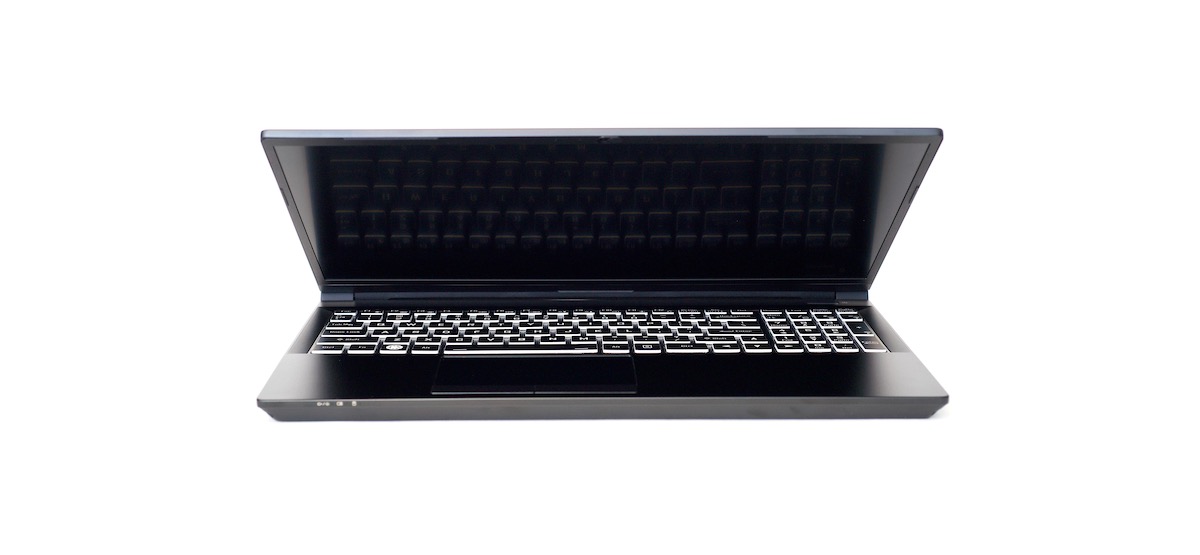
Kubuntu Focus M2 Linux laptop review and MacBook Pro comparison
A few months ago, I replaced my Core i9 MacBook Pro with a Raspberry Pi 4 model B with 8GB of RAM for a day, and I made a video and a blog post about the experience.
Obviously there's a vast difference between a new Core i9 laptop with 32 GB of RAM, a dedicated GPU, and a 2 terabytes of fast storage and a tiny Raspberry Pi running ARM. So it wasn't a fair fight, but I could do a lot of things well
The Raspberry Pi 4 has a fan now - the Case Fan
Last year, I wrote a blog post titled The Raspberry Pi 4 needs a fan .
And in a video to go along with that post, I detailed the process of drilling out a hole in the top of the official Pi 4 case and installing a 5v fan inside.
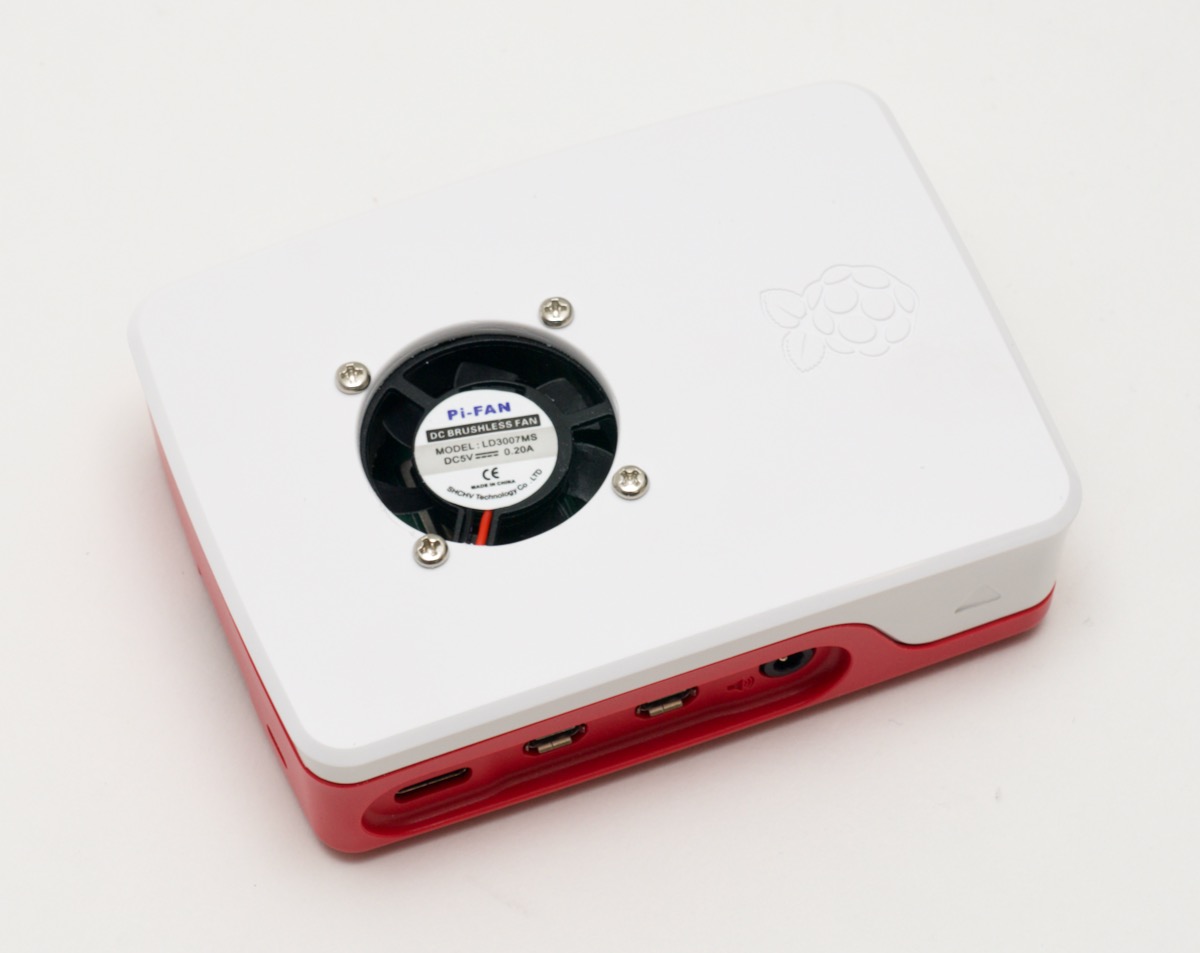
But that solution wasn't great. The fan was a little loud and annoying, and would stay on constantly. And who wants to damage the nice-looking Pi Case by putting a hole right in the top?
Well, the
Building the fastest Raspberry Pi NAS, with SATA RAID
Since the day I received a pre-production Raspberry Pi Compute Module 4 and IO Board, I've been testing a variety of PCI Express cards with the Pi, and documenting everything I've learned .
The first card I tested after completing my initial review was the IO Crest 4-port SATA card pictured with my homegrown Pi NAS setup below:

But it's been a long time testing, as I wanted to get a feel for how the Raspberry Pi handled a variety of storage situations, including single
I'm thankful for GitHub, Patreon, and my sponsors this year
A week or so ago, I got the following email in my inbox:

Almost exactly one year ago, my GitHub Sponsors account was approved, and I issued a meek call to action:
You can now sponsor my open source work through GitHub Sponsors: https://t.co/h2GXLE9ZP6 #opensource
— Jeff Geerling (@geerlingguy) November 7, 2019
Within one day, I had three sponsors, which felt amazing. In the past, I've been
The Raspberry Pi makes a great USB webcam for $100
There are many Raspberry Pi projects where I spend a few hours (or dozens of hours) building something with a Pi, and realize at the end that not only could I have purchased an off-the-shelf product to do the same thing for half the component cost, but it would work better too.
But this is not one of those projects:

The Raspberry Pi and its HQ camera make a surprisingly potent webcam, and if you want to cover the basics, and rival the image quality of all but
USB 2.0 ports not working on the Compute Module 4? Check your overlays!
Out of the box, to conserve power, the new Raspberry Pi Compute Module 4 doesn't enable its built-in USB 2.0 ports.

You might notice that if you plug something into one of the USB 2 ports on the IO Board and don't see it using lsusb -t . In fact, you see nothing, by default, if you run lsusb -t .
To enable the USB 2.0 ports on the Compute Module 4, you need to edit the boot config file (
Kubernetes 101 livestream series starts Nov 18th!
On November 18th, at 11 a.m., the first episode of my upcoming Kubernetes 101 livestream series will start on my YouTube channel .

The first episode will be available here on YouTube: Kubernetes 101 - Episode 1 - Hello, Kubernetes! .
You can find more details about the series on my Kubernetes 101 site, and there is also an open-source Kubernetes 101 GitHub repository which will contain all the code examples for the series.
In the spring
Travis CI's new pricing plan threw a wrench in my open source works
I just spent the past 6 hours migrating some of my open source projects from Travis CI to GitHub Actions, and I thought I'd pause for a bit (12 hours into this project, probably 15-20 more to go) to jot down a few thoughts.
I am not one to look a gift horse in the mouth. For almost a decade, Travis CI made it possible for me to buildâand maintain, for yearsâ hundreds of open source projects .